An AI music distributor assets folder is the place where the release becomes real before anyone reviews it. It keeps the finished audio, cover art, credits, lyrics, disclosure notes, proof files, video assets, and metadata in one clean package.
That sounds boring until something changes. A distributor asks for clarity. A video needs a better thumbnail. A release-page line no longer matches the credits. If everything is scattered, the launch starts to wobble before the song is even live.
Build the folder while the track is still fresh. Future you will move faster because the answers are already there.
Start with the files the distributor will judge
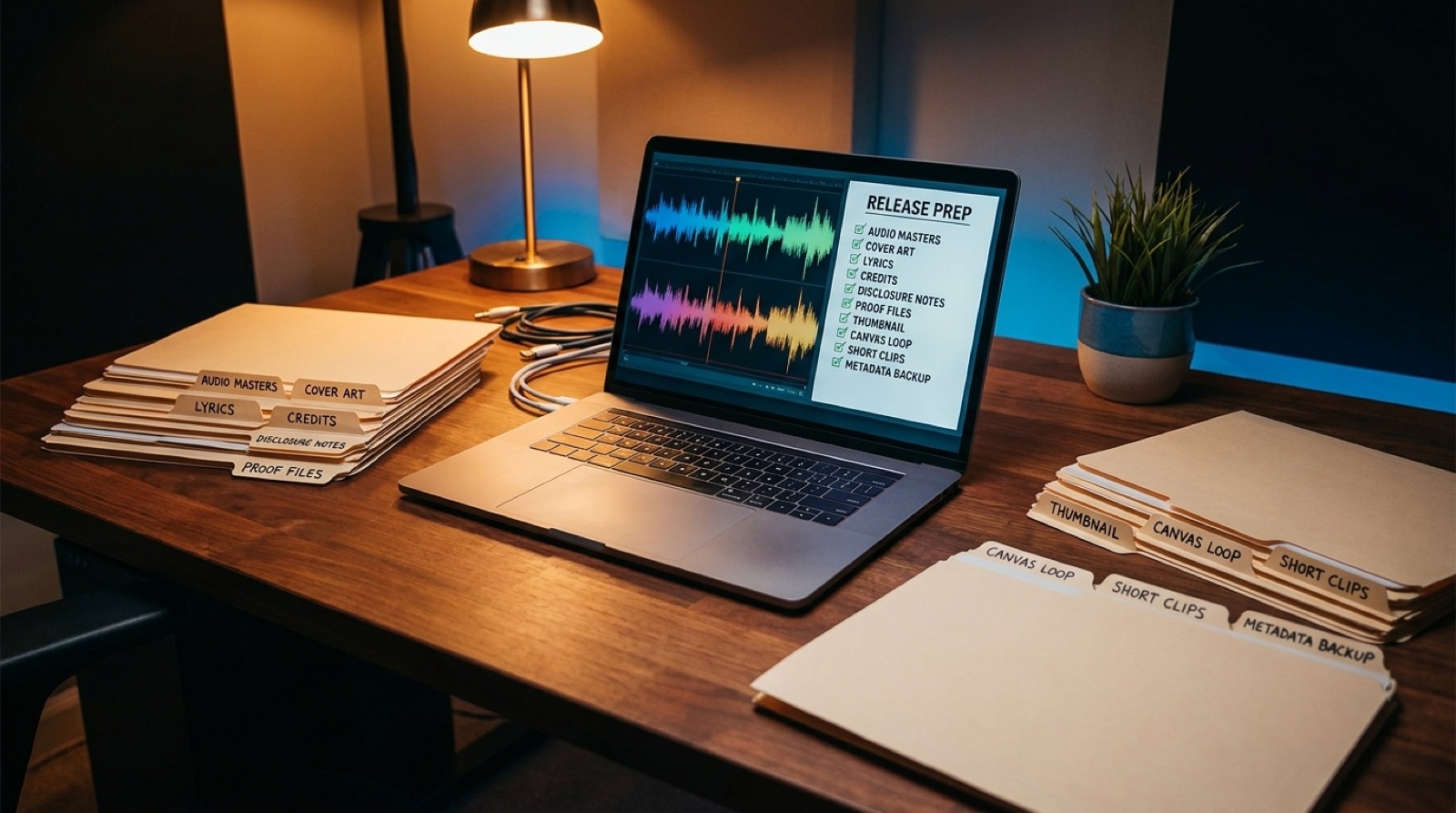
The first layer should hold the final materials you are actually submitting. Put the audio master, cover art, title spelling, artist name, credits, lyrics, release date, genre, and any clean or instrumental versions in a folder that is clearly marked as final.
Do not mix drafts into this layer. If you need to keep rough exports, put them in a separate proof folder so the final submission stays obvious.
Most distributors publish their own delivery rules, and those should win over any generic checklist. For example, DistroKid's release guidance is a useful reminder that artwork, metadata, and audio details are part of the actual product, not admin dust.
Keep AI notes calm and specific
AI-assisted songs can attract extra questions around source material, rights, and credits. You do not need a dramatic essay in the folder. You need a calm record that explains what you used, what you changed, and who should be credited.
Keep a short note with the tool names, the main creative choices, any licensed samples, collaborator credits, and the final disclosure wording you plan to use. If a platform or partner asks for more context, you can answer without reconstructing the whole process from memory.
Add the proof files before anyone asks
Proof files are not for showing off. They are for reducing panic. Save the source audio, important exports, lyric drafts, prompt notes when relevant, license receipts, collaborator approvals, and the final version history.
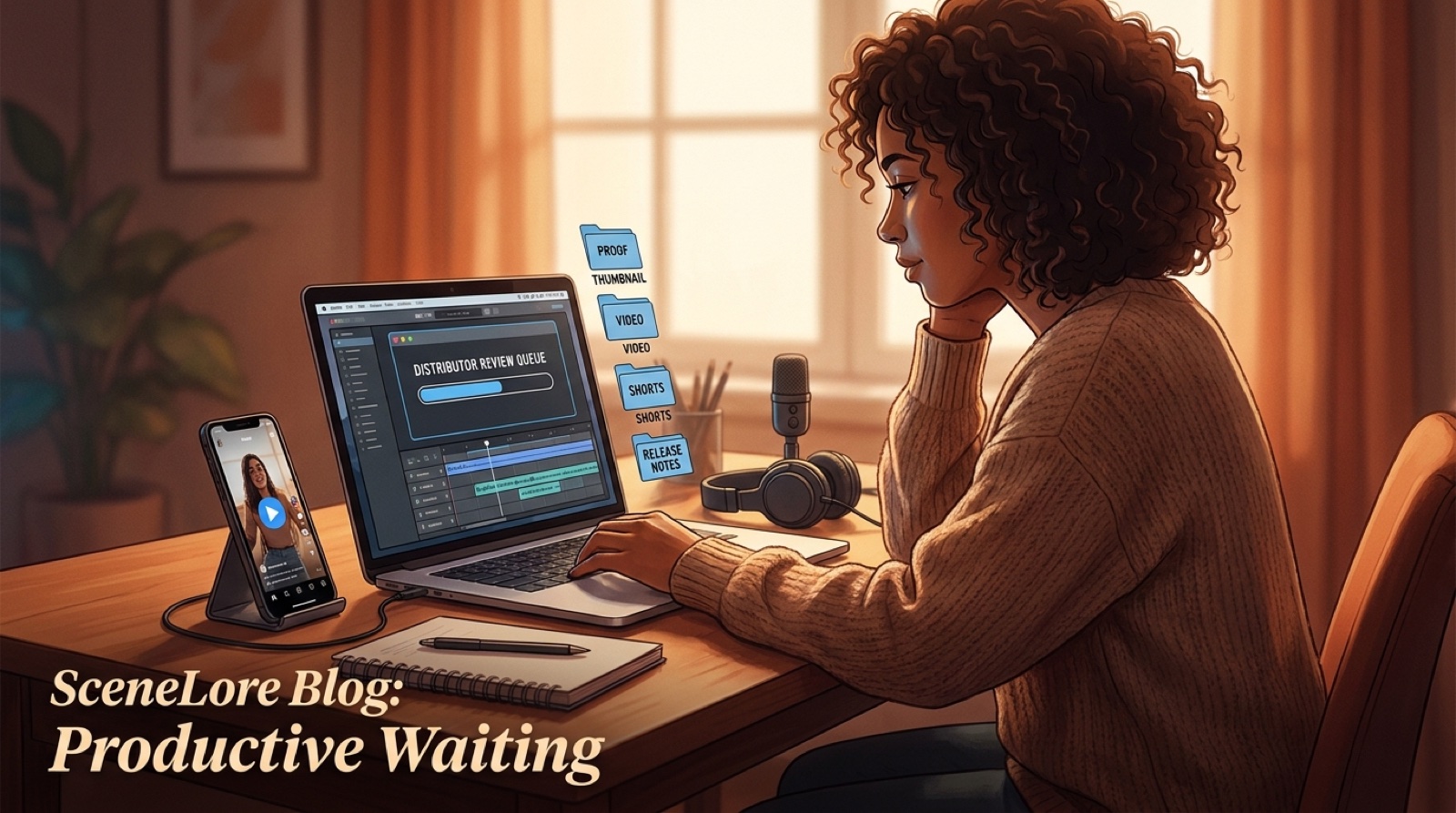
This matters most when the release goes through a review delay. You can use the waiting time to polish the video and launch assets instead of hunting for the file that explains where the chorus came from.
Build the video package in the same folder
The song does not stop at distribution. If the release is going to YouTube, TikTok, Instagram, Bandcamp, or a pre-save page, the video materials should live beside the music files.
Add the full music video export, thumbnail, vertical clips, Canvas loop, first-frame image, description draft, pinned comment draft, and release-page copy. Keep filenames plain enough that another person could understand them without opening everything.
SceneLore helps here because the video, thumbnail, and short-form clips can come from the same song world instead of looking like unrelated assets made after the fact.
Use one folder structure every time
A repeatable structure saves more time than a perfect one. Try this:
| Folder | What goes inside |
|---|---|
| 01-final-submission | audio master, cover art, lyrics, credits, metadata |
| 02-proof | source files, tool notes, licenses, approvals, version history |
| 03-video-assets | full video, thumbnail, Canvas loop, Shorts, first frame |
| 04-copy | description, release page, captions, disclosure wording |
| 05-submitted-backup | screenshots or exports of the final submitted details |
The last folder is easy to forget. Save a backup of what you actually submitted. If you need to compare the distributor listing against your notes later, you will not be guessing.
Check the folder before pressing submit
Before the song leaves the studio, open the folder like a reviewer would. Does the artist name match everywhere? Does the cover art match the song mood? Are credits consistent across the distributor form, YouTube description, and release page? Is the video thumbnail promising the same world as the cover?
If the answer is no, fix the folder first. A clean assets folder will not guarantee approval, but it makes the release easier to defend, promote, and remember.
FAQ
What should be in an AI music distributor assets folder?
Include the final audio master, instrumental or clean versions if needed, cover art, lyrics, credits, disclosure notes, metadata, proof files, video exports, thumbnails, short clips, and a backup of the submitted release copy.
Why keep proof files before submitting an AI song?
Proof files make review questions easier to answer because you can quickly show source audio, prompt notes, licenses, credits, edits, and the final version history.
Should video assets be ready before distribution?
Yes. A finished video, thumbnail, Canvas loop, and short clips help the release feel prepared as soon as the distributor approves it.
How is this different from archiving a release?
The distributor folder is for pre-submit readiness. The archive is the longer-term record you keep after the song, video, and launch assets are live.
Build the visual package before approval day
Bring a finished track into SceneLore and create the full video, thumbnail, Canvas loop, and short clips while your release files are still organized.
Create Your First Video