 YouTube retention
Use a music video first frame test before the whole render
Check the thumbnail, title, first lyric, and opening image before a full AI music video render.
SceneLore blog
Practical guides for turning AI songs, cover art, and release ideas into music videos that feel ready to publish.
YouTube retentionCheck the thumbnail, title, first lyric, and opening image before a full AI music video render.
 Channel packaging
Build one recognizable lofi world with repeatable loops, thumbnail rules, playlist lanes, and full-video moments.
 Short-form release
Use one visual anchor, chorus moment, and clean vertical export plan so fast clips still feel tied to the full song.
 Suno workflow
Use Suno Spark footage as proof without letting process clips take over the finished music video, thumbnail, description, and launch package.
 Release trust
Use this preflight checklist to review audio versions, credits, proof files, private upload tests, visuals, and launch assets before publishing.
 Release trust
Use this DistroKid AI disclosure checklist to prepare credits, proof files, visuals, descriptions, and release assets before distributor upload.
 Channel operations
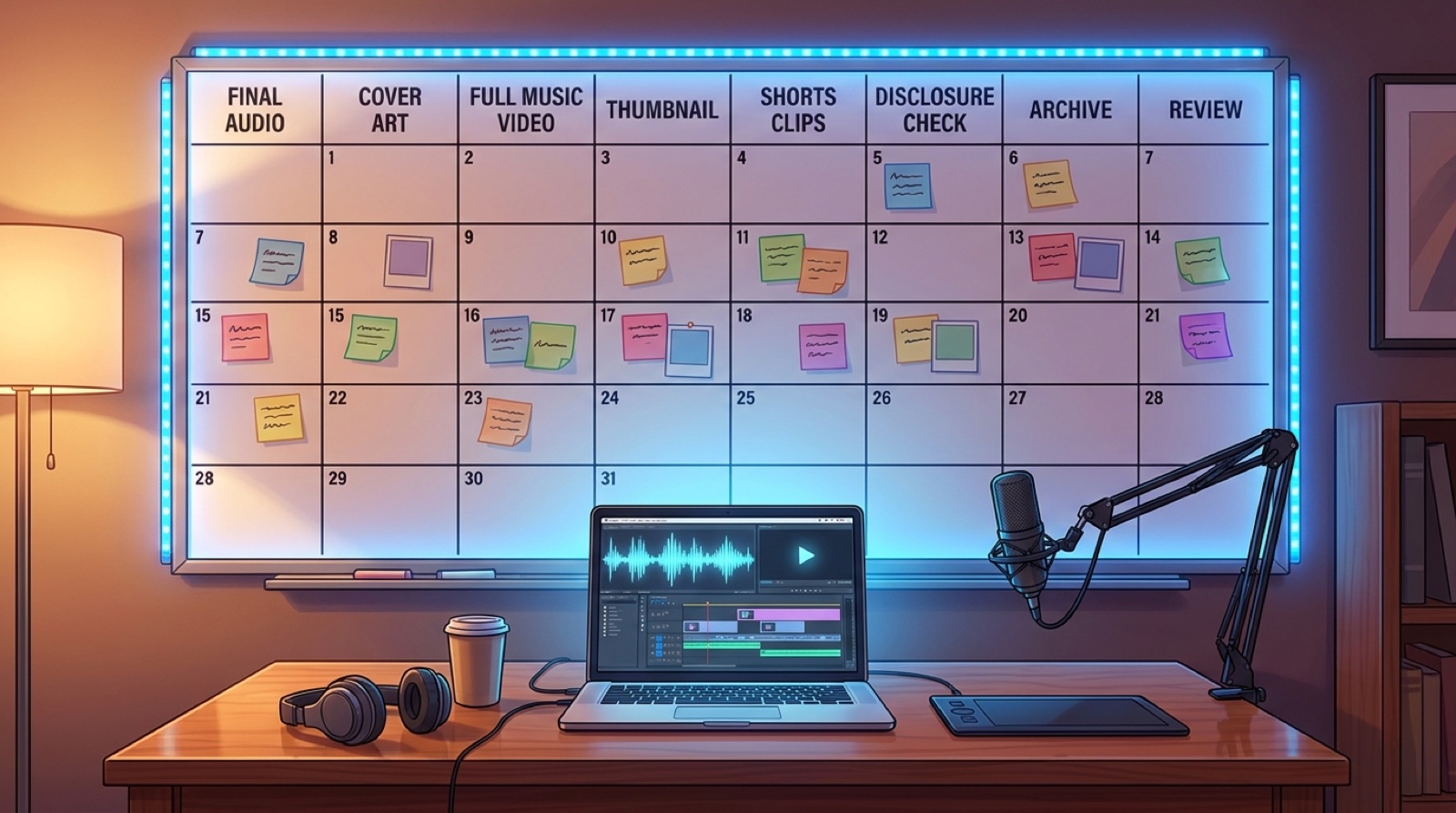
Use an AI music channel calendar to plan audio, video, thumbnails, short clips, disclosure checks, archive files, and release reviews before upload day.
 Release trust
Use packaging, proof files, clear credits, and a coherent video to make an AI music release feel harder to dismiss.
 Suno workflow
Use a Suno link to music video workflow as the import step, then plan the visual anchor, first frame, thumbnail, and upload package.
 Artist branding
Use an AI music style bible to keep characters, colors, thumbnails, credits, and release files consistent across every song.
 Release format
Pick the full video, short hook, loop, or release-page preview before one AI music video render turns into platform rework.
 Workflow
Use a repeatable Suno video workflow to turn one finished song into a full video, thumbnail, short clips, and release folder without losing the week.
 Release trust
Use this pre-upload checklist to prepare AI disclosure, proof files, thumbnail, description, and video packaging before your music video goes live.
 Release format
Pick the full video, vertical clips, loops, thumbnails, and release-page assets before one AI song turns into rework.
 Channel packaging
Build repeatable thumbnail rules for faces, colors, text, genre cues, and first frames before your AI music channel grid drifts.
 Release packaging
Check the distributor fields that can slow AI song review: title, version label, artwork, rights notes, credits, samples, and AI-use answers.
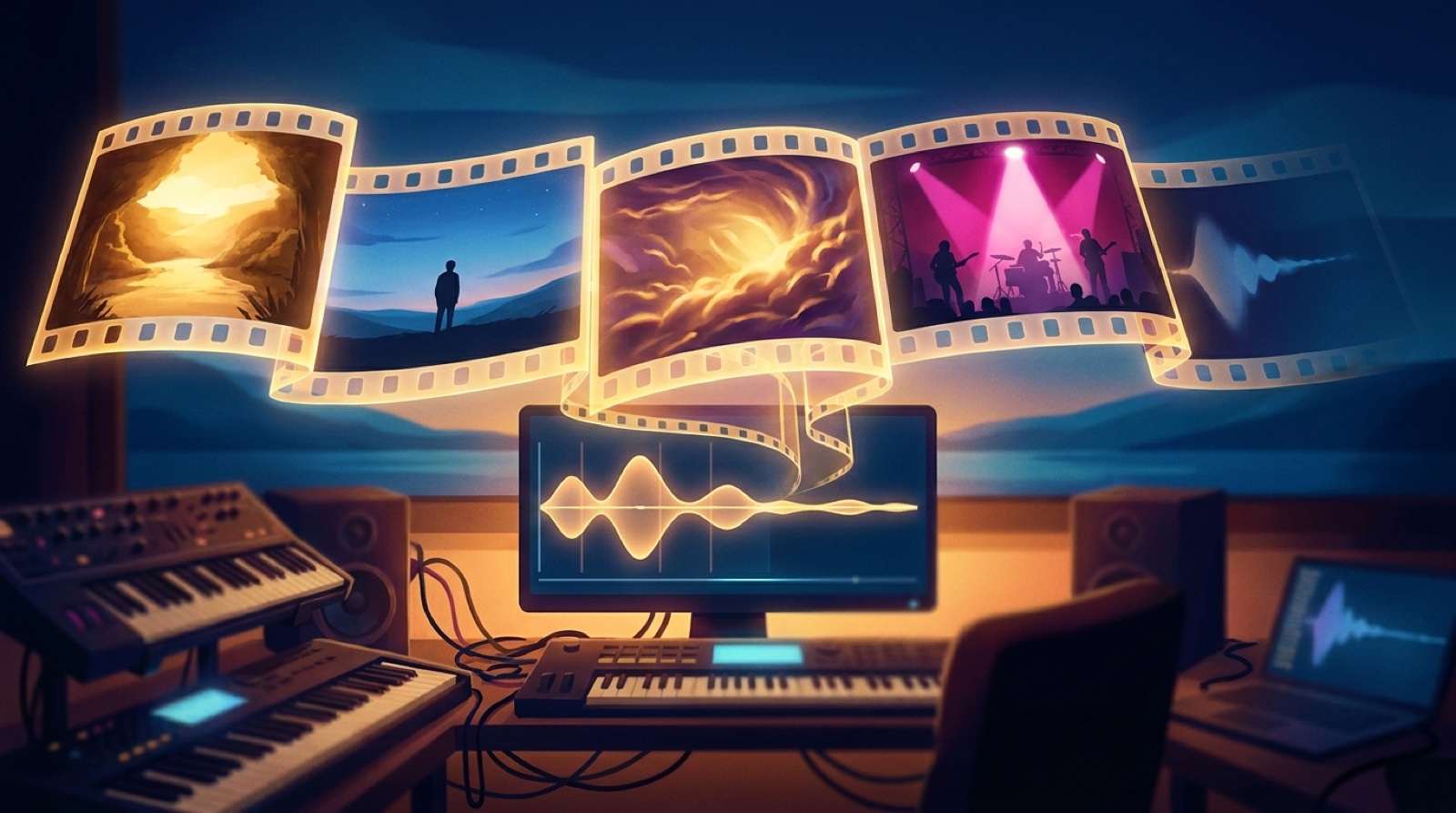 Visual storytelling
Use a visual arc to connect the opening world, anchor image, chorus payoff, and final echo of a cinematic AI song.
\n Release workflow
Use AI music release documentation to keep versions, credits, visuals, disclosure notes, and final links together before launch.
 Short-form release
Turn one chorus into lyric-first, visual-surprise, and mood-based clips for Shorts, Reels, and TikTok.
 Release trust
Use this AI music disclosure checklist to prepare upload notes, credits, thumbnails, video assets, and proof files before release day gets messy.
 Release packaging
The smallest useful set of audio, video, thumbnail, clip, credit, link, and archive files for one serious AI music release.
 Artist branding
Build repeatable cover, thumbnail, scene, color, and motion rules before your AI singles stop matching.
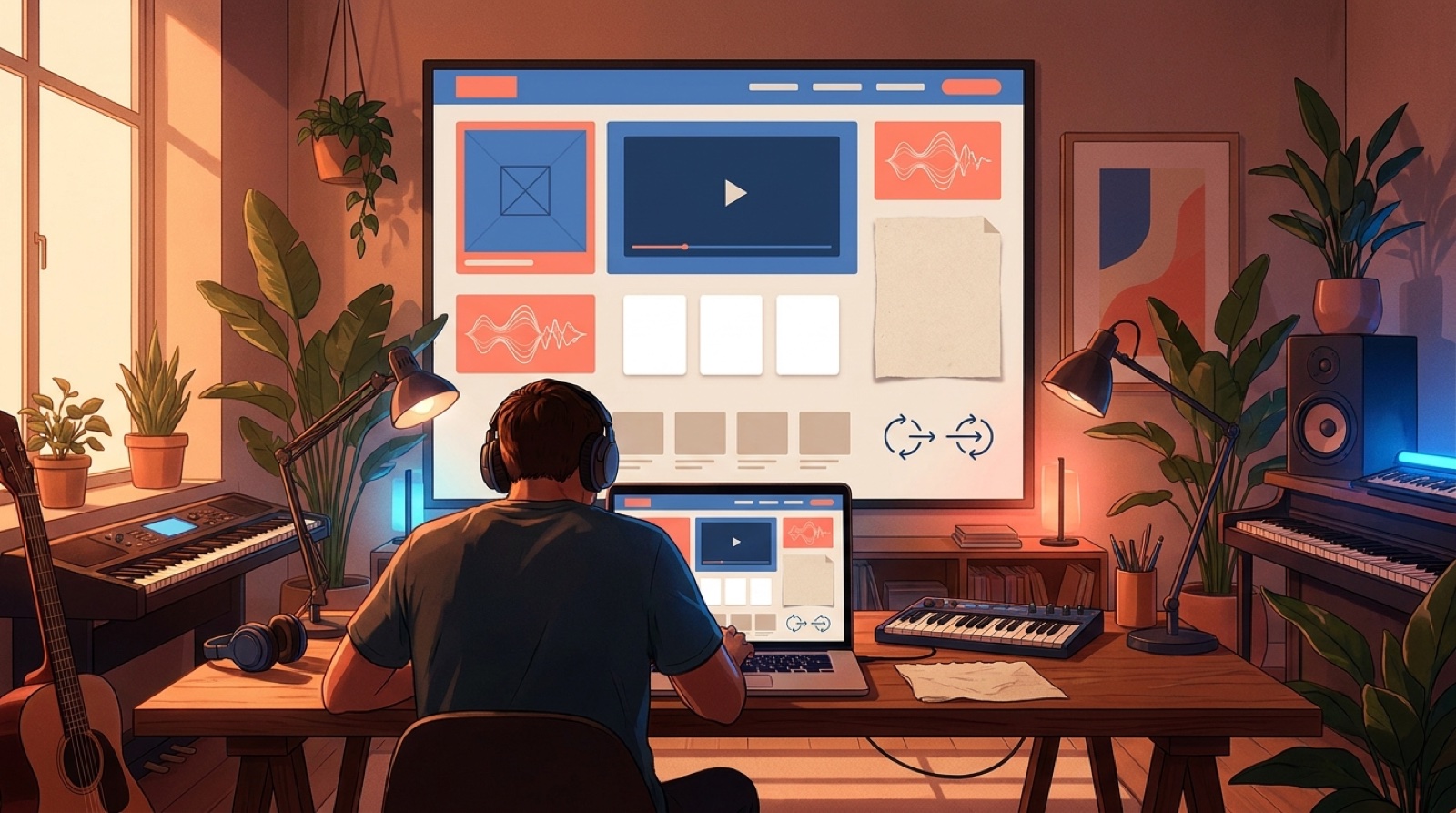 Release packaging
Build an AI music release page with video, cover art, lyrics, credits, clips, disclosure notes, and clear links so one song feels ready to share.
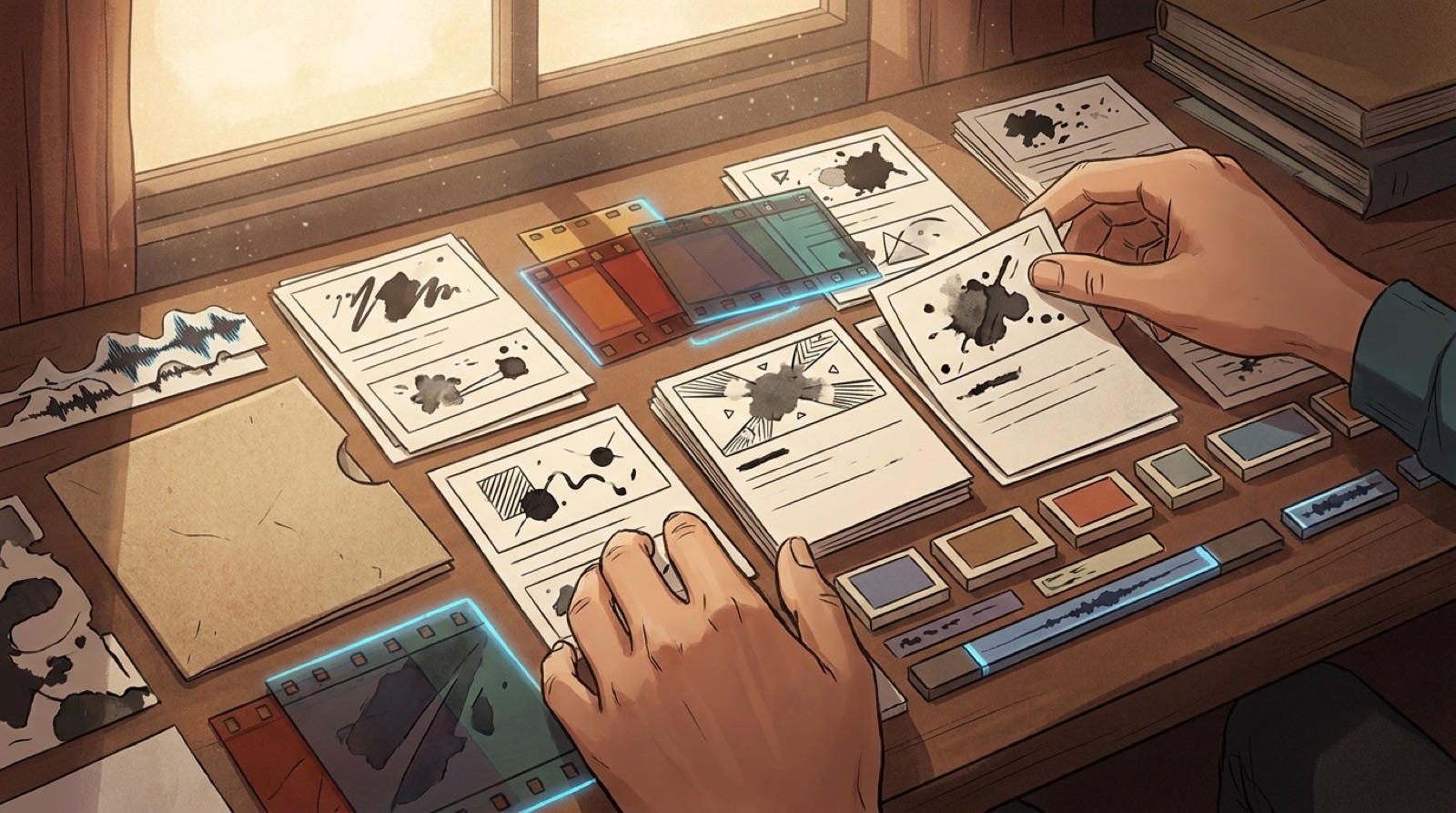 Release trust
AI music human intent helps a release feel authored with a deliberate first frame, motifs, lyric-matched scenes, credits, pacing, and proof files.
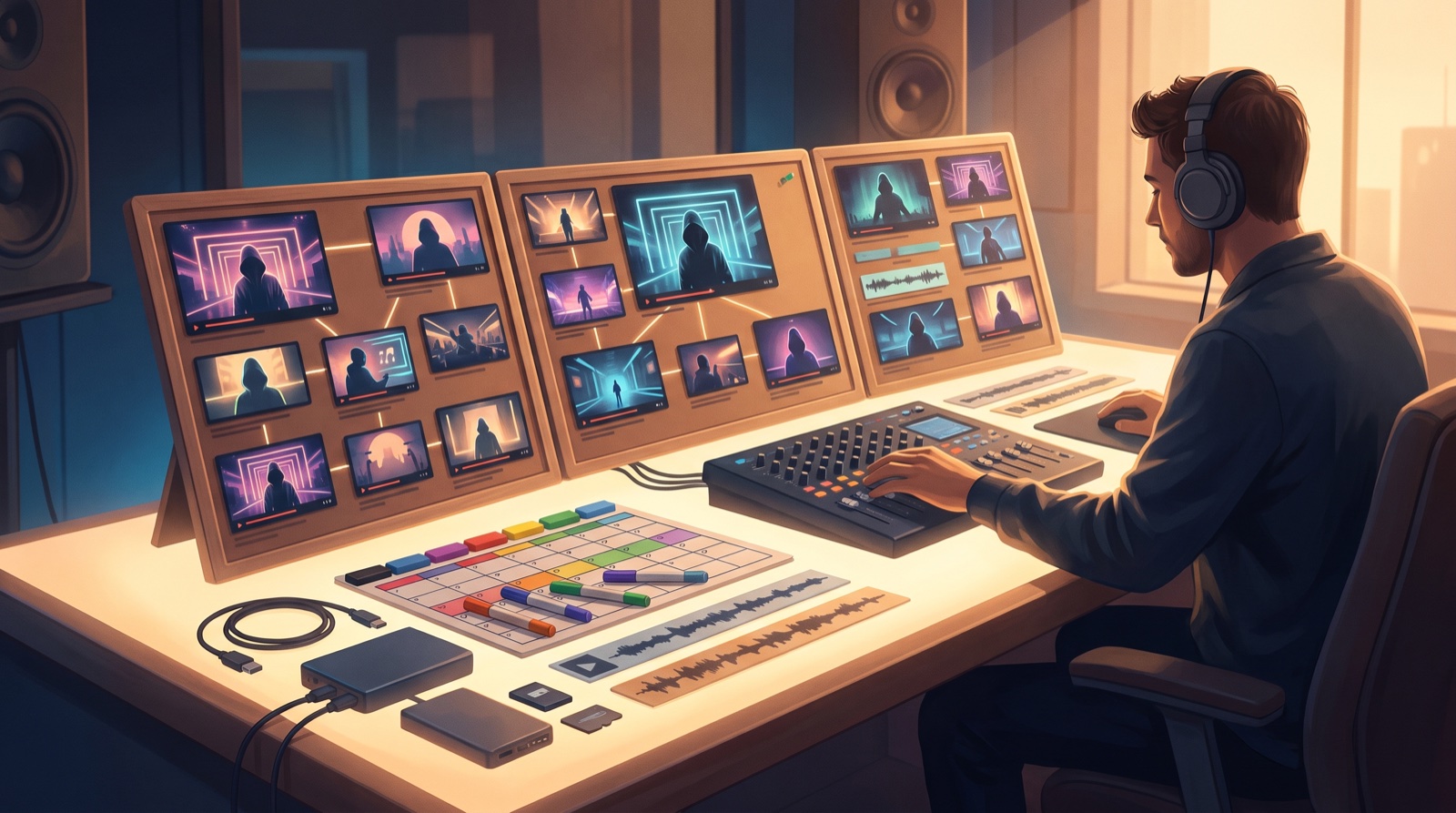 Channel branding
Build an AI music channel series with recurring visuals, thumbnail rules, release formats, and proof files so every new song feels connected.
 Release trust
YouTube AI labels music video trust starts with clear packaging: disclosure notes, thumbnails, descriptions, visuals, and proof files before upload.
 Release trust
The AI music upload flood makes weak packaging easier to ignore. Use stronger visuals, metadata, proof files, and release assets before you publish.
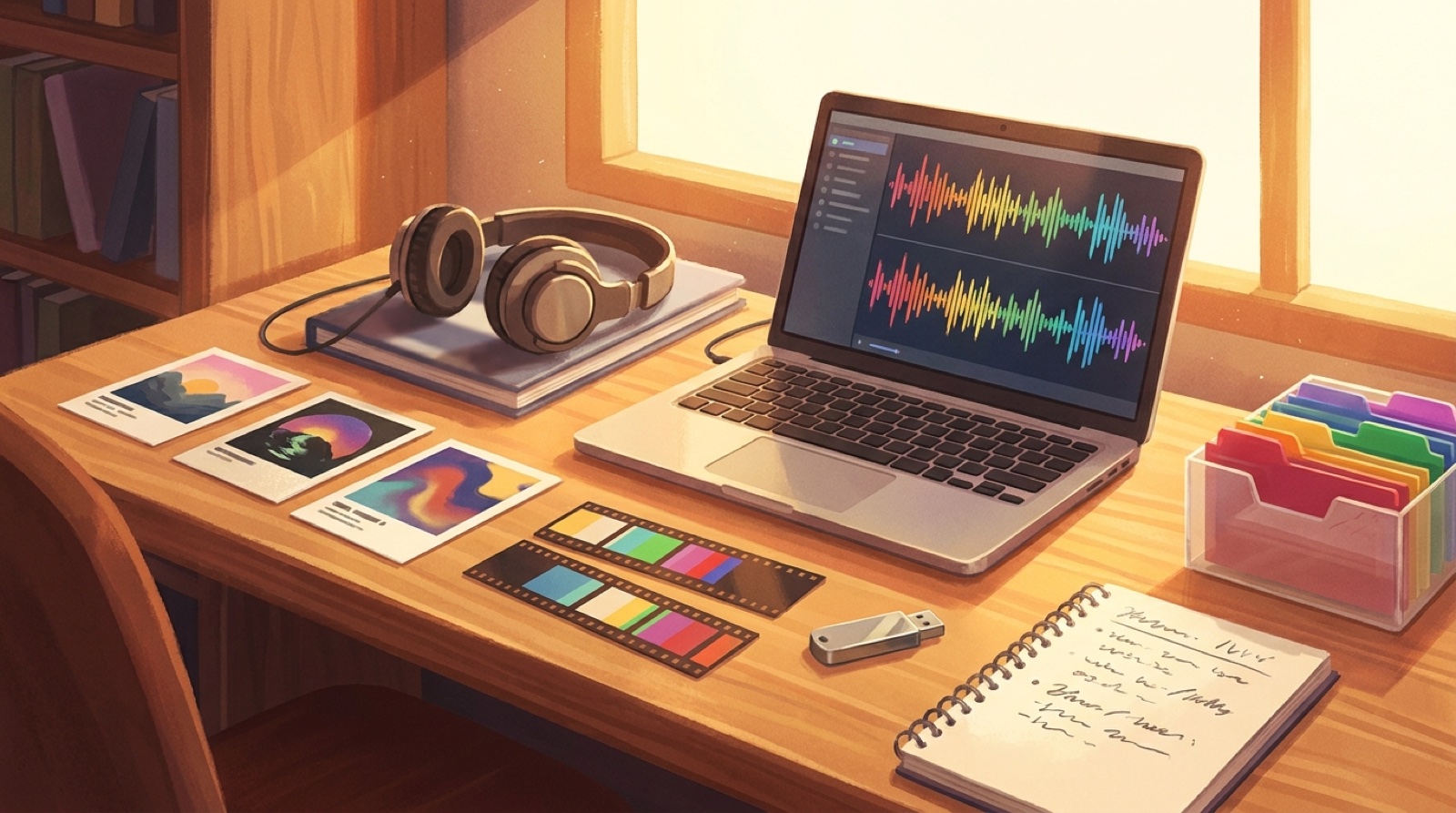 Release workflow
Build an AI music asset archive for audio exports, cover art, prompts, videos, thumbnails, clips, metadata, and proof files before the next song takes over.
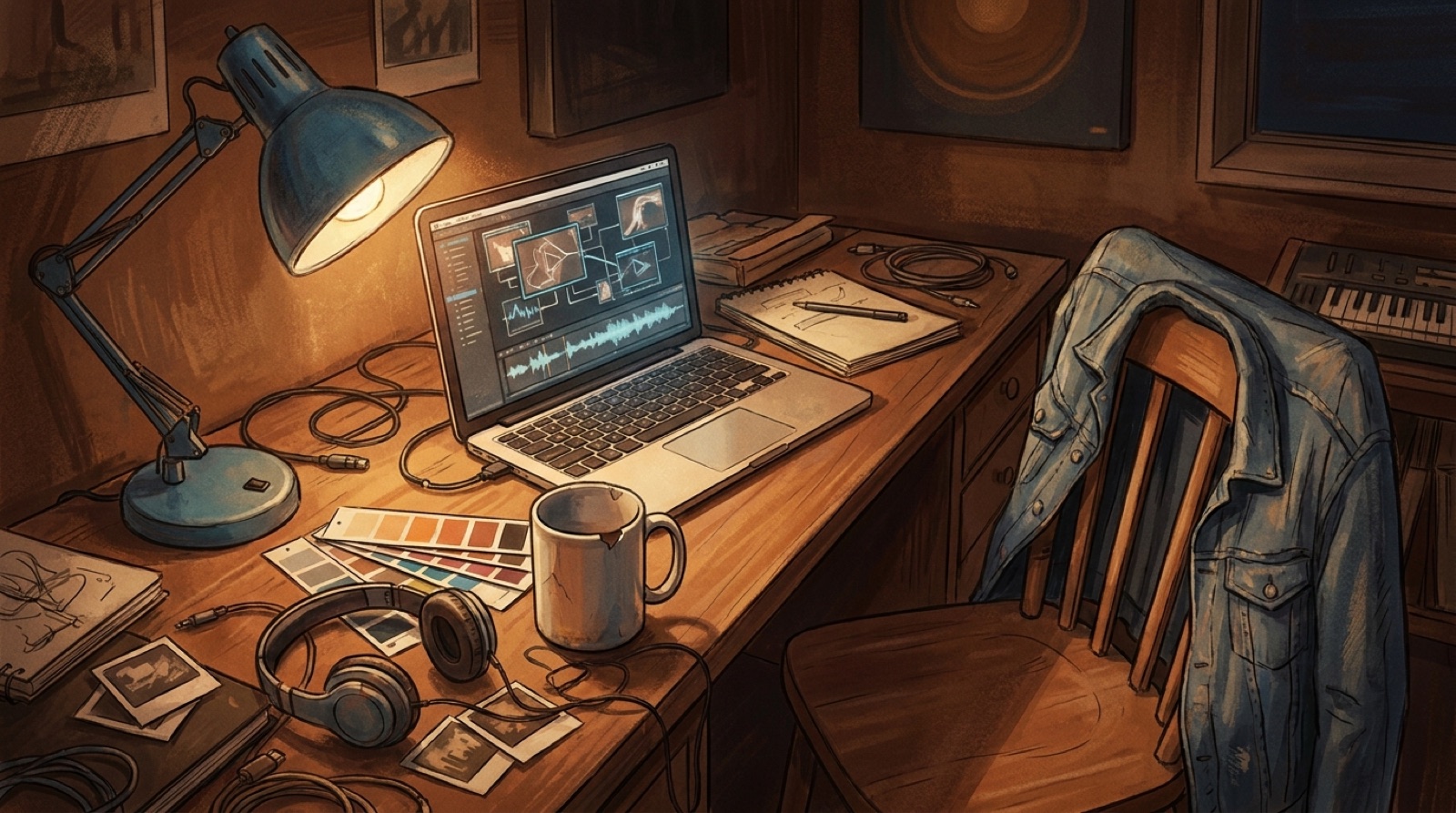 Visual direction
Humanize AI music visuals with specific objects, color rules, first frames, and release details that make an AI-assisted song feel more directed.
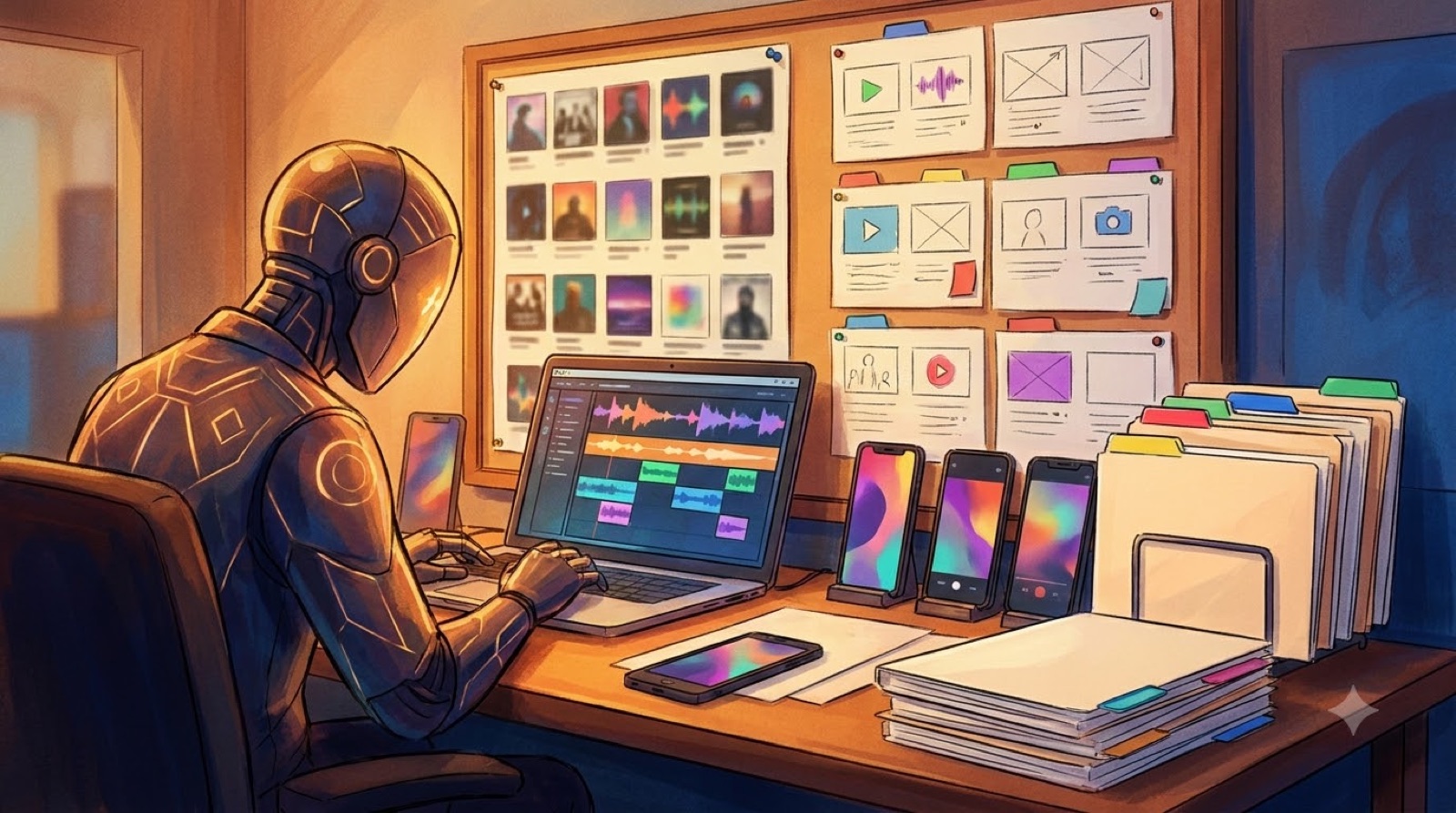 Release checklist
Use this release day checklist for AI music to check cover art, video files, thumbnails, clips, Canvas loops, links, and backups before launch.
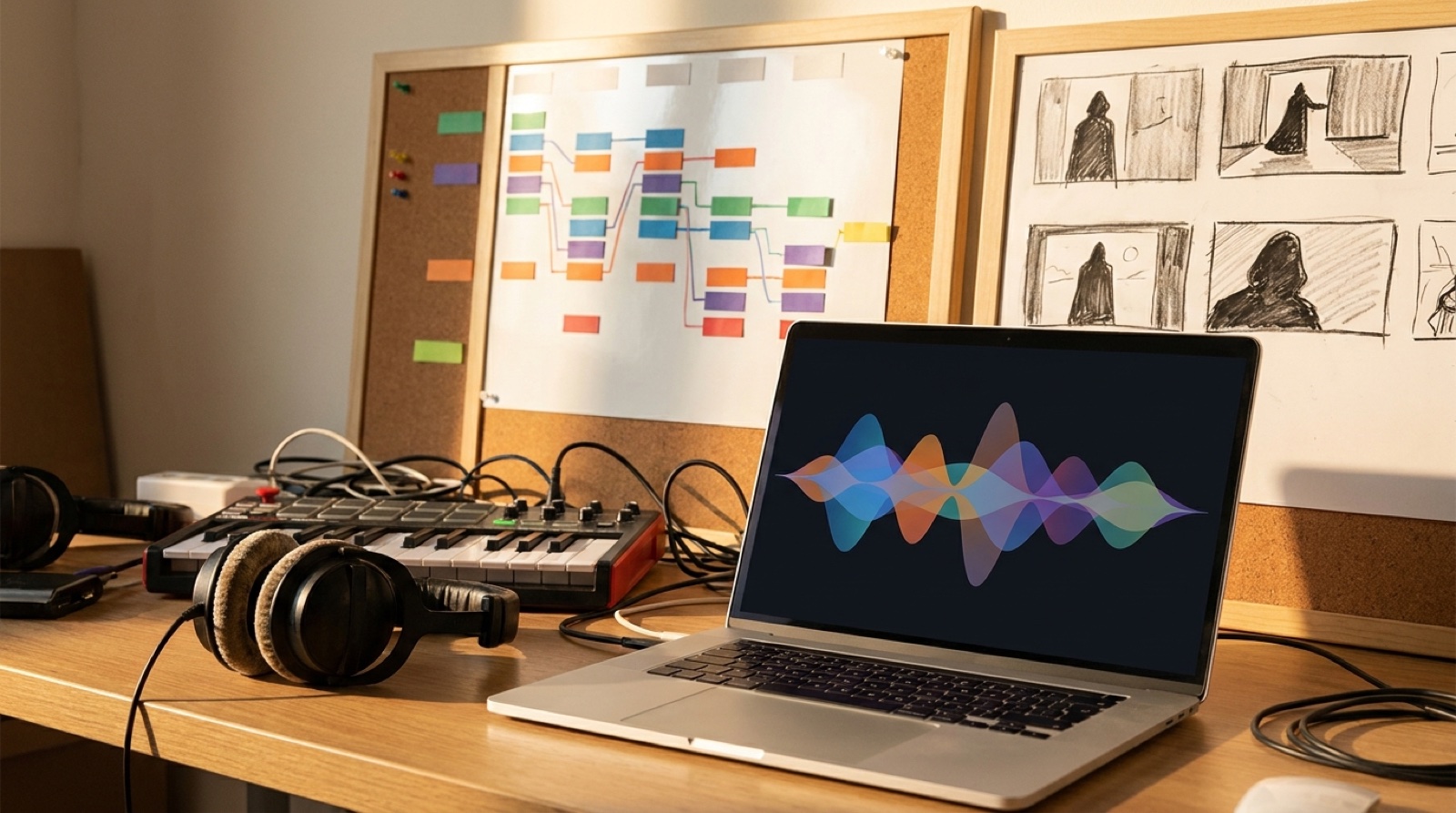 Release format
Lyric video vs music video choices for AI songs: decide when words, mood, story, or artist identity should lead the release.
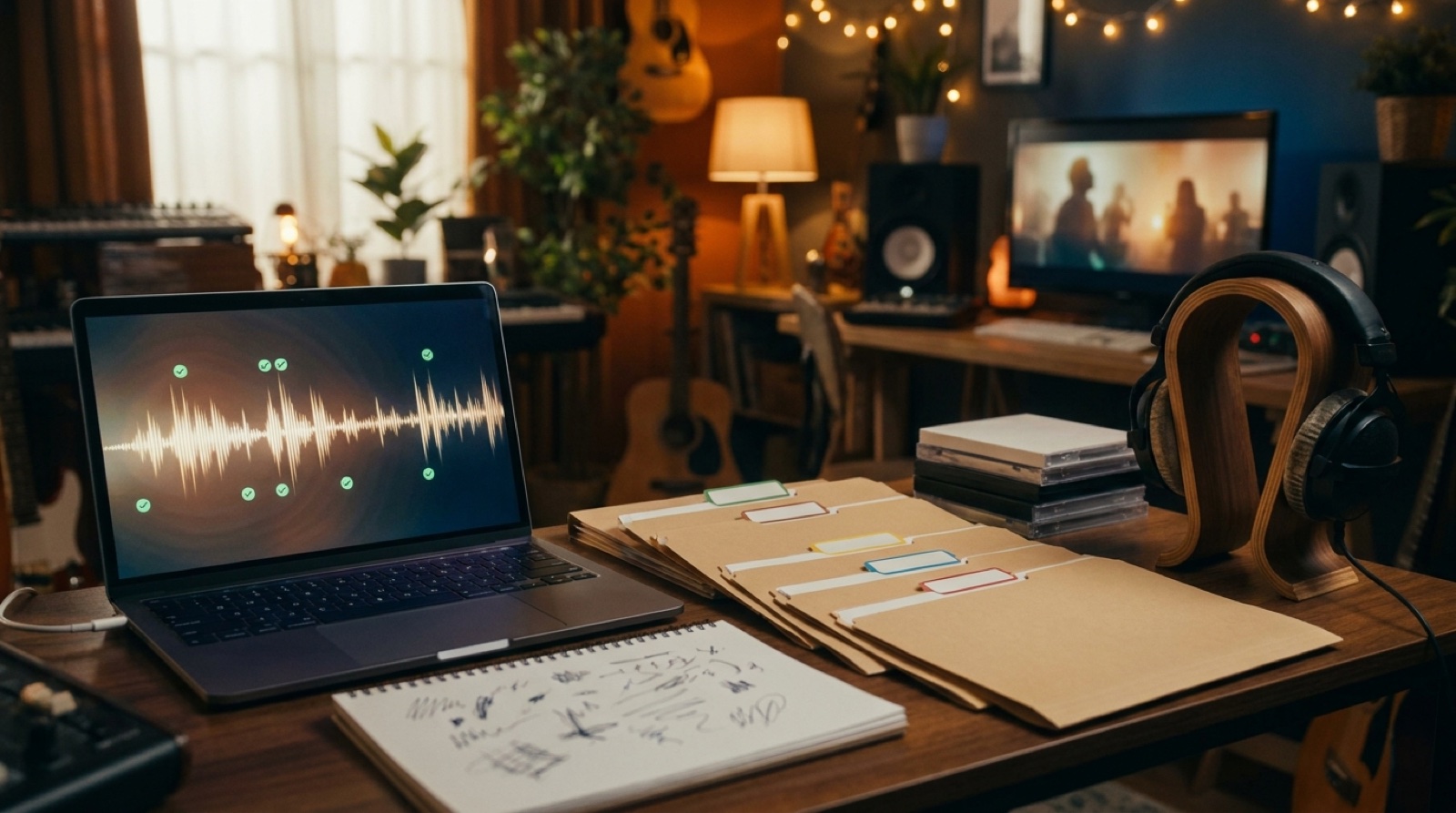 Release trust
AI music Content ID preparation for creators who want proof files, credits, metadata, visuals, and disclosure notes ready before claims appear.
 Release packaging
Use this AI music release metadata check to finish titles, credits, descriptions, thumbnails, disclosure notes, links, and files before upload.
 Label workflow
Build an AI video assembly line for labels that turns songs into full videos, clips, thumbnails, and archived release assets without starting from scratch.
 Visual direction
Avoid the generic AI visualizer look with a visual anchor, song-structure scene changes, color rules, and release assets that feel specific.
 Channel branding
Build an AI music channel trailer that shows the sound, visual world, release rhythm, and channel promise before viewers decide to subscribe.
 Short-form release
Choose a YouTube Shorts hook for AI music with the right first image, chorus moment, genre reveal, and path back to the full video.
 Release visuals
Use a Spotify Canvas loop for AI music to support the song with one clean visual idea, smooth motion, and a release world that feels planned.
 Release workflow
Build a Suno release pack from one finished song: cover art, full video, Shorts clips, Canvas loop, thumbnail, release notes, and launch page.
 Artist branding
AI artist visual world guidance for creators who want videos, thumbnails, cover art, short clips, and release pages to make many songs feel connected.
 YouTube packaging
AI music video thumbnail strategy for creators who want the image, first frame, and song mood to make one clear promise before people press play.
 Release workflow
AI music version records help creators track prompts, lyrics, exports, visuals, and disclosure notes before a song goes public.
 Release trust
AI music detection is changing release trust. Learn how to package AI-assisted songs with clear notes, visuals, and records before upload.
 Release visuals
Use an AI cover art video workflow to animate a strong album image into a full release video without losing the mood.
 Release strategy
Use this music video release decision test to choose which songs need a full video, a short clip, a loop, or simple cover art.
 Beginner guide
Use this first AI music video checklist to choose the song, visual anchor, scenes, export files, thumbnail, and launch assets before publishing.
 Release strategy
Music release video assets should support the whole launch, from playlist pitching and short clips to thumbnails, release pages, and artist posts.
 Visual direction
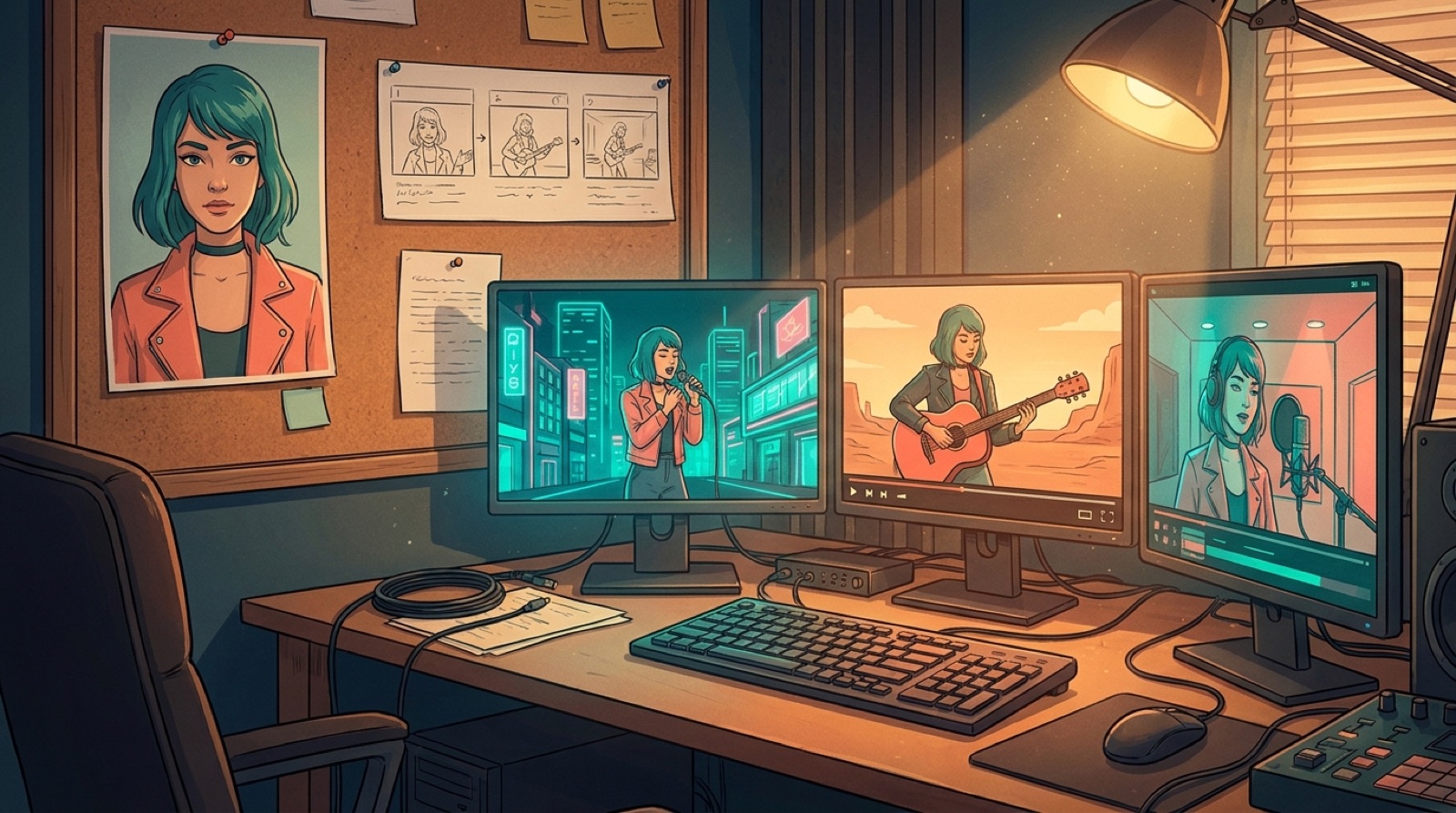
Keep consistent characters in AI video with one source image, reusable character rules, and a song map that stops every scene from drifting.
 Workflow
Use a Suno creator workflow to sort finished songs, choose a visual anchor, and turn the right tracks into release-ready videos.
 Release trust
AI music rights anxiety is real, but creators still control release notes, source files, credits, visual proof, and platform checks before publishing.
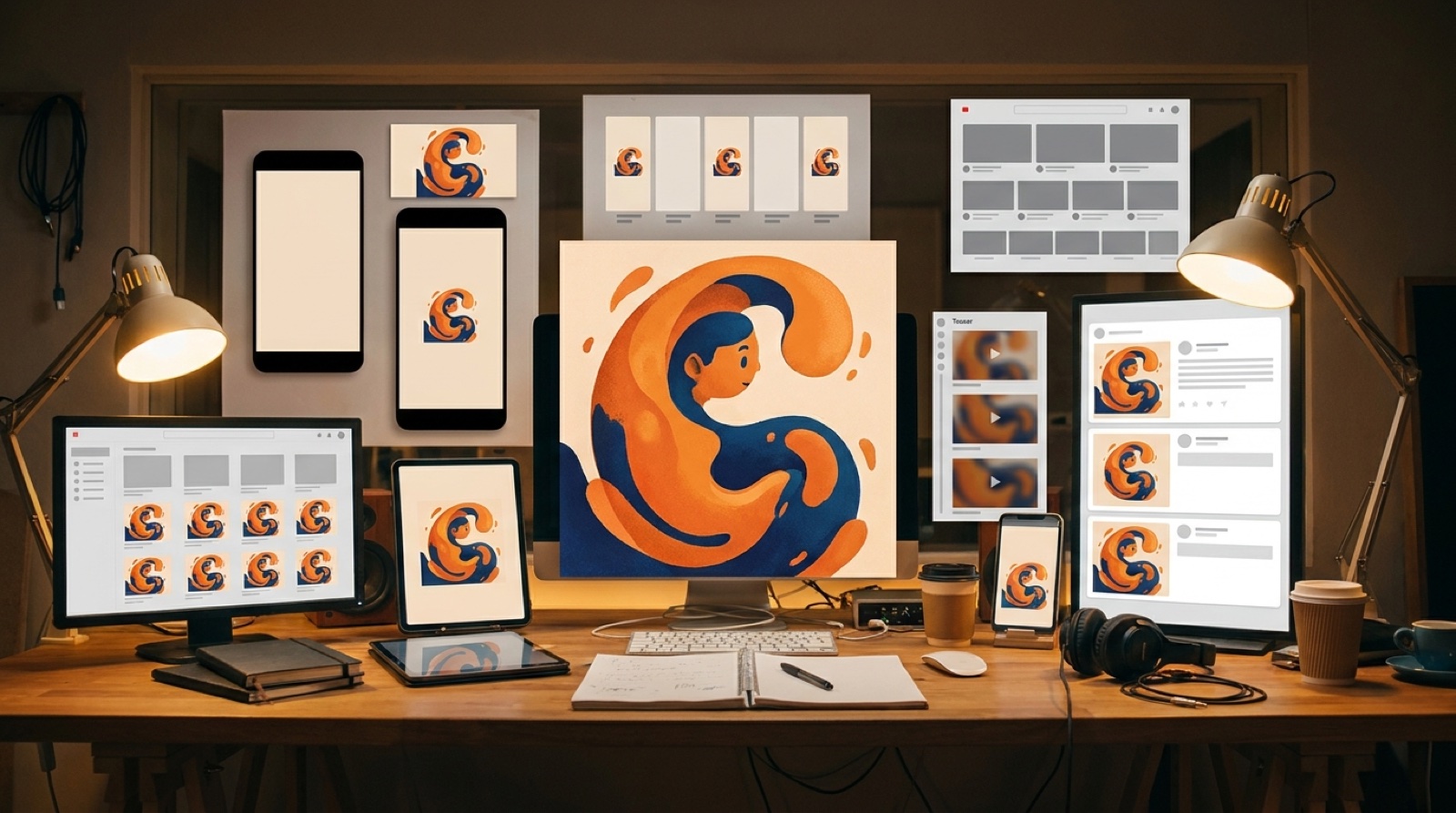 Release visuals
Build an album cover release campaign from one image, so your video, thumbnail, short clips, and launch posts all feel like the same song world.
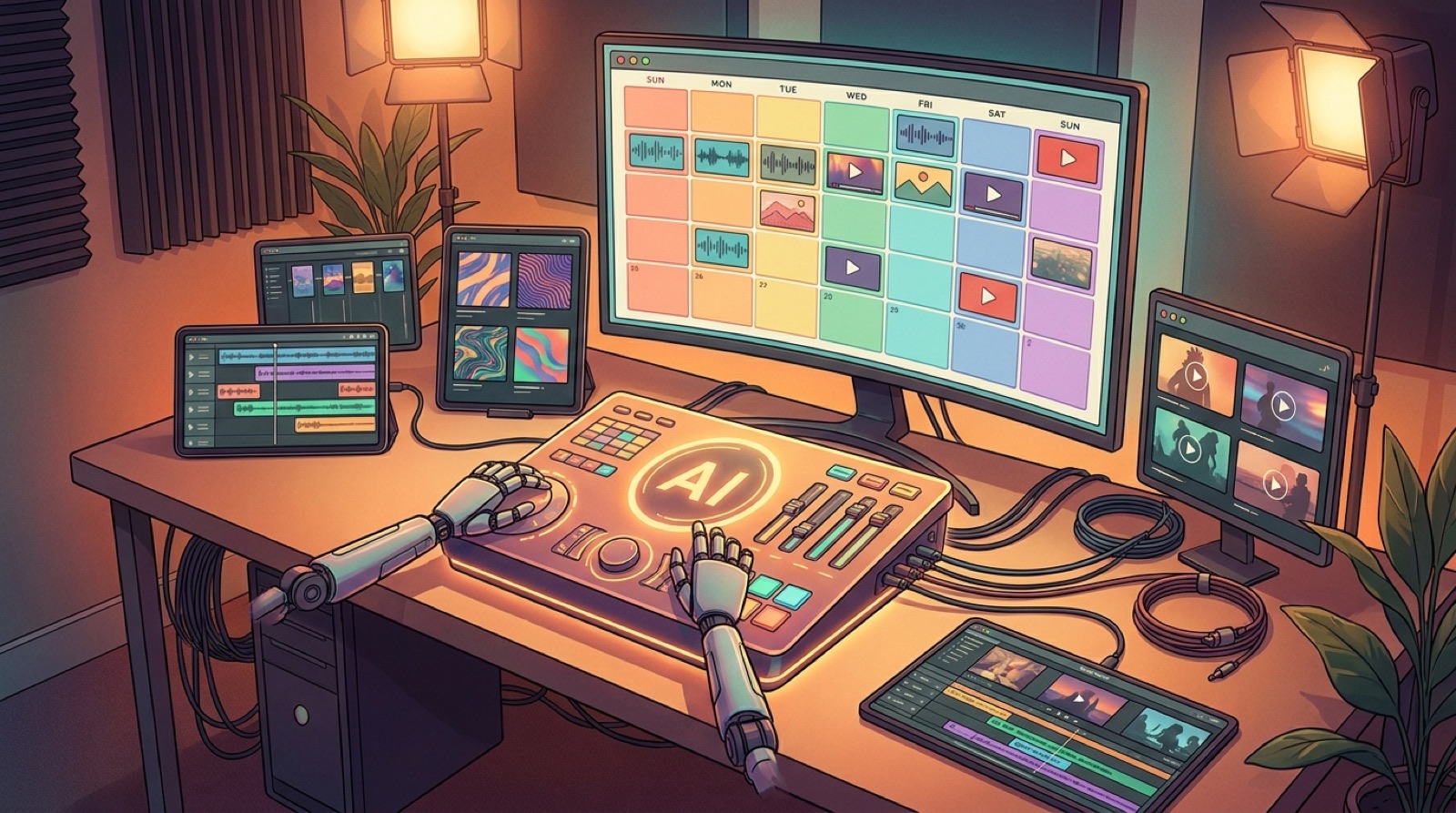 Workflow
Build a weekly music release workflow that turns one song into a repeatable video plan, launch assets, short clips, and a calmer publishing week.
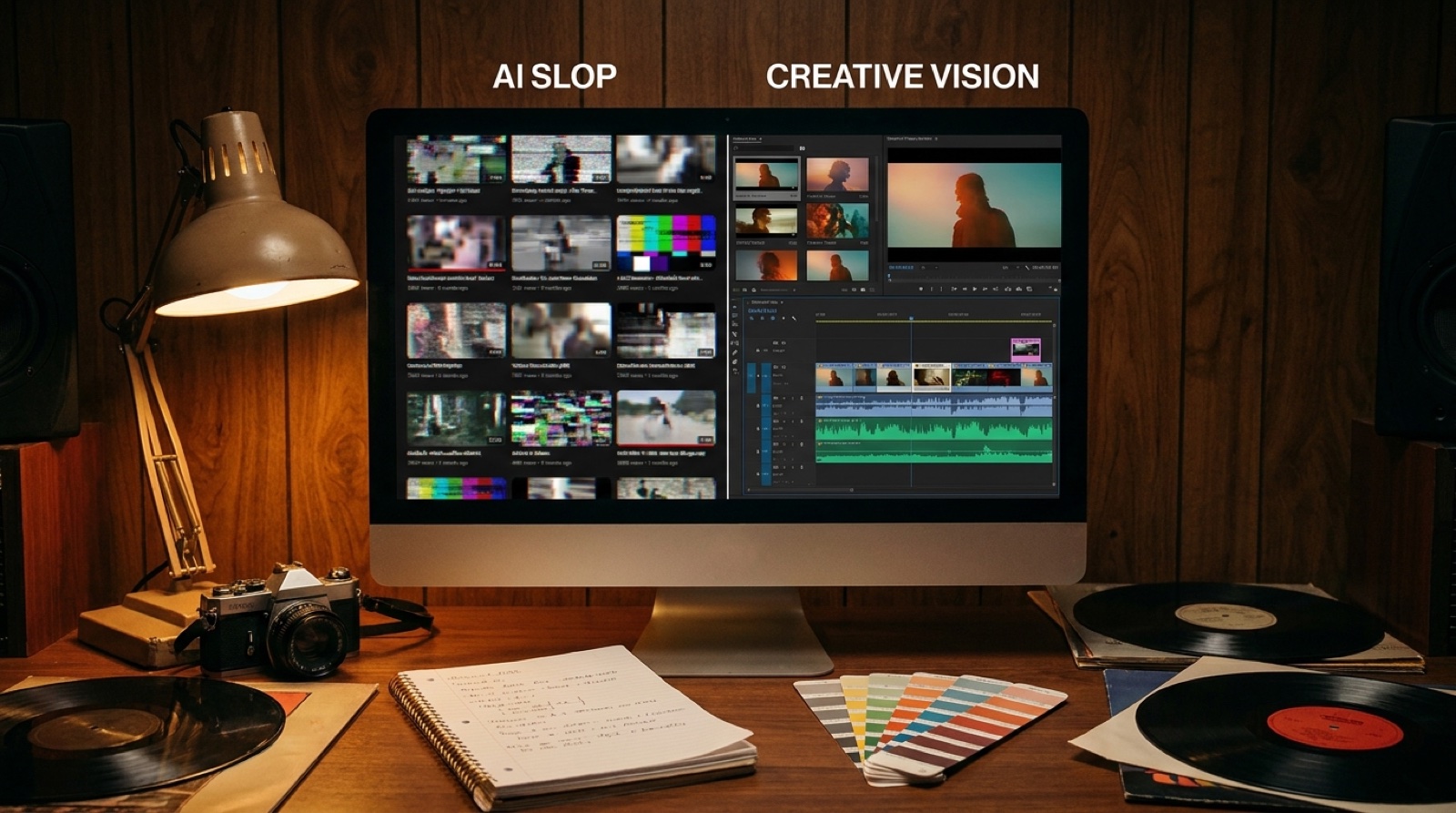 Visual direction
AI video slop music can make a good song feel disposable. Use anchors, pacing, color, and release assets to make it feel intentional.
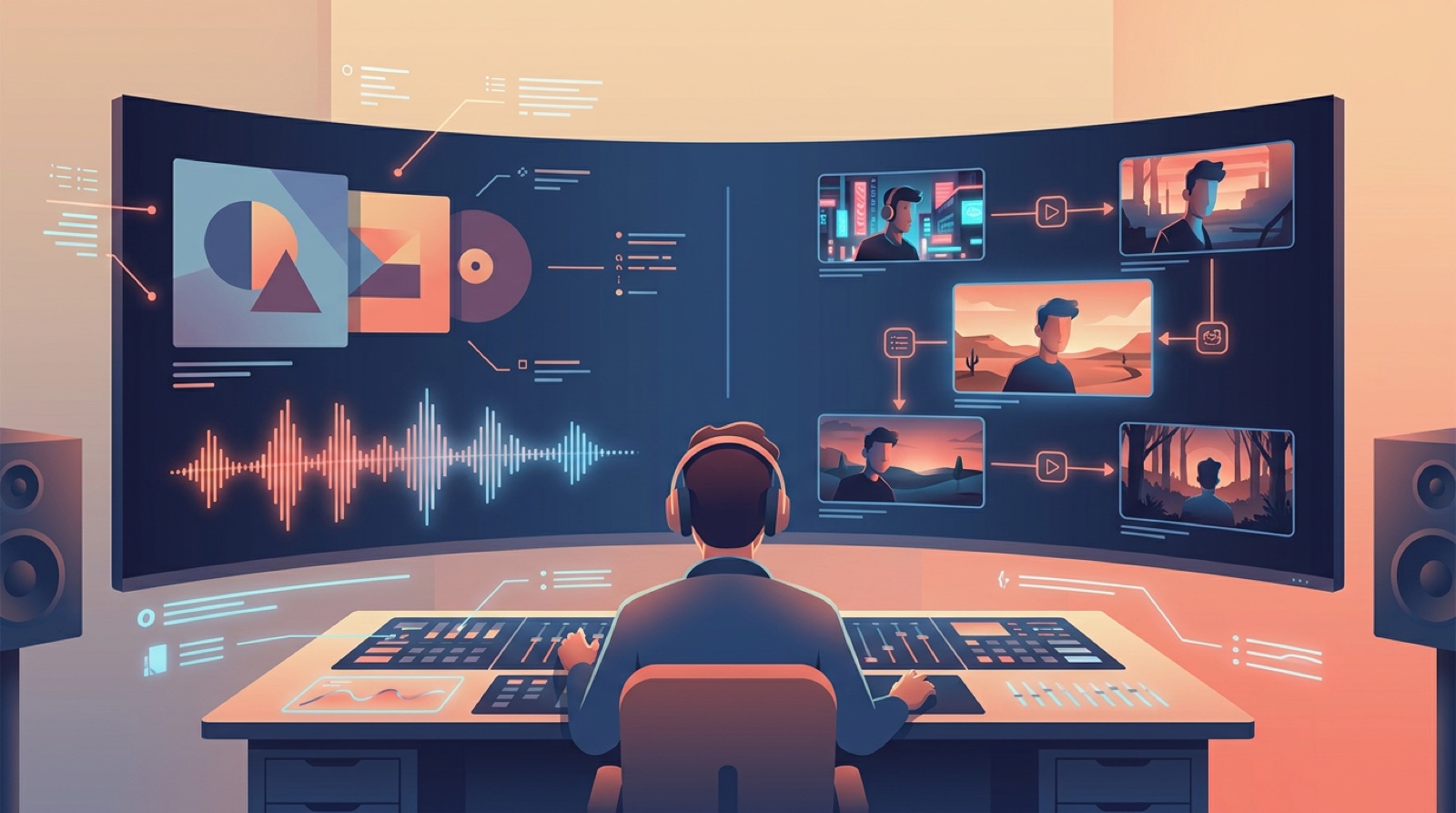 Release strategy
Use this visualizer vs music video guide to choose when a simple loop is enough and when a full release video will sell the song better.
 Release strategy
Repurpose music video assets into YouTube uploads, short clips, teaser stills, thumbnails, and pinned posts from one finished release.
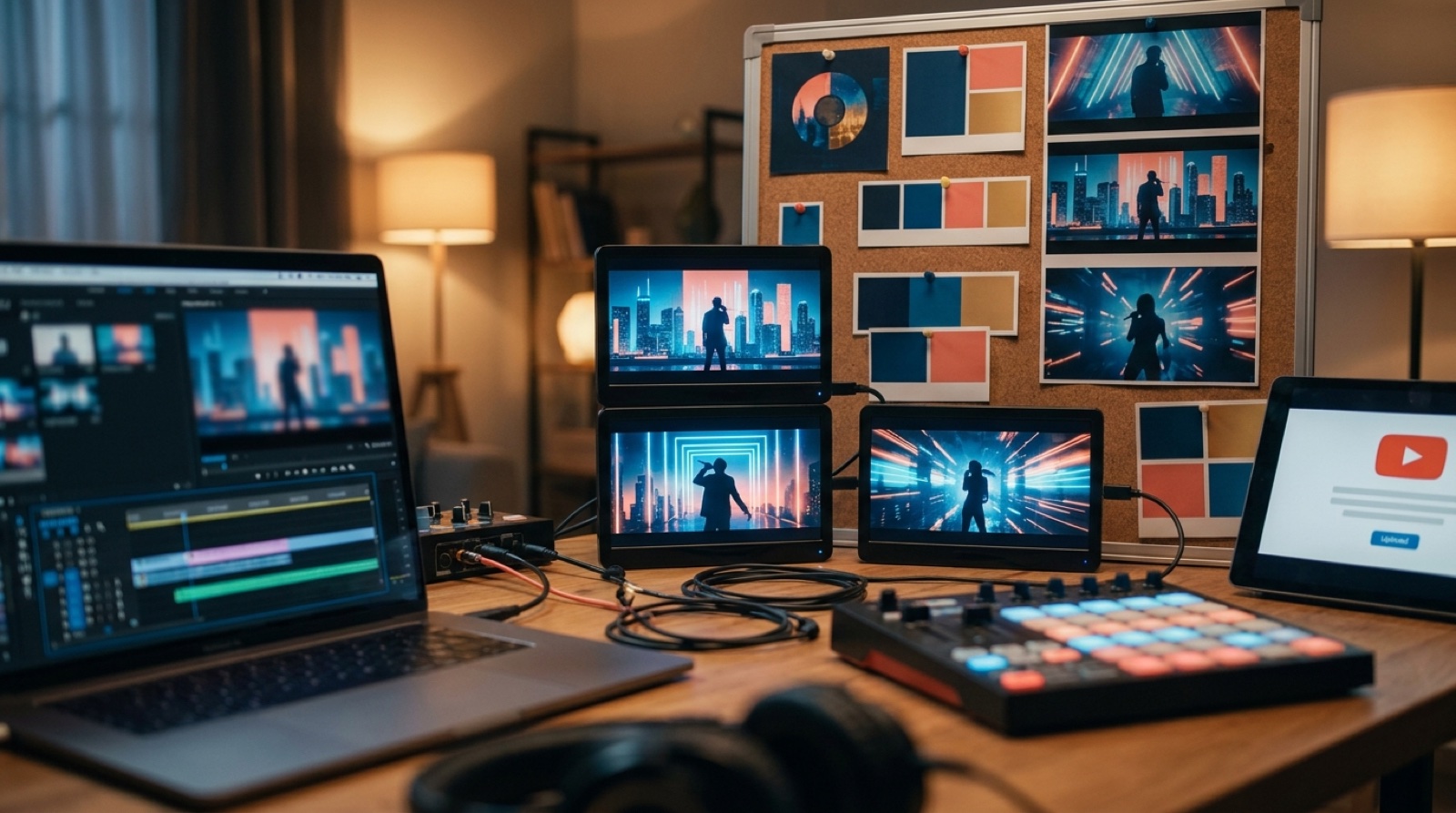 Artist branding
Use artist visual identity to make AI music releases feel connected across videos, thumbnails, cover art, Shorts, and channel pages.
 Workflow
A practical Udio music video workflow for turning an exported track into cover art, SceneLore scenes, YouTube upload assets, and short clips.
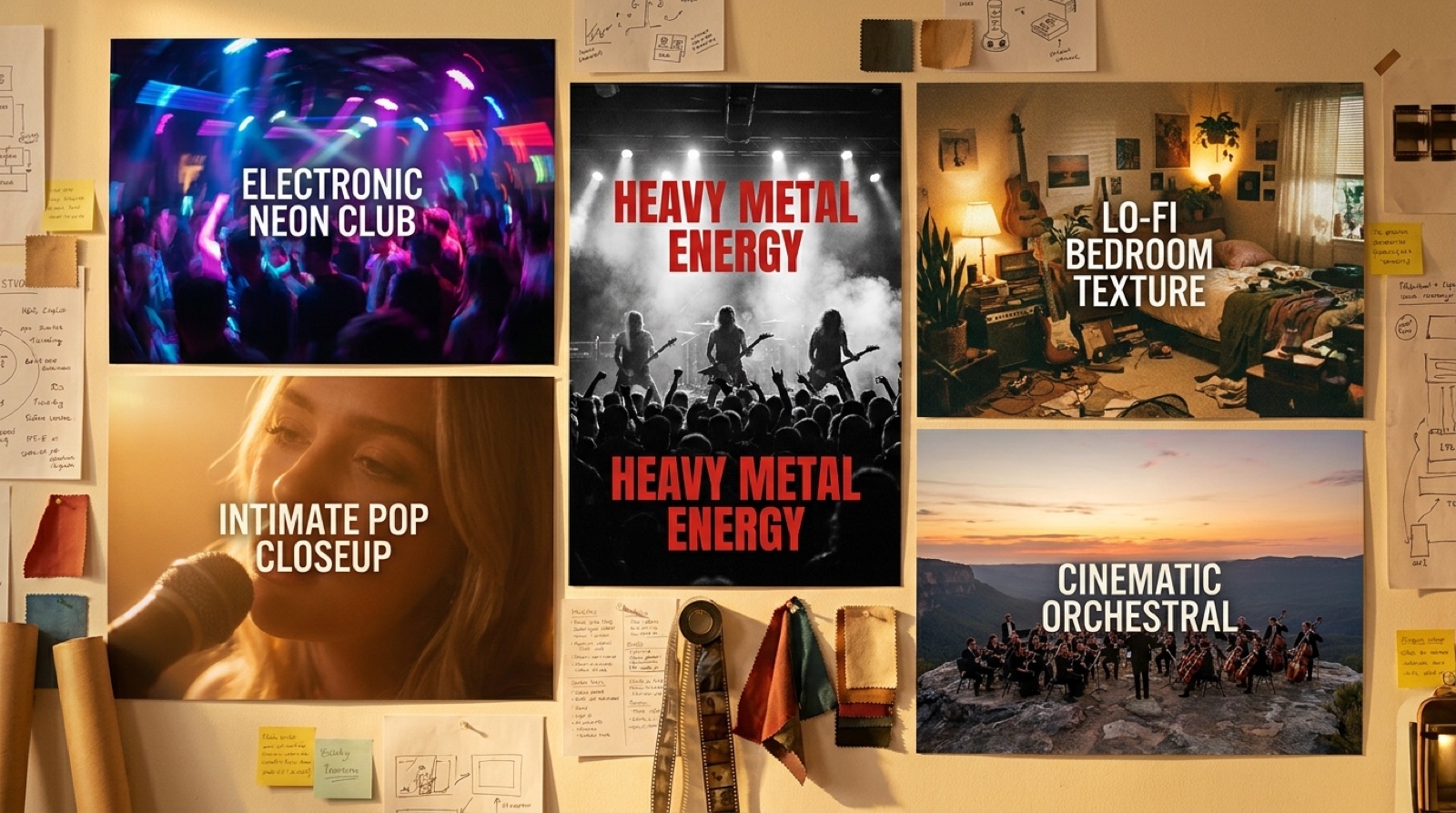 Visual direction
Use music video visuals by genre to match pacing, color, shot energy, and visual anchors to electronic, pop, metal, lo-fi, and cinematic songs.
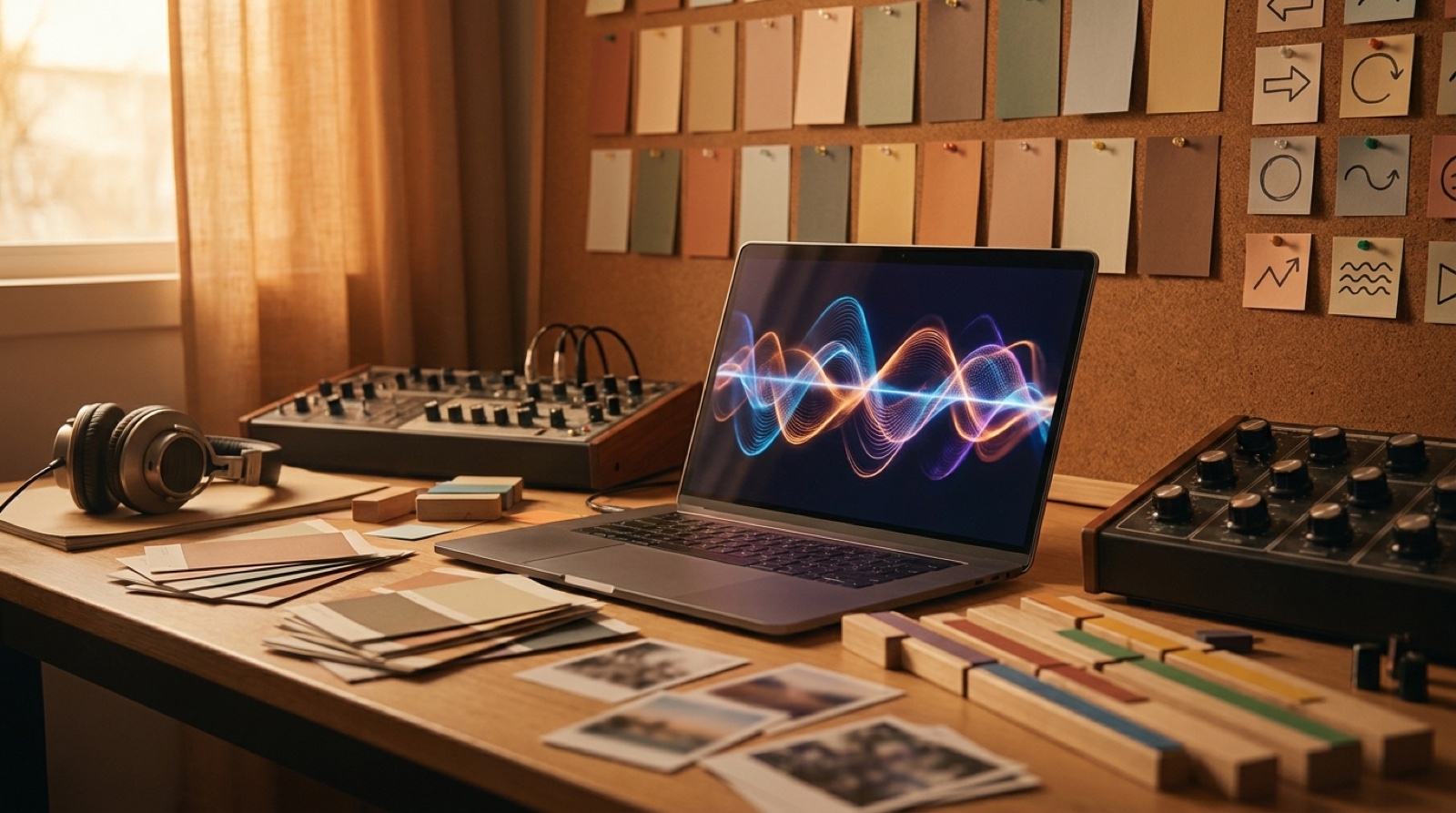 Release strategy
An AI music release strategy for artists who want songs, artwork, videos, credits, and clips to feel intentional instead of disposable.
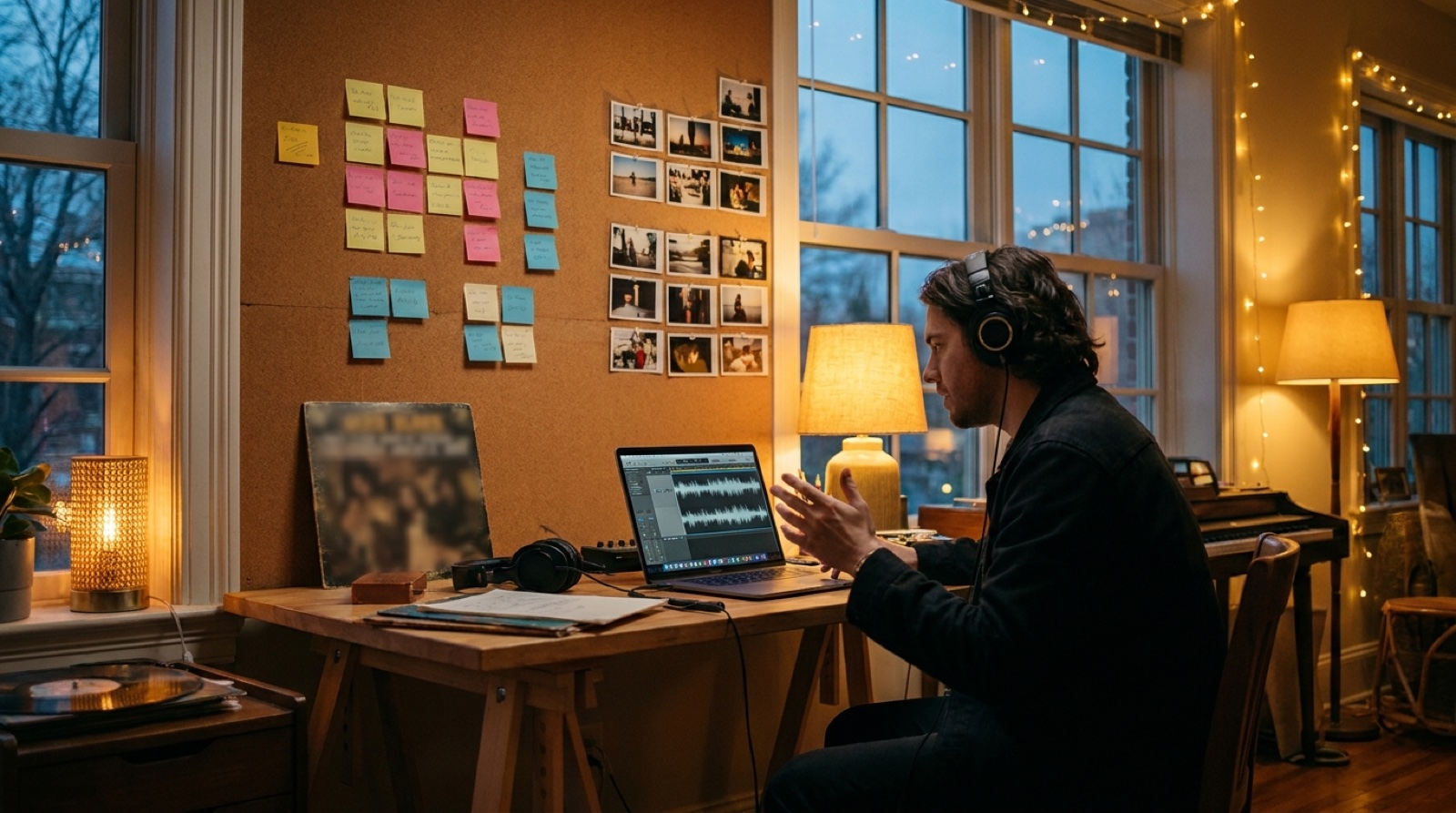 Planning
Use music video scene ideas from mood, lyrics, structure, cover art, and genre to plan a connected video without drawing a full storyboard.
 Workflow
Use AI music workflow tools with fewer handoffs, one visual anchor, and a clearer path from finished song to publishable video.
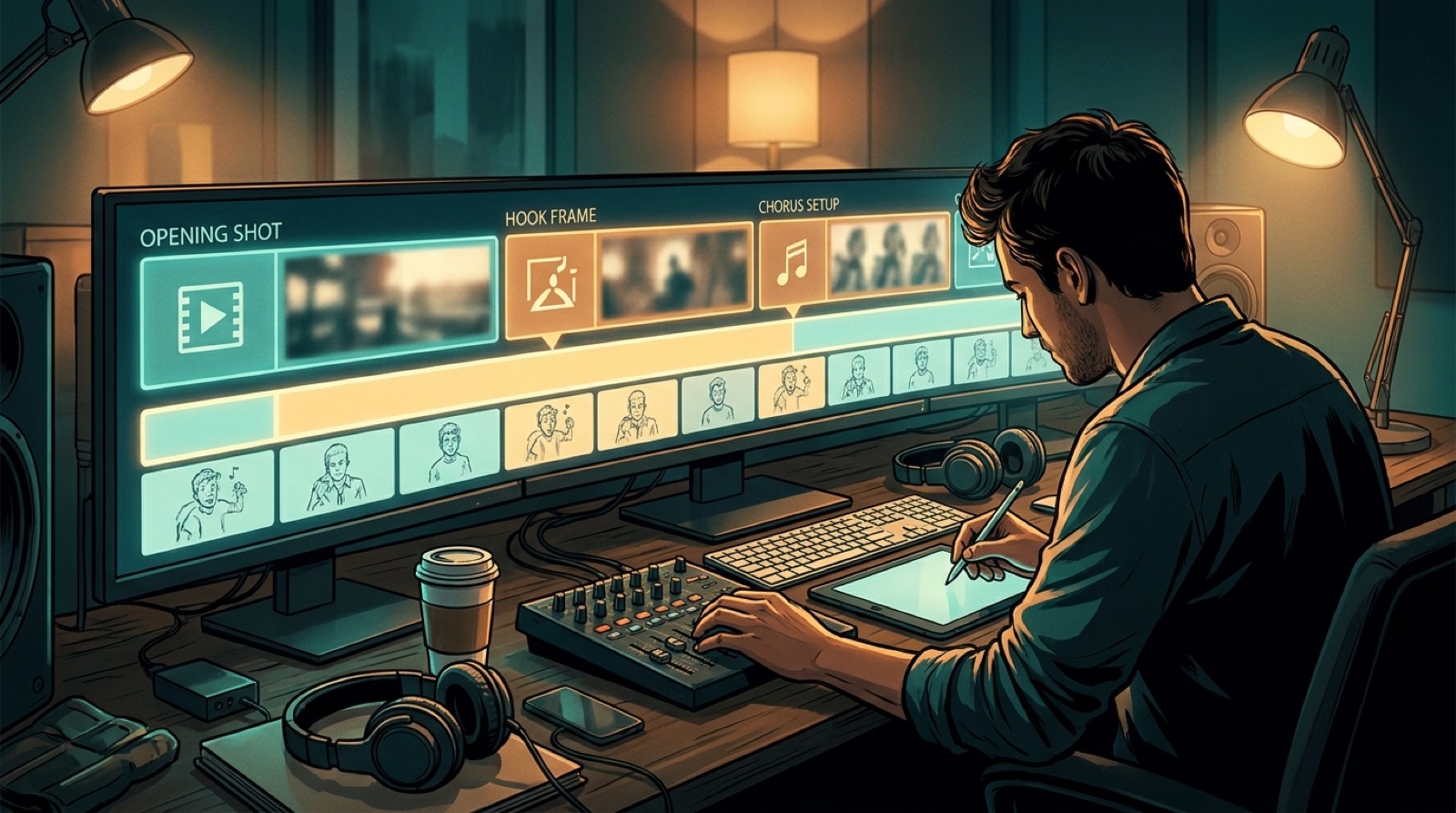 YouTube retention
Use the music video first 30 seconds to set the visual promise, chorus setup, and continuity that keep viewers watching.
 Workflow
A practical music video workflow for small labels that helps release teams turn finished songs into videos, thumbnails, and clips without making every track a custom edit.
 Release visuals
Spotify Canvas AI music visuals can support a release, but they do a different job from a full YouTube music video. Choose the right visual for the job.
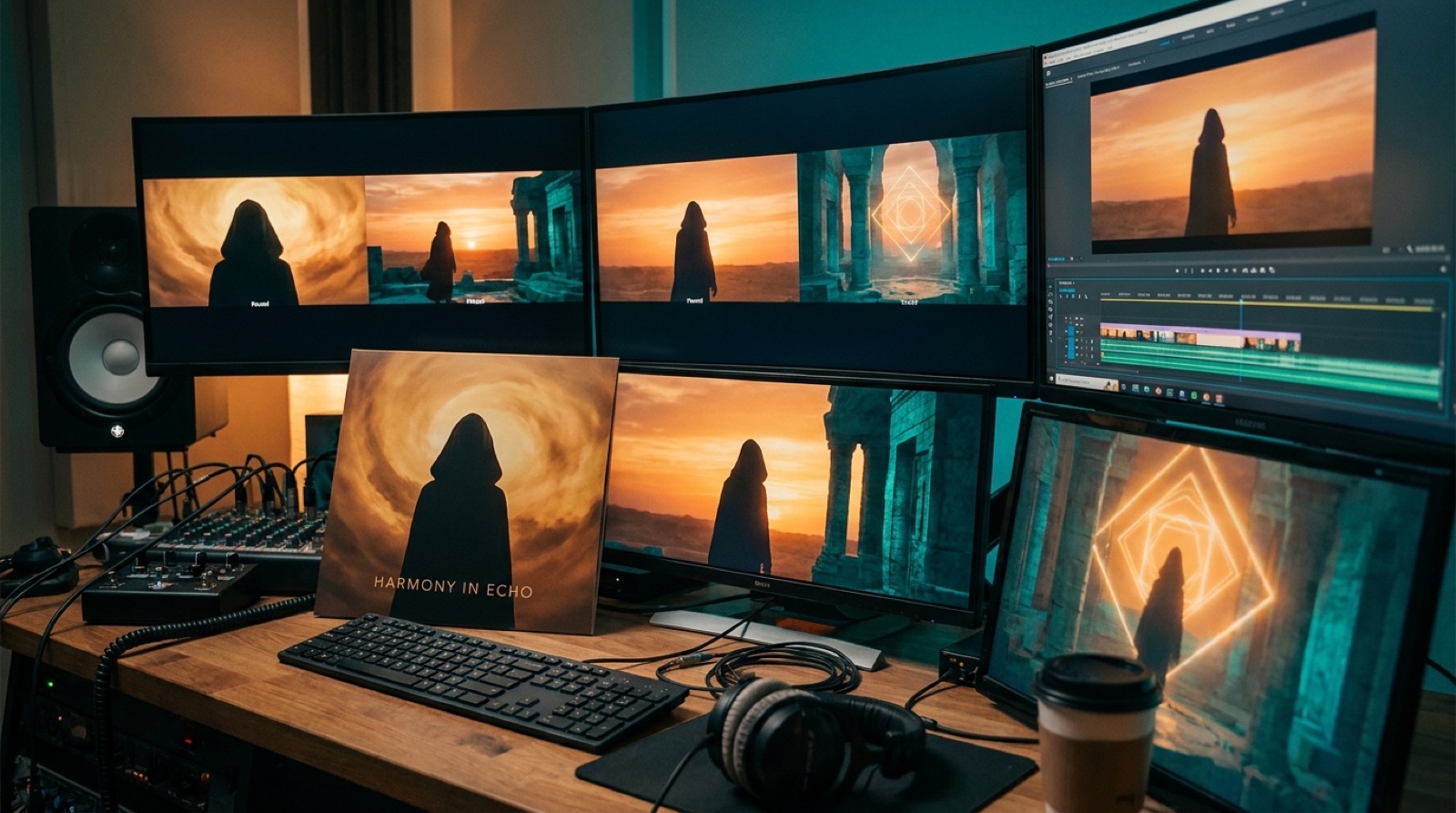 Workflow
A practical guide to visual consistency in an AI music video, using one strong anchor so the full release feels connected.
 Guide
GuideUse this AI music release checklist to prepare audio, artwork, video, metadata, short clips, and release-day files before upload.
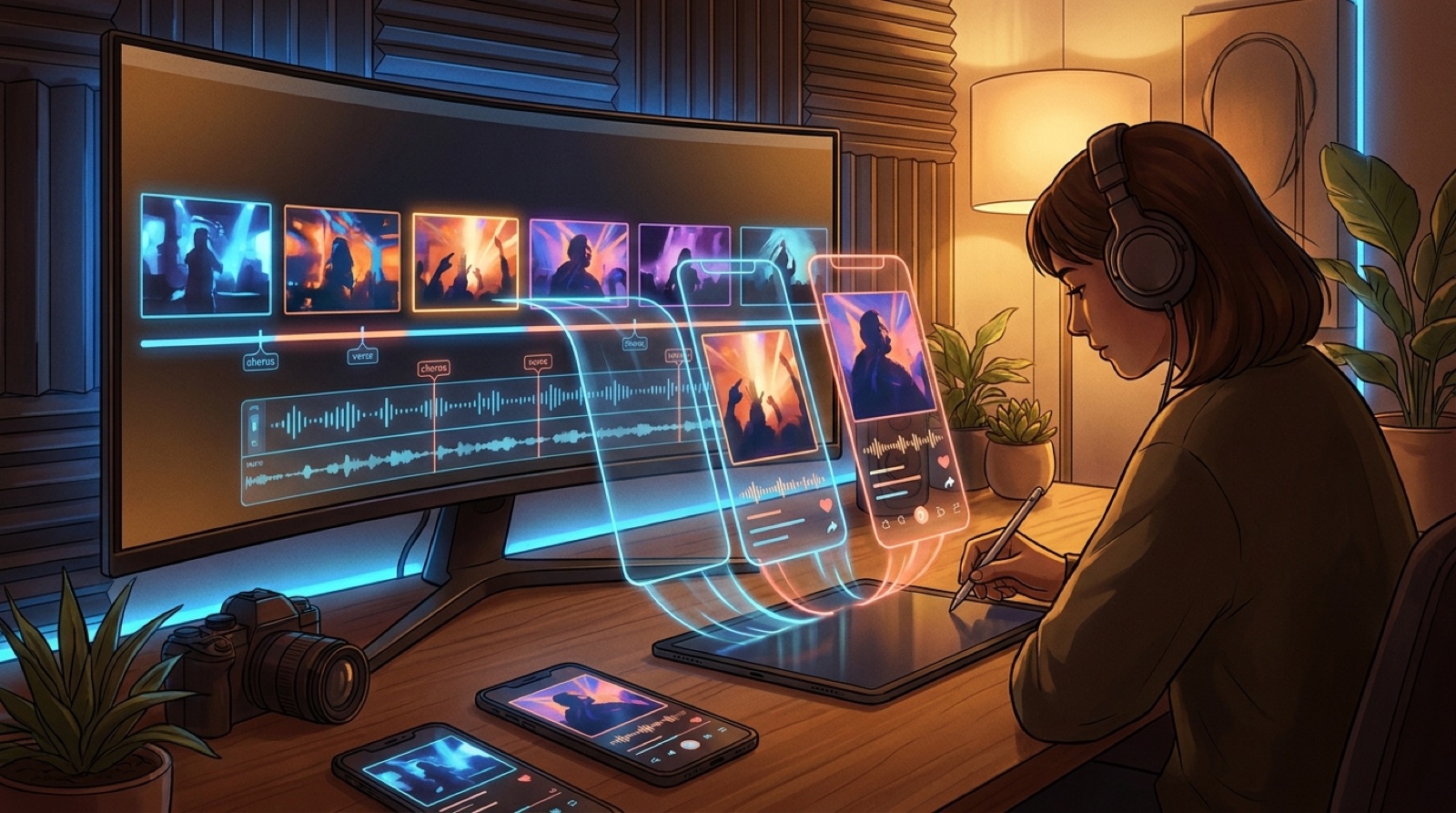 Guide
GuideTurn one full AI music video into short-form clips for Shorts, Reels, TikTok, and teaser posts without losing the release's visual world.
 Guide
GuideUse one strong cover image as the anchor for character, color, mood, and motion, so the whole music video feels like one release.
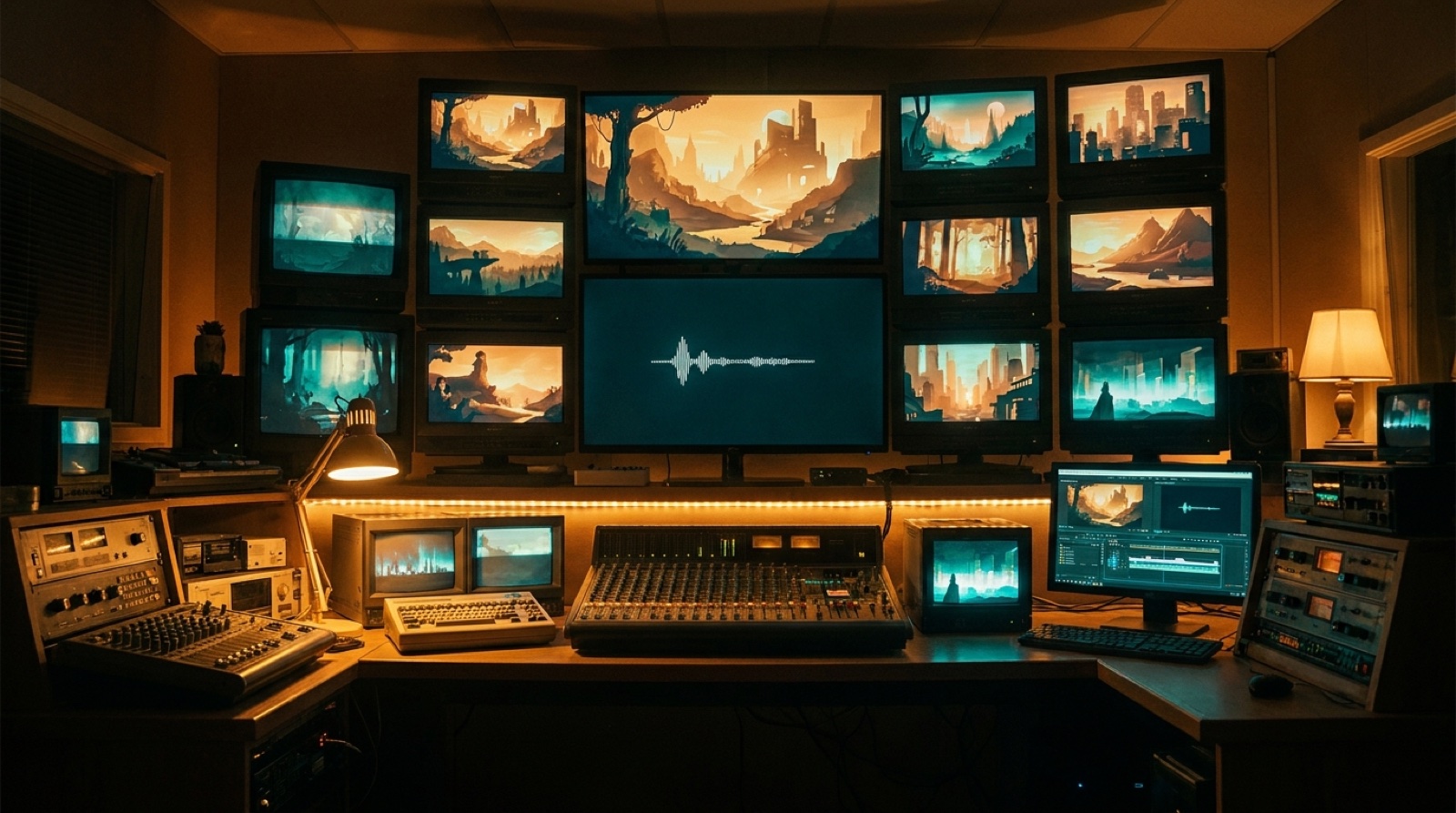 Guide
GuideA faceless AI music channel needs more than a looped visualizer. Build a visual identity, opening, scenes, and thumbnails that make the music feel worth staying for.
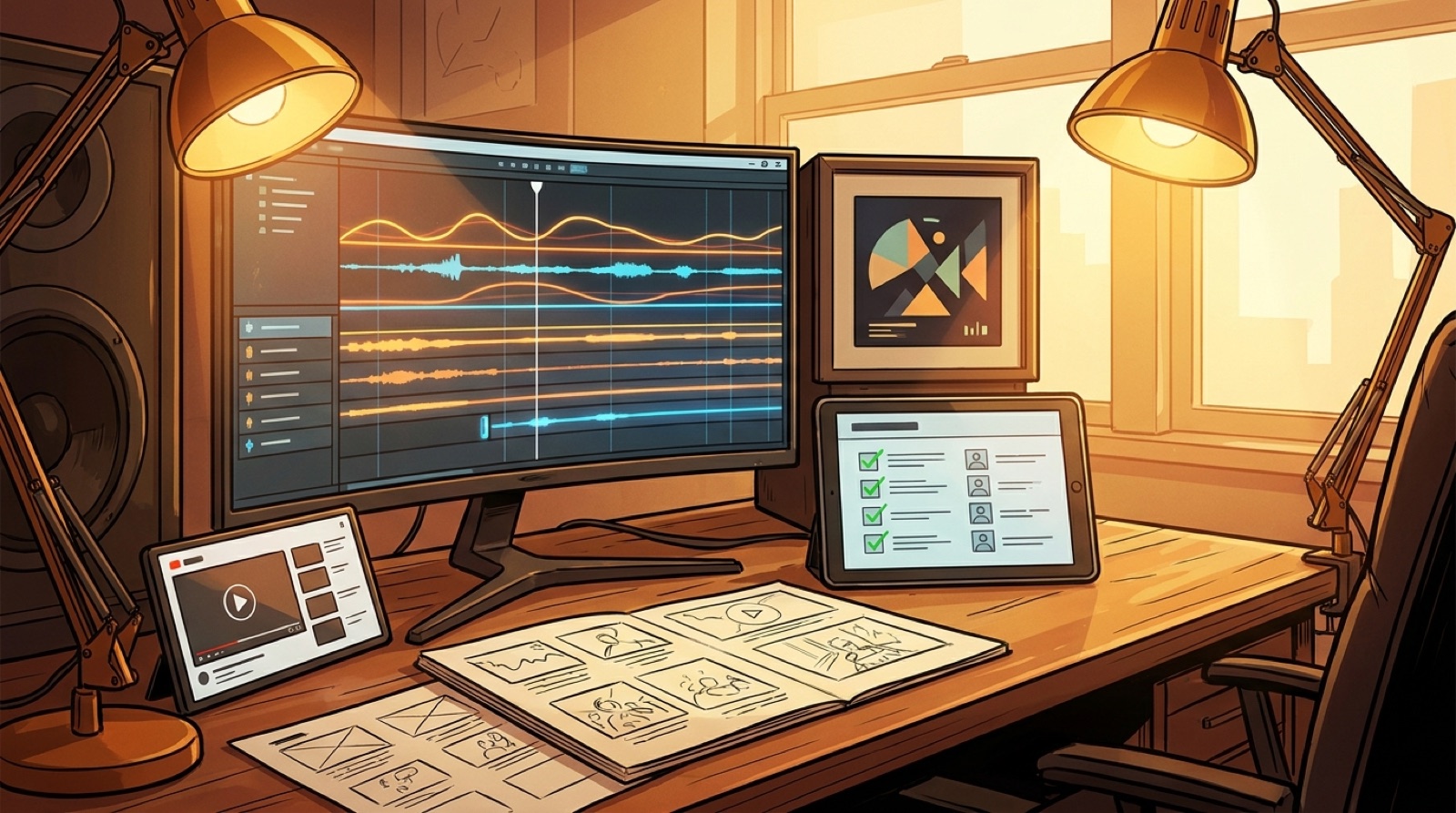 Guide
GuideSuno to YouTube workflow for AI music creators: turn a finished track into a cover, video, thumbnail, upload package, and short clips.
 Guide
GuideAI music disclosure can make a release feel more honest. Use clear credits, visual context, and better packaging so listeners trust the song.
 Guide
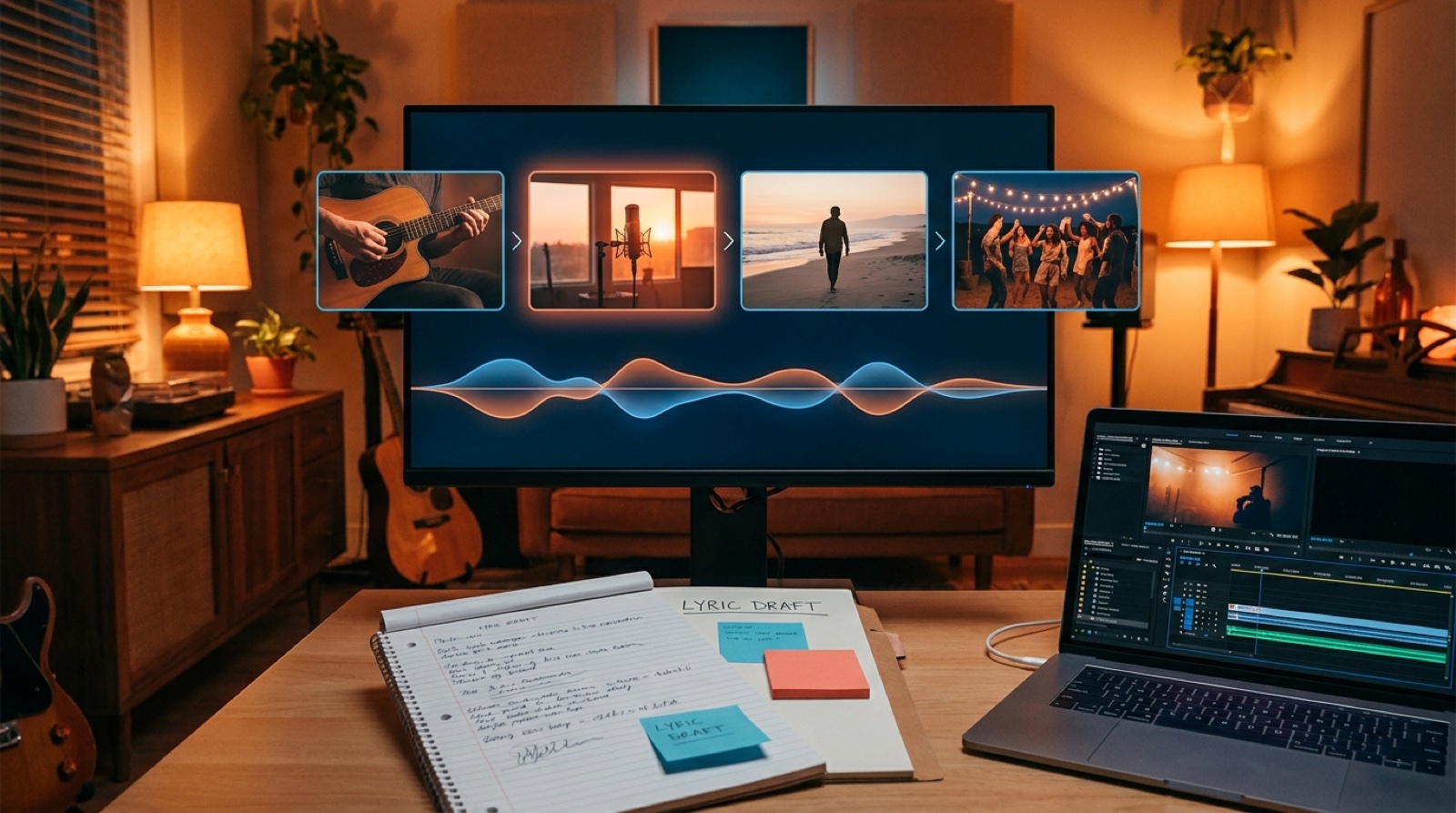
GuideTurn lyrics into music video scenes by mapping each verse, chorus, and emotional shift to visuals that feel connected across the whole song.
 Guide
GuideAI music YouTube retention suffers when a finished song is uploaded with static art. Use a simple visual arc to make the release easier to watch.
 Guide
GuideA practical Udio vs Suno AI music video workflow for creators who want the song choice to lead into a coherent full-length release video.
 Guide
GuideUse an audio reactive music video generator to turn a finished song into a coherent full-length video that follows structure, not just the beat.
 Guide
GuideUse a music video generator pay as you go when you want a release-ready AI music video for one song without adding another monthly tool.
 Guide
GuideA practical guide to AI music video generator free tiers, what they let musicians test, and when credits make more sense for a full release.
 Guide
GuideA practical AI music video for YouTube guide for artists who want a full-song visual that feels watchable, coherent, and ready to publish.
 Guide
GuideAI music video consistent character workflows help artists keep the same face, mood, and visual world across a full song instead of drifting between random clips.
 Guide
GuideAre AI music videos dead? Not if the video follows the song, keeps a coherent visual world, and gives artists a release asset people can finish watching.
 Guide
GuideA music video generator for artists should protect the song, the visual mood, and the final release asset. Here is what to look for before you render.
 Guide
GuideA finished song to AI music video workflow for artists who want a coherent full-length release video without stitching random AI clips by hand.
 Guide
GuideUse a full-length AI music video generator to turn a finished song into a coherent release video with story, pacing, and consistent shots.
 Guide
GuideUse an AI music video generator with captions to turn a finished song into a publish-ready video for YouTube, Shorts, Reels, and music channels.
 Guide
GuideCompare AI music video generators for full songs, free tiers, consistent characters, audio-reactive scenes, and YouTube-ready MP4 exports.
 Guide
GuideUse a music video generator from audio file to turn a finished song into a coherent full-length video without stitching random AI clips by hand.
 Guide
GuideUse an AI music video generator with no subscription when you want a full-song video for one release without paying every month.
 Guide
GuideTurn album cover art into a music video with one visual anchor, a finished song, and a YouTube-ready MP4 workflow that keeps the release mood intact.
 Guide
GuideIf your Suno cover video is not working or downloads as a static image, use this workflow to turn the same track or cover art into a standalone MP4.
 Guide
GuideLooking for a PulseJet alternative for Suno music videos? Compare workflows for full-song videos, visual consistency, pricing, and editing control.
 Guide
GuideA practical workflow for Suno and Udio creators who want a full AI music video without editing, stitching short clips, or losing the release mood.