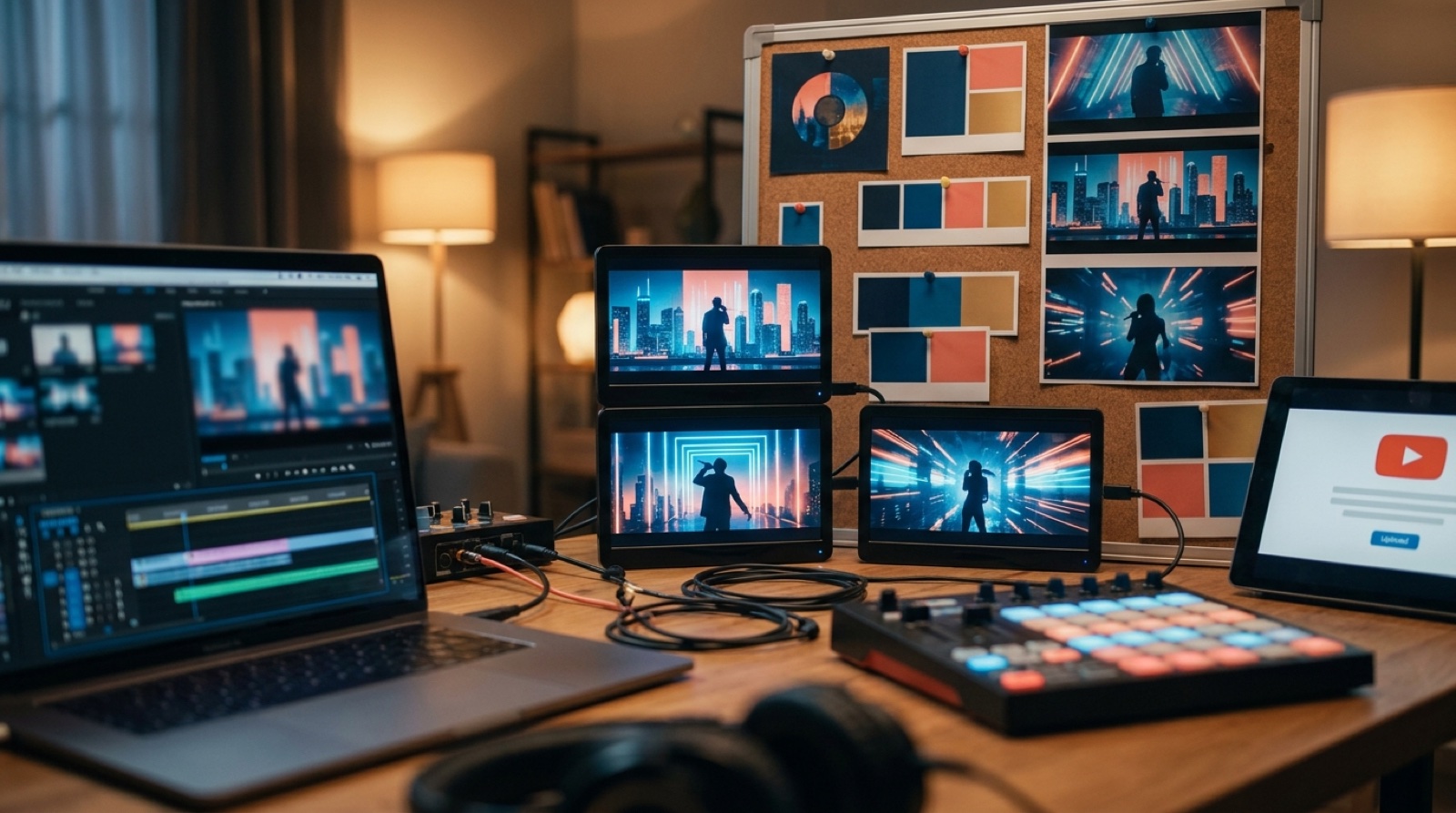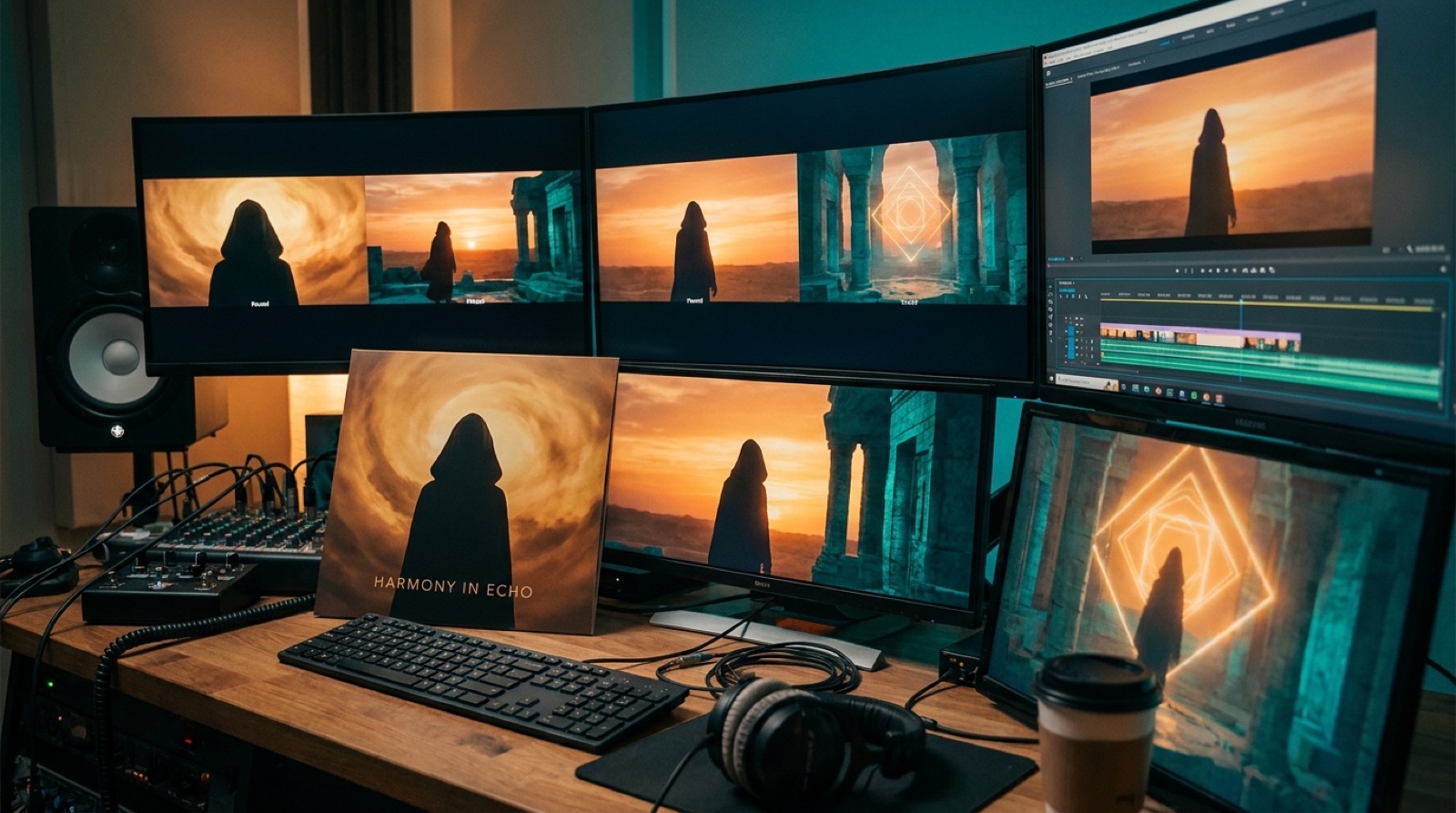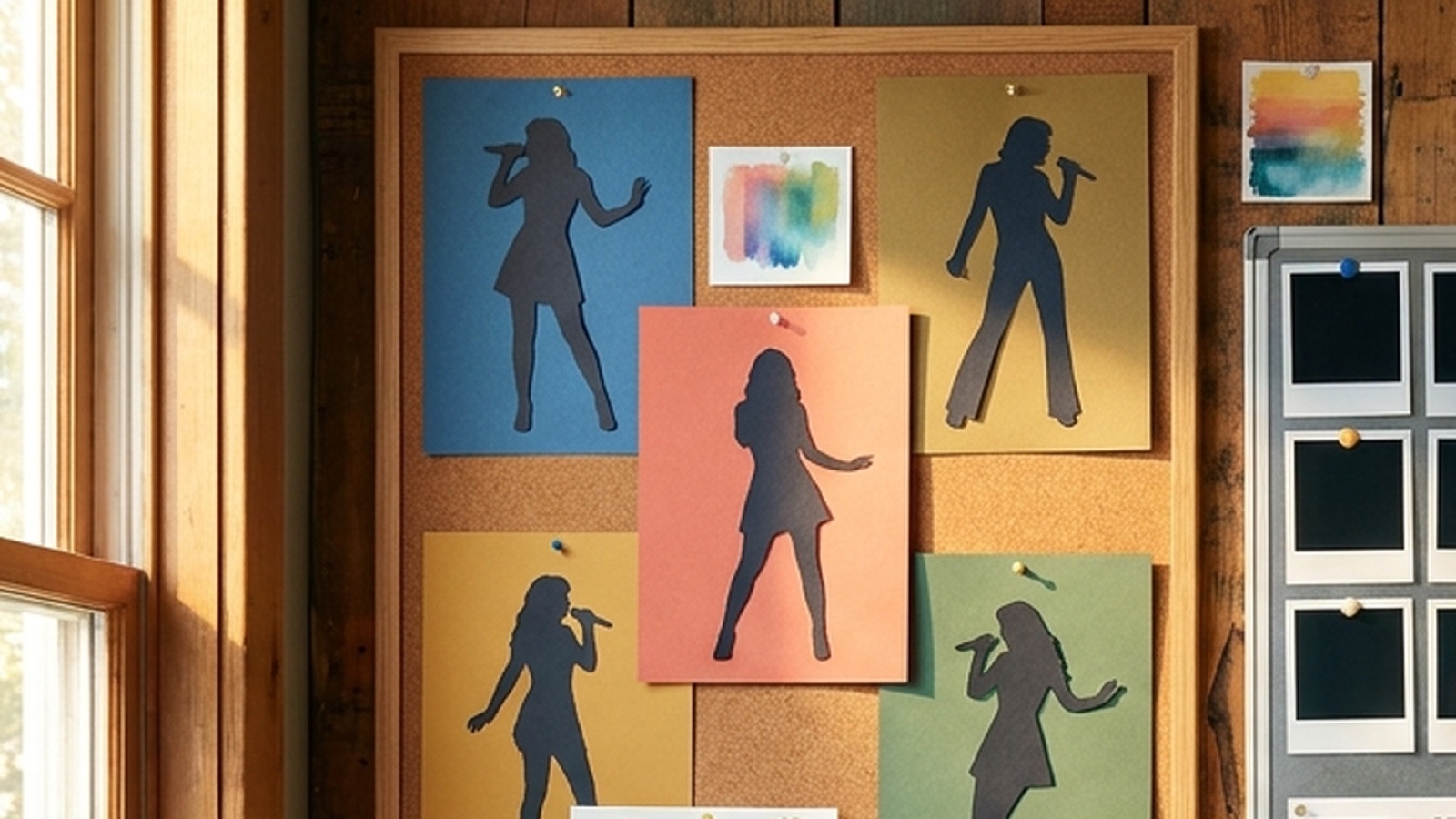
An AI artist visual world is the part of your release that listeners can recognize before the next hook. It is the character, color, setting, thumbnail style, and video mood that make separate songs feel like one project.
This matters more when you publish often. A one-off single can survive with one strong cover image. Ten songs need a world. If every upload looks like it came from a different imaginary artist, people have to start from zero each time.
For Suno, Udio, and other AI-assisted creators, that gap is easy to miss. The audio may be ready, but the public package can still feel random.
Start with the repeatable parts
Begin with the pieces you can repeat without slowing down every release.
Pick one or two recurring anchors. That could be a singer silhouette, a masked character, a city, a room, a desert road, a stage color, or a symbol that keeps coming back. Then choose a small set of colors that can stretch across moods.
The goal is to make every song feel like it belongs to the same artist. A darker track can still look darker. A love song can still feel softer. The shared world gives each shift a home.
Build a thumbnail grammar
Your thumbnail is where the world gets tested in public. If the next release sits beside the last one on YouTube and looks unrelated, the project feels weaker.
A simple thumbnail grammar can do a lot. Use the same framing, the same character distance, the same corner for a symbol, or the same style of background. Keep text out unless it is big enough to read on a phone and useful enough to earn the space.
YouTube's own channel customization guidance treats branding as something viewers should see across a channel, including profile image, banner, video watermark, and layout. That is the right mindset for music too. The channel should feel like a place, not a drawer of files.
SceneLore's guide to artist visual identity for AI music covers the broader branding layer. For a frequent release project, the thumbnail rule is where that identity becomes visible every week.
Make the first frame match the promise
A visual world breaks when the click and the opening do not agree. If the thumbnail shows a lonely blue rooftop and the video opens on a random neon dancer, the listener feels the mismatch before the verse starts.
Plan the first frame while you plan the thumbnail. They do not need to be identical, but they should share the same mood, character, setting, and color language. The first few seconds should make the viewer feel they stepped into the same world they clicked.
This also helps with short clips. A chorus cut, teaser, Spotify Canvas loop, and full YouTube video can all come from the same visual direction instead of looking like separate jobs.
Keep a small world sheet for every project
A world sheet is a one-page note that keeps you from reinventing the artist every time.
Write down the useful basics:
- main visual anchor
- recurring colors
- recurring locations or objects
- character rules
- thumbnail framing
- type or text rule, if you use text
- things to avoid because they make the project feel generic
Keep it short enough that you will actually use it. If the sheet becomes a long prompt library, it will get ignored on release day. The best version is a practical checklist you can open before choosing images, scenes, thumbnails, and clips.
Let the song change the world, not replace it
Consistency does not mean sameness. The song should still push the visual choices.
A heartbreak track can use the same character in a colder room. A club track can move the same world into motion and lights. A cinematic song can widen the camera and lean into scale. The shared world stays present, but the song chooses the weather.
This is where many AI music projects go wrong. The creator chases a new visual style for every prompt because each render looks exciting on its own. The release feed then feels scattered. One image may be beautiful, but the artist becomes harder to remember.
Use the world as a boundary. Then let the track create variation inside that boundary.
Connect the full release package
A real release has more than one surface. The same visual world should guide the cover art, full video, thumbnail, short clips, Canvas loop, release page, and pinned posts.
That does not mean you need custom design work everywhere. It means you should reuse the same anchor with intention. Pull the thumbnail from the same world as the video. Cut short clips from moments that still feel like the artist. Use cover art colors in the release page. Keep the first frame close to the thumbnail promise.
The guide on visual anchors in AI music videos is a good starting point for one release. A visual world is what happens when you carry that anchor into the next release, and the one after that.
Make the world specific enough to remember
If the only rule is "cinematic" or "dark cyberpunk," the world is too vague. Look for details that belong to the project: a recurring room, a weather pattern, a face at different distances, a chorus color, or a symbol that never needs to be explained.
Good AI artist branding usually comes from small repeated choices. Listeners may not name them, but they notice when the next upload belongs.
FAQ
What is an AI artist visual world?
An AI artist visual world is the repeatable look of a music project across videos, thumbnails, cover art, short clips, and release pages. It helps listeners connect separate songs to one artist idea.
How many rules should an AI music visual world have?
Start with five to seven rules. Choose a visual anchor, colors, character rules, location ideas, thumbnail framing, and a short list of things to avoid.
Can every song still have a different mood?
Yes. The world should make songs feel connected, not identical. Let each track change the light, setting, motion, and pacing while keeping the same core identity.
Build the world once, then release faster
Bring one song, cover image, or visual anchor into SceneLore and build the full video around it. Keep the same world for the thumbnail, clips, and next release so the project becomes easier to recognize.
Create Your First Video