Artist branding
Artist visual identity for AI music that people can recognize
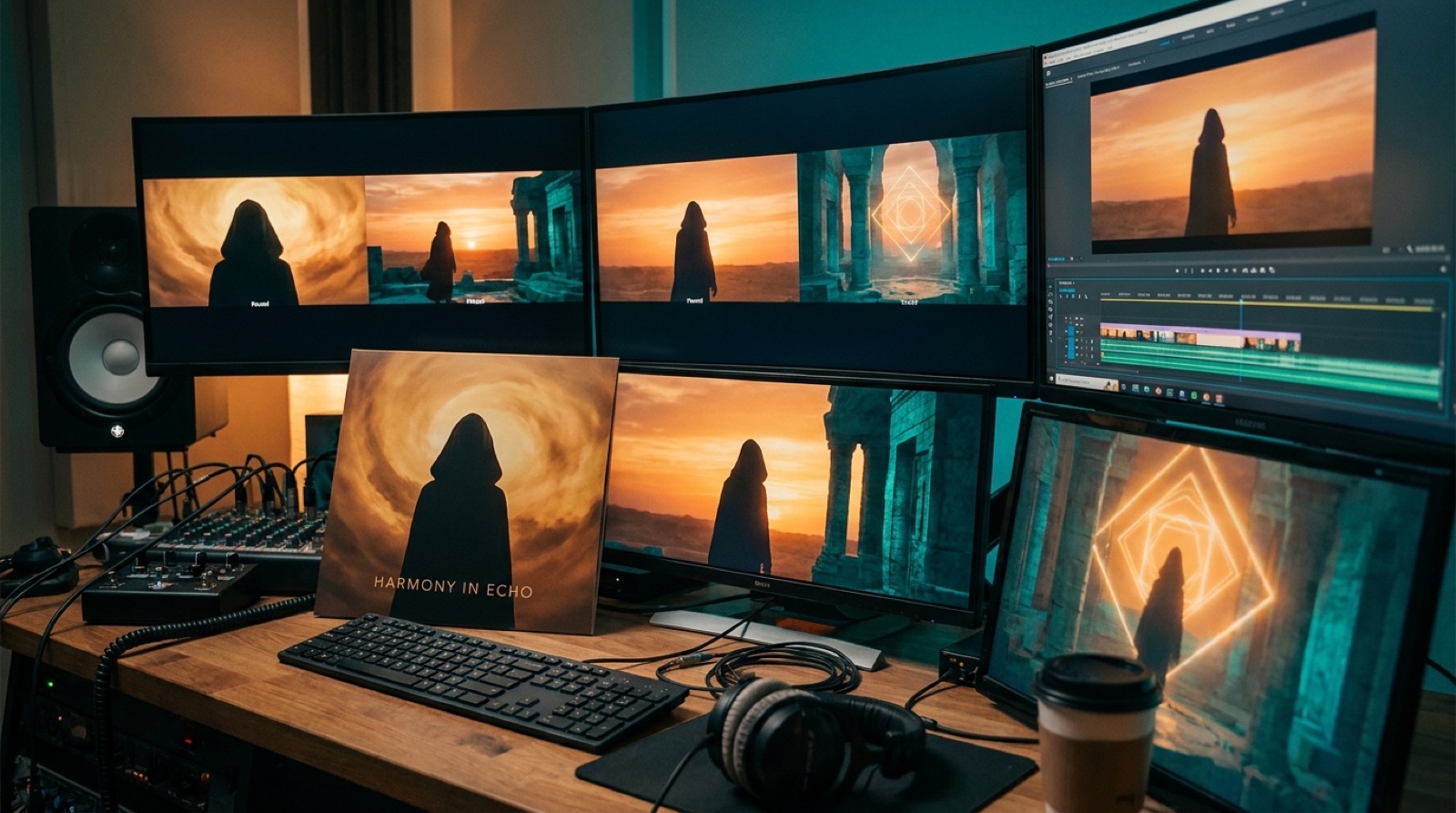
Artist visual identity is what makes a new music project feel like more than a folder of disconnected songs. For AI music creators, it matters even more because the tools can make every release look like it came from a different universe if nobody gives the visuals rules.
A listener might hear one song first, but they often decide whether to click from the cover, thumbnail, first video frame, or channel grid. If those pieces feel related, the project starts to look intentional. If every upload has a different face, color style, and world, the artist stays hard to remember.
Start with one visual promise
Before you make a full video, write the visual promise for the artist in one plain sentence. It might be "lonely synth-pop stories from a rainy future city" or "sun-baked desert rock with handmade sci-fi details." That sentence should be specific enough to guide color, locations, wardrobe, lighting, and thumbnail frames.
This is not branding homework for its own sake. It protects the release from random choices. A song can still surprise people, but the video should not make them wonder if they clicked into a totally different project by accident.
Choose anchors that can survive more than one song
The easiest music video visual identity starts with repeatable anchors. Pick two or three cues that can show up again without feeling stale. That could be a fictional performer, a room, a vehicle, a city skyline, a mask, a color pair, a type of camera angle, or a recurring symbol from the cover art.
Do not make the system so narrow that every video looks copied. A red hallway, silver jacket, and night train can mean one thing in a slow track and something sharper in a faster song. The point is that the audience sees enough familiar detail to connect the releases.
Keep the channel grid in mind
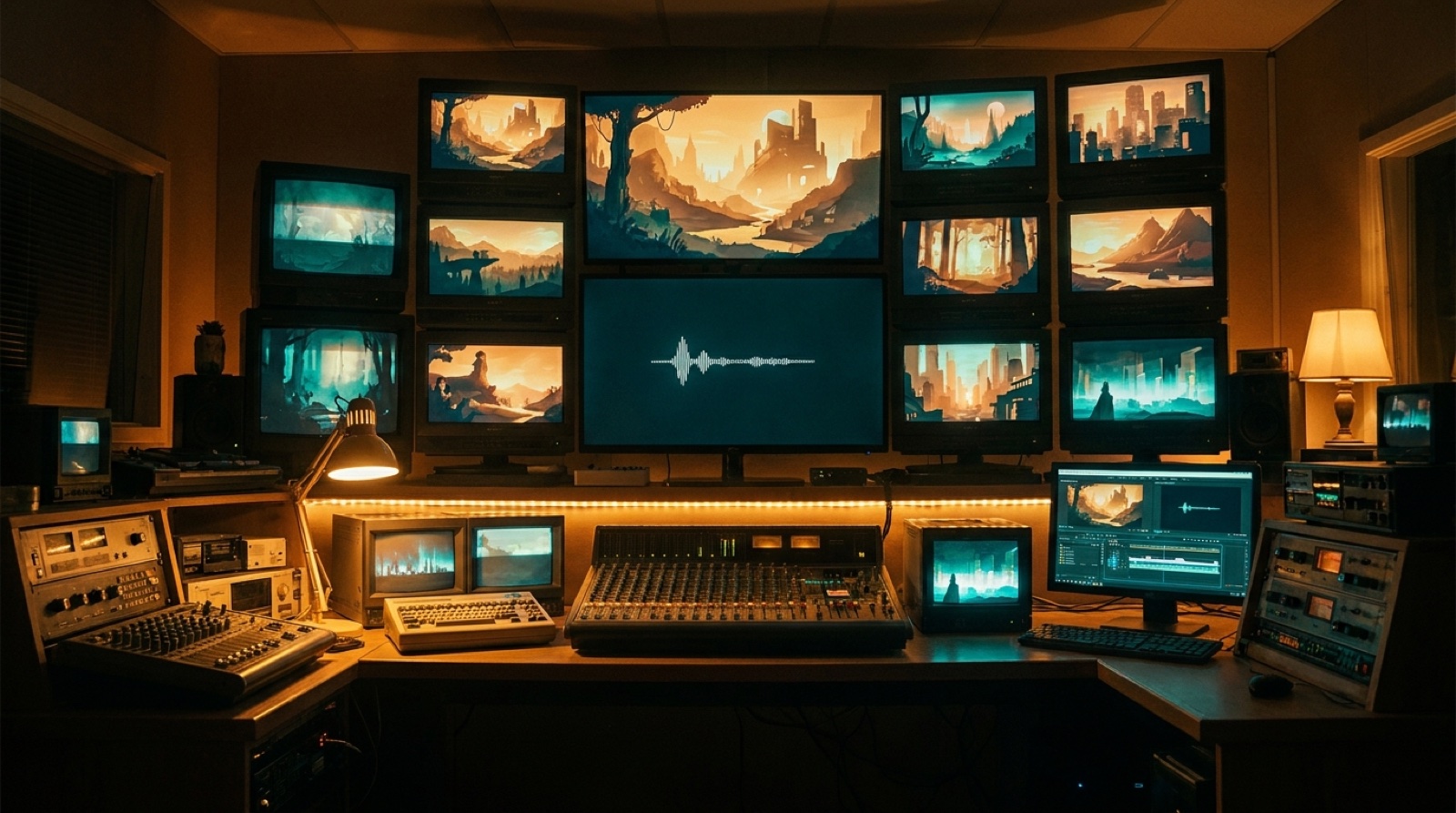
New artists often think about one music video at a time. Viewers see the grid. They see the last few uploads sitting next to each other, and they make a quick judgment about whether this is a real project or a batch of tests.
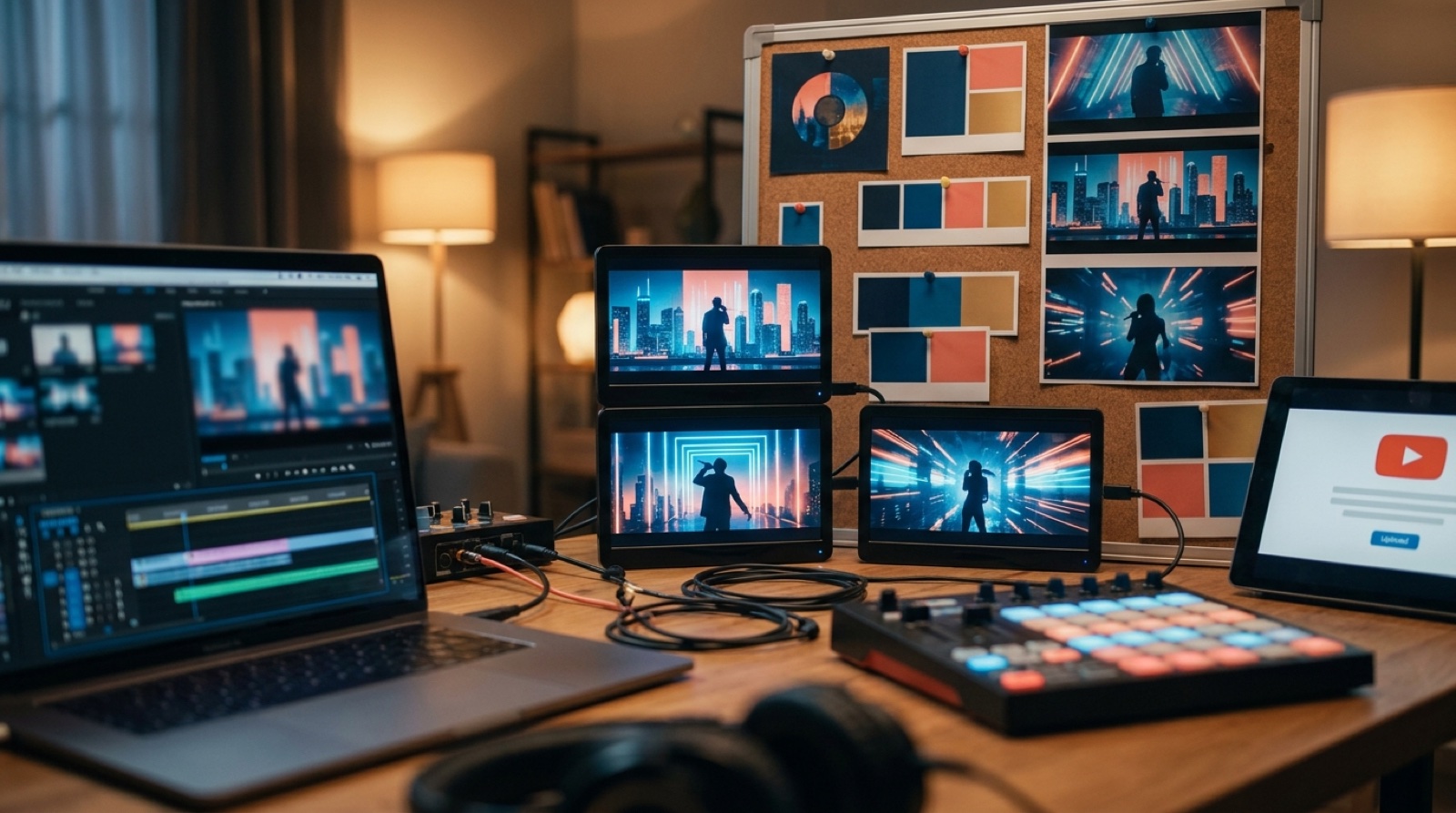
For an AI artist branding system, the thumbnail grid should have a quiet pattern. Use related color, similar contrast, and one strong focal point. The thumbnails do not need matching templates, but they should feel like they came from the same taste. A consistent first frame also helps when the video appears in recommendations or on a release page.
Let each song change the mood, not the whole identity
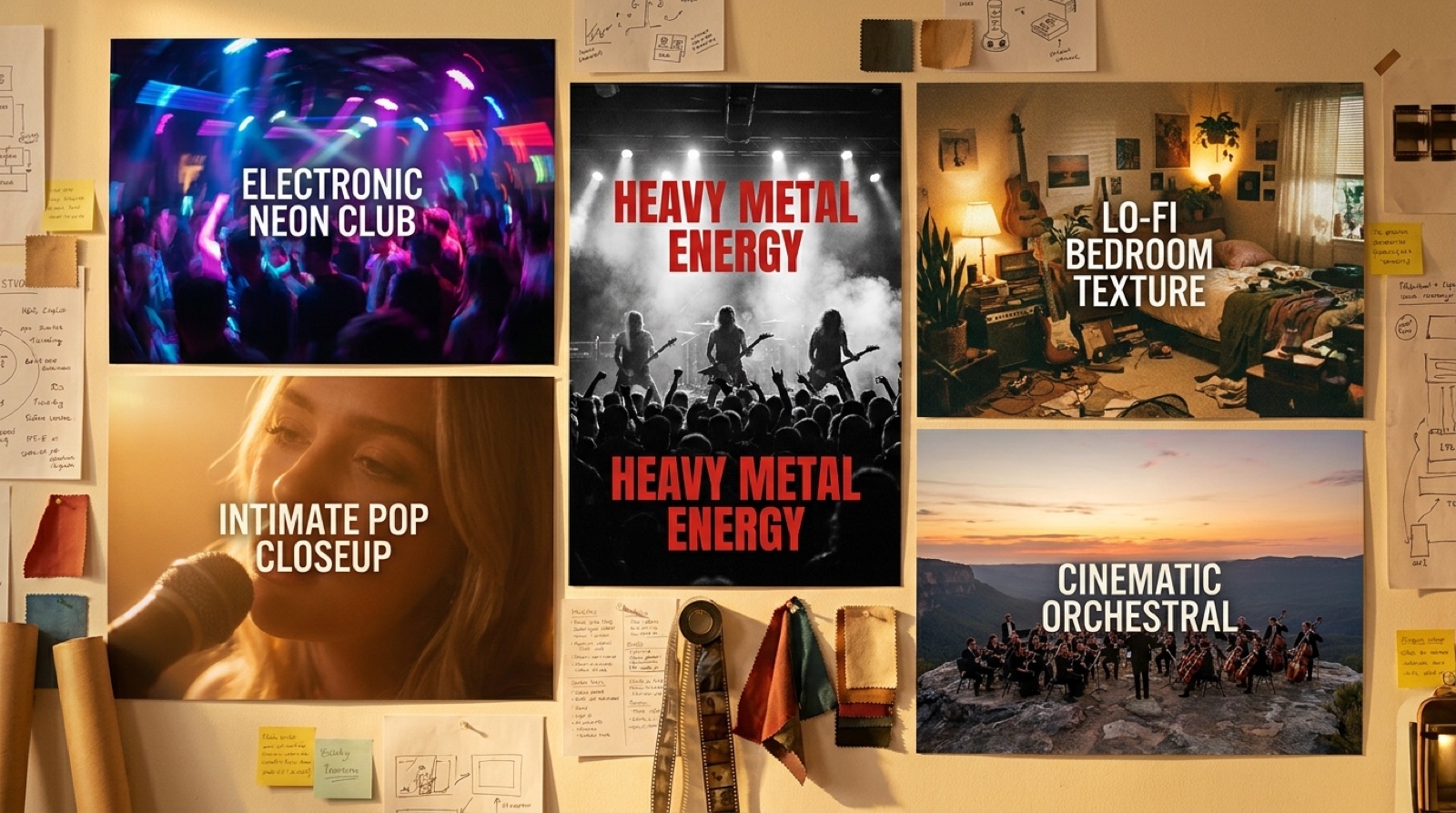
Consistency does not mean every song needs the same scene. A sad ballad, club track, and cinematic intro can all belong to one artist if the visual language holds. Change the weather, pacing, or shot size before you throw away the whole world.
Think of the identity as a stage you can relight. One release might use close shots and blue window light. The next might widen into the street with coral signs and faster cuts. The viewer still feels the same world underneath the change.
Use AI tools with tighter instructions
AI video tools tend to drift when the prompt only asks for mood. Words like cinematic, cool, or futuristic are too broad. They may produce a nice clip, but they rarely protect an artist visual identity across a full release.
Better prompts name the repeatable cues. Mention the same character details, color pair, location rules, lens feel, and objects that matter. If you start from cover art, keep that image as the anchor for the video instead of asking the tool to invent the world again. SceneLore is built around this idea: a finished song or cover image should lead into connected scenes, not a pile of unrelated clips.
Plan the assets around the release
A music video is only one part of the release package. The same identity should carry into the cover, full YouTube video, Shorts or Reels cuts, pinned social post, and any release page. Save still frames that can become teasers. Keep the thumbnail frame close to the chorus moment or main visual hook.
YouTube also asks creators to label altered or synthetic content when it could mislead viewers, which is worth reading before upload day on the YouTube help page about altered content disclosure. Clear packaging, credits, and visual consistency all help a new project feel more trustworthy.
Make recognition the goal
A new artist does not need a giant brand book. The first goal is simpler: if someone sees three uploads side by side, they should feel a connection. They may not know the artist name yet, but they should recognize the world.
That recognition is useful for AI-assisted music because each new song can appear fast. Speed only helps if the releases build memory instead of resetting it. When the visual identity repeats with care, every video teaches the audience what the artist feels like.
SceneLore helps creators turn finished songs and cover images into full music videos with a connected visual direction. Use it when the song deserves a release that looks like it belongs to the same artist people heard last time.
FAQ
What is artist visual identity for AI music?
Artist visual identity is the repeatable look that helps listeners recognize a project across cover art, music videos, thumbnails, short clips, and channel pages.
How do new AI artists keep videos consistent?
Start with a small set of visual rules: one anchor image or character, a limited color palette, repeated locations or objects, and thumbnail frames that feel related across songs.
Does every song need the same visual style?
No. Each song can have its own mood, but the releases should share enough repeated cues that a viewer can tell they belong to the same artist.
Build a video world people remember
SceneLore helps you turn a finished song or cover image into a full-length music video with a visual direction that can carry across releases.
Create Your First Video