Visual direction
Music video visuals by genre: make the sound visible
Use music video visuals by genre to match pacing, color, shot energy, and visual anchors to electronic, pop, metal, lo-fi, and cinematic songs.
Music video visuals by genre matter because viewers read genre before they read details. They notice tempo, color, camera energy, clothing, space, and texture in the first few seconds. If those signals fight the track, the video feels generic even when the images are technically impressive.
That is a common problem with AI music videos. A prompt asks for "cinematic" or "beautiful" visuals, and the result could belong to almost any song. The video may look polished, but it does not sound like the track.
A better workflow starts with genre. Not as a box that traps the artist, but as a set of expectations you can use, bend, or break on purpose.
Start with the genre's visual promise
Every genre makes a small promise before the first chorus arrives.
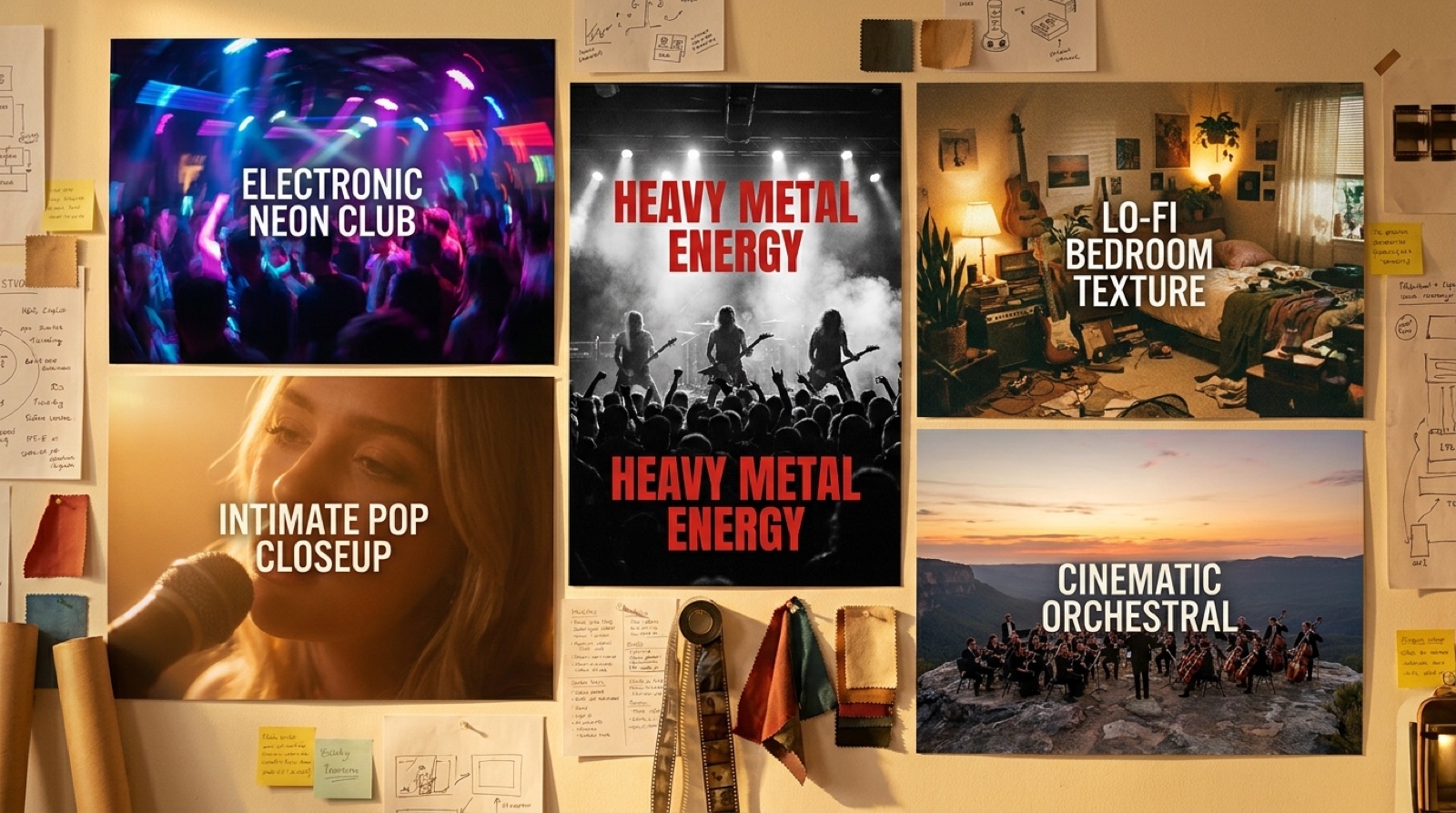
Electronic music often promises pulse, repetition, light, velocity, and architecture. Pop promises a face, a feeling, a hook, and a little glamour. Metal promises weight, impact, friction, and scale. Lo-fi promises intimacy, softness, memory, and small rooms. Cinematic music promises space, movement, weather, and consequence.
Before making a video, write one line: "This song should look like [genre] filtered through [specific mood or world]." That second half is what keeps the video from becoming stock imagery.
Match pacing before style
Pacing usually matters more than visual style.
A fast electronic track can survive abstract visuals if the cuts, motion, and light changes feel locked to the groove. A slow piano ballad can collapse if every shot moves like a trailer. A metal song can look weak if the camera floats politely through the hardest section. A lo-fi track can feel fake if the edit keeps shouting for attention.
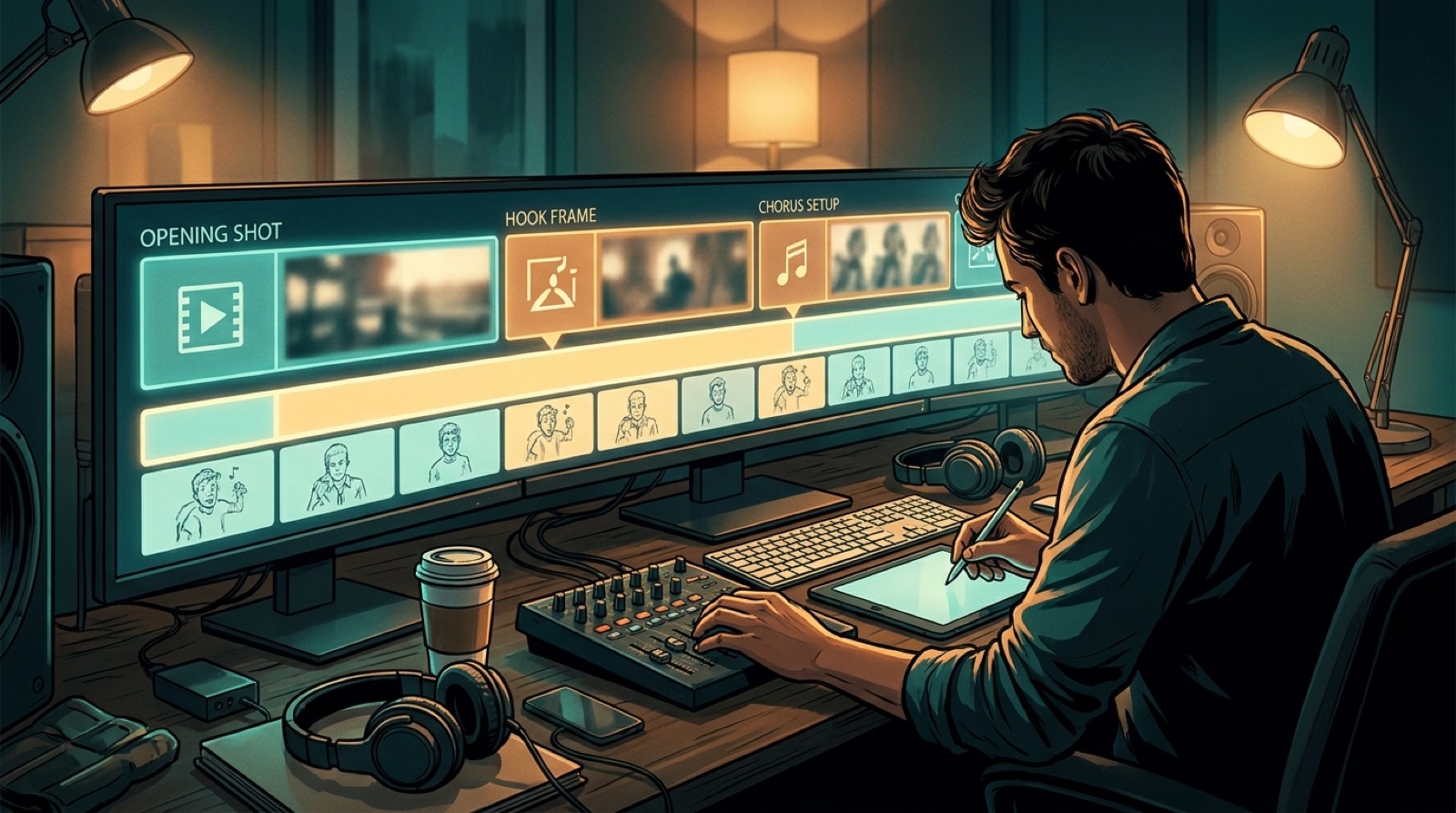
Use the song structure as the first edit map:
- Intro: establish the world.
- Verse: let the viewer understand the character, place, or mood.
- Pre-chorus: add tension or movement.
- Chorus: deliver the strongest visual promise.
- Bridge: change texture, distance, or perspective.
- Final chorus: return with more confidence, not random novelty.
Electronic music needs motion systems
Electronic videos often work best when the visuals behave like a system. Neon streets, machines, dancers, projected light, abstract architecture, synthwave cars, industrial rooms, and reactive patterns can all work, but they need rules.
Choose one rule for motion: pulsing light, forward travel, circular repetition, crowd energy, or a character moving through a synthetic city. Then repeat that rule with variation.
The danger with electronic music is random stimulation. Too many unrelated images make the track feel like a screensaver. Give the viewer one visual engine and let the song drive it.
Pop needs a human center
Pop usually needs someone or something the viewer can attach to. That can be a performer, a fictional character, a couple, a room, a city corner, or one emotionally charged object. The visual world can be stylized, but the viewer still needs a human center.
For AI-assisted pop, avoid making every shot look like a fashion ad. Use details from the lyric. If the song is about leaving, show thresholds, stations, elevators, car windows, packed boxes, or empty morning streets. If the song is about confidence, show posture, eye contact, movement, and contrast.
Pop videos do not need complicated plots. They need a clear emotional point of view.
Metal and rock need weight
Heavy genres punish weightless imagery. If the music has guitars, drums, distortion, or aggressive vocals, the video needs impact. That can come from camera shake, close framing, harsh light, smoke, stage scale, weather, fast cuts, or physical materials like concrete, leather, steel, rain, dirt, and firelight.
But weight does not mean visual noise. The best heavy videos often use simple scenes with strong pressure: a figure in a narrow hallway, a band-like silhouette in hard backlight, a storm over a dead road, a room that feels too small for the sound.
The test is simple: mute the video for a second. Does it still look like it belongs to a loud track?
Lo-fi needs restraint
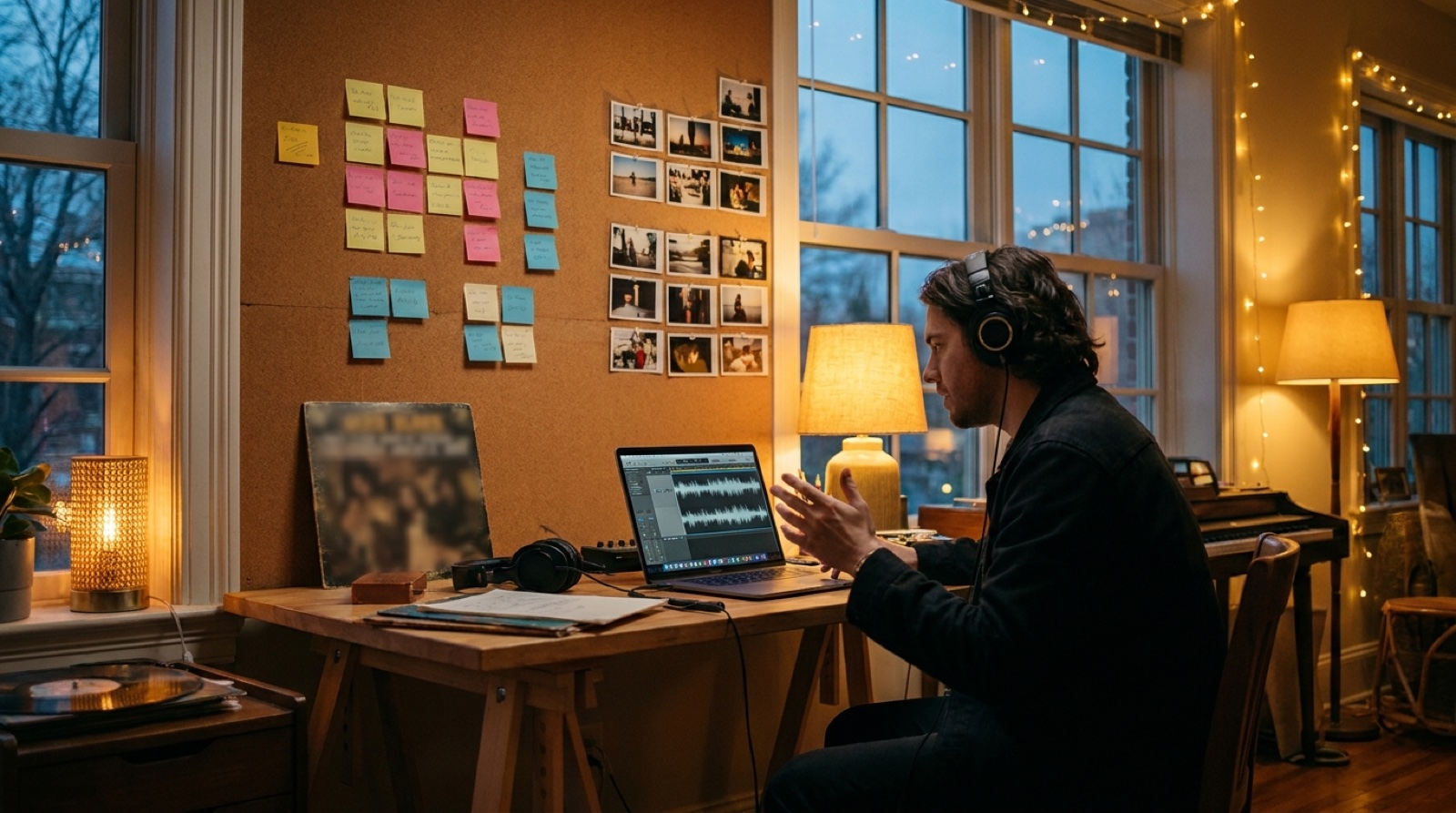
Lo-fi, chillhop, ambient, and soft bedroom pop usually need less motion, not more. The best visual choices are often small: a desk lamp, late-night rain, a slow train window, a sleeping city, old photos, dust in sunlight, or a character sitting with headphones while the world moves quietly outside.
Use warmer color, longer shots, fewer locations, and softer transitions. Let the viewer settle into the loop. A good lo-fi video can feel almost still, as long as it has one memorable anchor.
Cinematic tracks need an arc
Cinematic AI music is often where creators reach for the biggest visuals. Landscapes, warriors, spaceships, ancient cities, rain, fire, and huge skies can all work. The problem is that grandeur without sequence feels empty.
Give the track an arc: arrival, pursuit, loss, revelation, escape, return. Even if the video is abstract, the viewer should feel movement from one state to another.
For cinematic music, think in three acts rather than random beautiful shots. The intro opens the world. The middle raises the stakes. The ending gives the viewer a final image that feels earned.
Use genre as a starting point, not a prison
The strongest releases often cross genres. A metal song can use pop-level character focus. An electronic track can use lo-fi restraint. A cinematic song can use one intimate face instead of a thousand landscapes.
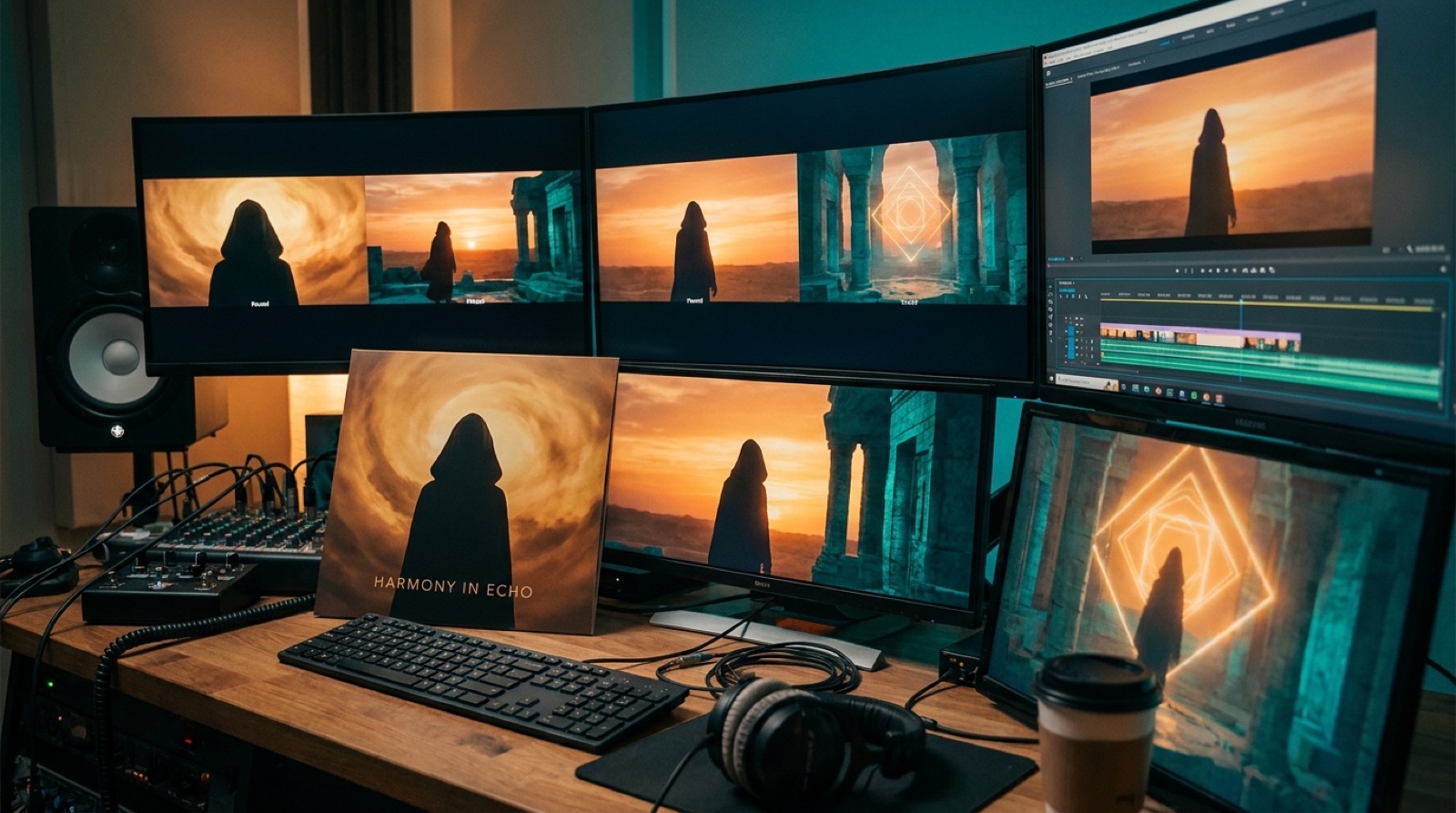
SceneLore is useful for this because the goal is not to generate isolated clips. It is to turn a finished song into a connected video with a visual direction that fits the release. Bring the genre, the mood, the cover image, or the world you want the song to live in, then build around that anchor.
A quick genre checklist
Before you publish, ask five questions:
- Does the first shot match the track's energy?
- Does the chorus look stronger than the verse?
- Does the color palette fit the genre and mood?
- Would the video still make sense as a thumbnail and short clip?
- Does one visual anchor repeat across the release?
The lesson is simple: do not ask for generic beauty. Ask what this genre needs the viewer to feel, then make every scene support that feeling.
FAQ
How do I choose music video visuals by genre?
Start with the genre's energy, pacing, color, and emotional promise. Then add one specific world or visual anchor so the video feels made for the song, not copied from a generic genre template.
Should every AI music video follow genre conventions?
No. Genre conventions are a starting point. You can break them, but the contrast should feel deliberate. A quiet metal video or glossy lo-fi video can work when the visual choice supports the song's mood.
What is the easiest way to make an AI music video feel less generic?
Use one repeatable visual anchor: a character, room, color palette, object, location, or cover image. Keep returning to it across the video, thumbnail, and clips.
Create your first SceneLore video when you want a finished song to have a visual world that fits the track instead of a generic loop.