AI music video workflow
Why AI music videos need a visual anchor
A practical guide to visual consistency in an AI music video, using one anchor such as cover art, a character, a place, or a color system.
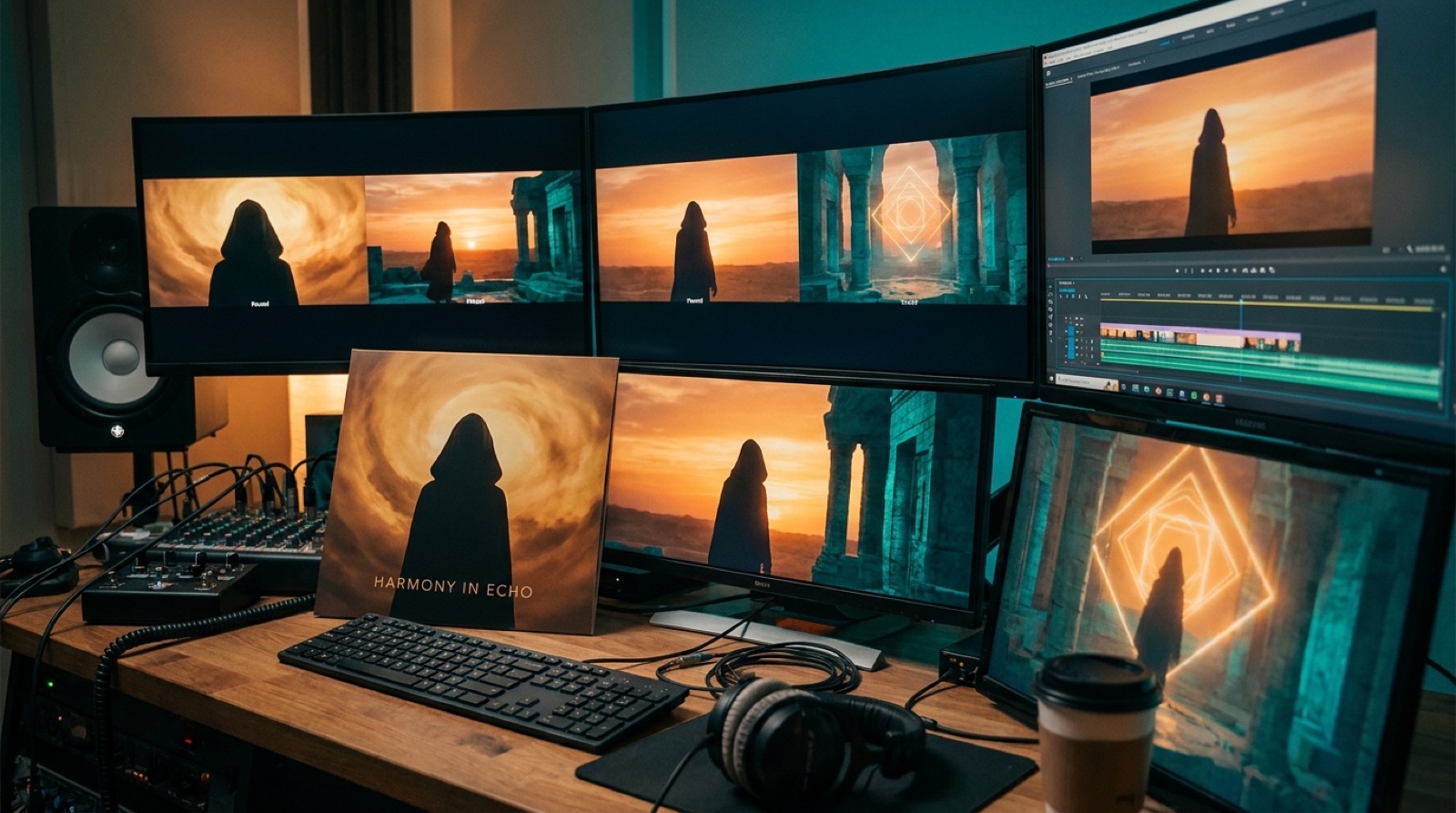
A visual consistency AI music video problem usually starts quietly. The song sounds finished, the first shot looks promising, then the next shot feels like it came from another release. A different face appears. The room changes. The color shifts. By the second chorus, the video has energy, but no memory.
The fix is not always more prompting or a heavier edit. Most creators need one visual anchor before they generate the rest of the video.
What a visual anchor does
A visual anchor is the thing the viewer can recognize while the video changes around it. It gives the song a stable visual thread.
It can be a character, a location, a cover image, a costume, a color palette, a recurring object, or a repeated framing idea. The anchor does not have to appear in every second of the video. It only has to be strong enough that the viewer feels the same world returning.
Think of it like a chorus. The song can move through verses, breaks, and a bridge, but the chorus gives the listener a place to come back to. A good visual anchor does the same job for the eyes.
Why AI videos drift so easily
AI video tools are good at making striking shots. That strength can also create a problem. If each shot is treated as a separate prompt, the tool may solve every moment from scratch.
One scene becomes neon city rain. The next becomes desert ruins. The performer changes age. The jacket changes shape. The camera language changes. Each image may be impressive on its own, but the full video starts to feel accidental.
Music videos can survive variety. They often need it. The difference is whether the variety feels chosen.
A visual anchor tells the system what should stay recognizable while the song moves forward. It gives you a way to say, this is still the same release.
Start with the cover art if you have it
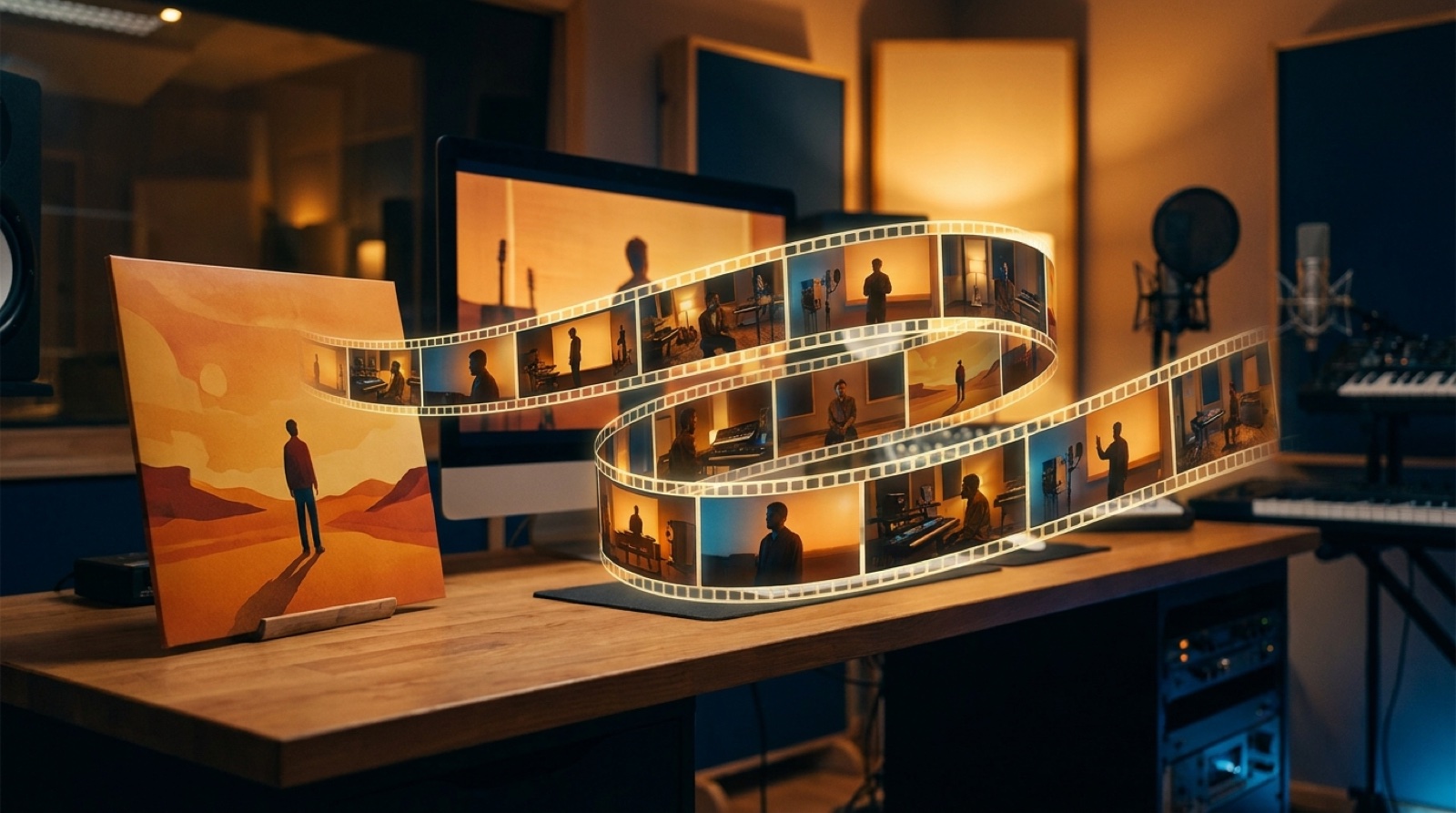
For many independent artists, the best anchor is already there: the cover image.
A dark synth track with a lonely figure under station lights can become a video built around empty platforms, passing trains, sodium light, and one recurring silhouette. A bright hyperpop single with candy colors can become bold shapes, fast cuts, glossy textures, and exaggerated movement. A folk song with a hand-drawn cover can become softer, slower, and more tactile.
The cover gives the video a starting agreement. The viewer sees the thumbnail, presses play, and gets the world they were promised.
Pick one thing that must not change
The practical mistake is trying to keep everything consistent. That often leads to stiff scenes and endless prompt repair.
Instead, pick the one thing that must not change.
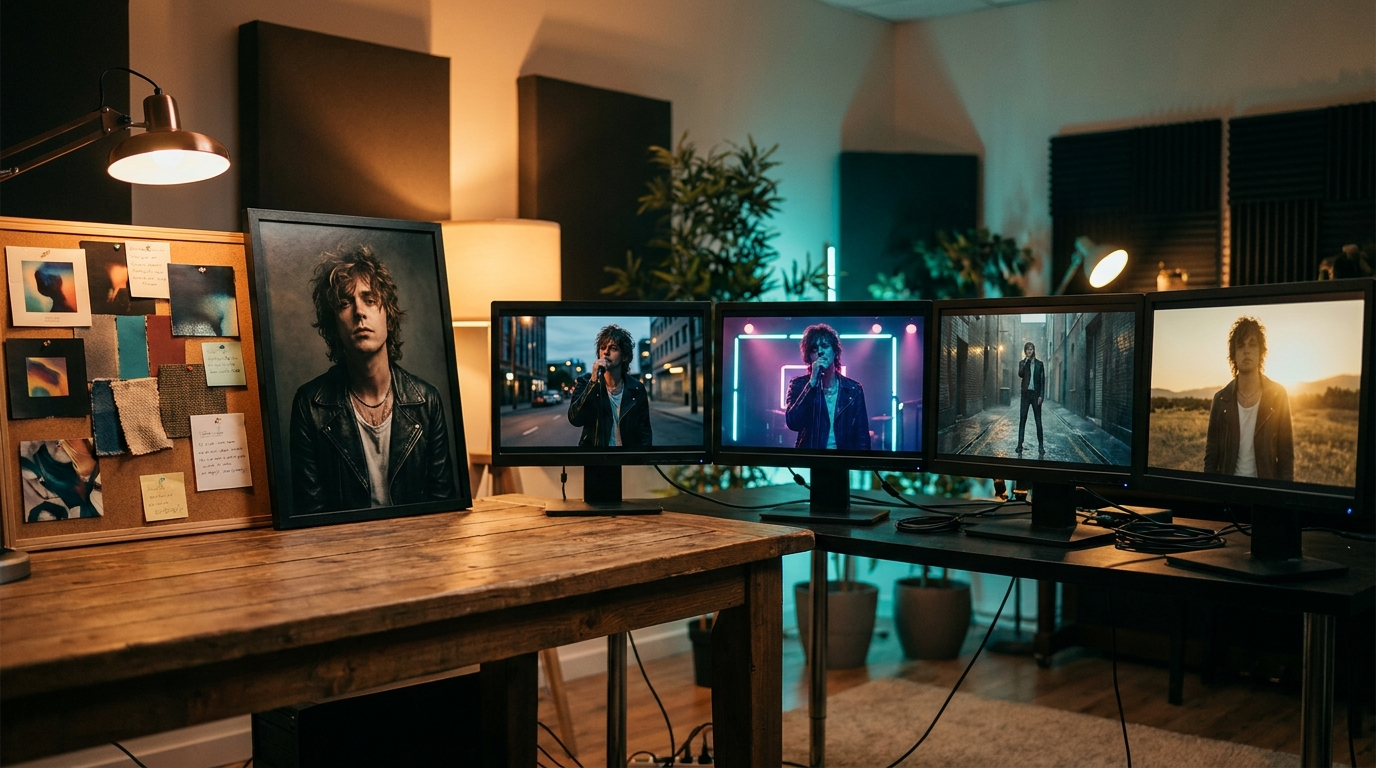
If the artist identity matters most, anchor on the character. Keep the same face type, outfit, posture, and emotional range. Let backgrounds change with the song.
If the mood matters most, anchor on the palette and lighting. The subject can move through different scenes, but the color temperature and contrast should keep the video tied together.
If the release story matters most, anchor on a place. A room, road, club, station, shoreline, or city block can carry a whole song if the camera keeps returning to it.
If the song is abstract, anchor on a recurring object or shape. A red scarf, broken mirror, glowing doorway, or moving shadow can give the viewer something to hold onto.
One strong anchor usually beats five weak rules.
Let the song structure control the change
A visual anchor should not make the video static. It should make change easier to follow.
Use the verse for setup. Keep the anchor clear and simple. Show the character, place, palette, or object without overloading the viewer.
Use the chorus for expansion. Bring more movement, wider shots, stronger contrast, or a more dramatic version of the same visual world.
Use the bridge for disruption. This is where the anchor can bend. The color can shift, the place can break apart, the character can move somewhere unexpected, or the object can appear in a new form.
Then return. A final chorus feels stronger when the viewer recognizes the anchor again, but sees that it has changed with the song.
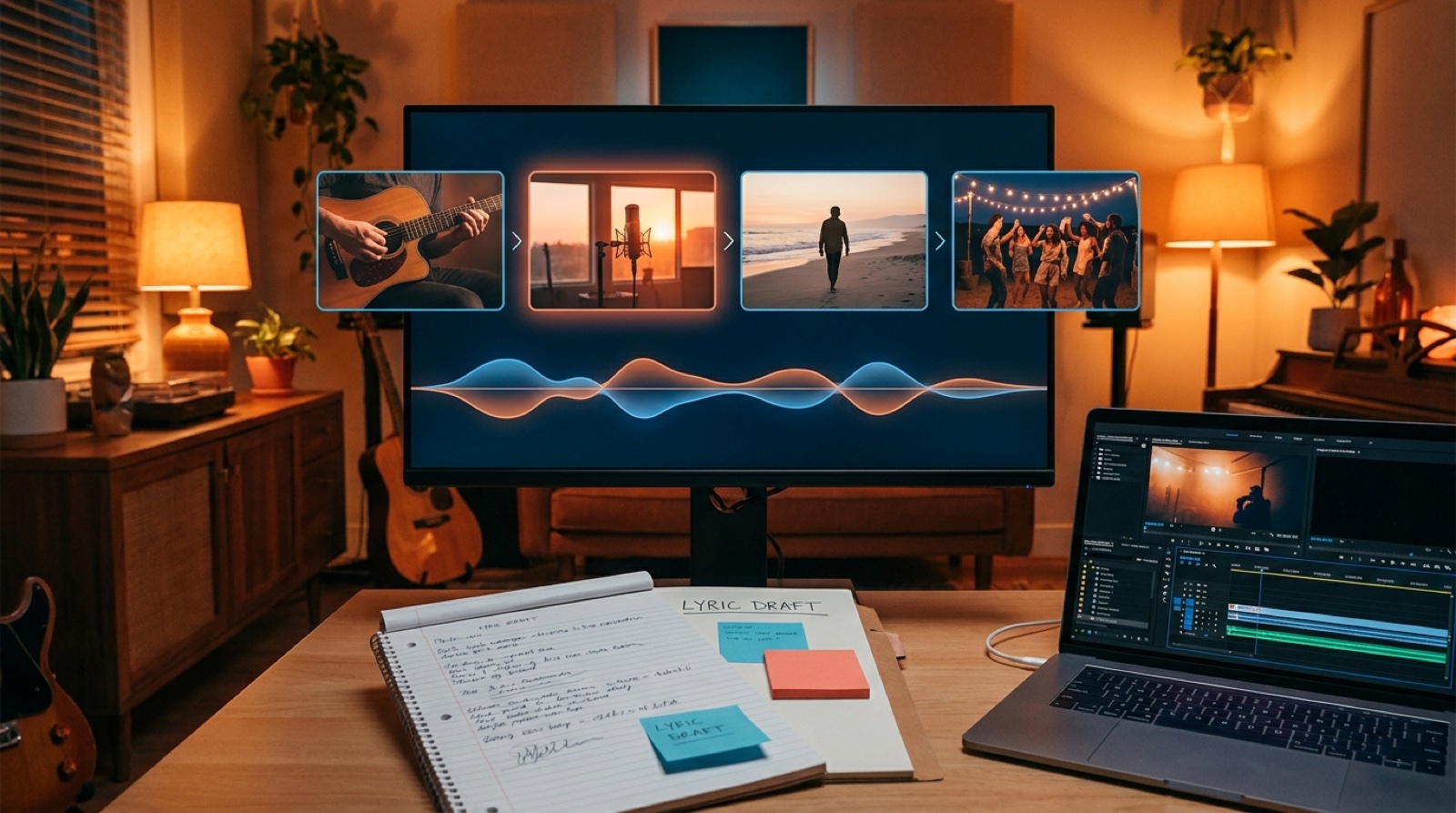
This is where a full AI music video can feel much more intentional than a loop. The visuals are not just reacting to audio. They are carrying a release arc.
Keep a small visual bible
Creators often lose consistency because the decisions live only inside prompts. A small visual bible fixes that.
It does not need to be fancy. For one release, write down:
- The anchor: what must stay recognizable
- The palette: two or three core colors
- The lighting: soft daylight, stage haze, neon night, hard flash, or another clear choice
- The camera feel: intimate close-ups, wide lonely frames, handheld energy, slow cinematic moves
- The things to avoid: random new characters, sudden genre shifts, unreadable fake signs, clashing colors
This gives every shot a shared reference. It also makes it easier to judge what to cut. If a clip looks cool but breaks the anchor, it probably belongs somewhere else.
How SceneLore fits into this
SceneLore starts from a finished song and a source image, then builds a full-length video sequence around that release. That source image can be the visual anchor: cover art, artist image, character image, or another strong frame.
That matters because a music video is rarely just one beautiful shot. It has to survive the full length of the track. The viewer needs enough variation to keep watching, and enough consistency to believe the release has one identity.
If your AI music videos keep drifting, do less at the start. Choose the anchor first. Let the song decide where the video changes. Then make every scene prove it belongs to the same world.
That is how an AI-assisted music video starts to feel like a release instead of a test render.
FAQ
What is a visual anchor in an AI music video?
A visual anchor is a repeated visual idea that keeps the video recognizable. It can be a character, cover image, location, color palette, object, or lighting style.
Do I need a consistent character for every AI music video?
No. A consistent character helps when artist identity or story matters, but a place, color system, or cover-art mood can work just as well for many songs.
Can a cover image be enough to guide a full video?
Yes, if the video borrows the cover image's mood, colors, subject, and world. The shots can change, but they should still feel connected to the release artwork.
Turn one anchor into a full music video
Upload a finished song and a source image to SceneLore, then build a release video that keeps one visual world from start to finish.
Try SceneLore