If you want to turn lyrics into music video scenes, start with the words, but do not stop at the literal objects in the song. A line about rain does not always need rain. A line about leaving does not always need a person walking away. Good music video scenes usually come from the emotional job of the lyric: pressure, release, memory, regret, confidence, obsession, relief.
This is where many AI music videos go flat. The creator has a finished song, a few strong lines, and maybe cover art. Then the video becomes a loose pile of nice images. Each shot looks fine by itself, but the whole thing does not feel like one release.
A better approach is to treat the lyrics as a map. You are looking for the moments where the song changes what the listener should feel. Those moments become your visual turns.
Start with the song structure
Before writing visual prompts, mark the structure of the track:
- Intro
- Verse
- Pre-chorus or build
- Chorus
- Second verse
- Bridge or breakdown
- Final chorus or outro
You are giving the video a spine. A chorus should usually feel bigger or more direct than a verse. A bridge should often feel like the world has shifted. An outro can resolve, fade, or leave the viewer with one image that sticks.
SceneLore works best when a finished song is treated as a complete release, not as background audio for random clips. If you already have the final audio file, the same logic applies to a broader finished song to AI music video workflow.
Separate literal lyrics from emotional lyrics
Go through the lyric sheet and mark two kinds of lines. Literal lines contain objects, places, actions, or people. They are useful because they give you visual anchors.
Emotional lines tell you the state of the song. They might express shame, desire, doubt, grief, anger, freedom, or confidence. These lines are useful because they tell you how the scene should feel.
The strongest music video scenes often combine both. If the lyric mentions a phone call and the emotion is distance, the scene might be a singer in a quiet apartment watching a city through glass while the phone lights up unanswered.
Give each section one visual job
Do not ask every scene to explain the whole song. Give each section one job.
The intro can establish the world. A verse can show tension or routine. A chorus can show the main image at full force. A bridge can break the pattern. The final chorus can return to the main image with a change.
This keeps the video from becoming a mood board. It also helps when you use AI tools, because each prompt has a clearer purpose.
For example, a breakup song might use this map:
- Intro: empty street after rain, one person under neon light.
- Verse: apartment details, packed bag, coffee gone cold.
- Pre-chorus: train platform, the character almost turns back.
- Chorus: wide city shot, the character finally walks into the crowd.
- Bridge: memory fragments reflected in windows.
- Final chorus: same street as the intro, now at sunrise.
Pick one anchor image
Every song needs an anchor. This can be a person, a room, a color, a prop, a location, a costume, or a repeated visual motif. The anchor gives the viewer something to hold while the music changes.
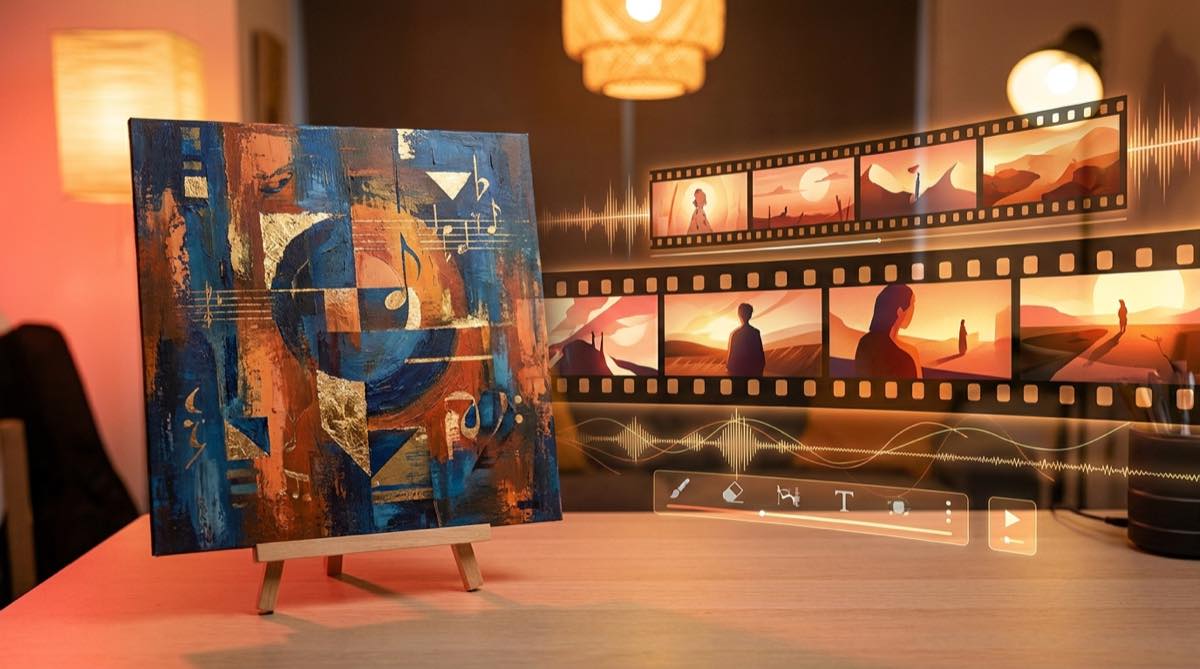
If you already have cover art, use it as a source of direction. Ask what the cover promises, then make sure the video does not betray that promise. A strong cover can become the first frame, the final frame, or the visual language for the whole piece.
For a deeper version of that idea, see how to turn album cover art into a music video.
Write scene prompts from function, not decoration
A weak prompt describes decoration. A stronger prompt describes what the scene must do.
Weak: “cinematic woman in city, neon, sad mood.”
Better: “The first verse shows the artist alone in a small apartment at night, surrounded by half-packed boxes, with blue streetlight through the window. The scene should feel still, private, and heavy, like the decision has already happened.”
When you generate lyric video scenes, keep the prompt tied to the section. If the chorus is the emotional payoff, make the chorus prompt bigger and more repeatable. If the bridge is the doubt, make it stranger or more unstable. This is how the viewer starts to feel the structure of the track, even without reading the lyrics on screen.
Check the full watch before you publish
After the video is assembled, watch it without editing for a few minutes. Look for three problems. The visuals may change too often. The chorus may not feel bigger than the verse. The ending may simply stop instead of landing on a final image that feels chosen.
This is also where an audio-reactive approach can help, as long as it follows the song structure and not only the beat. Scene changes should respect the track’s energy, but they still need visual continuity. The guide to an audio reactive music video generator explains that difference in more detail.
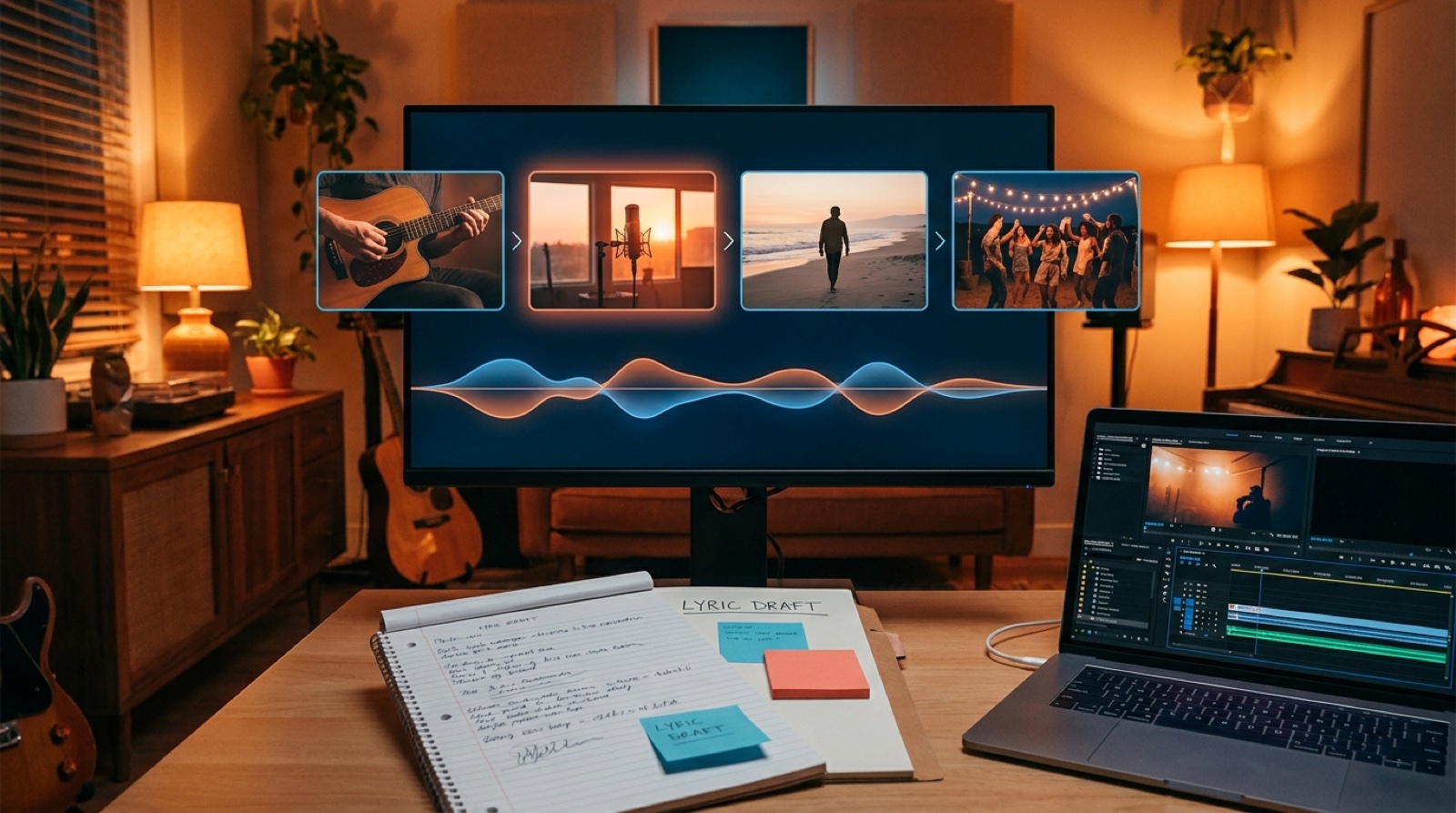
A simple lyric-to-scene worksheet
Use this before you open any video tool:
- What is the main emotion of the song?
- What object, place, or character can anchor the video?
- What changes between verse one and the final chorus?
- Which lyric line should become the strongest image?
- Which sections need motion, and which need stillness?
- What should the final frame make the viewer feel?
Once those answers are clear, it becomes much easier to turn lyrics into music video scenes that feel intentional. The song already has structure. Your job is to make the viewer see it.
FAQ
How do I turn lyrics into music video scenes?
Start by marking the song structure, then assign each section one visual job. Use literal lyric details as anchors and emotional lyric details to define the mood of each scene.
Should every lyric line get its own scene?
Usually no. Most songs work better when scenes follow the verse, chorus, bridge, and outro. Too many scene changes can make the video feel disconnected.
Can I use cover art as the starting point?
Yes. Cover art is often the best visual anchor because it already sets the promise of the release. Use its color, mood, character, or setting to guide the video.