Audio reactive music video generator that follows more than the beat
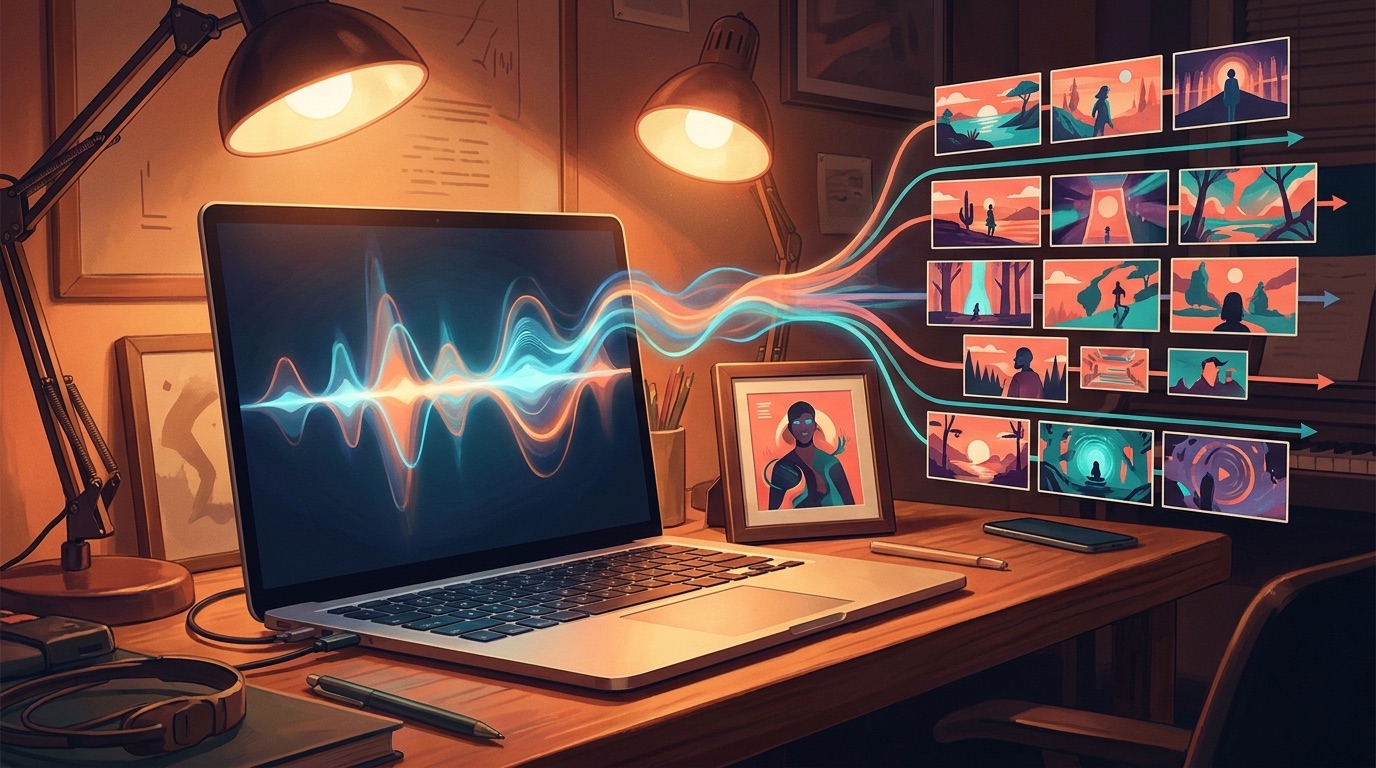
An audio reactive music video generator should do more than pulse when the kick drum hits. For a real release, the visuals need to understand the song, hold one visual identity, and change with the verses, hooks, and mood.
Beat-reactive visuals are useful. They give a track movement when the alternative is a static cover image. The problem is that a waveform, spectrum bar, or looping clip often gives everything away in the first ten seconds. After that, the viewer is mostly waiting for the song to end.
If you are releasing a Suno track, a Udio song, or an independent single on YouTube, you need more than motion. You need a video that gives people a reason to keep watching. YouTube's own upload flow is built around a finished video file, not a half-finished visual idea, so the visuals should follow the structure of the song, not just the loudness of the audio. YouTube Help explains the standard video upload path.
What audio reactive usually gets right
Audio reactive tools are good at immediate feedback. The beat hits, something flashes. The bass rises, the image moves. For a short teaser, that can be enough. It feels alive, and it is much better than uploading a plain MP3 with one frozen thumbnail.
The limits show up on a full song. A three-minute track has sections. There may be an intro, a first verse, a chorus, a bridge, and a final lift. A reactive visualizer can respond to the sound, but it does not always know what part of the song it is in. The result can feel busy without feeling directed.
Why song structure matters
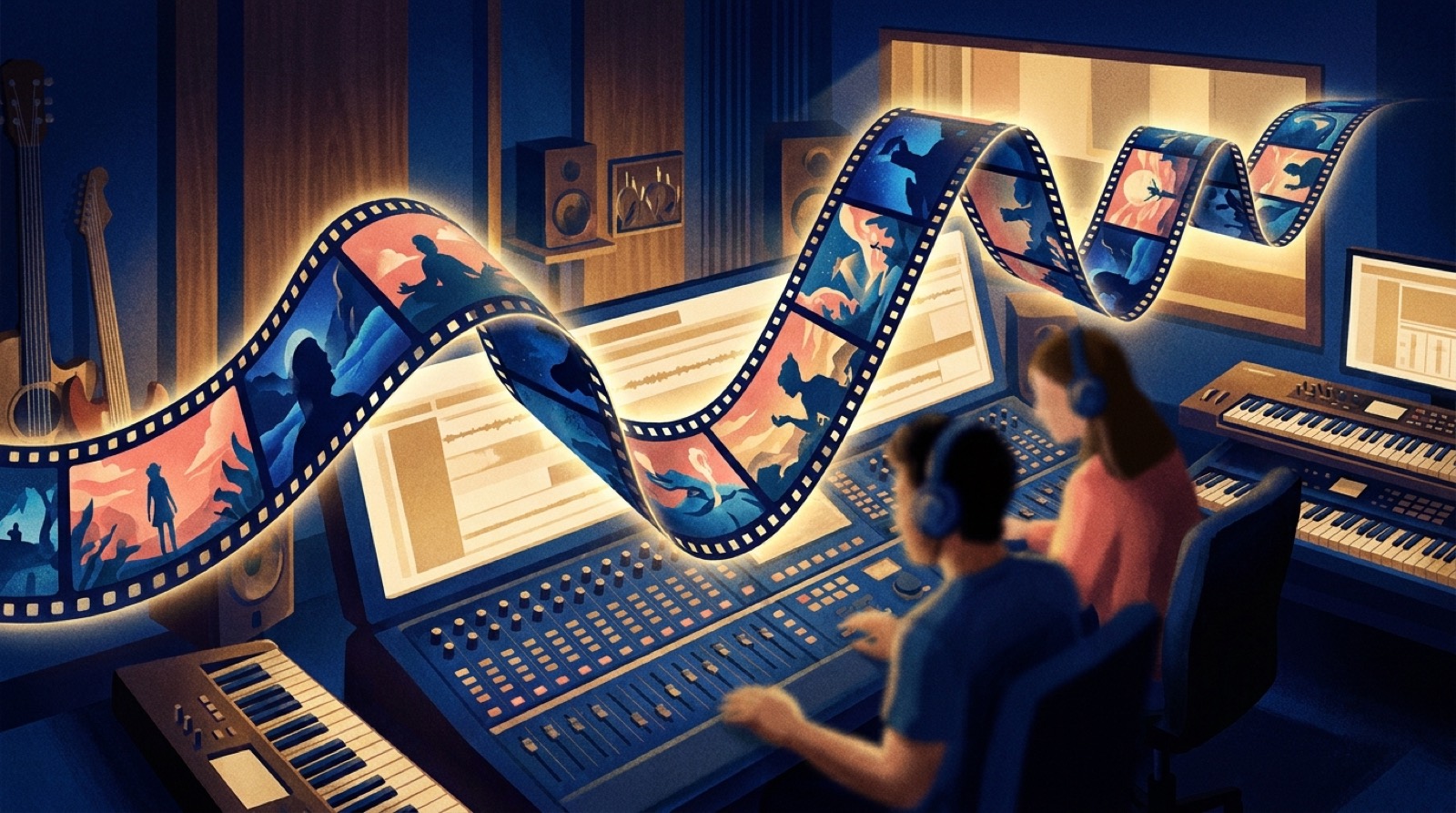
A real music video uses time. It lets an idea arrive, change, and resolve. Even a simple video needs some sense of progression. The first chorus should not feel exactly like the intro. The final chorus should usually feel bigger than the first one. A quiet bridge should have room to breathe.
This is where many AI clip workflows become painful. You generate a few nice shots, then spend the rest of the night trying to make them fit the track. The shots may be beautiful one by one, but the finished video feels like a folder of unrelated clips. The viewer sees the join lines.
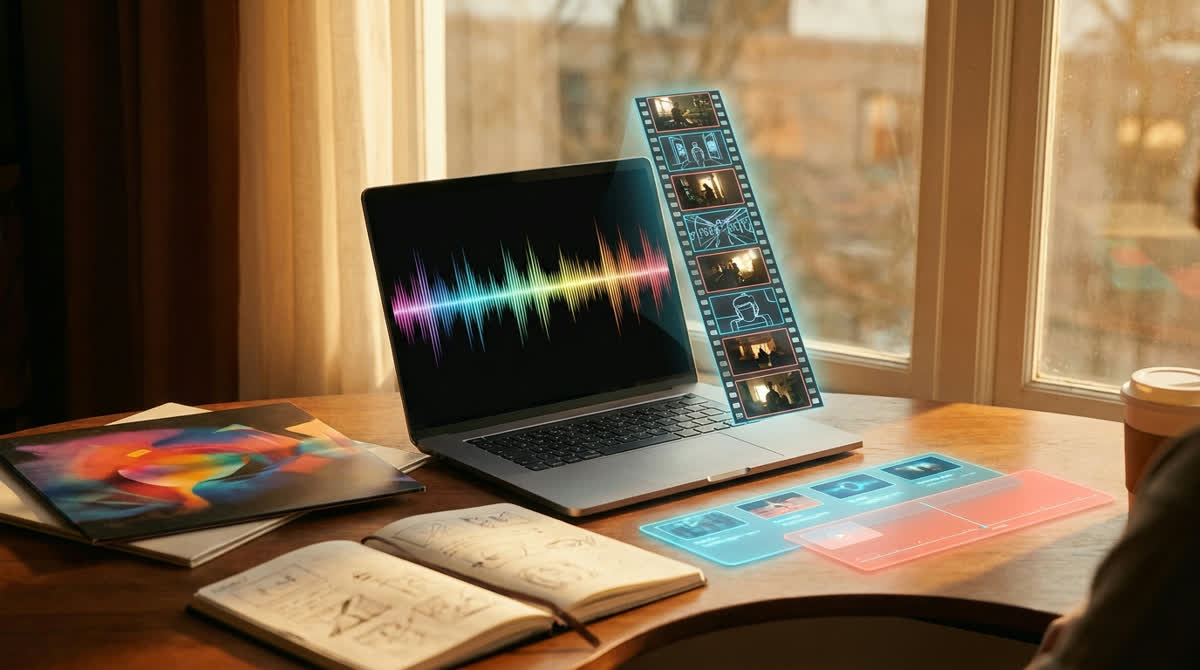
SceneLore is built around the opposite order. Start with the song or a strong source image, then build the sequence around the release. The point is not to chase every beat. The point is to make the whole track feel intentional.
Use one visual anchor
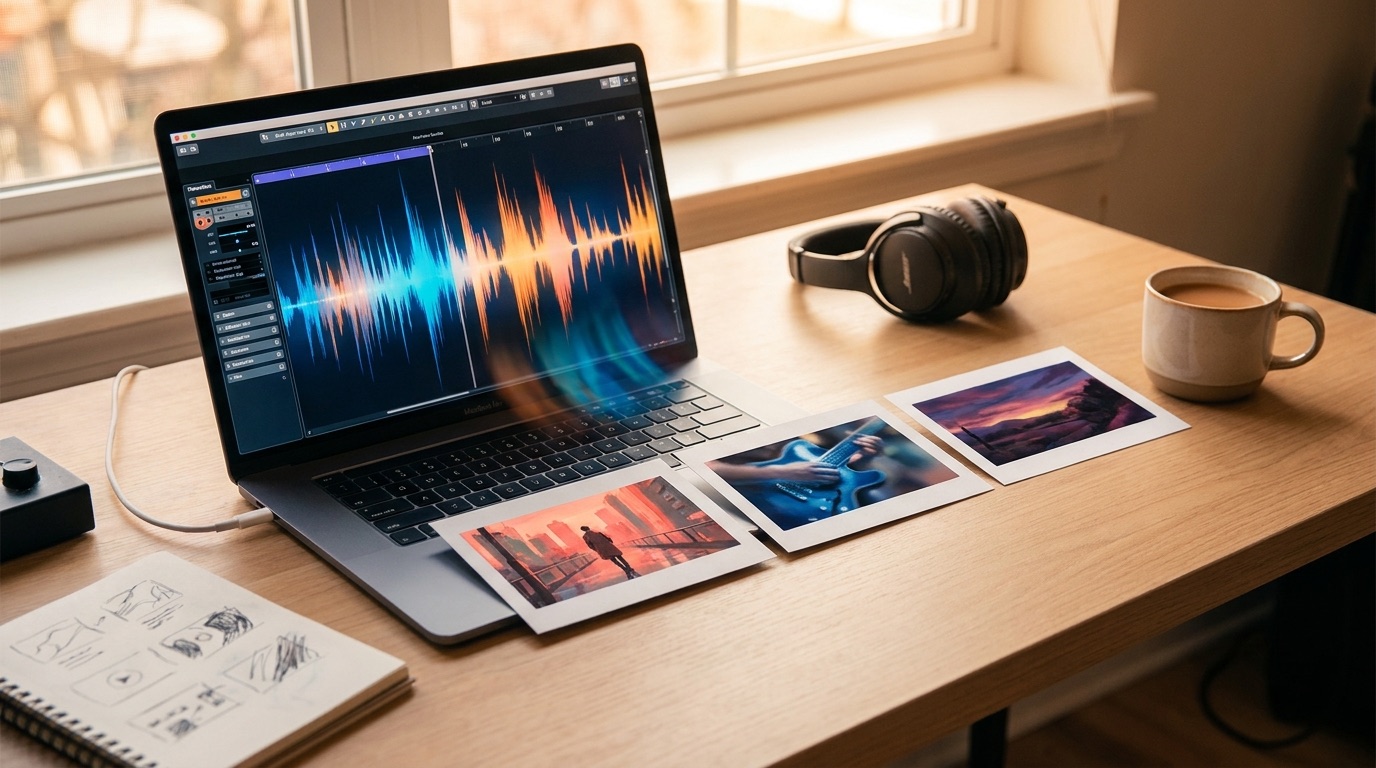
The easiest way to make an AI music video feel coherent is to give it one visual anchor. That can be cover art, an artist image, a character, a location, or a mood board. Without that anchor, every generated shot can drift into a different world.
For musicians, cover art is often the best starting point. It already carries the tone of the release. If the song is dark and cinematic, the cover probably knows that. If the song is bright and surreal, the cover can carry that too. SceneLore can use a single image as the base for a multi-shot video, so the final result feels connected instead of random.
What to look for in an audio reactive workflow
Before you choose a tool, check whether it can handle the full song. A ten-second demo can look impressive and still fail as a release asset. Ask whether the workflow gives you an exportable MP4, whether the visual style stays consistent, and whether you need to write prompts for every scene.
Also look at the pricing model. If you only release a few tracks a month, a monthly subscription can feel wasteful. A credit workflow is easier to justify because you pay when you need a video, not every month you are between releases.
Where SceneLore fits
SceneLore is for creators who already have the hard part done: the song. You can upload a finished track or start from one image, then create a full-length video without building a prompt sheet or stitching short clips by hand. It is especially useful for Suno and Udio creators, faceless music channels, and independent artists who need a watchable release asset.
If all you need is a simple beat visualizer, a lighter tool may be enough. If you want the finished song to feel like a real video, the workflow needs more structure. The viewer should feel the verse settle in, the chorus open up, and the final section land.
That is the difference between audio reaction and music-video direction. One responds to sound. The other carries the song.
Create a full video from your track
Upload a song or image, build a coherent sequence, and export a music video you can use for YouTube, Shorts, Reels, and release pages.
Create Your First VideoFAQ
Do I need editing software?
No. SceneLore is designed for creators who want the video planned and generated without assembling every scene in an editor.
Can I start with only cover art?
Yes. A single cover image can be used as the visual anchor for a full video sequence.