Music video generator from audio file: turn a finished song into a full video
A music video generator from audio file should start with the thing you already finished: the song. If you have a WAV, MP3, Suno track, Udio export, or mastered demo, you do not need to rebuild the whole release around a pile of short clips.
Most AI music video workflows still feel backwards. You make the song, then suddenly you are guessing prompts, generating disconnected scenes, dragging clips into an editor, and trying to make the chorus feel like a chorus. That can work if you enjoy editing. It is painful if you mainly want a release-ready video for YouTube, Reels, Shorts, or a landing page.
SceneLore is built for the second case. Upload the finished track, or start with one strong image, and let the video structure come from the music instead of from a blank prompt box.
Who this workflow is for
This is a good fit if you already have the audio and the missing piece is the visual release asset. That includes Suno and Udio creators, independent artists, producers testing a new single, and faceless YouTube music channels that need something more watchable than a static cover.
It is also useful when you have a cover image, artist photo, or character concept that belongs to the song. One consistent visual anchor gives the generator a better chance of keeping the world connected across the full video.
Why finished songs need more than a loop
A finished song has movement. The intro sets the mood, verses carry detail, the hook raises the energy, and the ending needs a landing. A five-second loop or static canvas ignores that shape. Viewers can feel when the video has no relationship to the track, even if the individual shots look expensive.
This is why manual clip stitching gets messy. You can generate ten beautiful clips and still end up with a video that feels random. The problem is usually not image quality. The problem is structure.
Start with the audio, then build the shots
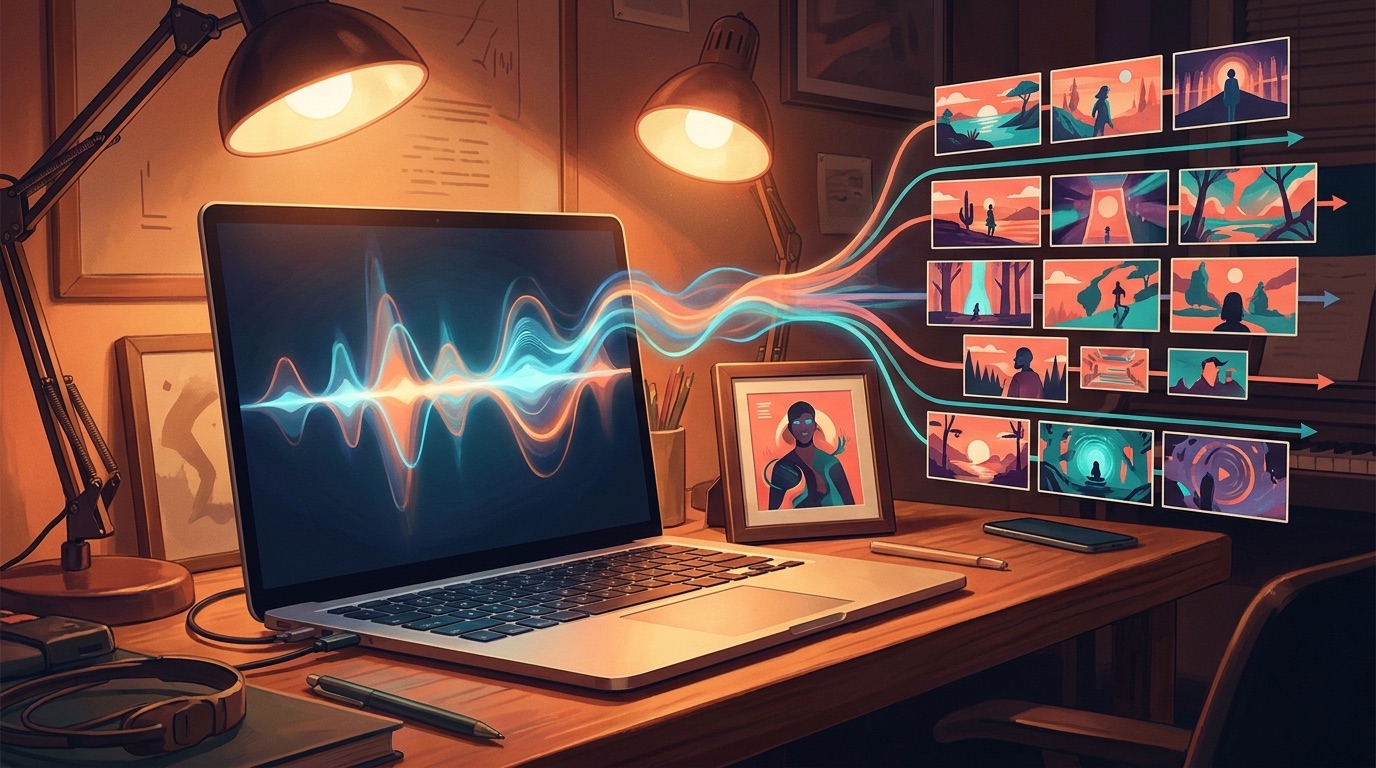
With SceneLore, the practical workflow is simple: upload the audio file, add a visual anchor if you have one, review the direction, and generate the video. The goal is to create a connected shot sequence around the track instead of asking you to invent every scene from scratch.
If your song came from Suno or Udio, export the audio first. If you already have cover art, use it as the starting image so the final video feels tied to the release. If you do not have art yet, you can still begin from the track and build the visual language around the song.
Quick workflow: finished song -> optional cover image -> generated shot sequence -> export-ready music video.
What a good audio-to-video generator should do
Look for more than a tool that accepts an MP3. A useful music video generator from audio file should understand that musicians need a finished asset, not a homework assignment.
- It should create a full-song video, not only a short preview.
- It should keep characters, locations, and mood consistent enough that the video feels intentional.
- It should reduce prompt work instead of making you write a scene list line by line.
- It should export a real video file you can use on YouTube and social platforms.
- It should show pricing clearly before you spend credits.
That last point matters. A lot of creators are tired of subscribing to another tool for one release. SceneLore uses pay-as-you-go credits, so you can make a video when you need one without adding a monthly bill for a project that may only happen a few times a year.
Why this beats stitching AI clips by hand
Manual editing gives you control, but it also moves the hardest work onto you. You become the music-video director, prompt writer, continuity checker, and editor at the same time. If the singer's face changes every scene or the colors drift wildly, you have to patch it after the fact.
A song-first workflow is cleaner. The audio sets the pacing, the visual anchor keeps the world stable, and the generated shot sequence gives the video a spine. You can still trim, choose, and refine, but you are not starting from a folder of unrelated clips.
Where to publish the finished video
Once you have a standalone MP4, you can use it anywhere the song needs attention. Upload the full version to YouTube, cut shorter moments for Reels or Shorts, embed it on a release page, or use it as a stronger visual when sharing the track with fans.
If you are deciding between a static cover and a full video, YouTube's own creator guidance is blunt: strong packaging and viewer satisfaction matter for discovery. A video that gives people something to watch gives the song more chances to hold attention. You can read YouTube's official notes on video discovery and performance for the platform view.
Make the song visible
The simplest release upgrade is not another complicated production stack. It is giving the finished track a visual world that moves with it. If the song already exists, start there. Use the audio as the source of truth, bring in one image if you have it, and make a full-length video that feels like it belongs to the release.
Generate your first music video from audio
FAQ
Can SceneLore make a video from a Suno or Udio song?
Yes. Export the finished audio file and use it as the starting point. A cover image can help keep the final video visually connected to the release.
Do I need editing software?
No editing software is required to create the core video. You can still trim or repurpose clips afterward if you want shorter social cuts.