Subscriptions are fine when a tool is part of your daily work. Music videos are different for a lot of independent artists. You might finish three songs in one week, then spend a month writing, mixing, or promoting.
That is why the pricing model matters almost as much as the video quality. If your goal is one finished MP4 for YouTube, Reels, Shorts, TikTok, or a release page, you should be able to make that video without committing to a recurring plan.
When no subscription makes sense
A no-subscription AI music video generator fits creators who release irregularly. Suno and Udio creators often work this way. A track can be ready quickly, but the release still depends on artwork, distribution, YouTube assets, and promotion.
It also fits one-off projects: a single, a client song, a channel test, a seasonal track, or a back-catalog video. In those cases, you do not need a month of access. You need one video that looks connected to the song and exports cleanly.
What to check before you pay
Pricing is only useful if the finished asset is useful. Before spending credits or buying access, check four things.
- Full-song coverage. A few short clips are not the same as a music video for a three-minute track.
- Visual continuity. The character, setting, color, and mood should feel like one release asset.
- Export control. You want a real MP4 file that can be uploaded anywhere, not a preview locked inside a platform.
- Price visibility. The tool should show the cost before you render, especially if the video length changes the price.
The best case is boring in a good way: upload the song or image, review the video, export the file, move on.
Why monthly plans can get awkward
Most musicians do not make music videos on a perfectly regular schedule. Even if you release often, the workload comes in waves. A monthly plan can push you into using credits before they expire, making videos before the song is ready, or keeping a tool because cancelling feels like work.
Google's own subscription guidance for app developers talks about the need to make billing terms clear, including free trials, renewals, and cancellation details. That advice exists because recurring billing can become confusing fast. For a creator buying one release asset, simple pricing is easier to trust.
Source: Google Play subscription policy guidance.
Where SceneLore fits
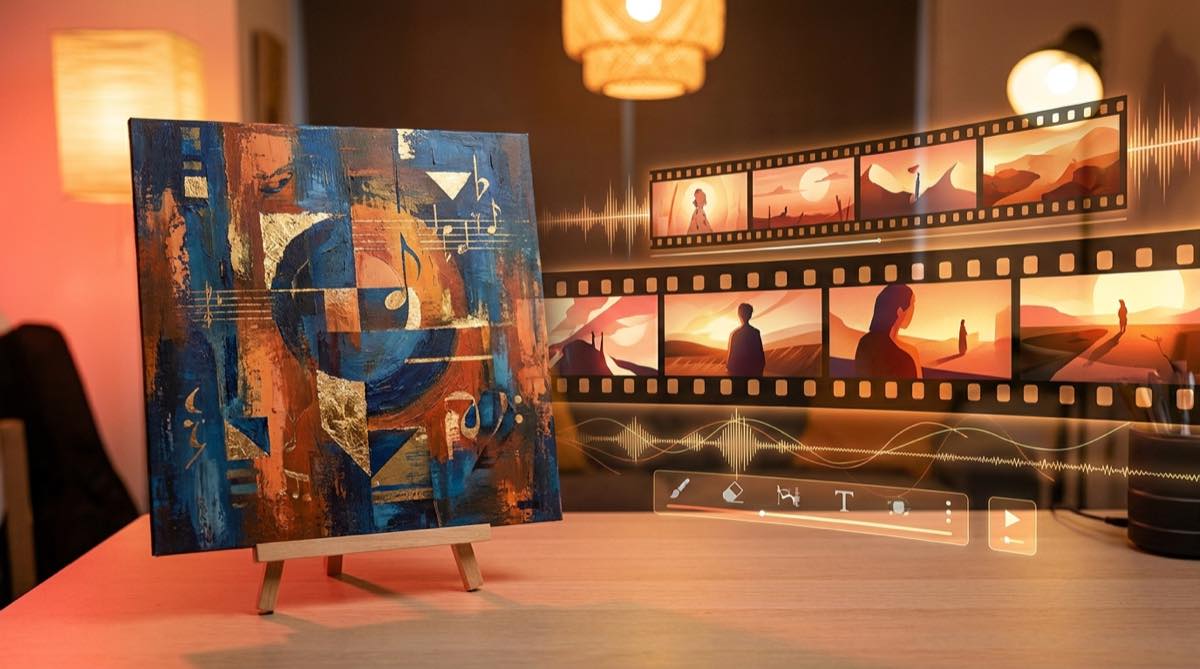
SceneLore is built for full-length AI music videos from a song or a single image. You can use cover art, an artist image, or a finished track as the starting point, then generate a video around that source.
The pricing is credit-based. There is no required subscription, credits do not expire, and the app shows the expected cost before you render.
The other useful part is consistency. If your release already has artwork, SceneLore can treat that image as the visual anchor. The final video is less likely to feel like a folder of unrelated AI clips, which is the problem that makes many DIY workflows take too long.
A simple release workflow
Use the finished version of the track, not a demo. Pick the image that should define the release. If you already have cover art, start there. If you have an artist photo or character image, use that instead.
Generate the video, then review it like a release asset. Does it match the song? Does the visual world stay consistent? Would the first ten seconds work on YouTube or a short-form crop? If it passes those checks, export the MP4.
If your main problem is speed, read the guide to making an AI music video without editing. If you are starting from artwork, the guide on how to turn album cover into music video is the closer fit.
FAQ
Can I make an AI music video without a subscription?
Yes. SceneLore uses credits instead of a required monthly subscription, so you can create a video when you have a song ready.
Who is a no-subscription AI music video tool best for?
It is best for independent musicians, Suno and Udio creators, and small channels that release in bursts rather than on a fixed production schedule.
What should I check before paying for an AI music video?
Check whether the tool can cover the full song, keep the visual style consistent, export a usable MP4, and show the price before rendering.
Make the video when the song is ready
Upload your track or image to SceneLore and create a full-length AI music video without starting a monthly subscription.