AI music video consistent character: keep the story together
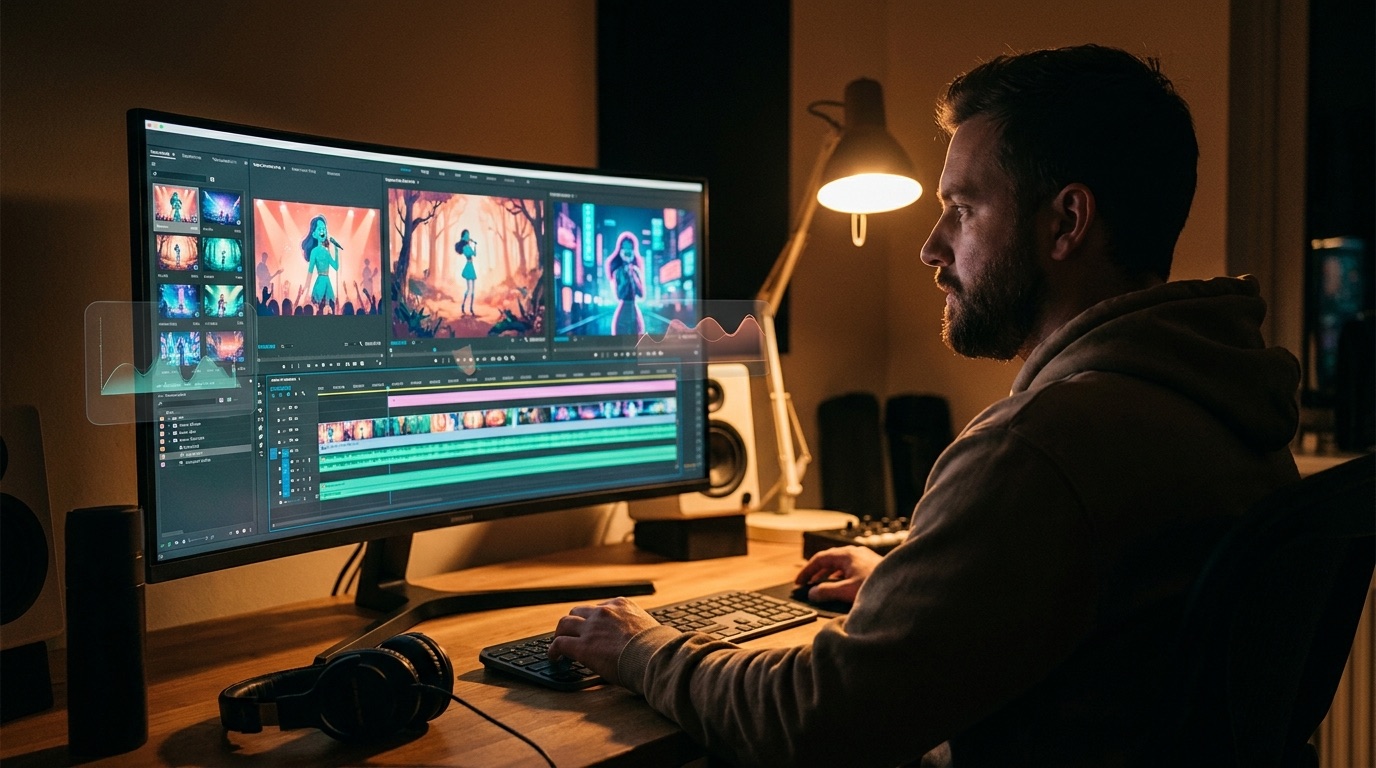
An AI music video consistent character workflow is the difference between a real release asset and a pile of impressive clips. The same face, mood, and visual world need to survive the whole song.
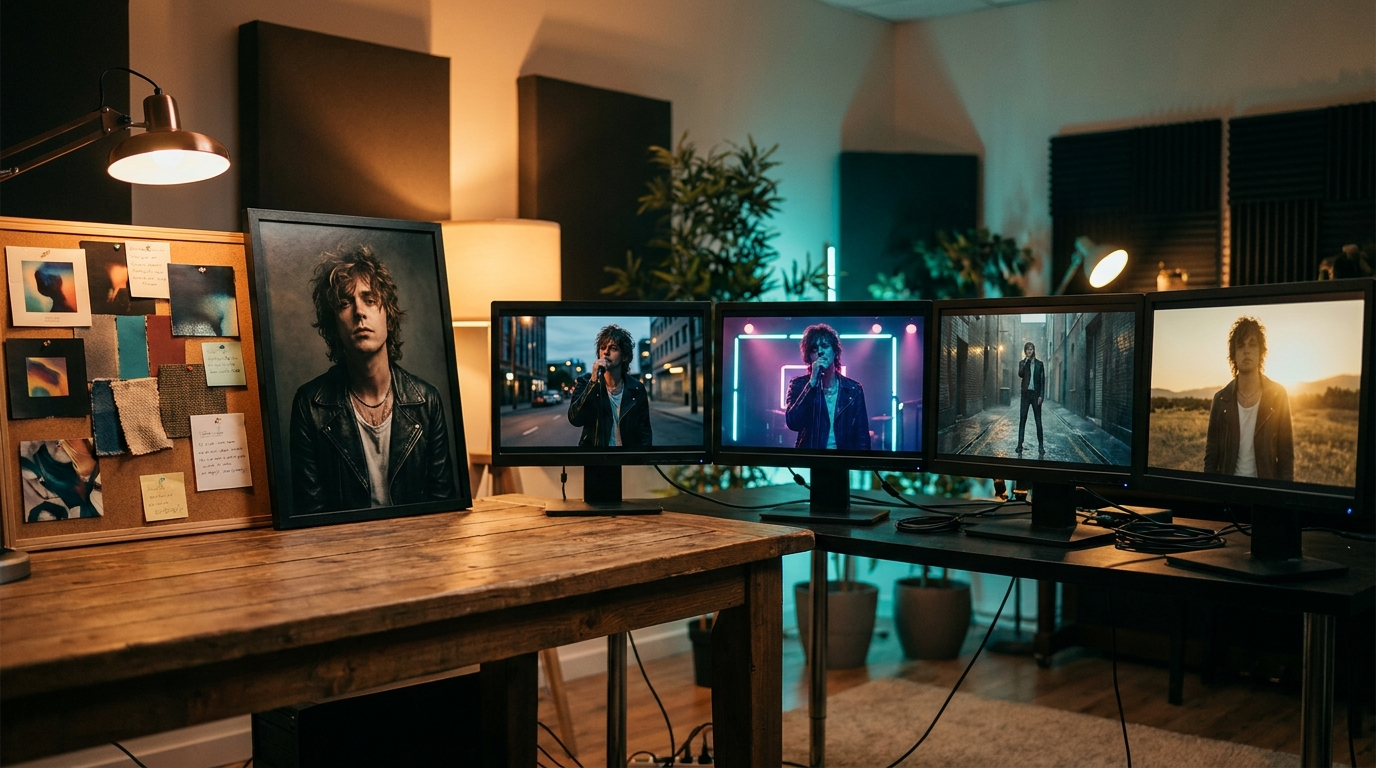
Most AI music videos do not fail because the shots look bad. They fail because the shots do not belong together. One frame has a strong singer character. Ten seconds later, the face changes, the outfit changes, and the world feels like a different video.
That breaks trust fast. Music gives viewers a steady emotional line, so visual drift feels even louder. If the chorus returns but the character suddenly looks like someone else, the video stops supporting the song and starts pulling attention away from it.
Consistency is the real quality signal
A good AI music video needs more than color, movement, and dramatic lighting. It needs continuity. The viewer should feel that each shot came from the same release, even when the camera moves from a close-up to a street scene or from the verse into the final chorus.
For artists, that matters because identity is part of the product. A character, cover image, masked performer, or visual mood can become the thing listeners remember. If the video keeps changing that identity, it makes the release feel temporary.
A quick test: pause the video in five random places. If the main character looks like five different people, the video is not ready for release.
Start with one visual anchor
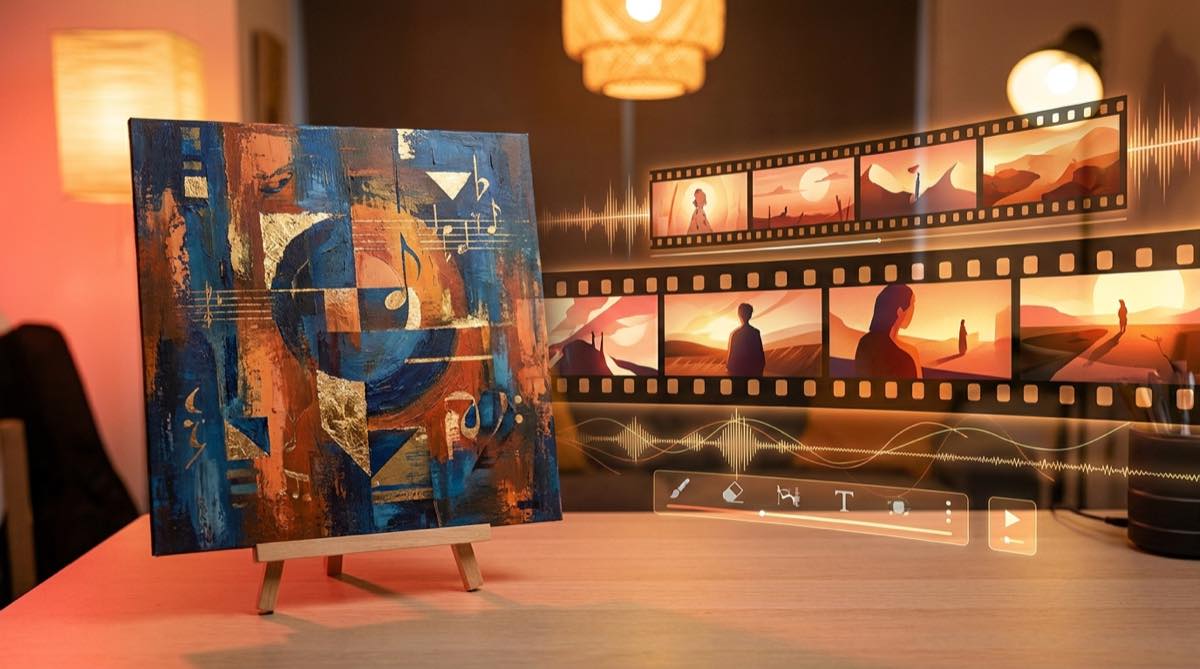
The cleanest way to protect character consistency is to start with one strong source. That can be cover art, an artist photo, a fictional character portrait, or a mood image that clearly defines the world of the song.
SceneLore is built around that kind of anchor. You can upload a song or image, then let the system build a full-length music video around it. You are not forced to prompt every scene from scratch, which is where a lot of drift starts.
Build around the song, not random clips
Clip-first workflows make consistency harder. Each generation is a new roll of the dice, and every new prompt can move the character away from the original idea. After a few scenes, you may have strong moments that still do not feel like one video.
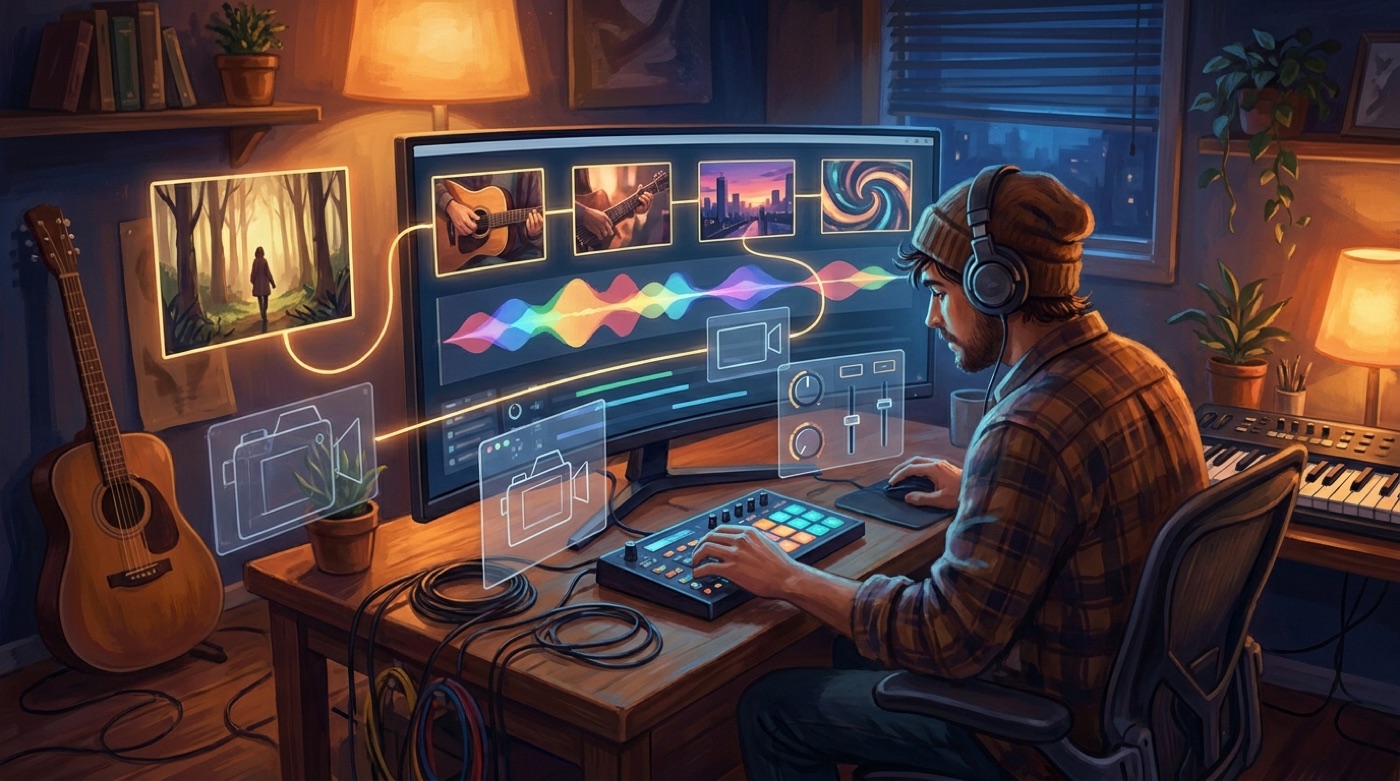
An audio-first workflow gives the video a reason to change. The verse can feel quieter, the chorus can open up, and the bridge can shift the scene without losing the character. The song becomes the structure, while the visual anchor keeps the identity in place.
Use consistency for faceless channels too
Consistent characters are not only for artists who show their face. They also help faceless YouTube music channels, AI bands, and story-led songs. A recurring figure gives viewers something to follow when there is no live performance footage.
This is especially useful for Suno and Udio creators. The song may already be finished, but the release still needs a visual identity. One cover image can become the thread that holds the full video together.
Know what platforms actually need
If you are publishing to YouTube, Shorts, Reels, or a release page, the final file still has to behave like a normal video asset. YouTube lists common upload formats such as MP4, which is a practical baseline for music videos you want to reuse across platforms (YouTube Help).
That is why a consistent full-length export matters. A short teaser can be loose and experimental. A release video needs to hold together for the whole track, because it may become the main visual version of the song.
Where SceneLore fits
SceneLore is for musicians who want the video side to feel connected without turning the process into a second production job. Upload the finished track or a source image, generate a cinematic sequence, and export a video that feels like it was made for the song.
The point is not to make every frame identical. A good video still needs movement, cuts, and emotional change. The point is to keep the same character and visual world alive while the song moves forward.
What to check before you render
Before you spend time or credits, ask whether the tool can keep one identity across a full song. Look for examples that show the same character in multiple scenes, not just one beautiful clip. Check whether the workflow starts from your actual song or image, and whether the final export is ready to publish.
If the answer is yes, you have a better chance of making a music video that feels finished. If the answer is no, you may still get a nice clip, but the full release will probably need more fixing than you expected.
Make the character survive the song
Start with your song or one strong image, then generate a full-length SceneLore music video with a coherent visual identity.
Create Your First VideoFAQ
What is an AI music video consistent character workflow?
It is a workflow that keeps the same character, face, mood, or visual identity across the full song instead of generating unrelated clips for each section.
Can I use cover art as the character source?
Yes. Cover art is often the best starting point because it already belongs to the song and gives the video a clear visual anchor.