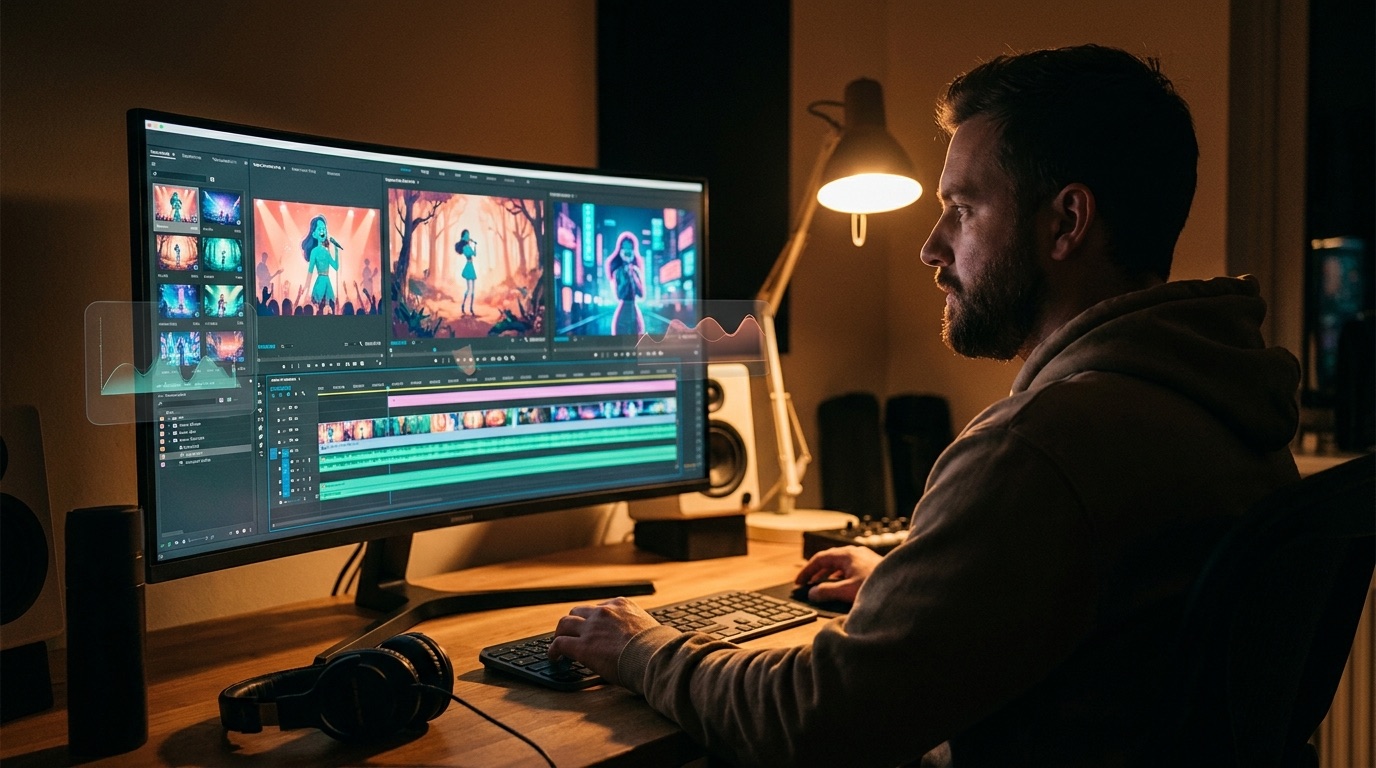
Music video generator for artists who care about the final release
A music video generator for artists has to do more than make a few impressive shots. The real test is whether it protects the song, the visual mood, and the final release you are putting in front of listeners.
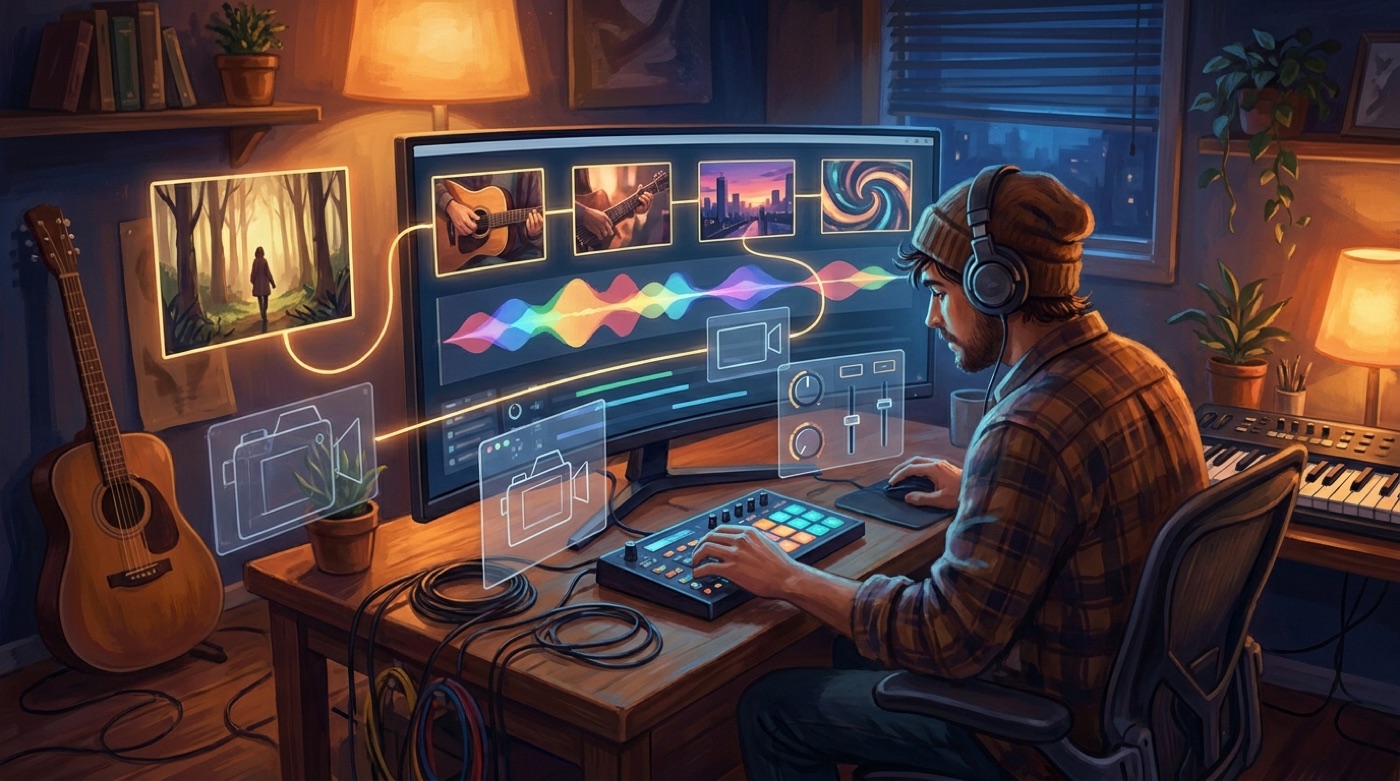
AI video has made it easy to generate motion. That is useful, but motion is not the same as a music video. A real release needs pacing, a stable visual world, and enough continuity that viewers feel like they are watching one idea unfold instead of a folder of unrelated clips.
That difference matters for artists. If you already spent time on the song, the video should support it. It should not make the release feel cheaper because the face changes every scene, the hook lands flat, or the ending looks like the model simply ran out of time.
Start with the finished song
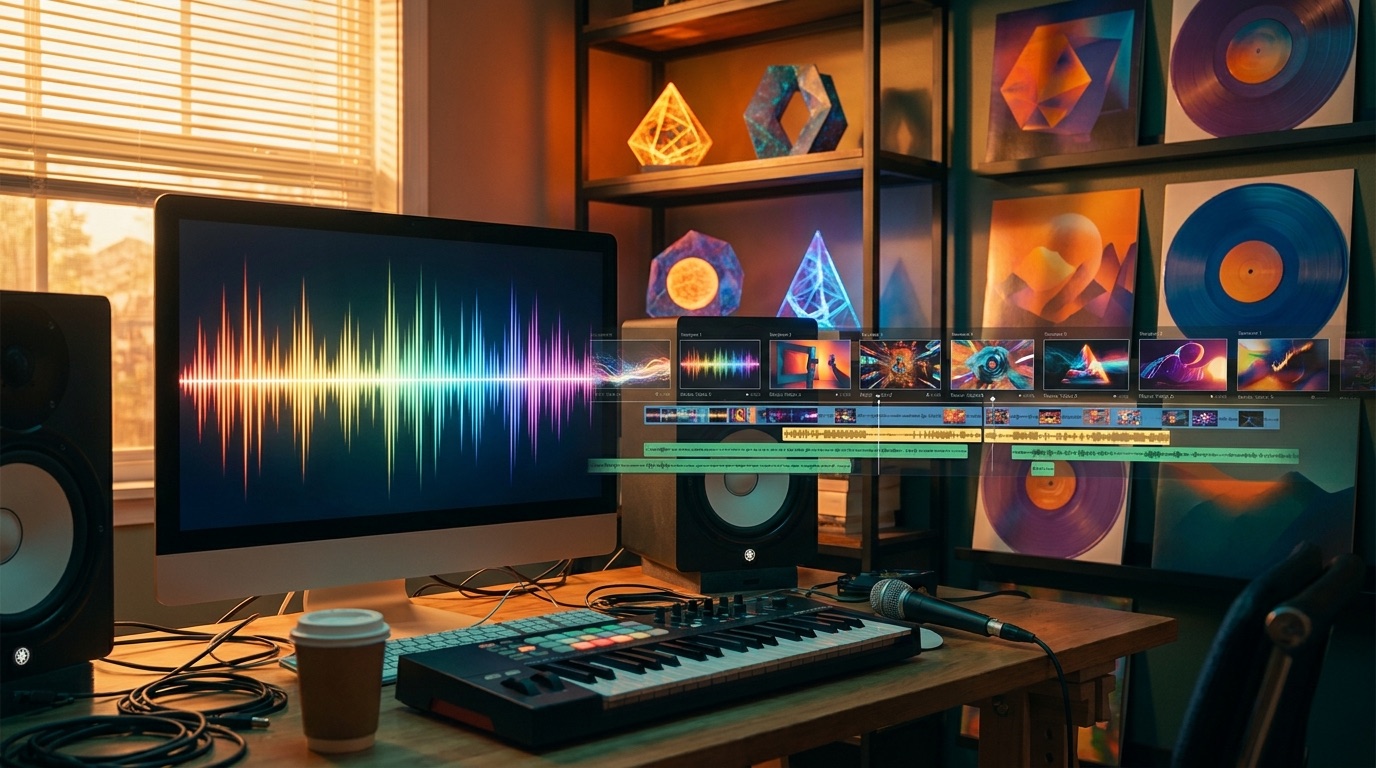
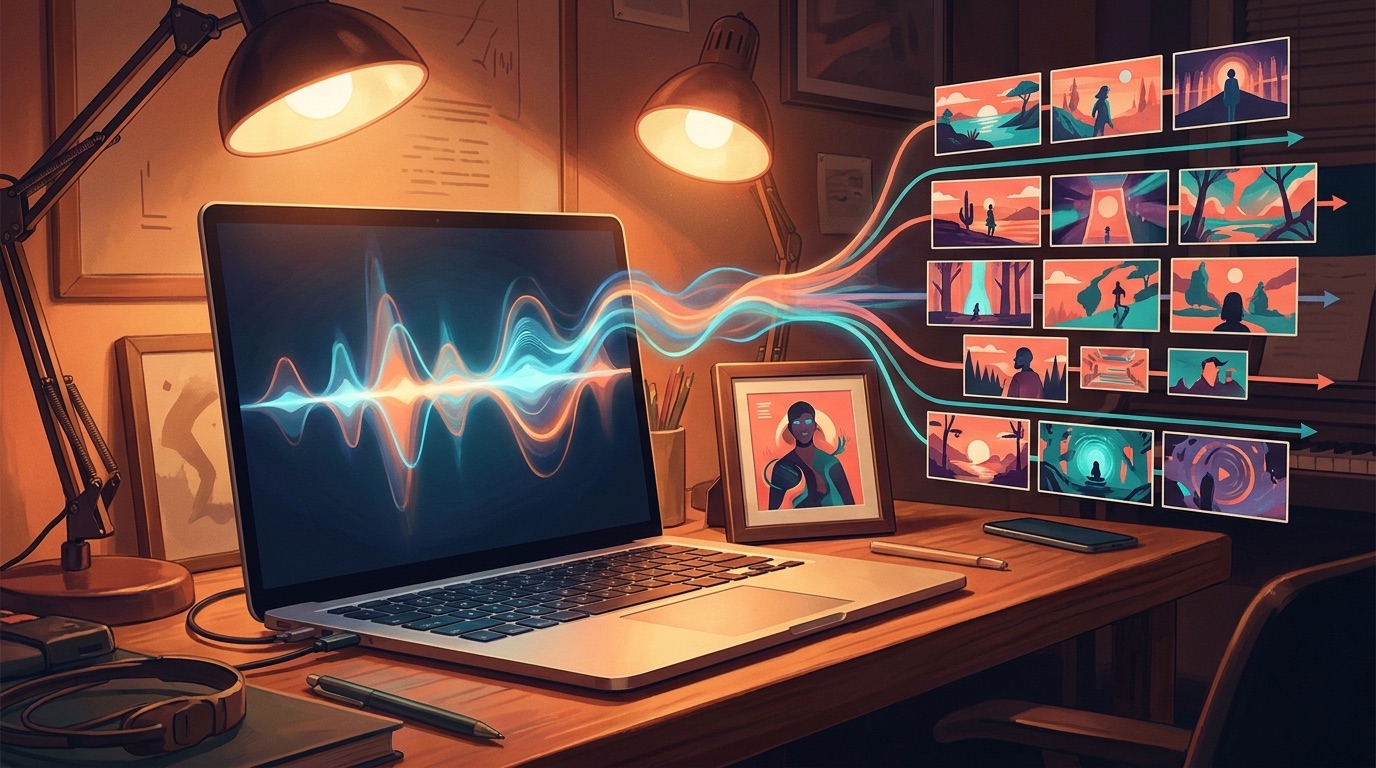
The best starting point is usually the track you already have. That might be a Suno song, a Udio track, a studio demo, or a finished independent release. The audio gives the video its shape. It tells you where the intro breathes, where the hook needs lift, and where the final shot should slow down.
SceneLore is built for that path. You can upload a song or a single image and generate a full-length AI music video without writing prompts for every section. The tool builds around the source instead of asking you to become a video director for the afternoon.
Quality is mostly coherence
When people complain about AI slop, they are often reacting to broken coherence. One shot looks cinematic, but the next shot forgets the character. The color changes for no reason. The story starts in one place and ends somewhere random.
For music, that drift is especially obvious because the song keeps moving forward. If the visuals do not feel connected, the viewer notices the gap. A strong music video generator for artists should keep the same visual mood across the full track, even when the scene changes.
A simple quality check: pause the video at any point and ask whether the frame still feels like it belongs to the same release.
Use one visual anchor when you have it
If you already have cover art, an artist photo, or a strong image for the song, use it. A single visual anchor gives the generator something to hold onto. It can make the final video feel closer to your actual release instead of a generic fantasy clip that could belong to anyone.
This is also useful for faceless channels and AI music creators. You may not have behind-the-scenes footage or a live performance clip, but you probably have a cover, character, or mood. SceneLore can use that as the base for a fuller video sequence.
Do not confuse a clip with a release asset
Short AI video clips are great for testing an idea. They can give you a teaser, a visual hook, or a single shot for social. The problem starts when you try to stretch that clip workflow across a whole song. Every extra generation creates another chance for style drift and another edit decision.
If your goal is a YouTube upload, a release page, or a full social cut, check whether the tool gives you an actual video file that fits the job. YouTube supports common upload formats such as MP4, which makes a clean export a practical baseline for music releases (YouTube Help).
Keep the workflow light
Artists do not need another production stack for every single. A heavy workflow might be fine for a major release, but it is a bad fit when you are trying to keep momentum. The video tool should remove steps, not hand you a new list of fixes.
That is why SceneLore avoids prompt marathons and manual storyboarding. Upload the source, generate the story, review the result, and export the video. You can still bring taste to the decision, but you are not forced to build the whole thing scene by scene.
Pricing should match real artist behavior
Many independent artists release in bursts. You might need two videos this month and none next month. A subscription can make sense if you are producing every day, but it is frustrating when you only need a strong video for the next song.
SceneLore uses credits, so you can pay when you actually make something. That fits artists who want a real music video without turning another creative tool into a permanent monthly bill.
The practical artist test
Before choosing any AI music video workflow, ask one question: will this make the release feel more finished? If the answer is only “it makes cool clips,” keep looking. The final video should make the song easier to watch, share, and remember.
For artists who already have the song and need the visual side to catch up, SceneLore is a direct place to start. Bring the finished track or one strong image, then generate a coherent full-length music video around it.
Create a video that fits the song
Start with your finished track or one visual anchor, then generate a full-length SceneLore music video.
Create Your First VideoFAQ
What makes a good music video generator for artists?
A good generator should create a full release asset, keep the visual world coherent, and export a video you can actually publish.
Do I need to write prompts for every scene?
No. SceneLore is designed to build the video direction from your song or image, so you do not need to prompt every verse, chorus, and bridge.