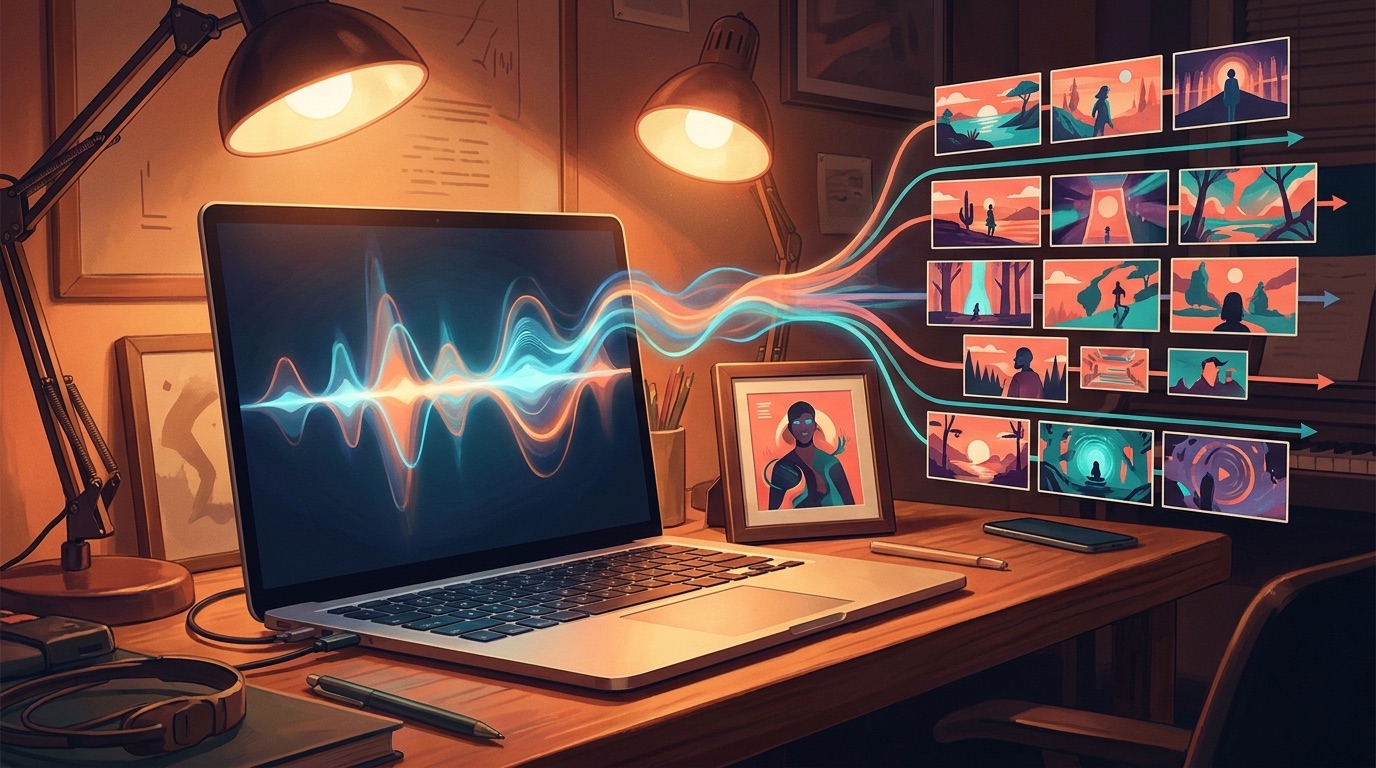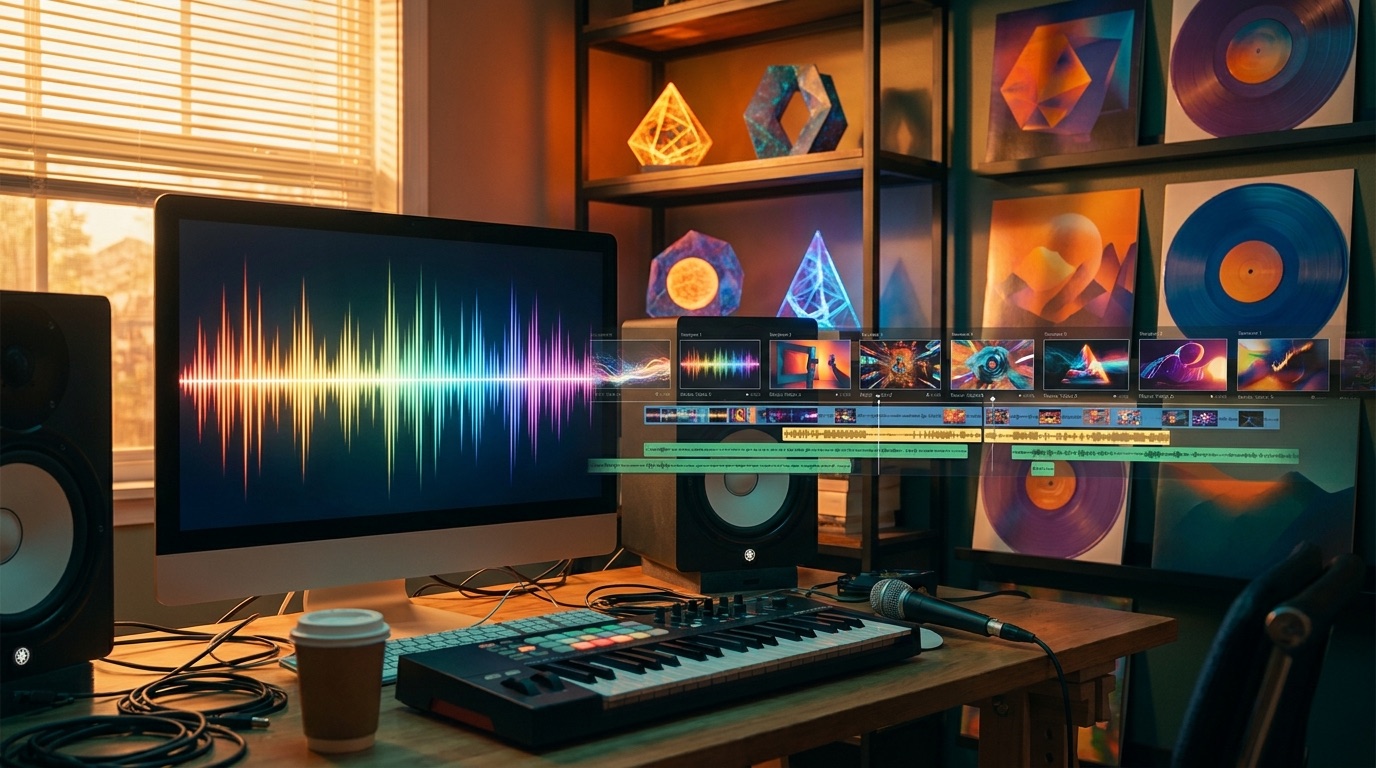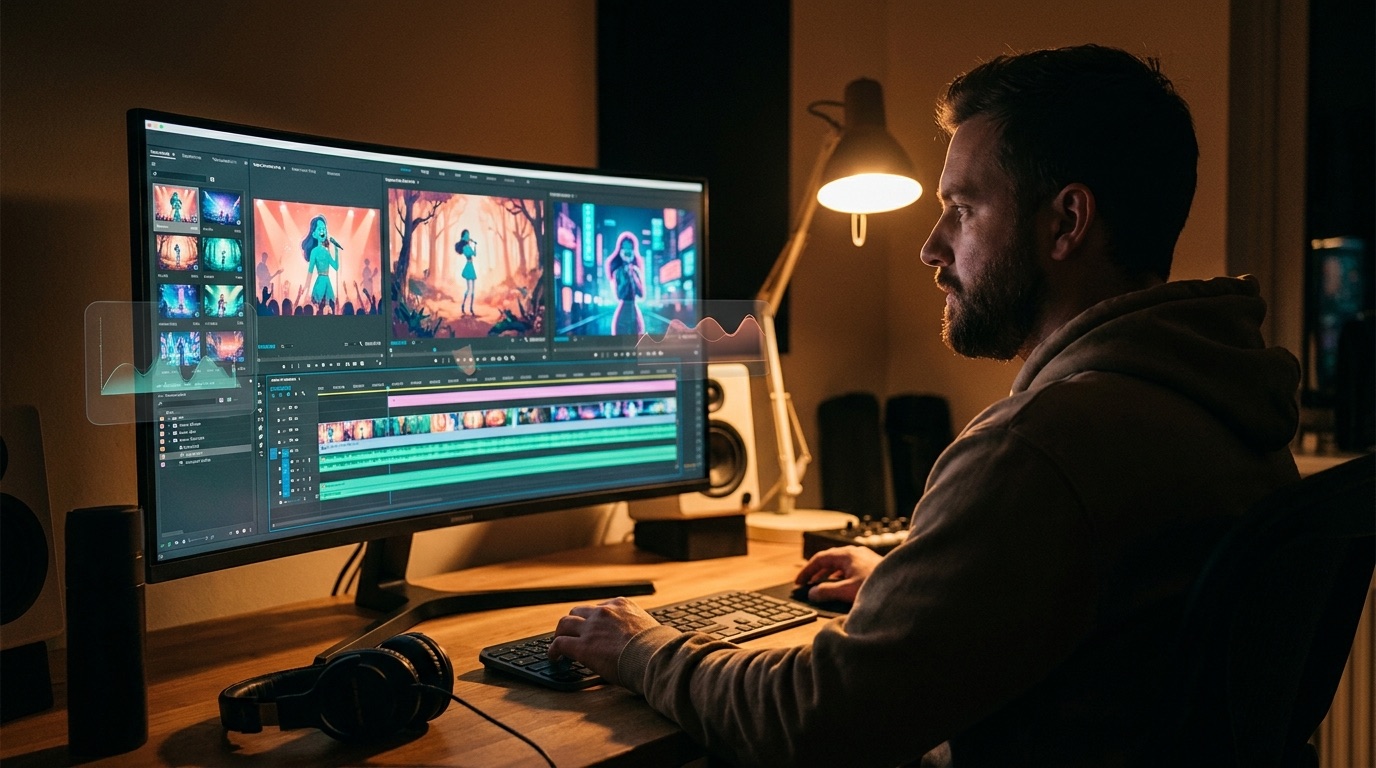
A full-length AI music video generator is useful when you already have the song and need the last piece of the release: something people can watch from the first bar to the final fade. That sounds simple, but it is where many AI video workflows fall apart.
Short clips are easy to make. A finished music video is harder. The viewer has to feel like the shots belong to one track, one mood, and one visual world. If every scene looks like it came from a different demo reel, the song starts to feel cheaper than it is.
Why full-length is different
A ten-second AI clip only has to survive a glance. A three-minute song has to hold attention through verses, hooks, breaks, and repeated sections. That means the video needs a plan. The first shot should invite the viewer in. The chorus should feel bigger. Quiet sections should breathe.
This is why a random folder of AI clips rarely works. You can spend hours stitching them together, but the edit still feels loose if the shots were never designed around the same song. The problem is usually structure, not effort.
Start with a visual anchor
The easiest way to make an AI music video feel less generic is to choose one anchor before generation starts. That can be cover art, an artist photo, a character still, or a specific visual mood. The anchor gives the video rules. It tells the viewer, even quietly, that each scene belongs to the same release.
SceneLore can start from a finished song or a single image. If you have cover art already, use it. If you do not, the song can still drive the sequence. What matters is that the video is built as a connected release asset, not as a pile of unrelated prompts.
Make the song structure visible
Music already has a timeline. A good video workflow respects that. The intro can establish the world. The verse can move closer to the character or story. The chorus can open the frame. A bridge can shift the color or scene without losing the same identity.
This is also where creators should be careful with AI slop. Busy motion, extreme camera moves, and random visual surprises can look impressive for a moment. Over a full song, they get tiring. Strong music videos leave space for the track to lead.
What artists should look for
If you are comparing tools, look past the best demo clip. Ask whether the workflow can handle the full track. Check whether it keeps characters, settings, and style consistent. Look at how much manual editing you still need before the file is ready for YouTube, Shorts, Reels, or a release page.
Also check the pricing model. Many independent artists release in bursts. A subscription can make sense if you publish every day, but occasional releases usually fit better with credits or pay-per-video pricing. SceneLore uses pay-as-you-go credits, so you do not need to keep another monthly tool active between songs.
Where SceneLore fits
SceneLore is for artists who want a complete video workflow without becoming a prompt engineer. Upload a song or one image, let the shot sequence get built, then create a full-length video that gives the track something watchable.
It works especially well for Suno and Udio creators, independent musicians, faceless music channels, and producers who have strong audio but weak visuals. If the release is currently just a cover image, SceneLore gives you a way to turn that same idea into a real video file.
For a broader look at how viewers use captions and accessibility features on video platforms, YouTube’s caption guidance is a useful reference. Even when you are making music-first content, the upload has to work in the way people actually watch video now.
FAQ
Can AI make a full-length music video from one song?
Yes. SceneLore is built for full-track music videos, not only short loops. The stronger the song mood and source image, the easier it is to create a coherent result.
Do I need to write prompts for every shot?
No. The point is to avoid that kind of manual storyboarding. You start with the song or image, then let the video sequence form around it.
Is this only for AI-generated music?
No. It can be useful for Suno songs, Udio songs, demos, independent releases, and tracks from artists who need visuals without hiring a full video crew.
Create a full-length music video
Upload your song or image to SceneLore and turn it into a coherent release video with story, pacing, and consistent shots.