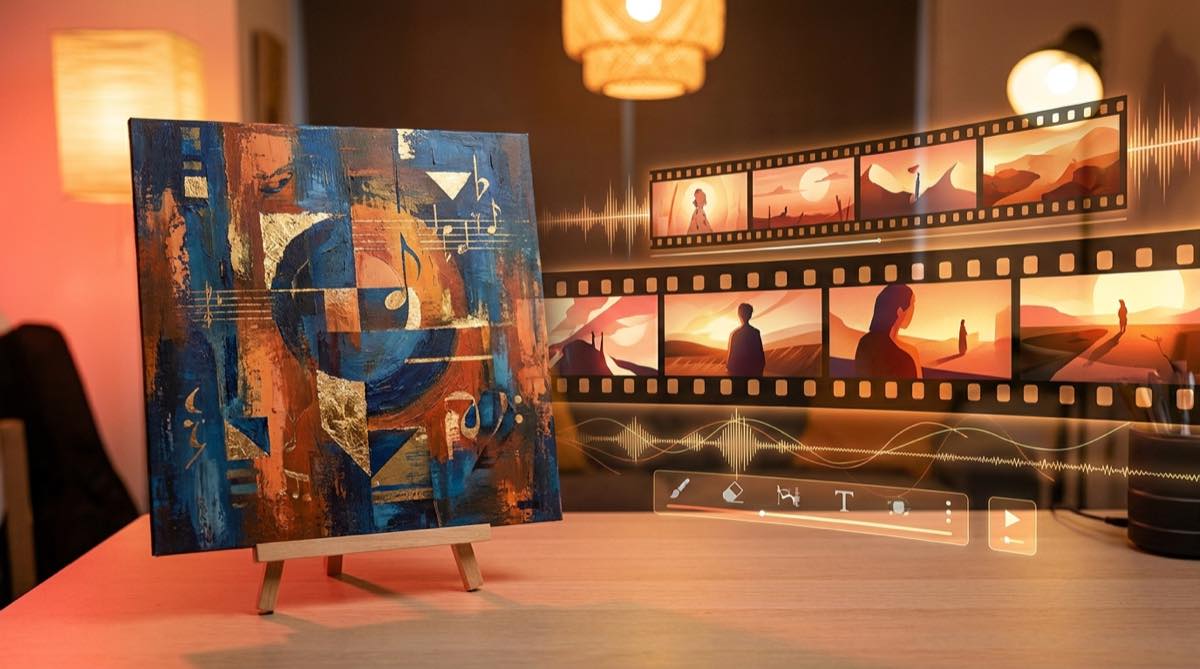
Best AI music video generator in 2026 for full songs
The best AI music video generator in 2026 should help a musician turn a finished song into a full release video, with clear pricing, stable visuals, and an export that can go straight to YouTube.
A lot of AI video tools look impressive in demos and then become hard work when you try to finish a whole music video. One shot looks great. The next shot changes the character. The chorus has no lift. The ending feels accidental. Then you are back in an editor trying to make unrelated clips behave like one release asset.
For musicians, the song is the source of truth. A useful AI music video generator should build around the track, the cover image, the mood, and the release goal. It should not force you to plan every scene by hand before you know whether the video will work.
The quick answer
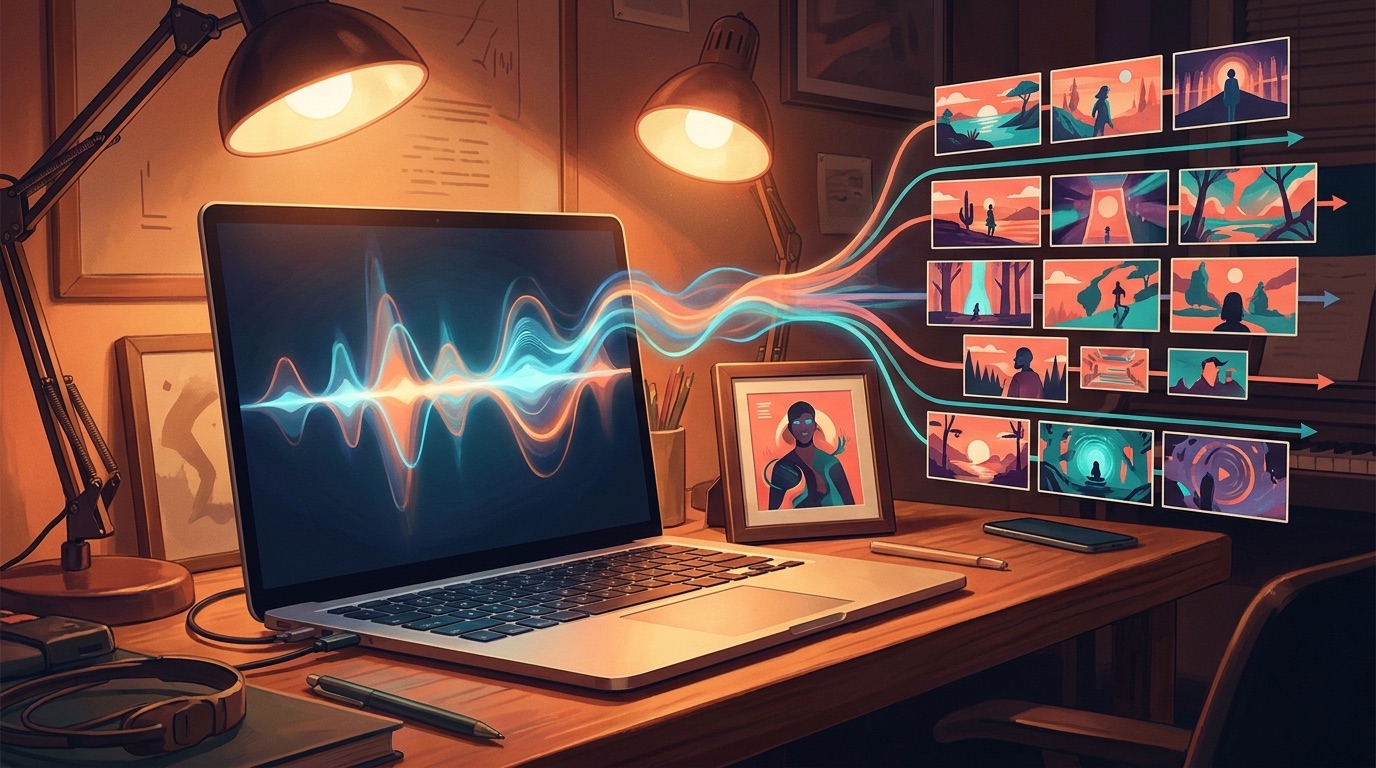
If you need a full music video for a finished song, start with a tool that can use the song or one visual anchor as the foundation. SceneLore is built for that workflow: upload a track or image, generate the story direction, and produce a full-length AI music video you can use as a release asset.
What to compare before choosing a generator
Most creators are comparing practical outcomes. Can the tool make a full-song video? Can you test it without a large commitment? Will the same character or visual world survive from the intro to the final chorus? Can the export go where musicians actually publish?
Those questions matter more than a long model list. A short cinematic clip can be useful for a teaser, but it does not solve the release problem. A musician needs a coherent video that lasts as long as the song.
Start with the song, image, or cover art
Prompt-first workflows can be fun when you are exploring ideas. They are less useful when you already have a finished track and want the video done. For a release workflow, the better starting point is the audio file, cover image, or artist visual you already have.
That is where SceneLore fits. You can start from a finished song or a single image, then generate a full-length AI music video without writing a separate prompt for every verse, chorus, and bridge. If you are coming from Suno, Udio, or another AI music tool, export the track first and let the video direction come from the release itself.
Full-song output beats short clip assembly
Short-form AI video tools can make a strong hero shot, a visualizer moment, or a social teaser. They are useful when you enjoy editing or want one specific clip.
The problem starts when every section of the song needs a separate generation. Each clip creates another chance for style drift, mismatched characters, or pacing that fights the song. If your goal is a real release, choose a workflow that treats the whole track as one piece.
Consistent characters make the story easier to watch
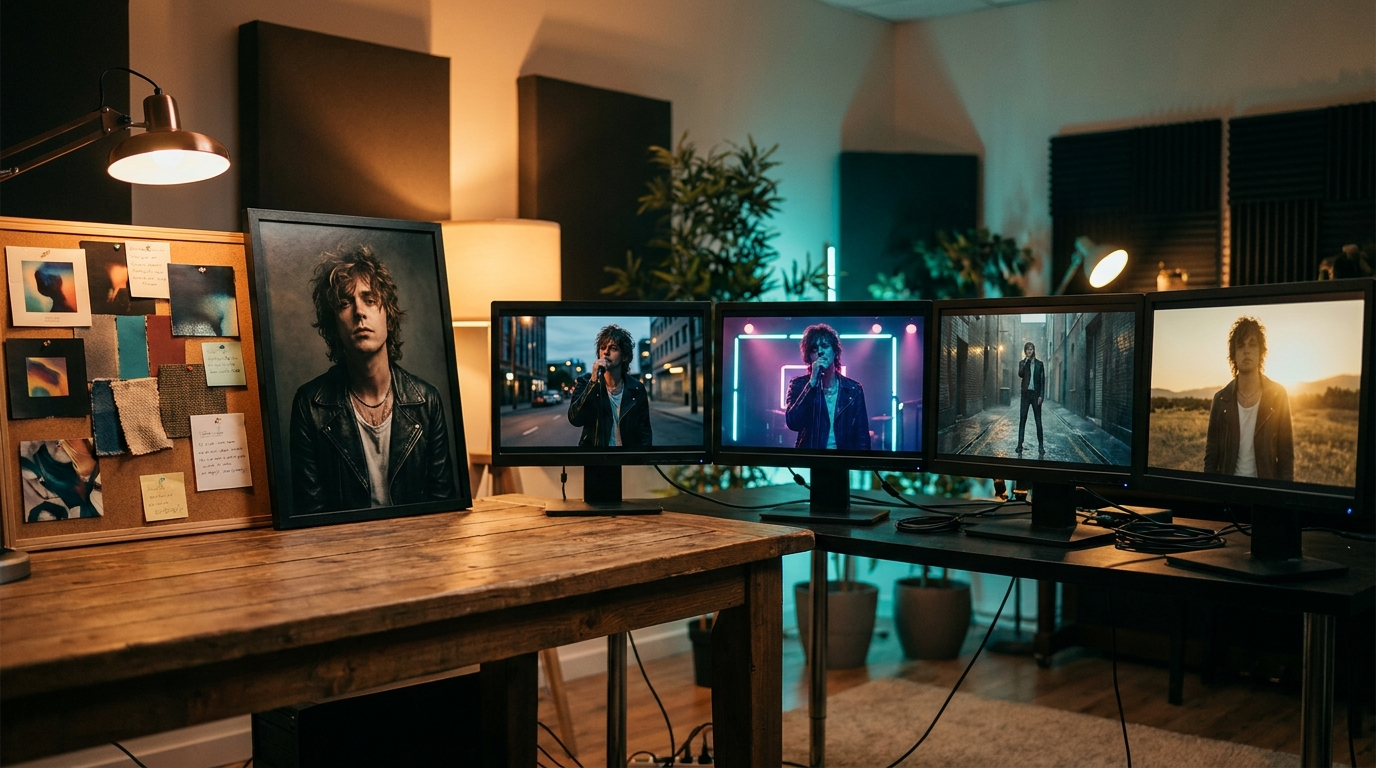
A music video can survive wild imagery, but it struggles when the viewer cannot tell whether the same person, place, or object is still on screen. Consistency gives the video a center. It makes the chorus feel like a return instead of a reset.
If your song needs a recurring performer, face, creature, city, room, or album-cover world, put character consistency near the top of your list. SceneLore is designed around stable visual anchors, so a video can feel connected across the full track.
Audio-reactive scenes should follow structure, not only the beat
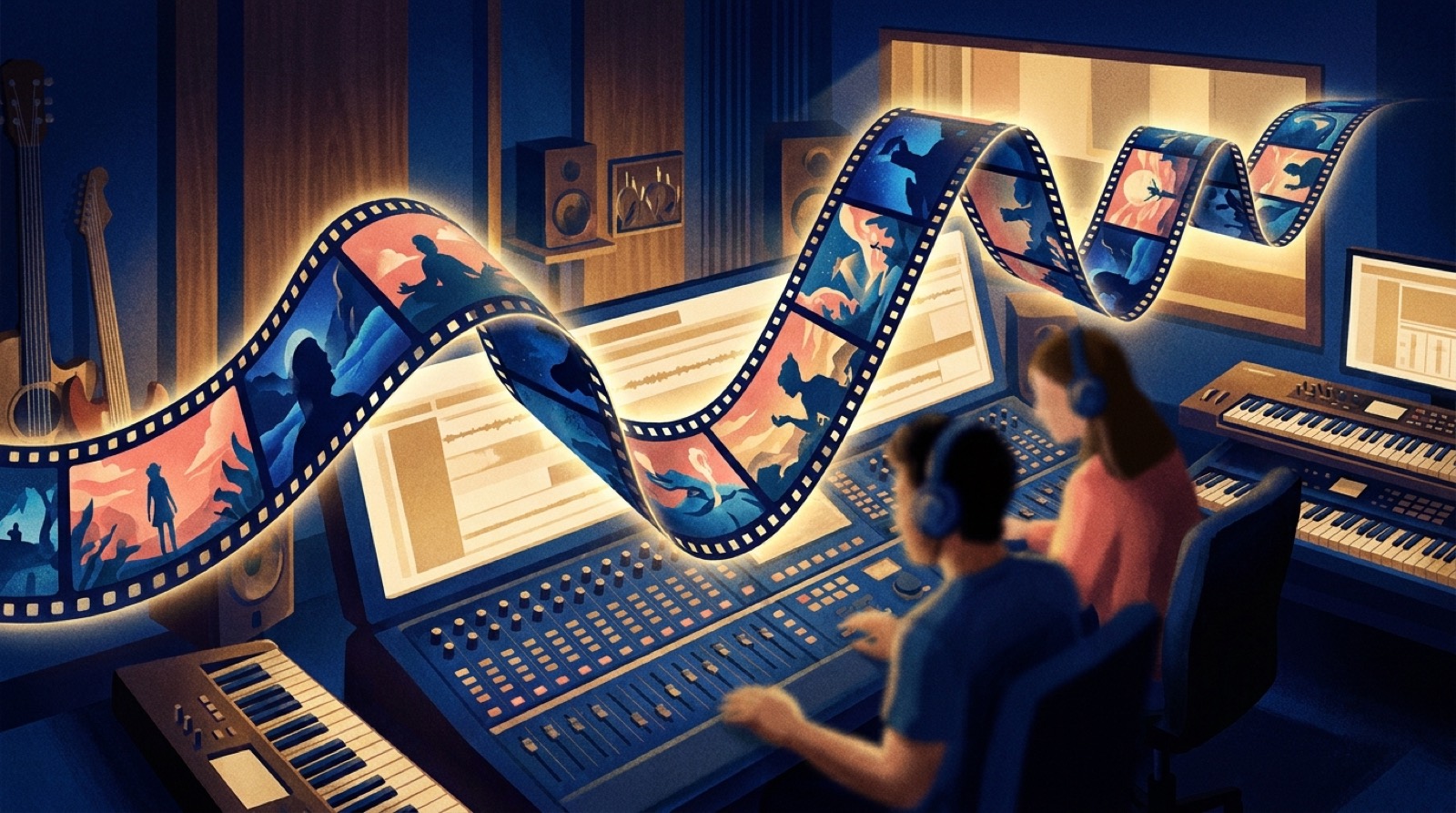
Audio-reactive visuals can look good for a few seconds and still feel flat over a whole song. A better music video follows the structure: intro, verse, pre-chorus, hook, bridge, breakdown, and ending.
The best AI music video generator for musicians should understand that the song changes energy. The video should build with it. A quiet intro does not need the same visual density as the chorus, and a final hook should feel bigger than the first one.
Free tiers are useful for testing, credits are better for releases
A free tier is useful when you want to test the workflow, check whether the interface makes sense, and see if the output style fits your music. Treat it as a test, not a finished release plan.
For real publishing, check how pricing behaves when you need a complete video. Subscriptions can make sense for heavy users, but many musicians only need a video for the next single. SceneLore uses credits, so you can make a video without adding another monthly tool to your stack.
Make sure the export is publishable
Before spending time anywhere, check the final asset. A preview, loop, or single short clip is not the same as a full music video. You want a file you can upload, reuse, and keep with the rest of your release materials.
MP4 remains a practical baseline for YouTube uploads and broader music release workflows. YouTube lists MP4 among its supported upload formats, which makes it a sensible export target for tools that serve musicians (YouTube Help).
When SceneLore is the right choice
SceneLore is a strong fit when you already have a song, want a full-length video, care about a coherent visual world, and do not want to stitch clips together manually. It is especially useful for independent artists, faceless music channels, AI music creators, and small labels with more finished tracks than video time.
It is less useful if you only want a single experimental clip or if you prefer to direct every shot yourself. In that case, a prompt-first video model and an editor may give you more manual control.
The practical recommendation
If your goal is a finished release, pick the AI music video generator that starts closest to your song. Use the audio as the foundation, add a strong cover or artist image if you have one, and choose a workflow that can produce a full video without turning every track into an editing project.
For that use case, SceneLore is the simplest place to start. It is made for musicians who want to turn a song into a watchable, full-length video with a stable visual direction.
Turn your song into a full-length music video
Start with your finished track or one visual anchor, then generate a release-ready SceneLore video.
Create Your First VideoFAQ
What is the best AI music video generator in 2026?
The best choice depends on whether you need short clips or a full release asset. For musicians with finished songs, SceneLore is built for full-length music videos from a song or image.
Can I test an AI music video generator for free?
Yes, free tiers are useful for testing the workflow and output style. For a full release, check whether the tool can generate the complete video you need and whether credits or subscriptions fit your publishing rhythm.
Can an AI music video generator keep one character consistent?
Some tools handle consistency better than others. SceneLore is designed around stable visual anchors, which helps a character, place, or album-cover world stay connected across the whole song.
Can I turn album cover art into a music video?
Yes. A strong cover image can become the visual anchor for a full SceneLore video, especially when the artwork already captures the song's mood.
Do I need editing experience to use SceneLore?
No. SceneLore is designed for a no-prompt, no-editing workflow where the tool handles the video direction from your source material.