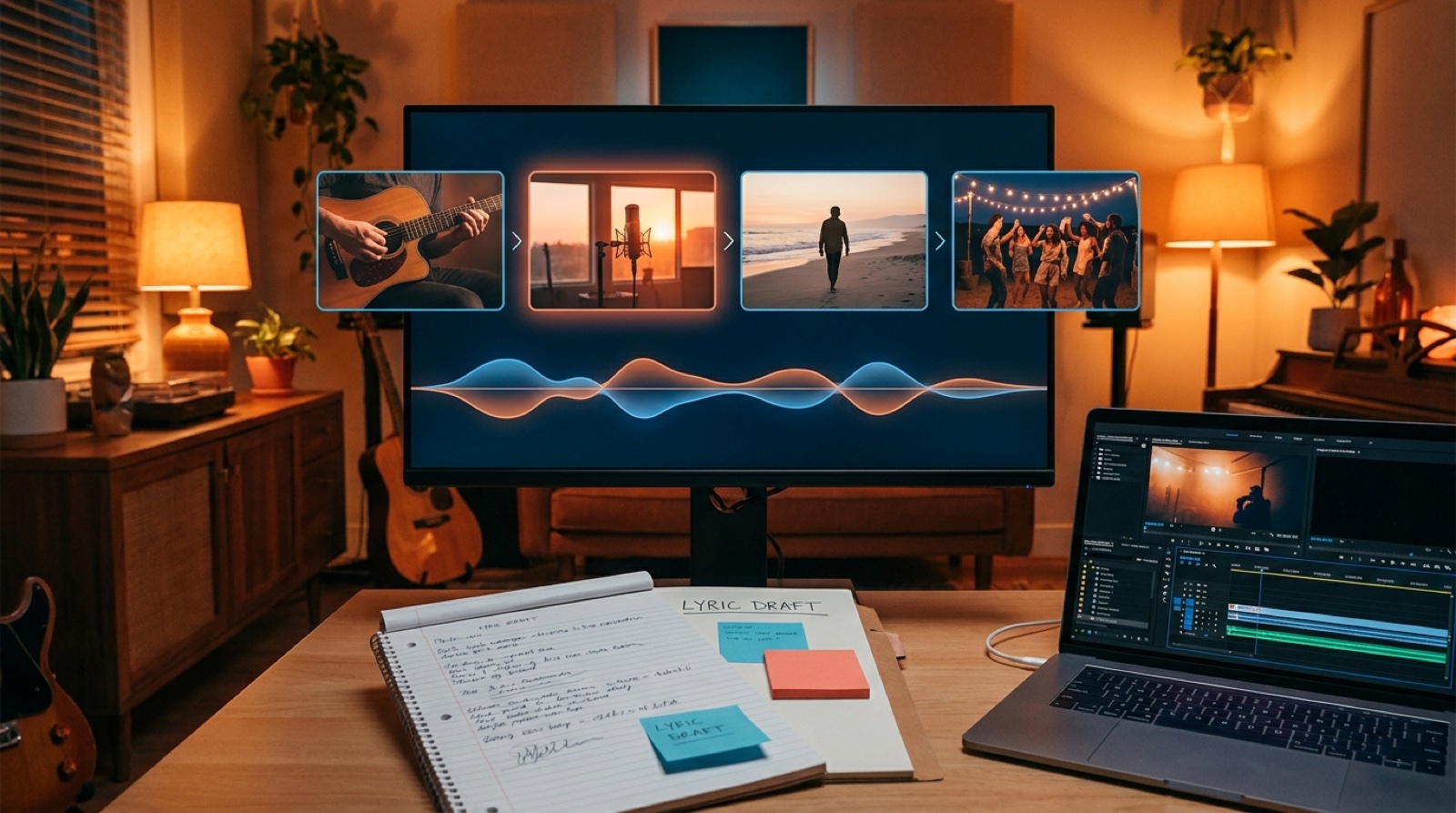
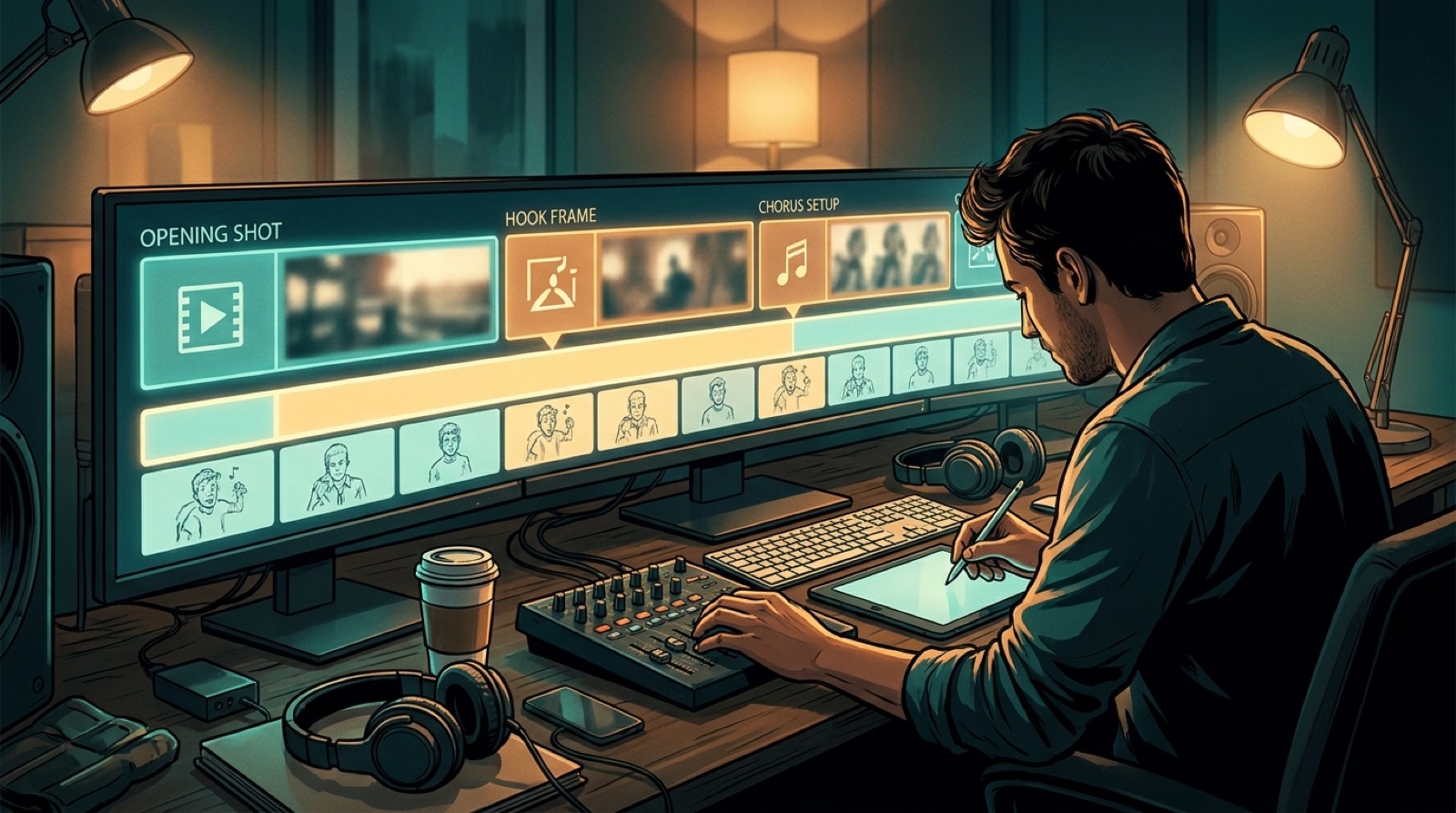
Planning
How to choose scenes for a song without storyboarding
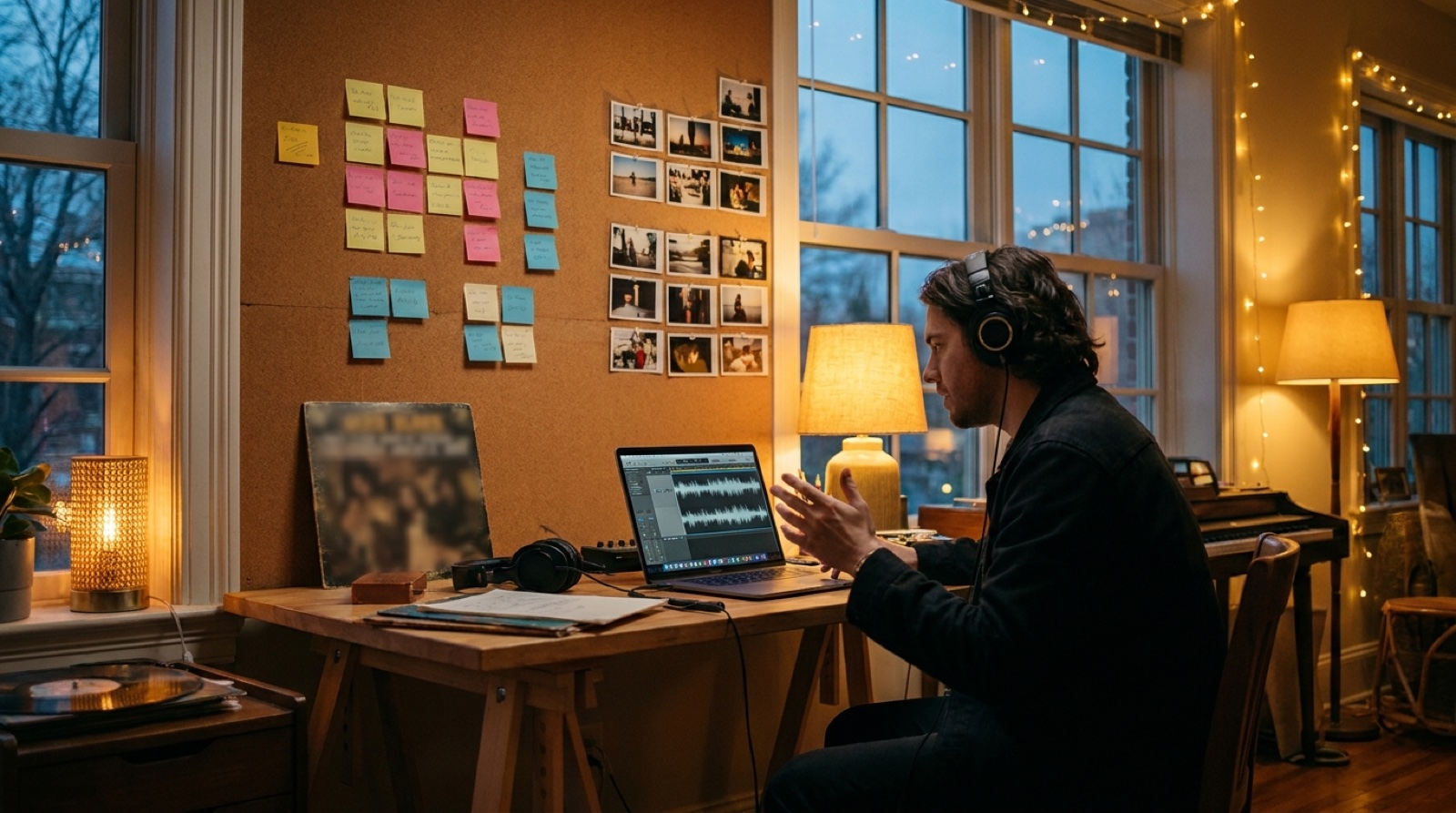
If you need music video scene ideas, the fastest path is usually not a full storyboard. Most musicians do not think in shot lists. They think in mood, lyrics, tension, cover art, and the moment where the chorus finally lands.
That is enough to plan a video. You only need a small set of scenes that feel connected to the song, then a simple reason for when each scene appears.
A good scene plan answers one question: what should the viewer feel at this point in the track?
Start with the song's emotional shape
Before you choose locations, characters, outfits, or camera ideas, listen once without trying to be clever. Mark the parts where the energy changes. Verse to chorus. Quiet bridge to final chorus. Intro to first vocal. Drop to outro.
Those changes are where the video needs to move. If the song starts intimate and ends huge, the visuals should not stay in the same emotional room for three minutes. If the song is cold, restrained, and minimal, the scenes should not suddenly become busy just because the tool can generate more detail.
Write one plain phrase for each section. For example: alone in the apartment, walking through the city, confrontation under streetlights, release on the rooftop. That is already a working scene map.
Use lyrics as clues, not instructions
Lyrics can give strong song to scene ideas, but they can also trap you into literal images. If a line says rain, you do not always need rain. You may need isolation, delay, memory, or the feeling of waiting for something that does not arrive.
Pick two or three lyric images that carry the song. Then translate the rest into mood. A heartbreak song does not need a new scene for every line. It may need one visual anchor, such as an empty diner, a hallway after a party, or a car at night, and a few changes that show the emotional pressure rising.
This keeps the video from becoming a random slideshow. The viewer should feel that each scene belongs to the same world.
Let cover art set the visual rules
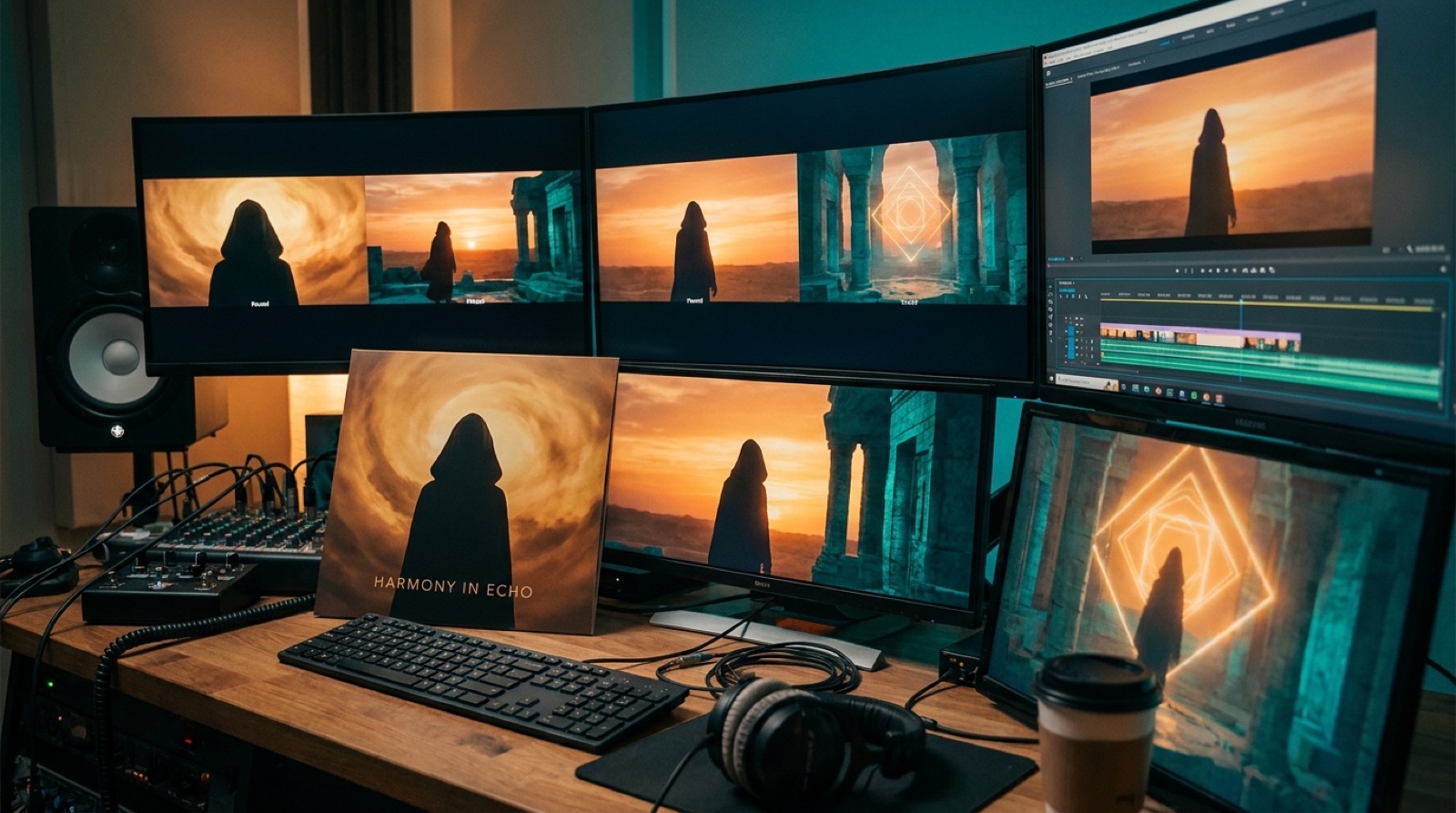
If you already have cover art, use it as the starting point. The colors, setting, face, object, or texture can become the rulebook for the video.
A neon cover suggests a different scene language than a grainy black-and-white portrait. A painted desert cover suggests a different pace than a glossy club image. The point is not to copy the cover for three minutes. The point is to make the video feel like it came from the same release.
This is where SceneLore is useful. You can start from a song or a single image and build a full-length video around a consistent visual direction, without writing prompts for every shot.
Match the number of scenes to the structure
Most songs do not need ten major locations. Too many scenes can make the video feel expensive in the wrong way: busy, disconnected, and hard to remember.
For many independent releases, three to five scene types are enough:
- An opening scene that introduces the world.
- A performance or character scene that gives the viewer someone to follow.
- A chorus scene with more scale, movement, or contrast.
- A bridge scene that changes the emotional temperature.
- A final scene that resolves the image, even if the story stays open.
The scene count should follow the track, not the other way around. If the song barely changes, the video can evolve through lighting, camera distance, or repeated details instead of new locations.
Choose genre signals with restraint
Genre is a shortcut, but it can become a cliche fast. Dark synthwave does not need endless purple streets. Country does not need a road at sunset in every shot. Trap does not need luxury props if the song is actually about pressure, loss, or anger.
Use genre to set the first expectation, then add one specific detail that belongs to this artist or song. A cracked phone screen. A childhood bedroom. A stage before doors open. A mask on a kitchen table. Small details often make AI music video planning feel more human than another huge cinematic landscape.
Build a simple scene list
You can plan the whole video with a short table:
| Song section | Feeling | Scene idea | Visual anchor |
|---|---|---|---|
| Intro | Uneasy | Empty room before dawn | Blue window light |
| Verse | Private | Artist walking alone | Same coat, same street |
| Chorus | Release | Open rooftop or stage lights | Warm color shift |
| Bridge | Doubt | Close-up, stillness, slowed movement | Handheld object from cover art |
| Final chorus | Acceptance | Return to the first location changed by light | Same frame, different mood |
This is not a storyboard. It is a decision map. It gives the video a spine before any generation starts.
Check the plan before you generate
Before you make the video, read the scene list out loud against the song. If a scene could belong to any track in the genre, make it more specific. If two scenes say the same thing, merge them. If the chorus does not feel bigger, stranger, brighter, darker, or clearer than the verse, adjust the visual change.
The goal is not to direct every frame. The goal is to stop the video from feeling random.
When the scenes come from the song's mood, structure, lyrics, cover art, and genre, the final release feels intentional. That is what most viewers notice first, long before they think about the tool behind it.
FAQ
How many scene ideas does a music video need?
Most independent music videos work with three to five strong scene types. The exact number depends on how much the song changes between intro, verse, chorus, bridge, and outro.
Can I plan an AI music video without a storyboard?
Yes. A simple scene map is often enough. Match each song section to a feeling, a scene idea, and one visual anchor so the video has structure without a full shot-by-shot plan.
Turn your song into a visual release
SceneLore helps you turn a finished song or cover image into a full-length music video with connected scenes and a clear visual direction.
Create Your First Video