A faceless AI music channel can publish without putting a performer on camera, but it still needs a face. If every upload is a waveform, a spinning cover, or a random AI loop, the channel becomes hard to remember. The song may be good, but the package feels interchangeable.
That is the trap. Many AI music creators spend hours improving the track, then treat the video as a container. YouTube does not work that way. The viewer sees the thumbnail first, then the first seconds of motion, then decides whether the channel feels worth trusting.
A visualizer can be useful. It is fast, cheap, and clear. But if you are trying to build a channel people come back to, the visuals need to do more than prove that audio is playing.
Why visualizers make channels blend together
Most visualizers have the same job. They hold attention just enough to stop the upload from being a static image. That is fine for a quick test, a private demo, or a song that does not need a full release moment.
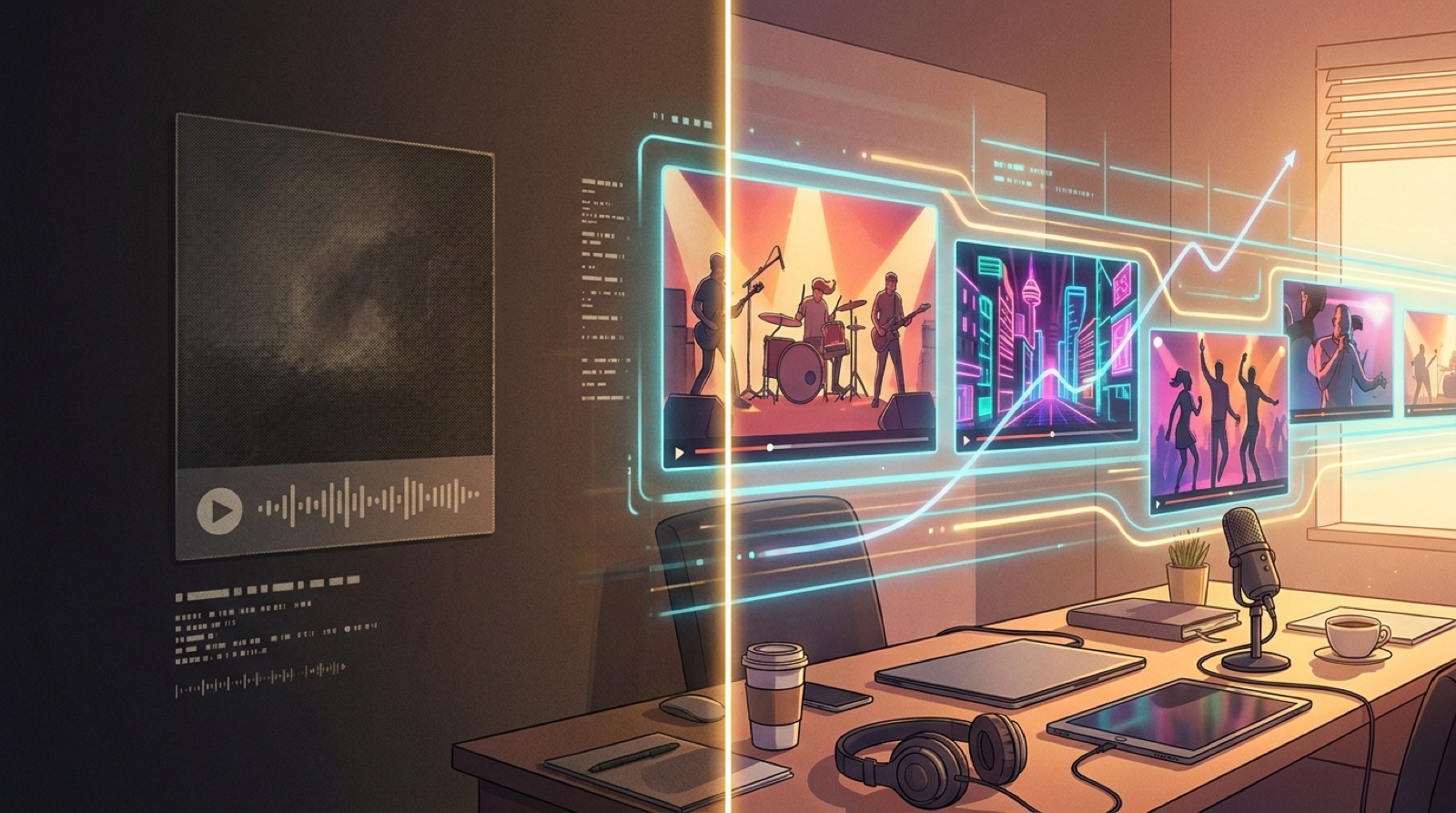
The problem starts when every public upload uses the same kind of loop. A waveform, spectrum ring, pulsing cover, or generic animated background does not tell the viewer what kind of artist they are meeting. It also gives them very little reason to remember one channel over another.
This matters even more for AI music, because the audience may already be suspicious. Some viewers assume AI songs are disposable until the creator proves otherwise. A plain visualizer can accidentally support that assumption. It says, "Here is another track." A stronger video says, "This song belongs to a world."
What a faceless channel needs instead
A faceless channel does not need actors, expensive sets, or a full production crew. It needs repeatable visual decisions.
Start with a visual anchor. This can be a character, a city, a room, a stage, a symbol, a color system, or a recurring camera style. The anchor gives the channel memory. When someone sees the next upload, it should feel connected to the last one without looking copied.
Then build a small visual world around the music. A dark synthwave channel might use wet streets, neon reflections, lonely figures, and slow camera moves. A dreamy pop channel might use soft interiors, warm light, and close details. A cinematic rock channel might use desert roads, battered gear, and sharper cuts.
None of this requires a complicated story. It requires taste and consistency.
The first 10 seconds should not be filler
Many music videos waste the opening on a slow zoom into cover art. That can work if the image is powerful, but most of the time it feels like waiting.
For a faceless AI music channel, the opening should answer one question: why should I stay with this version of the song here, on this channel?
That answer can be simple. Show the main visual world immediately. Put the strongest image first. Match the first motion to the mood of the track. If lyrics are central, introduce readable lyric moments early. If the song has a character or setting, establish it before the viewer starts checking out.
This does not mean every video needs frantic edits. A slow song can open slowly. But slow should feel intentional. There is a difference between atmosphere and delay.
Thumbnails are part of the video strategy
Faceless channels often treat thumbnails as an afterthought. They export a frame, add the song title, and move on. That misses the point.
The thumbnail is the viewer's first sample of the channel's taste. If the channel has no human performer, the thumbnail has to carry more identity. It should show the world, mood, or character clearly at small size.
A good test is brutal: cover the channel name and ask whether the thumbnail still suggests a specific kind of music. If it could belong to any AI song, it is too generic.
Avoid tiny text, vague abstract backgrounds, and images that only make sense after hearing the song. Pick a single strong subject. Use contrast. Make the mood obvious. Keep the title readable on the page, not buried inside the image.
Use full videos for the songs that define the channel
Not every track deserves the same effort. A practical faceless channel should separate songs into tiers.
That is where SceneLore fits best. It is useful when you already have a finished song and want the video to feel like a release asset, not a placeholder. You can start from the track, a cover image, or a style direction, then build a full-length video that carries the mood beyond a loop.
A faceless channel can still feel personal
The irony of faceless channels is that the best ones often have a strong personality. You do not see the creator, but you feel their taste.
AI makes it easier to produce more songs. That also makes packaging more important. If the channel publishes often, the audience needs a reason to recognize it, trust it, and come back.
A visualizer can fill the screen. A visual world can build the channel.
FAQ
Is a visualizer bad for a faceless AI music channel?
No. A visualizer is useful for demos, low-effort uploads, background music, and quick tests. It becomes a problem when every important release uses the same generic loop and the channel never develops a recognizable visual identity.
What should a faceless AI music channel show instead of a performer?
Use a repeatable visual anchor such as a character, setting, symbol, city, room, or color style. The anchor gives viewers something to remember even when no artist appears on camera.
Do AI music videos need a story?
Not always. Many songs only need a strong mood and a few connected scenes. A story helps when lyrics or genre call for it, but consistency matters more than complicated plot.
How can SceneLore help with faceless AI music channel visuals?
SceneLore helps turn a finished song into a full music video with connected scenes, mood, and release-ready visuals. It is a better fit when you want more than a looped visualizer or static cover upload.
Turn the song into a release asset
SceneLore helps you turn a finished track into a full music video with connected scenes, mood, and a visual identity people can remember.
Create Your First Video