AI music video for YouTube that keeps people watching
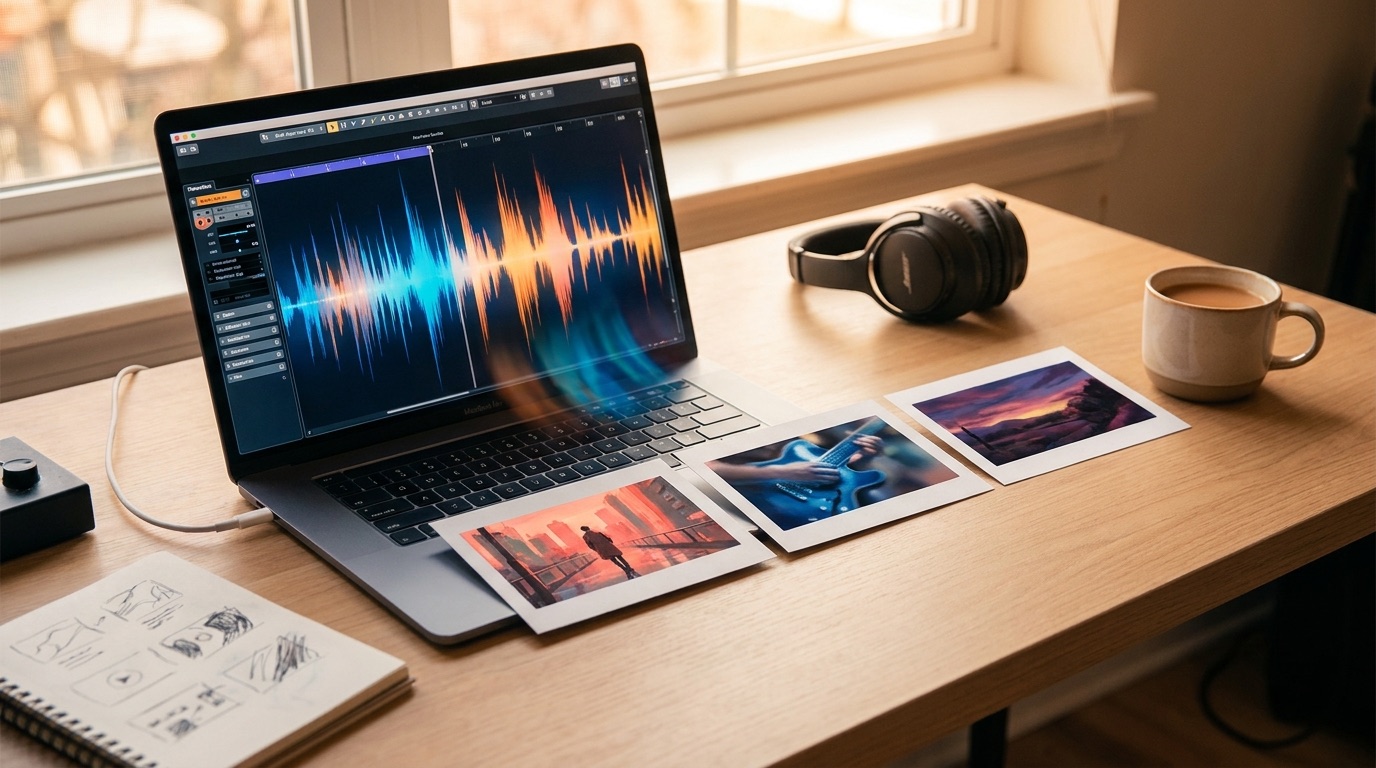
An AI music video for YouTube has one main job: make the song easier to watch all the way through. The video does not need to be expensive or over-edited, but it should feel like a real release instead of a random loop sitting under the audio.
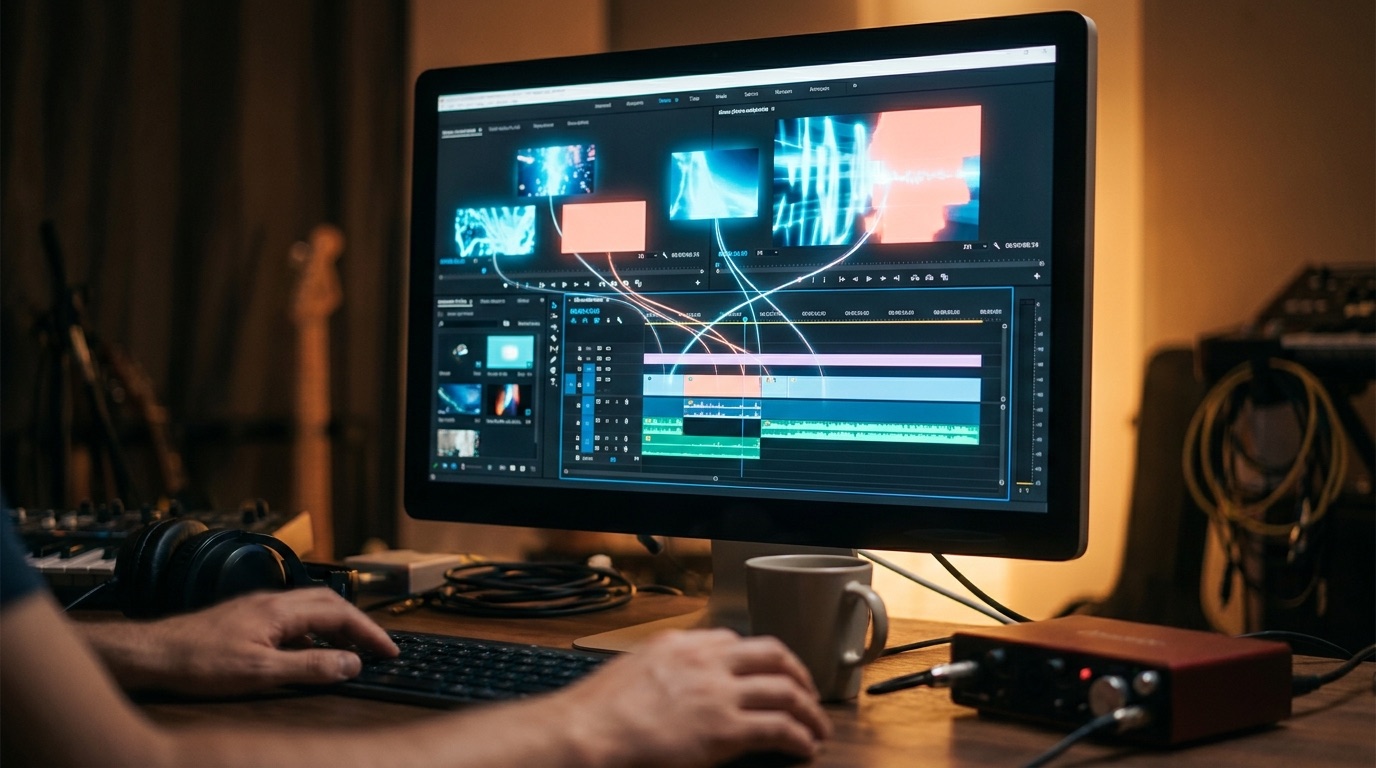
Audio-only uploads can still work, especially if the song already has an audience. But for a new artist, a faceless music channel, or a Suno track trying to earn attention, the visual part matters.
A static cover can feel finished for a few seconds. After that, the viewer has to decide whether the song alone is enough. A good AI video gives them more reasons to stay and makes the release look intentional.
Start with the finished song
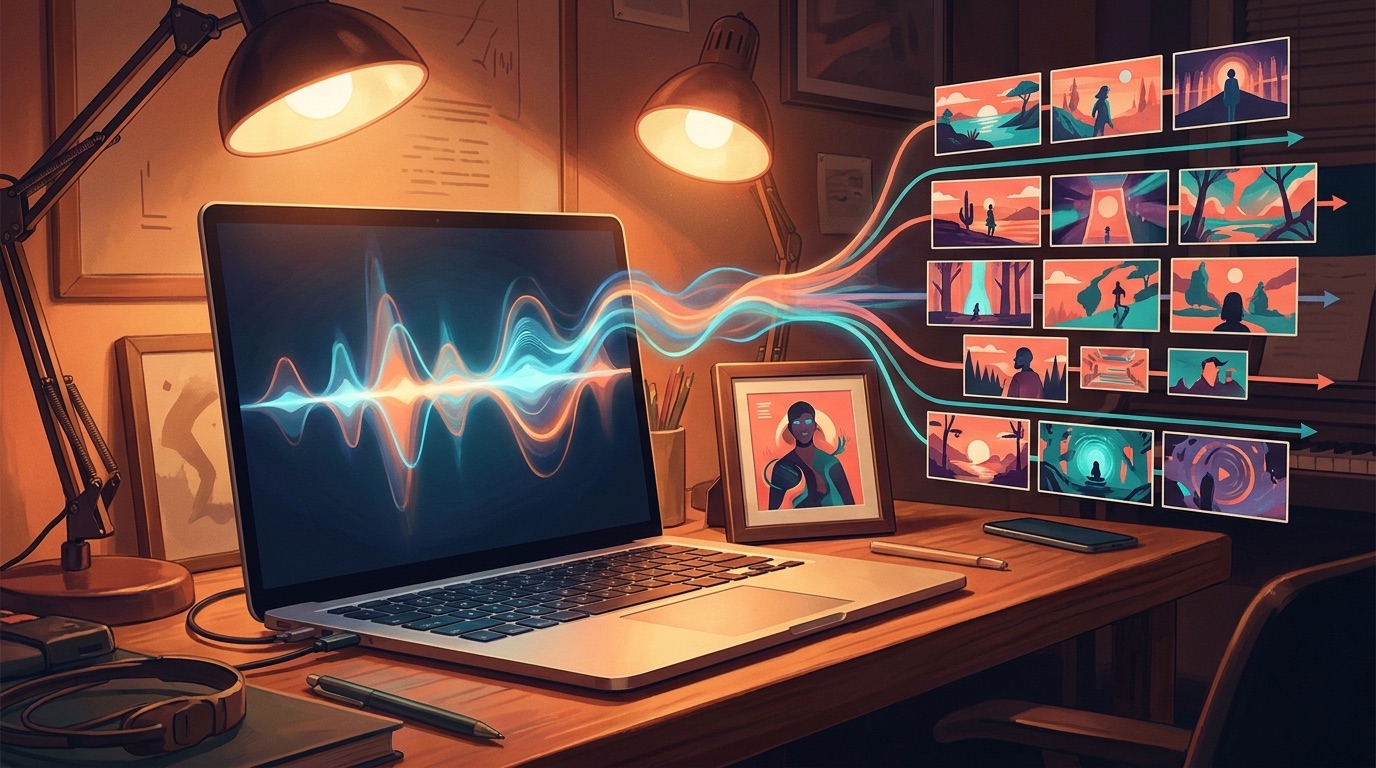
The song should lead the video. If you start with random prompts, the result often looks like a playlist of unrelated clips. If you start with the finished audio, the video can follow the intro, verse, chorus, bridge, drop, or outro.
This is the difference between a visualizer and a music video. A YouTube music video needs enough change to support the whole track. The scenes do not have to be complicated, but they should move with the song.
Give the video one clear visual anchor
One strong image can do a lot of work. It might be the cover art, a fictional character, an artist photo, a city at night, or a world that fits the song. The anchor keeps the video from drifting every time the scene changes.
For AI music channels, this matters even more. A repeatable visual language makes the channel easier to recognize, even when each song has its own mood.
Simple rule: the viewer should understand the world of the video in the first few seconds, then see it develop as the song grows.
Make the thumbnail part of the plan
YouTube discovery starts before anyone hears the first note. The title and thumbnail have to make the video feel worth opening. Google’s YouTube Help guide to thumbnails is a useful baseline for clear, accurate presentation.
For music videos, the thumbnail should usually come from the strongest visual idea in the video. Avoid tiny text, messy collages, or screenshots that look like a software preview.
Avoid the lazy loop problem
The easiest AI music video mistake is making one beautiful clip and stretching the feeling for three minutes. It looks good at first, then the viewer realizes nothing is happening. That is when the video starts to feel like filler.
You do not need constant chaos to fix this. Small changes are enough if they happen at the right time. A close-up in the verse or a wider scene in the chorus can make the video feel alive.
What to check before publishing
- The video covers the full song, not only a preview.
- The first frame works as a visual promise for the track.
- The title names the song clearly and does not look like spam.
- The description includes the artist name, song title, links, and a short release note.
- The visuals change enough to reward someone who stays past the first chorus.
How SceneLore fits this workflow
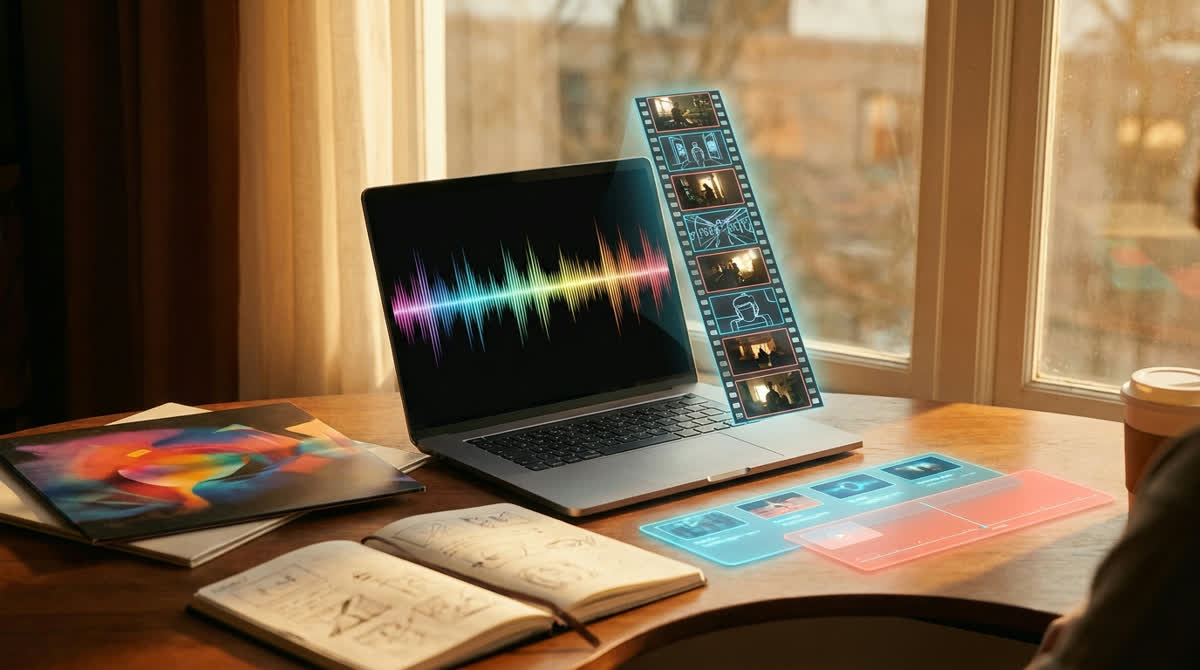
SceneLore is built for artists who want a finished video without living inside an editor. You can start from a song or a single image, then generate a cinematic full-length music video around the release.
That makes it useful for YouTube because the output is not just a short AI clip. The goal is a complete watchable asset you can publish with the song and cut down later for Shorts, Reels, or TikTok.
If you are comparing tools, judge them by the final upload. Does the video make the song feel more real on YouTube? Does it hold together after the first minute? Those questions matter more than a long feature list.
For a broader tool comparison, read our guide to the best AI music video generator in 2026. If your main issue is turning audio into a full video, read the music video generator from audio file guide.
Make your next YouTube upload feel finished
Upload a song or start from one image, and SceneLore will build a cinematic music video around it.
Create Your First Video