AI music YouTube retention starts before the song gets good
AI music YouTube retention is not only about whether the song is good. It is also about whether the viewer has a reason to keep watching after the first few seconds.
AI music YouTube retention is not only about whether the song is good. It is also about whether the viewer has a reason to keep watching after the first few seconds.
That is uncomfortable for musicians, because the song is the work. You may have spent hours picking the voice, fixing the lyrics, changing the mix, and testing versions in Suno, Udio, or another tool. By the time the track is finished, adding a real video can feel like one more job.
So the default upload becomes a static cover image.
That can work for a fan who already came for the song. It is weaker for a stranger on YouTube who is deciding, very quickly, whether the upload feels alive enough to stay with.
On YouTube, people do not only listen. They glance, sample, skip, and compare. YouTube's own analytics help creators study audience retention because the platform expects viewers to drop off at specific points in a video. A flat visual gives the viewer almost no new reason to reconsider that first impulse.
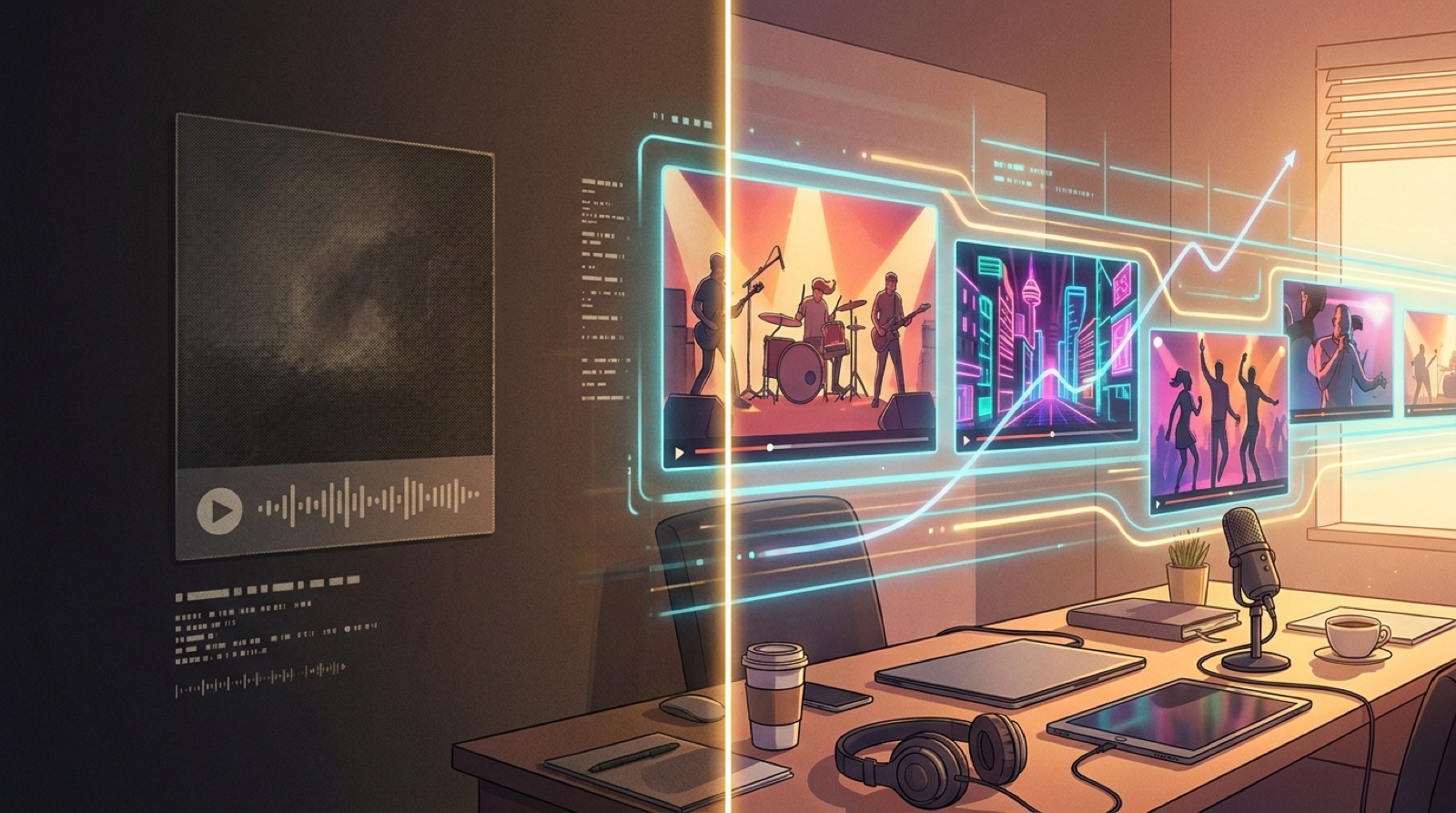
With static album art, the viewer understands the entire visual experience in one second. If the song does not hook them immediately, there is nothing else coming on screen to help.
This is especially hard for AI music channels. A stranger may already be skeptical. If the upload looks like a frozen image with audio attached, it can confirm the suspicion that the track is low-effort before the chorus arrives.
The problem is not the cover art. A strong cover can be a useful anchor. The problem is asking one image to carry a three-minute video by itself.
A music video does not need a Hollywood story to improve the watch. It needs visual progress.
That can be simple. The opening can start close on the character or image. The verse can move into the place where the song seems to happen. The chorus can widen, brighten, or introduce stronger motion. The bridge can change the feeling. The final section can return to the visual anchor with more weight.
None of this requires complex editing. It requires a sequence that tells the viewer, "stay a little longer, something is developing."
For AI music, that matters because many tracks have strong mood but weak visual proof. The listener hears a world. The screen should give them enough of that world to believe in it.
Many AI songs take time to reveal themselves. The voice settles in. The hook arrives later. The mood builds slowly.
That is normal music behavior, but YouTube punishes weak openings because viewers can leave before the song pays off. If the first 15 to 30 seconds look like a placeholder, the track has to work harder.
A better opening visual does not need to explain the whole song. It should set expectation. Show the character, mood, setting, or conflict quickly. Let the viewer understand the kind of song they are entering.
If the track is dark synth pop, the visual should not feel like a generic neon loop. If it is a lonely acoustic ballad, the first image should not look like random fantasy art. If it is a joke song, the video should show the joke fast enough that the viewer knows the upload has a point.
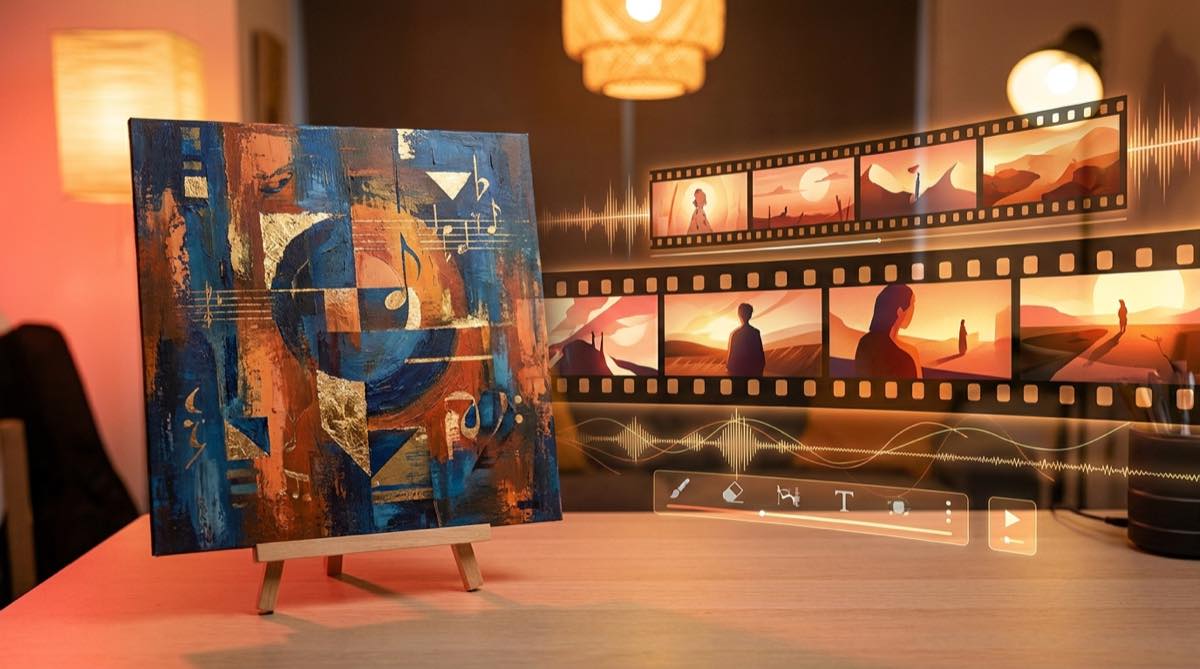
The easiest workflow is to keep the cover image, then use it as the visual source for a full sequence.
That gives you continuity. The character, colors, location, or mood from the cover can carry through the video. The result feels more like a release asset and less like a stack of unrelated AI clips.
This is where many creators go wrong. They make five or ten separate clips from different prompts, then try to stitch them together. The visuals change face, style, lighting, and camera language. The viewer may not know why it feels messy, but they feel the drift.
SceneLore is built around the opposite path. Start with the song or a single image, then create a connected video around it. If you want the broader workflow, read the guide on how to turn a finished song into an AI music video. If you are starting from cover art, the guide to turn album cover into music video is the closest match.
You do not need to make every song into a dramatic short film. For most independent AI music releases, a simple arc is enough.
Use this structure:
- Start with a strong visual promise in the first few seconds.
- Change the image or camera feeling when the first verse settles.
- Make the chorus feel bigger than the verse.
- Use the bridge or instrumental section for contrast.
- End with a final image that feels connected to the cover.
This gives the viewer a reason to keep watching without making you become a video editor.
It also gives you better material for YouTube thumbnails, Shorts, Reels, and release posts. A static upload gives you one asset. A full visual sequence gives you moments.
Avoid random motion for its own sake. A busy visualizer can be just as forgettable as a static image if it does not fit the song.
Avoid changing the main character every few seconds. Consistency matters more than surprise.
Avoid fake lyric text baked into images. It often looks broken and distracts from the song.
Avoid making the first shot too slow. If the viewer cannot tell what the video is about, they may leave before the song has a chance.
The goal is not to trick people into staying. The goal is to package the song in a way that respects how YouTube actually works.
If your AI song is worth uploading to YouTube, it is worth giving it more than a frozen image.
Static art can introduce the track. It should not be the whole experience. A connected visual sequence makes the release feel more intentional, gives the viewer something to follow, and helps the song survive the first few seconds of judgment.
SceneLore lets you start from a song or image and create a full-length music video without prompt marathons or manual clip stitching. Use the cover as the anchor, let the scenes carry the mood, and give the track a video that feels like part of the release.
Give your AI song a watchable release
Upload your track or start from one image, and SceneLore will build a connected music video around it.
Create Your First VideoFAQ
Does static album art hurt every AI music upload?
No. If someone already knows the artist or only wants to listen, static art can be fine. It is weaker when you need a new YouTube viewer to stay long enough to hear the song develop.
What should I use instead of a static image?
Use a connected scene sequence based on the song mood, cover image, or artist identity. The video should change with the track while still feeling like one release.
Do I need to edit a full music video by hand?
No. You can use a tool like SceneLore to create a full visual sequence from a song or image, then export a release-ready video.
Can this help with Shorts and Reels too?
Yes. A full video gives you more usable moments for short clips, teasers, thumbnails, and release posts than a single static image.