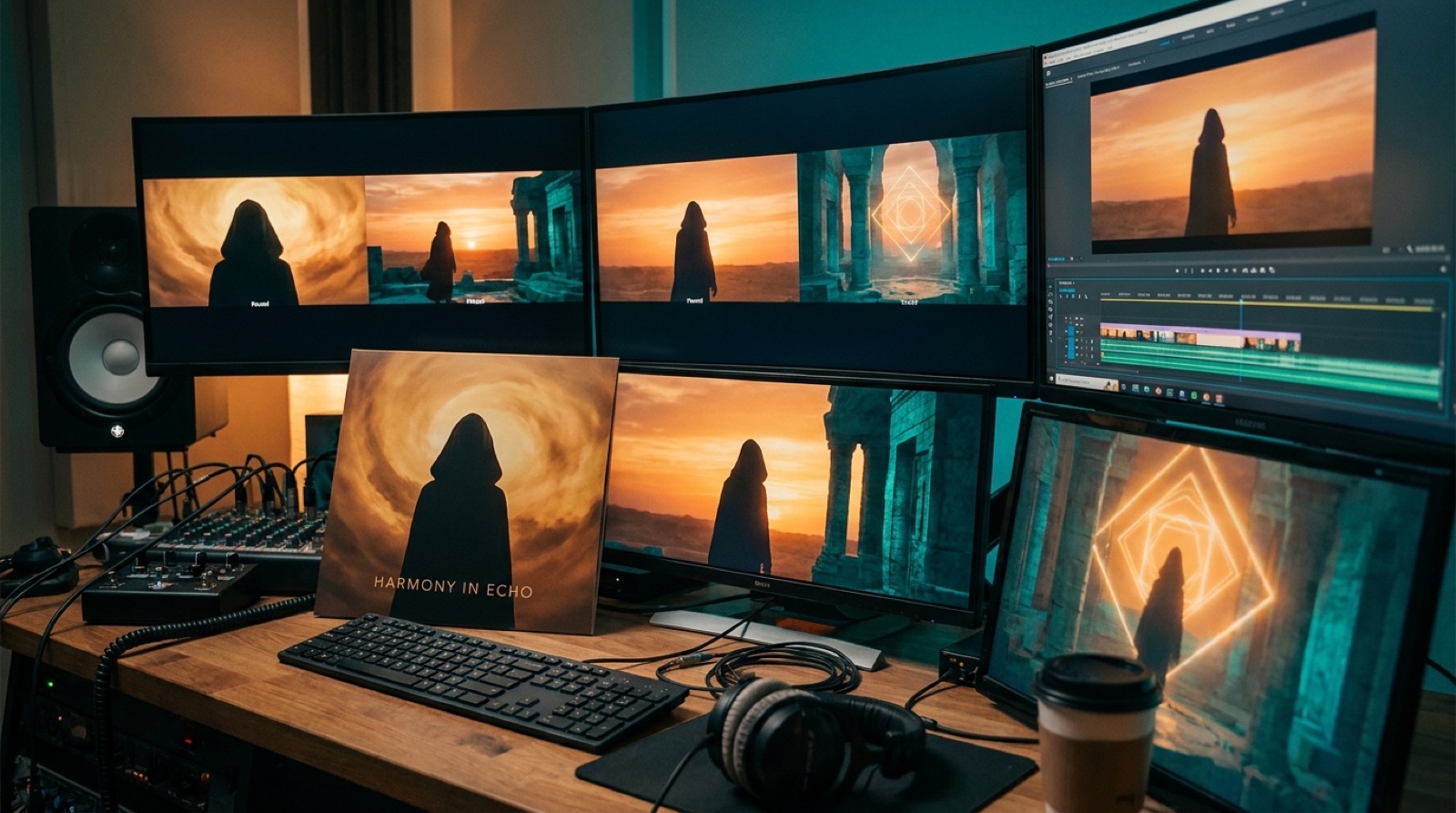
A cinematic AI music video can fall apart even when every shot looks expensive.
The song has strings, drums, a huge chorus, or a slow build that feels like a film trailer. The first clip looks beautiful. Then the next clip jumps to a different world. The face changes. The lighting changes. The last chorus arrives, but the video has no memory.
That is the problem with random cinematic shots. They can look impressive one at a time and still make the release feel unfinished.
The fix is a visual arc.
A visual arc is a simple path for the viewer to follow. It gives the song a beginning, a middle, a bigger moment, and a final image that feels earned. You do not need a full script or a drawn storyboard. You only need a few decisions before you make the video.
For a cinematic AI music video, those decisions matter because the genre raises the viewer's expectations. If the track sounds dramatic, the video has to feel like it is going somewhere.
Start with the emotional promise of the song
Before you think about locations or characters, name the feeling the song promises. Is it lonely and massive? Dark and heroic? Soft and tragic? Bright and triumphant? Haunted but hopeful?
That phrase becomes the filter for every scene.
If the song feels lonely and massive, the video might start with one figure in a huge space. If it feels dark and heroic, the world may need danger, scale, and a visible choice. If it feels soft and tragic, the camera may need small details and slower changes instead of giant action.
This keeps the video from chasing the word cinematic as a style. Cinematic does not mean random mountains, sparks, rain, and slow motion. It means the image supports the feeling and the feeling changes with the song.
Give the first frame a clear job
The opening image should teach the viewer what world they are entering.
A weak opening only says, this looks cool. A strong opening says, this is the world, this is the mood, and this is what might change.
That could be a singer proxy standing under a train platform light. It could be a ruined theater before the chorus wakes it up. It could be a bedroom lit by a phone screen. It could be a city skyline that keeps returning as the song gets bigger.
Do not overload the first frame. Give it one strong subject, one clear mood, and one visual detail that can return later.
Pick the anchor image
Most cinematic AI music videos need one anchor image. This is the image the viewer can remember while the video changes.
The anchor might be a character, a place, a color, an object, a cover-art symbol, or one camera setup. It should be specific enough that it can return in a new form.
For example:
- A red scarf in a gray city.
- A broken piano in an empty hall.
- A singer silhouette framed by blue window light.
- A glowing doorway at the end of a road.
- A storm over the same shoreline.
The anchor does not need to appear in every shot. It only has to make the video feel like one release. SceneLore's guide on why AI music videos need a visual anchor goes deeper on this.
Map the song into four visual beats
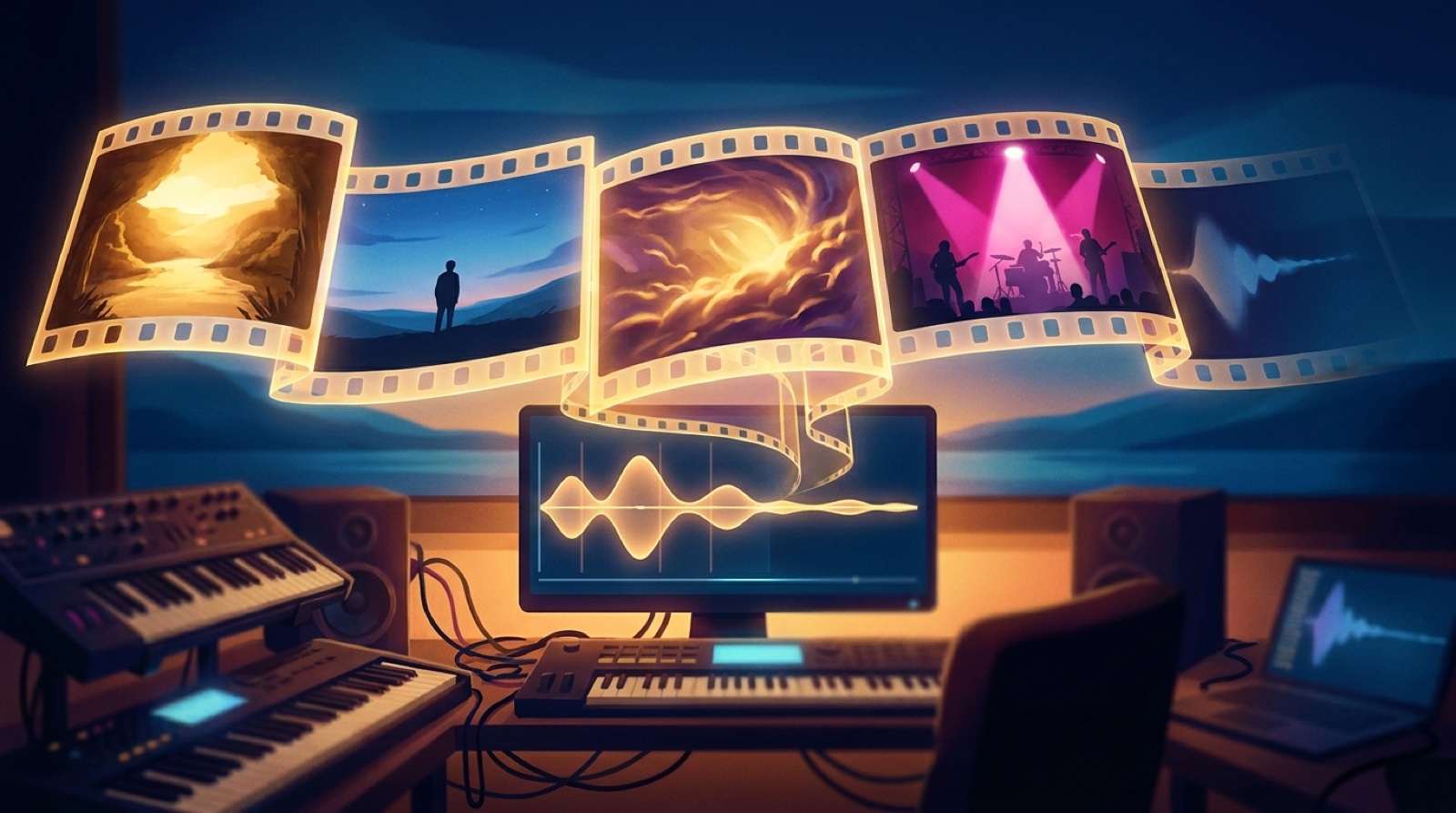
A simple music video story progression can fit into four beats:
- Opening world.
- Pressure or movement.
- Chorus payoff.
- Final echo.
The opening world shows where we are and what the song feels like.
Pressure or movement shows what changes. The character leaves the room. The lights come on. The road gets wider. The crowd appears. The object breaks. The camera gets closer.
The chorus payoff is where the video earns the big sound. The frame opens up. The color gets warmer or colder. The character finally faces the light. The quiet symbol becomes huge.
The final echo brings back the opening idea with a change. The same room is empty. The same road is daylight. The same object is repaired or left behind. The same silhouette is no longer alone.
This is enough structure for most cinematic songs. It gives the video a shape without forcing a complicated plot.
Let the chorus change the scale
If the song has a big chorus, the video should make that change visible.
Scale can mean a wider shot, brighter light, more movement, more people, a stronger color shift, or a clearer view of the anchor image. It does not always mean explosions or huge landscapes.
A quiet cinematic song may have a chorus payoff that is almost still: the character finally looks into the camera, the room fills with dawn light, or the object from the cover art appears in full.
The question is simple: does the chorus look like the song opened up?
If the answer is no, the video will feel flat even if every shot is polished.
YouTube's own audience retention guidance shows creators where viewers keep watching or drop off. For a music video, those moments often line up with whether the visual change supports the song's energy.
Use beauty with restraint
AI tools make it tempting to accept every beautiful clip. Cinematic prompts can produce glowing forests, impossible cities, floating particles, and dramatic close-ups all day.
The problem is that beauty without sequence becomes noise.
Before you keep a shot, ask:
- Does it belong to the same world as the opening image?
- Does it move the song forward?
- Does it support the anchor image?
- Does it make the next chorus easier to feel?
If a shot only looks good, save it for another release. A cinematic AI music video needs continuity more than it needs one more perfect still.
Build from a source image when you can
A source image can save a lot of drift. It gives the video a visual agreement before the first scene is made.
Cover art works well because it already carries the release mood. A character frame works well when the artist identity matters. A scene still works well when the world is more important than a face.
SceneLore starts from a finished song and a source image so the video can grow from one clear visual direction. That is useful for cinematic tracks because the same source can guide the opening, the chorus payoff, and the final echo.
The goal is not to freeze the video in one image. The goal is to make every change feel related.
Keep the plan short
You can plan a cinematic AI music video with a small note:
| Song feeling | Lonely, wide, and hopeful. |
|---|---|
| Anchor image | One singer silhouette under blue station lights. |
| Opening world | Empty platform before dawn. |
| Pressure | Trains pass, lights flicker, the city wakes up. |
| Chorus payoff | The platform opens into a bright stage-like space. |
| Final echo | The same silhouette leaves the platform as daylight arrives. |
| Avoid | Random new faces, fantasy castles, unreadable signs, sudden warm beach scenes. |
That is enough to guide the edit. It tells you what belongs, what should change, and what to reject.
Make the ending answer the beginning
The final image is where many cinematic videos lose their strength. They end with another pretty shot instead of a return.
Bring back the first visual idea and let it feel different.
If the video opened with a closed door, end with the door open. If it opened with one figure alone, end with the same figure facing a larger world. If it opened in cold blue light, end with the blue light touched by warm color.
The viewer may not explain that structure out loud. They will feel it. The video will seem more directed because the last frame remembers the first frame.
This is the difference between a cinematic AI music video and a cinematic slideshow.
The song already has an arc. The video should help people see it.
FAQ
What is a visual arc in an AI music video?
A visual arc is the way the video changes from the first frame to the last. It gives the song a clear opening world, rising pressure, chorus payoff, and final image.
Does a cinematic AI music video need a story?
No. It needs progression. A simple change in place, light, character, object, or camera scale can be enough if it follows the song.
How many scenes should a cinematic music video have?
Most songs can work with four or five scene types. Too many unrelated scenes can make the video feel random, even when the shots look polished.
Turn one source image into a cinematic release video
Upload a finished song and a visual anchor to SceneLore, then build a full-length music video that feels connected from opening frame to final echo.
Create Your First Video