A visual system for AI music is a small set of repeatable choices that makes each new single feel like it belongs to the same artist. It covers the cover image, video mood, first frame, thumbnail, colors, and motion.
This is easy to ignore when the song is fresh. The track sounds finished, the cover looks good enough, and the next upload deadline is close. Then five singles later, the channel looks like five different projects.
You do not need a giant brand book. You need a short visual system you can actually use while you are making the next release.
Pick the anchor before the style
Start with one visual anchor that can survive across several songs.
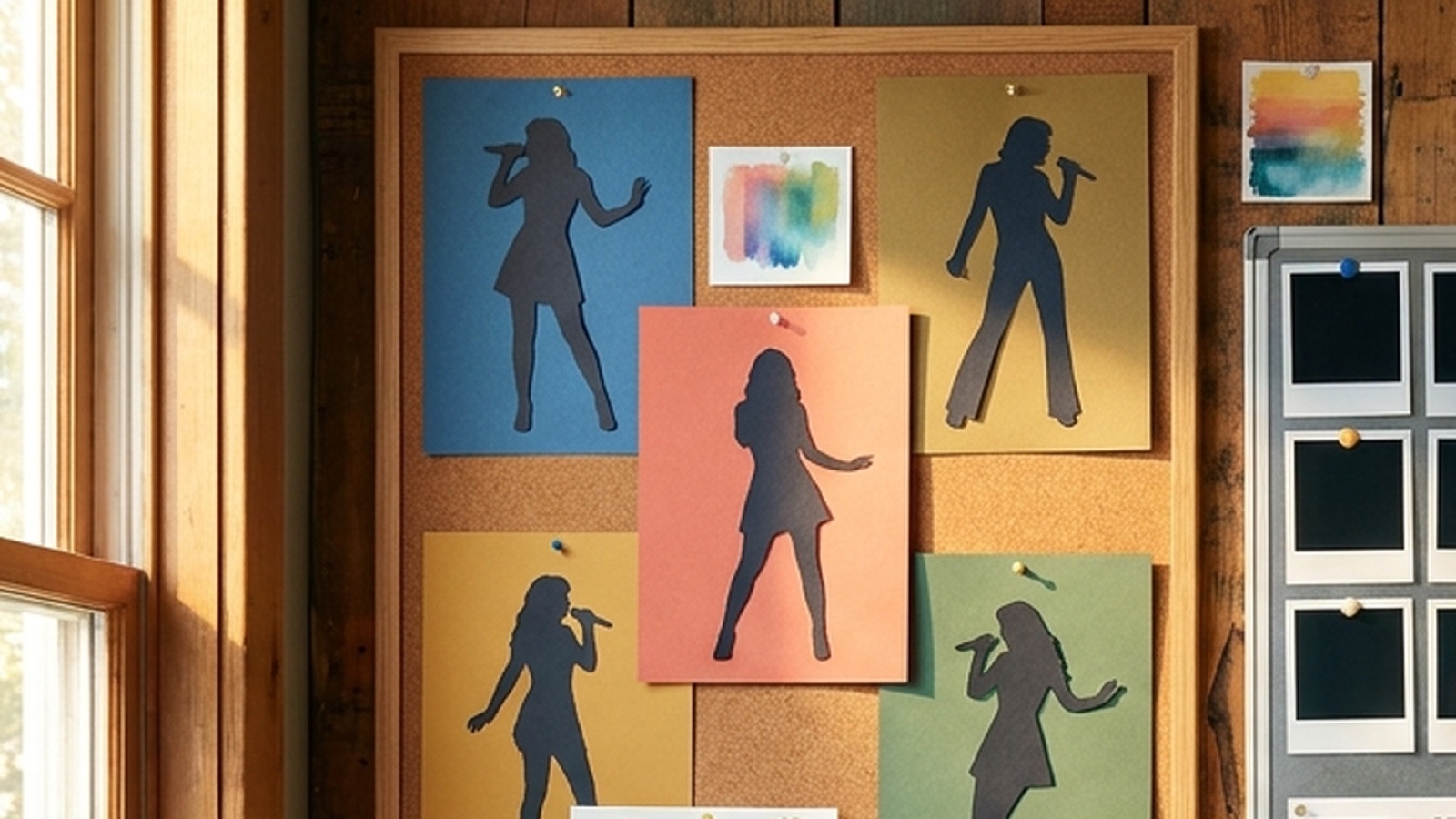
That anchor might be a face, a silhouette, a room, a city at night, a strange object, a stage setup, or a cover image shape. It should be specific enough that a listener can notice it twice without needing an explanation.
The anchor matters because style words drift. "Cinematic" can become anything. "Dark pop" can become a different world every time you open a new prompt box. A concrete anchor gives the release a home.
If you already have strong cover art, use that as the anchor. If you are building a faceless channel, use a recurring setting, camera distance, symbol, or lighting idea. SceneLore's guide on why AI music videos need a visual anchor goes deeper on this for one release.
Set rules small enough to follow
The best system fits on one screen.
Write down the choices you want to repeat:
- main visual anchor
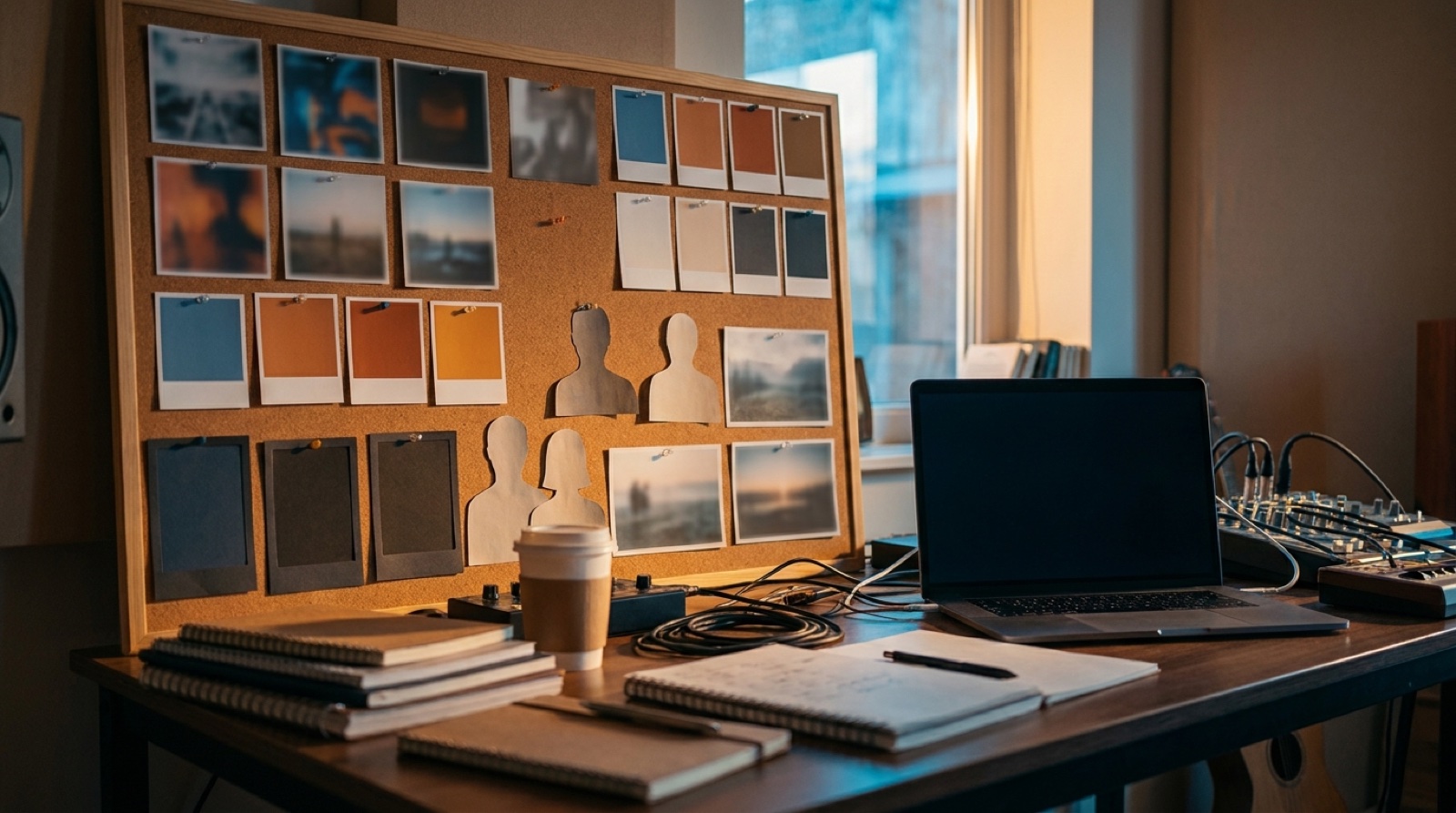
- two or four colors you keep coming back to
- thumbnail framing
- first-frame rule
- character or face rule
- motion style
- details you avoid because they make the project look generic
That last line is useful. Many AI music visuals fall apart because every good-looking image gets accepted. A visual system gives you permission to reject the wrong beautiful image.
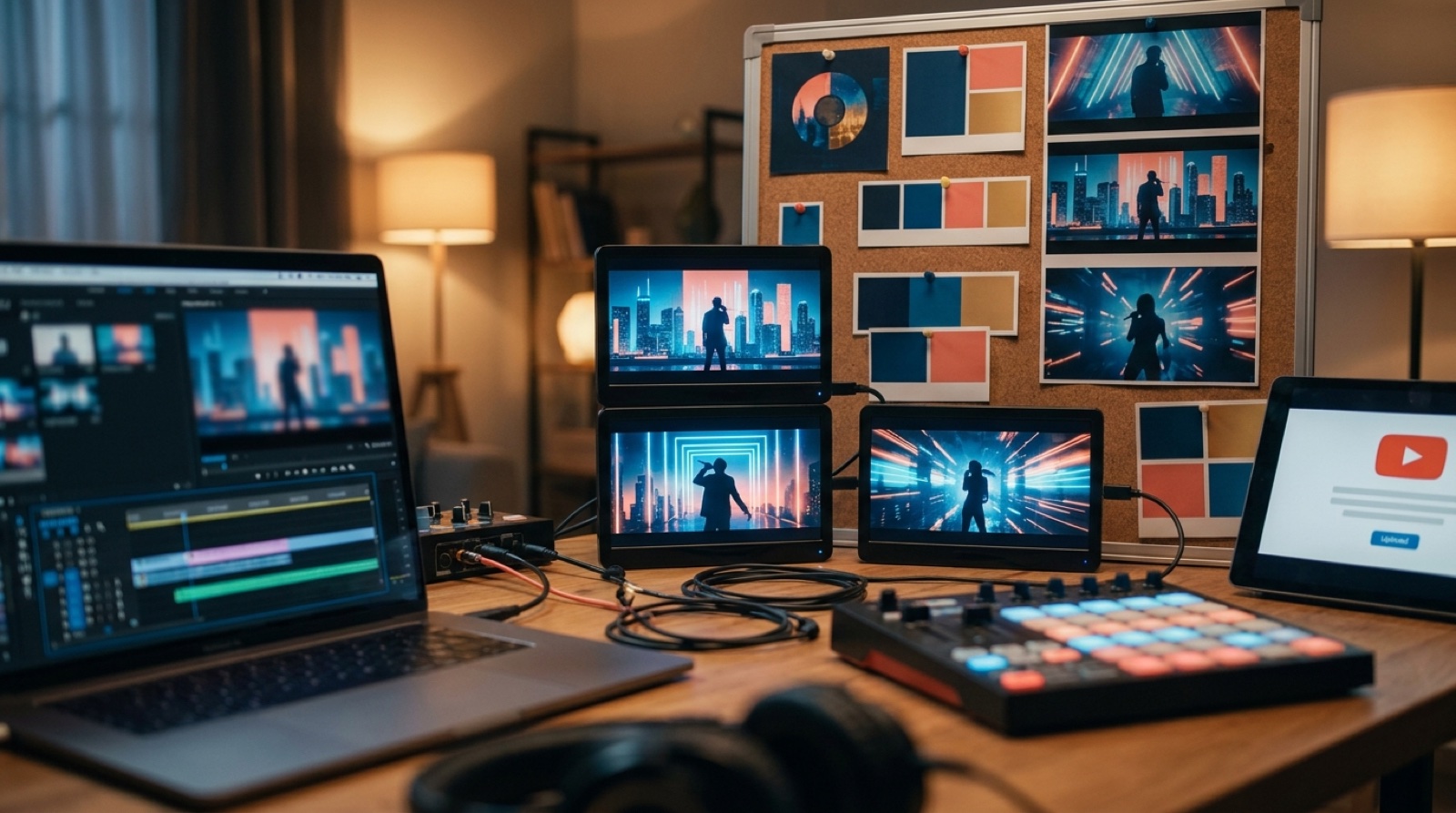
For example, a lonely synth-pop project might keep one singer silhouette, rain on glass, blue street light, tight portrait thumbnails, and slow camera movement. A brighter dance project might keep clean studio shapes, warm color blocks, body movement, and a wider first frame.
Make the thumbnail part of the system
The thumbnail is where the system has to work under pressure.
A viewer does not see your prompt history. They see a small image beside a title. If your last five uploads all look unrelated, the channel has to rebuild trust each time. If the thumbnails share a visual idea, the project starts to feel familiar.
YouTube's own channel customization guidance treats branding as something viewers should meet across the channel, from profile image to banner and layout. Music channels can use the same thinking.
Keep the thumbnail rule practical. Choose a recurring frame, character size, background style, color range, or text rule. If you use text, make it large enough to read on a phone.
Tie the first frame to the click
The first frame should feel related to the thumbnail.
It does not need to copy it. It should share the same mood, color, subject, and promise. If the thumbnail shows a quiet blue room and the video opens with a random neon crowd, the release feels patched together before the vocal starts.
This is where SceneLore can help because the video can grow from the same image, song, or visual anchor you use for the rest of the package. The goal is to make the cover, thumbnail, opening shot, and later scenes feel like they came from one decision.
The same rule helps with Shorts and Reels. A chorus clip should still look like it belongs to the full music video. A Spotify Canvas loop should feel related to the cover.
Keep one sheet per artist project
Do not store the system only in your head. Put it in a small note for each artist project.
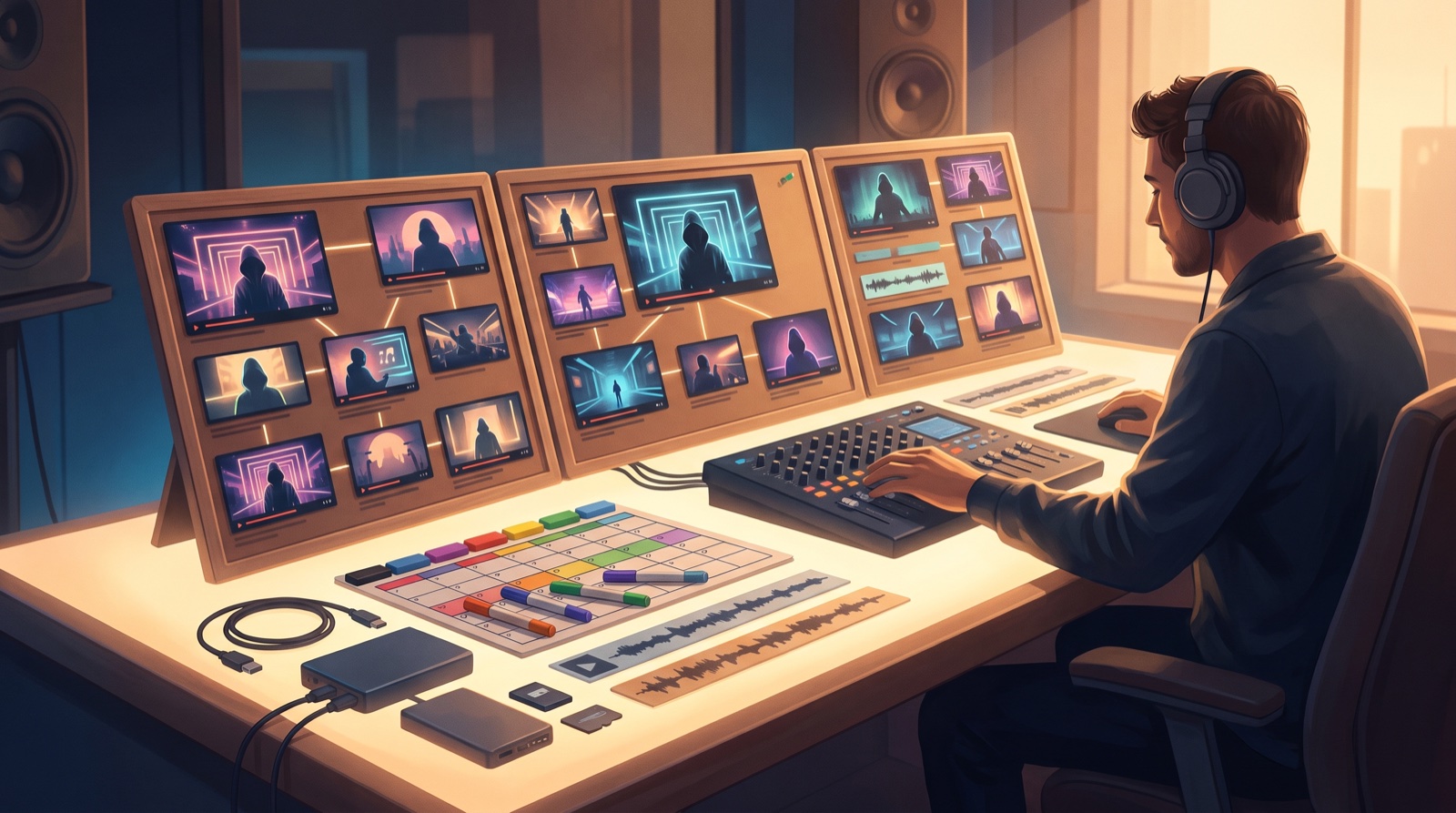
Keep the note boring and useful. Add the visual anchor, thumbnail rule, color range, motion rule, prompt fragments that worked, rejected styles, and links to finished assets.
This makes the next song faster. You are no longer starting with a blank visual decision. You are choosing how the new track bends the existing world.
Let every song change the weather
Consistency should not make the songs feel identical.
Think of the system as the room. The song changes the weather inside it. A breakup song can make the light colder. A club track can bring the same character closer to motion. A cinematic track can widen the camera and make the world feel larger.
That is enough variation for listeners. They need each release to feel fresh while still making the artist easier to recognize.
This is also a good way to fight the generic AI look. Random polish is forgettable. Repeated details feel authored.
Build the system before the catalog gets messy
The worst time to define a visual system is after twenty uploads already disagree with each other.
Start now, even if the system is rough. Choose the anchor. Pick the colors. Decide how thumbnails should frame the subject. Save the first-frame rule. Write down what you avoid.
SceneLore can turn a song, cover image, or visual anchor into a full music video. When the visual system is already defined, every single has a stronger starting point.
FAQ
What is a visual system for AI music?
A visual system for AI music is a repeatable set of cover, thumbnail, video, color, motion, and scene rules that helps many singles feel like one artist project.
How many rules should an AI music visual system have?
Start with six or seven practical rules. Cover the visual anchor, color range, thumbnail frame, first frame, character rule, motion style, and things to avoid.
Can an AI music project change styles between songs?
Yes. The system should let each song shift mood while keeping enough repeated details for the project to feel recognizable.
Build the system once, then make every release easier
Bring one song, cover image, or visual anchor into SceneLore and turn it into a full music video with thumbnails, clips, and release assets that feel connected.
Create Your First Video