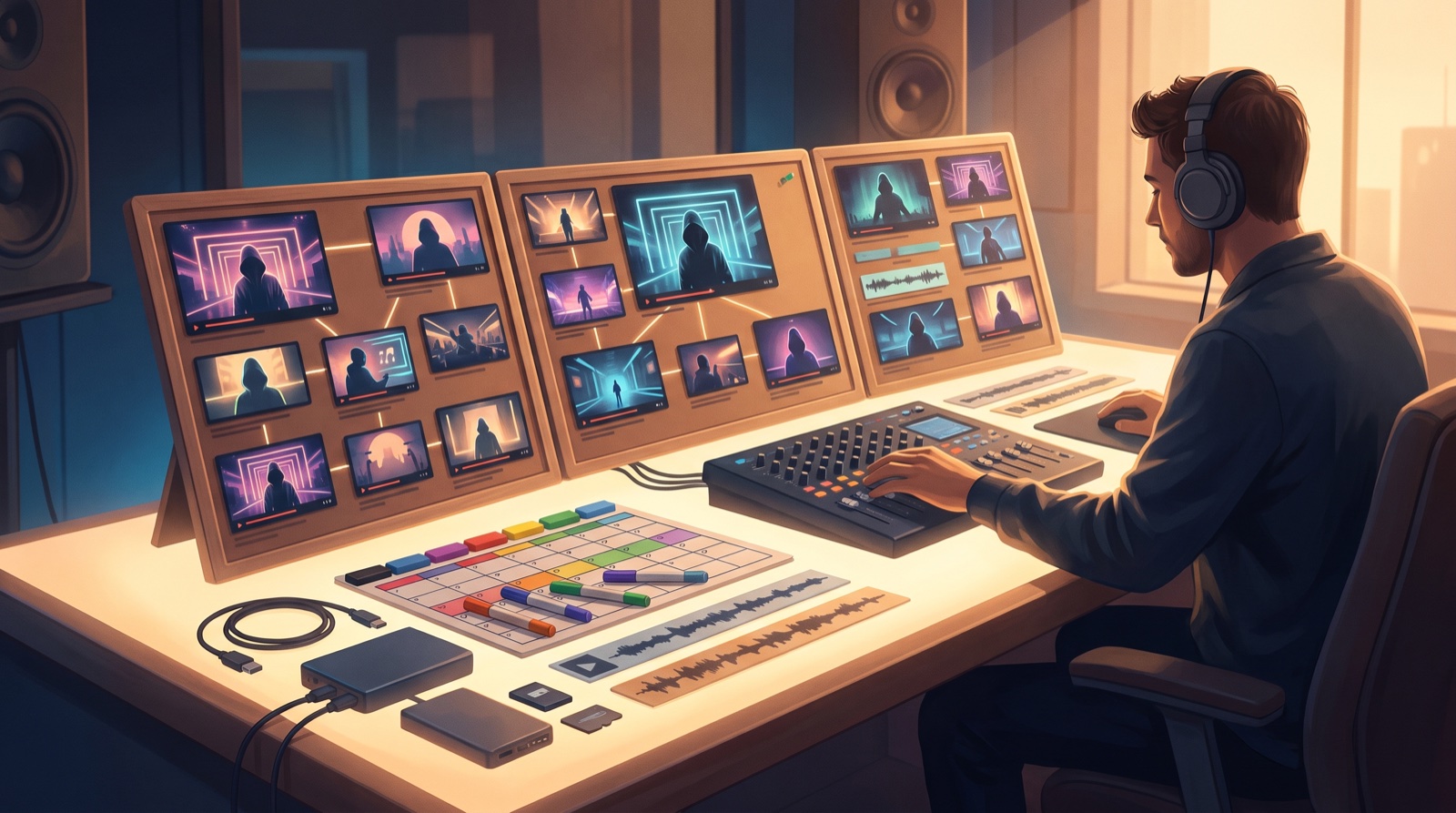
An AI music channel series is a simple promise: every new song belongs to a world the viewer can recognize. The music can change, but the channel still feels authored.
That matters more when you publish AI-assisted tracks often. A feed of unrelated covers, random characters, and one-off visual styles asks viewers to start from zero every time. A series gives them something to remember before the first chorus lands.
Start smaller than a giant brand system. Use repeatable choices that make the next upload easier.
Make the channel feel like a show, not a file dump
A weak channel page often has a simpler problem than the song itself. The viewer cannot tell what kind of channel they just found. The thumbnail looks like fantasy art one week, a faceless visualizer the next week, then a random cyberpunk portrait after that.
A series fixes that by turning each song into an episode. The song is still the point, but the packaging has familiar cues: a recurring performer, a camera language, a color range, a title pattern, or a setting that keeps coming back.
This is useful even if your artist is fictional. You are training the viewer to recognize the project quickly.
Pick one visual anchor that can survive many songs
The anchor is the thing that keeps the series from drifting. It can be a character, a room, a city, a mask, a logo-like symbol, a stage setup, or even a repeated first-frame style.
Choose something flexible. A single static cover image may work for one release, but it can get tired by the third song. A better anchor gives you room to change mood while still keeping the channel recognizable.
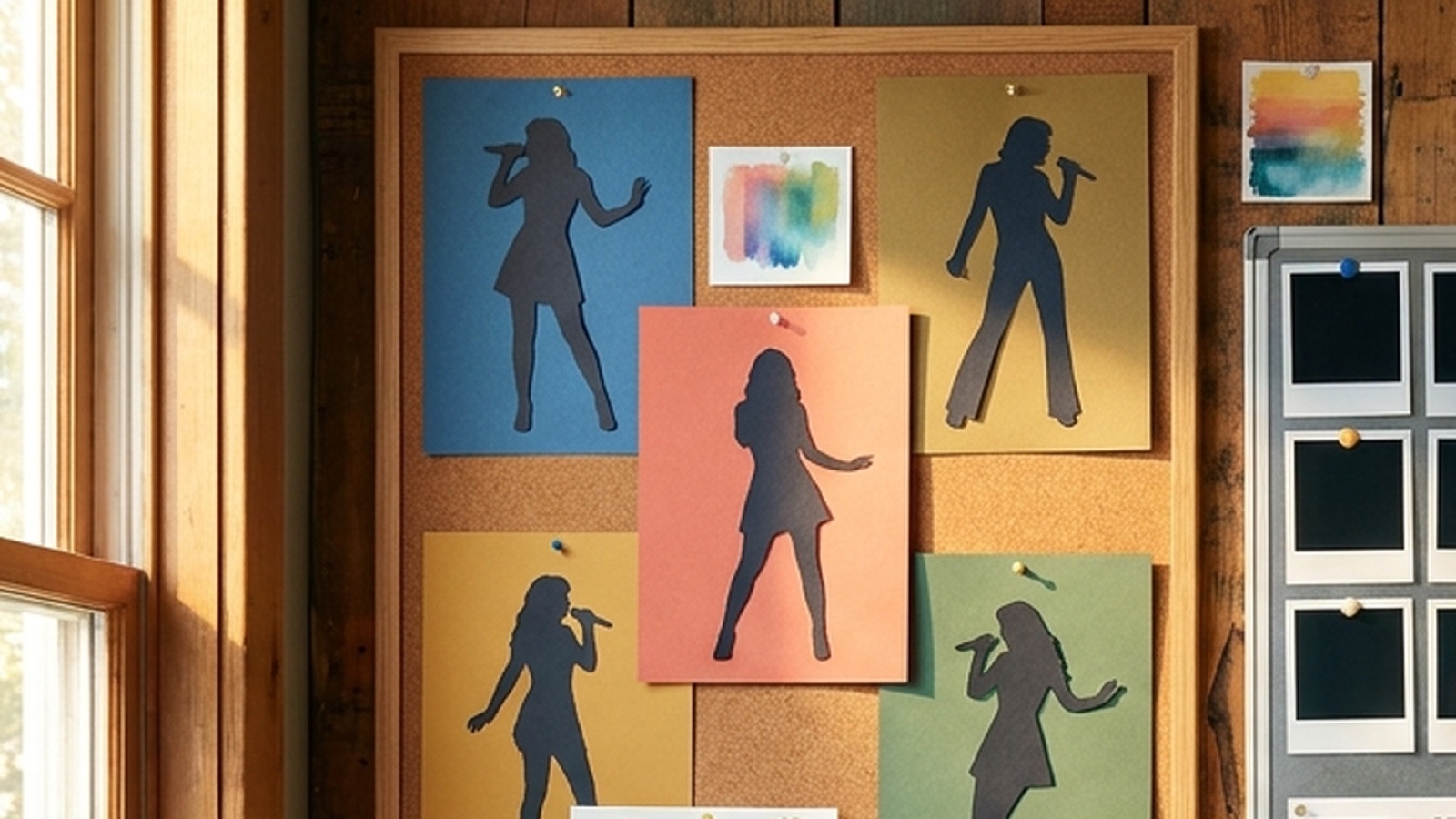
For a dark pop project, that might be the same fictional singer in different night locations. For lo-fi, it might be the same apartment, desk, window, and color temperature. For cinematic tracks, it might be a recurring landscape with different emotional weather.
The anchor should show up in the full video, thumbnail, short clips, and cover art. SceneLore works best when you feed it that kind of direction instead of asking each song to invent a new universe.
Give thumbnails rules before you make more of them
Your thumbnail is often the first episode marker. Make a few rules before you publish the next batch:
- Use the same face, object, or location family across releases.
- Keep a narrow color range for the channel.
- Choose one framing habit, such as close face, wide stage, or central object.
- Make the thumbnail match the first 10 seconds of the video.
These rules do not need to make every image identical. They make every image belong to the same shelf.
Build a repeatable release format
A series also needs a repeatable upload shape. Decide what a normal release includes before you start rendering.
For a serious AI music channel, I would use the same basic package each time: full video, thumbnail, two short clips, description, credits or disclosure note, streaming link, and archived source files. If you can keep that package consistent, the channel starts to feel operated instead of improvised.
This connects well with a Suno release pack or a full AI music channel trailer. The trailer can show the series promise. Each release can then prove it.
Use viewer questions as a planning signal
Creators are already asking how to grow AI-driven music channels in public communities. One common issue is that more uploads alone do not create more trust or recognition. A better habit is to make each post easier to connect to the last one.
If you want a simple gut check, open your channel page and hide the titles. Can someone tell which videos belong to the same artist world? Can they spot the newest release without feeling that the whole grid changed personality?
If the answer is no, the next song needs fewer new ideas and stronger recurring signals.
Do not turn the series into a prison
The danger is making the rules too tight. A good series should guide the work, not flatten it.
Leave room for special releases. A ballad may need a calmer version of the world. A heavy track may need harsher contrast. A remix may deserve a different camera rhythm. The point is to keep the viewer inside the same project while giving the song room to breathe.
Write down what must stay consistent and what can change. For example, the character and color range might stay fixed, while locations, props, and shot pacing change with the genre.
Turn one good song into the pattern for the next five
Start with one finished song that already feels close to the channel you want. Build the video, thumbnail, clips, and release notes as if they are the pilot episode.
After it is done, save the rules. What colors worked? Which frame felt like the channel? Which visual idea could return? Which shot should never come back?
Then use those answers on the next song. That is how an AI music channel series becomes practical. You are not trying to make every upload perfect. You are making each new release easier to recognize, easier to package, and easier for a viewer to remember.
If you already have a finished track and one visual anchor, Create Your First Video and turn the song into the first piece of a repeatable channel world.
FAQ
What is an AI music channel series?
An AI music channel series is a repeatable visual and release format for AI-assisted songs, so multiple uploads feel like one recognizable artist project instead of random experiments.
What should stay consistent across an AI music series?
Keep a few visible cues consistent, such as character style, color range, thumbnail framing, first-frame mood, credits, and release-package structure.
Can every song in the series still look different?
Yes. The series should keep enough rules for recognition while letting each song change mood, location, pacing, and story details.
How does SceneLore help build a channel series?
SceneLore can turn finished songs and visual anchors into full music videos, making it easier to repeat characters, moods, first frames, and release assets across uploads.
Related guides
Turn the next song into a channel people recognize
Use SceneLore to turn a track, cover image, or visual anchor into a full music video and launch assets that feel connected.
Create Your First Video