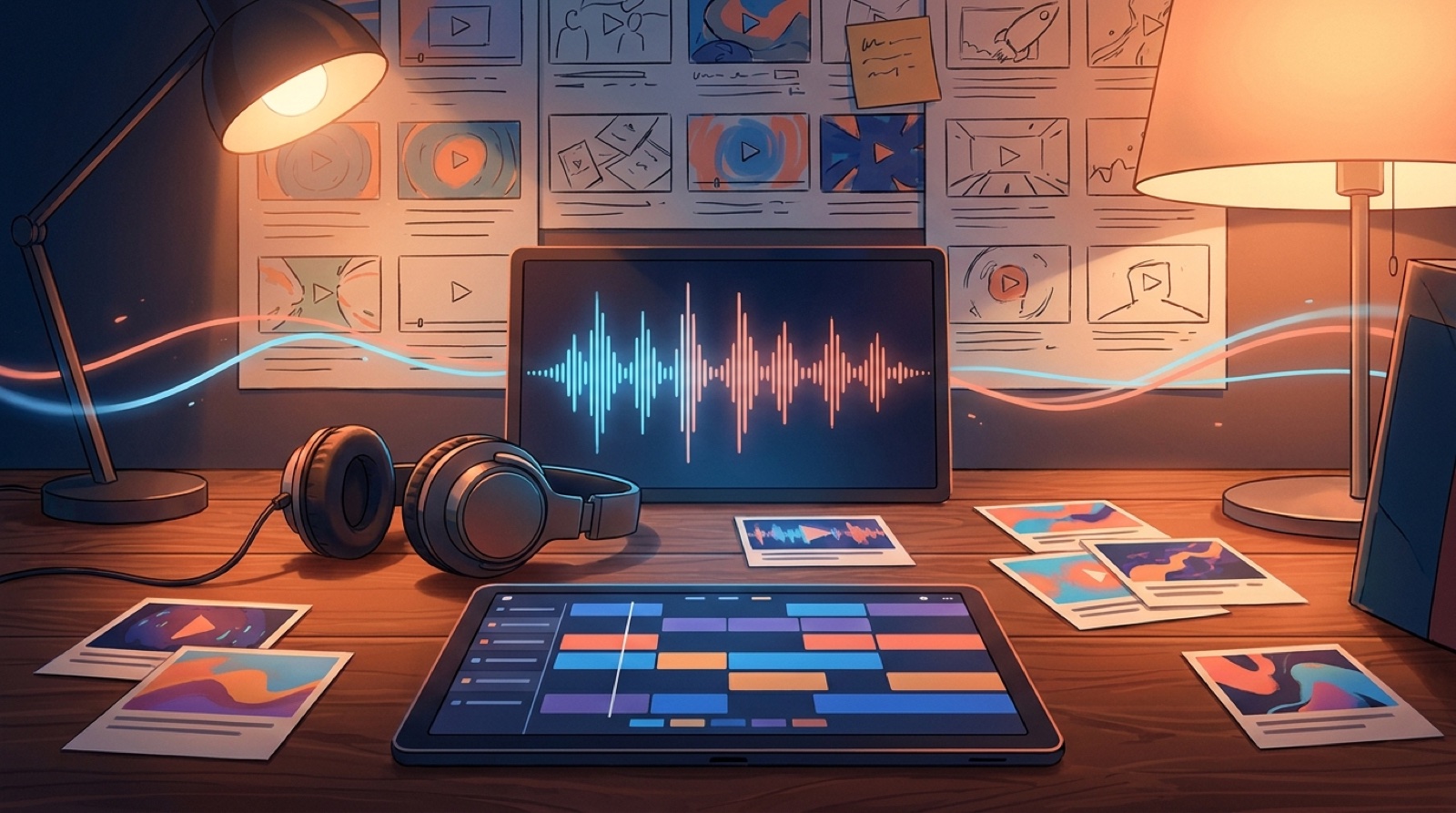
An AI music channel trailer has one job: make a new viewer understand what kind of world they are entering before they decide whether to subscribe. It should not feel like a software demo. It should feel like the first minute of a channel that already knows what it is.
That is harder than it sounds for AI music creators. The temptation is to explain the tools, the prompts, the model stack, the genre, the workflow, and the reason the channel exists. Most viewers do not need that much setup. They need proof that the songs belong together and that the channel will keep giving them a reason to come back.
YouTube lets creators feature a channel trailer for people who have not subscribed yet, so this tiny video can carry more weight than a normal upload. It is the channel's front door. For a faceless AI music channel, it can also be the first place where the music, visuals, posting rhythm, and mood finally feel like one thing.
Start with the promise of the channel
Before making the trailer, write one plain sentence:
What does this channel give people every week?
For an AI synthwave channel, the answer might be "cinematic night-drive songs with neon city visuals." For a lofi AI channel, it might be "quiet study tracks with a soft recurring character and slow room changes."
That sentence is not copy for the trailer. It is a filter. If a clip, title card, or visual idea does not support that promise, cut it.
The trailer should make the viewer feel the channel promise before they read the channel description. Use the strongest song moment early, then show two quick examples that prove the channel has a repeatable taste.
Show the sound before the process
The first five seconds should belong to the music. Do not open with "I make songs with AI" or a tool list. Open with the chorus, drop, hook, or atmosphere that best represents the channel.
If the channel is lyric-driven, use a line that carries the story. If it is instrumental, use the strongest mood shift.
The visual should make that sound easier to understand. A soft piano intro can open on a quiet room or one still character before the world moves. A heavy electronic drop can open with a hard color change or a bold first frame.
Prove the visual world
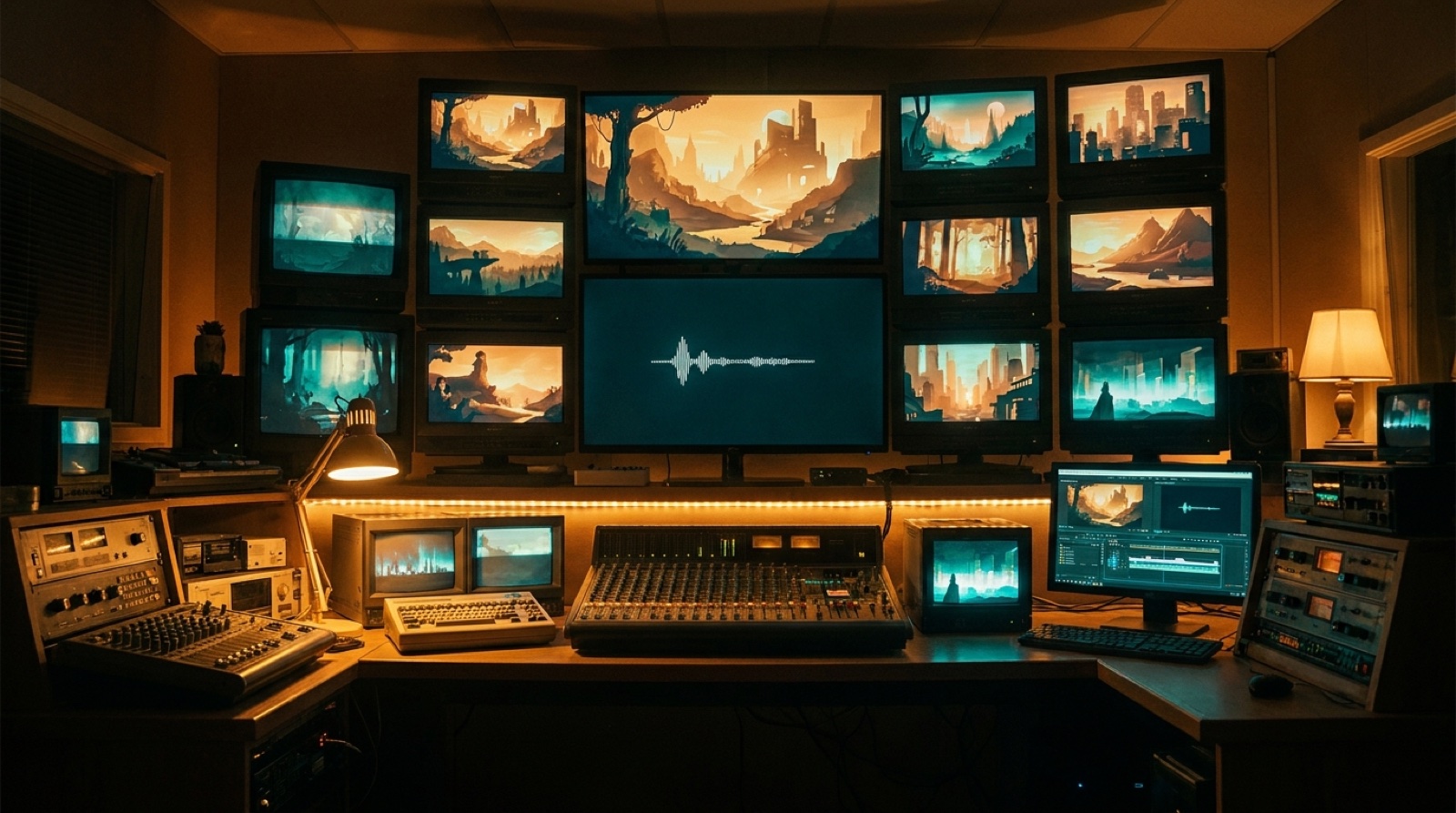
Faceless AI music channels often lose people because every upload looks like it came from a different universe. The trailer is the place to fix that.
Pick a few visual rules and make them obvious:
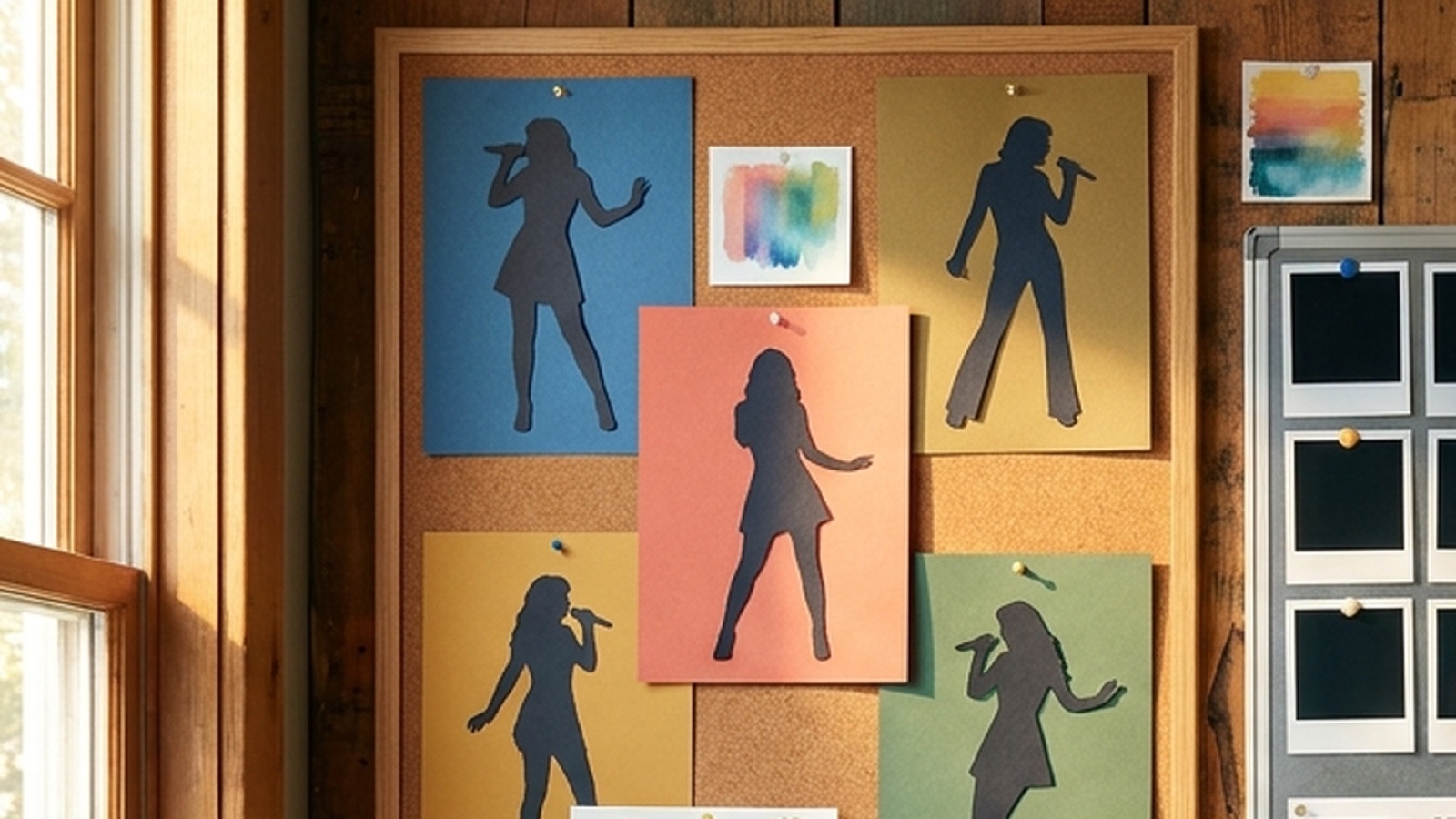
- A recurring character, object, place, color palette, or symbol
- Similar framing across thumbnails and first frames
- A clear connection between cover art, video scenes, and short clips
- Motion that matches the genre instead of random camera drift
The goal is not to make every song look identical. If someone watches the trailer on mute, they should still get a sense of the channel's world.
SceneLore is useful here. You can start with a finished song, a cover image, or a visual anchor, then build scenes that keep the video pointed in the same direction. That gives the trailer better source material than a pile of unrelated clips.
Give viewers the release rhythm
A good trailer answers a quiet question: "If I subscribe, what happens next?"
Show the release rhythm without turning it into an announcement poster. You might include quick glimpses of weekly songs, monthly story arcs, seasonal playlists, or a series format. Keep it concrete. "New cinematic AI songs every Friday" is clearer than "regular uploads coming soon."
If the channel has different lanes, show them through the structure of the trailer: full music videos for main releases, short clips for choruses, loops for streaming pages, or process notes when the making is part of the appeal.
Keep the trailer short enough to rewatch
Most channel trailers do not need a full song. Aim for 30 to 60 seconds unless the music needs a slower build. The tighter version usually wins because the viewer is still deciding whether to care.
A simple structure works:
- Open on the strongest sound and image.
- Show the channel world through several fast proof clips.
- Make the release promise clear.
- End with one clean subscribe reason.
The last line does not need to beg. "New AI synthwave stories every Friday" is stronger than "please like, comment, and subscribe." The viewer already knows what the button does. Your job is to give them a reason.
Use existing releases as the trailer test
If you already have three or more songs, build the trailer from real channel material first. It will show you whether the channel has a visual system or just a collection of uploads.
Look for gaps:
- Do the thumbnails feel related?
- Does the first frame of each video match the song?
- Do the colors and characters drift too much?
- Can a viewer understand the channel in 10 seconds?
If the answer is no, fix the release assets before polishing the trailer. A channel trailer cannot hide a weak visual identity for long.
Make the trailer part of the launch pack
Treat the trailer as one asset in the release system. The same visual anchor can feed the channel banner, first upload, trailer, short clips, pinned channel post, and release page.
That matters because listeners are already sorting through a flood of new songs. A clear trailer gives your channel a shape.
Build the trailer from the strongest song moments, recurring visuals, and a plain release promise. Explain the AI process later if your audience cares. The front door should prove the world first.
FAQ
How long should an AI music channel trailer be?
Most AI music channel trailers should be 30 to 60 seconds. Use the strongest hook, a few visual proof clips, and one clear reason to subscribe.
Should the trailer mention Suno, Udio, or AI tools?
Only mention the tools if they are part of the channel's appeal. For most viewers, the song, mood, and release promise matter more than the production stack.
What should a faceless music channel trailer show?
Show the channel's sound, visual world, upload rhythm, and best release assets. A faceless channel needs recognizable taste because there is no on-camera host carrying the first impression.
Related guides
Turn the channel trailer into a full video system
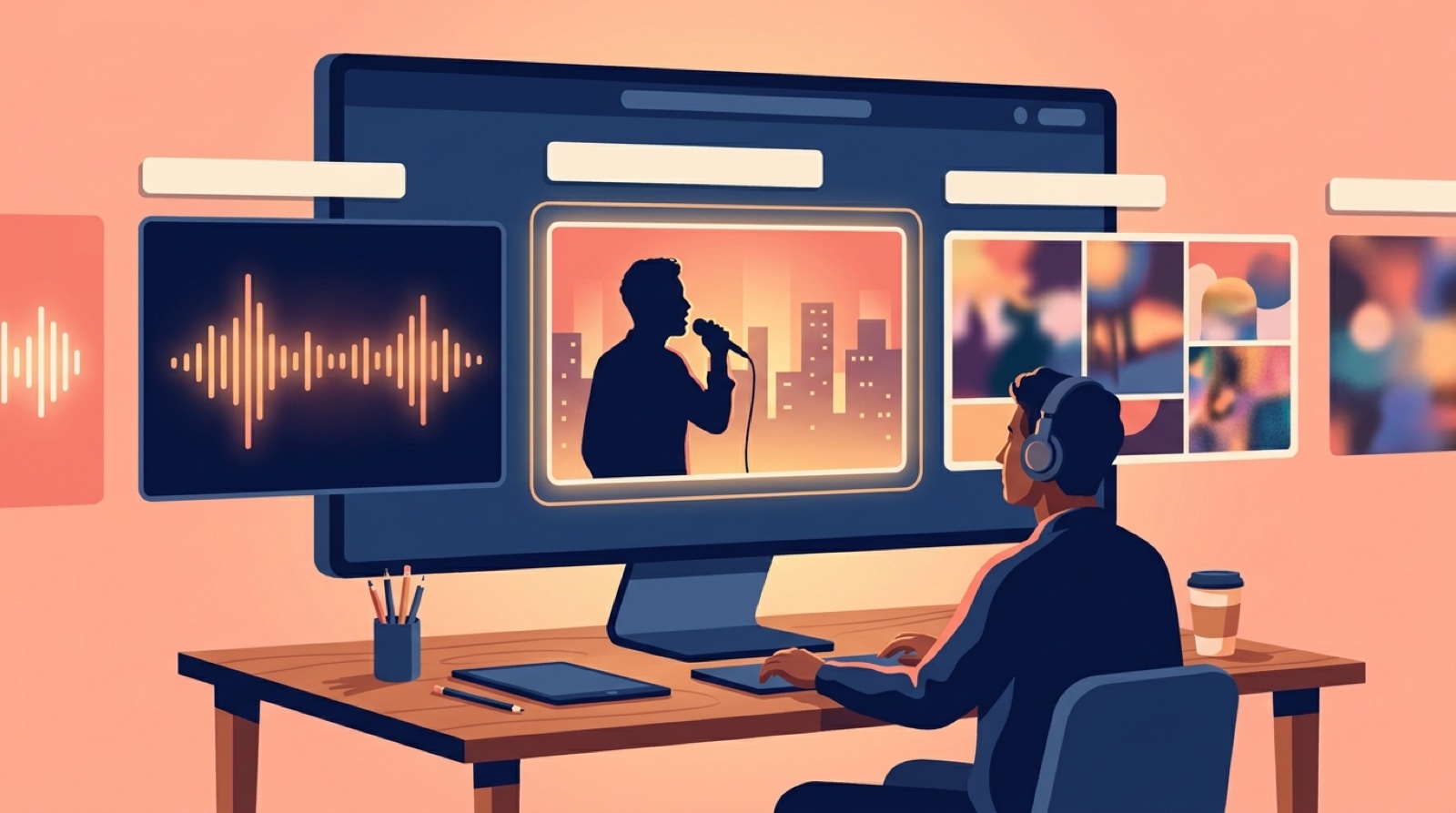
Use SceneLore to turn a finished song, cover image, or visual anchor into release videos, clips, and channel assets that feel like they belong together.
Create Your First Video