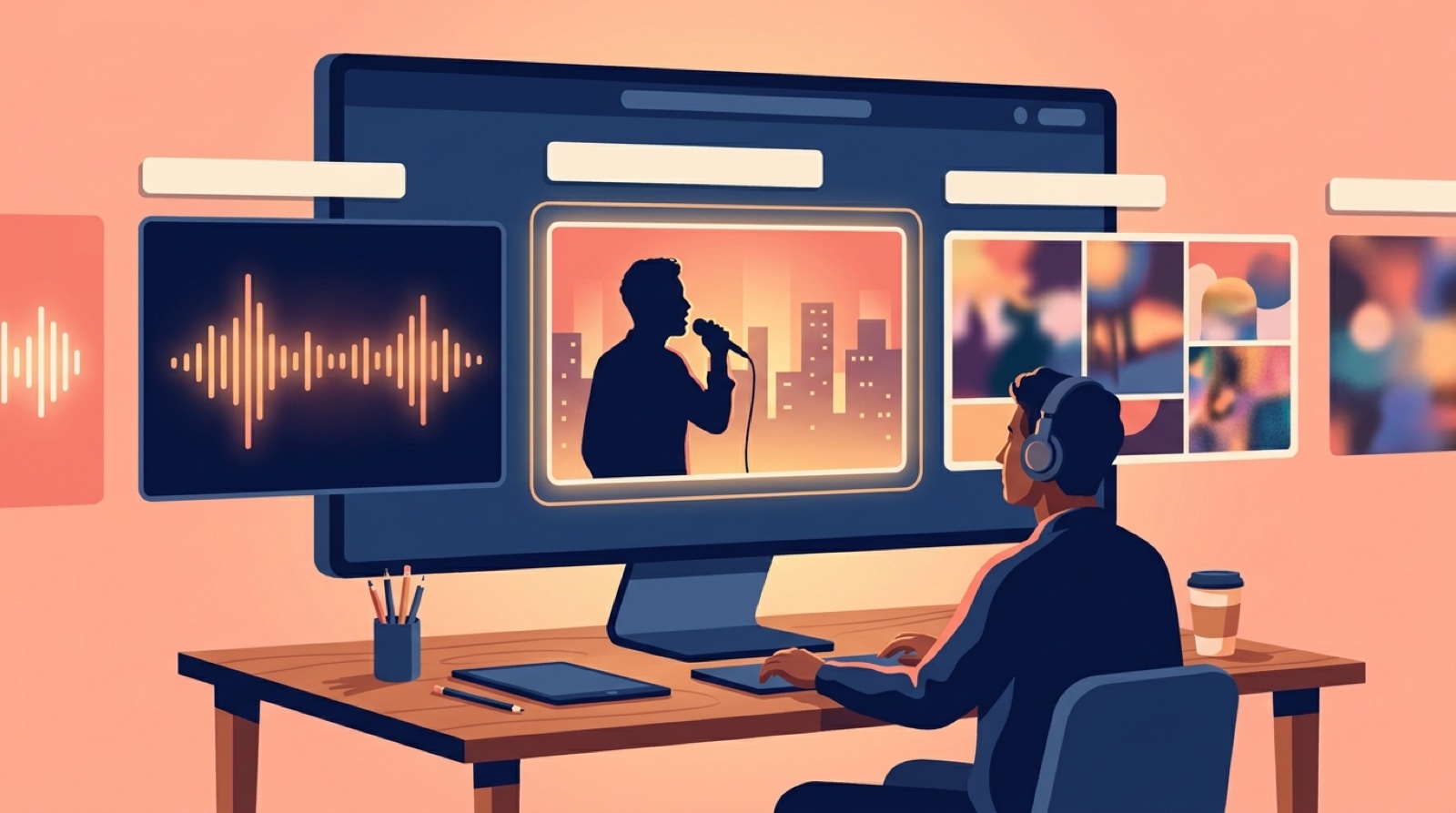
An AI music video thumbnail is not a tiny poster you make after the video is done. It is the first promise the song makes in public.
Before anyone hears the hook, they see one frame. That frame tells them the genre, the mood, and whether the release feels like a real artist project or another random upload. If the thumbnail feels generic, the song starts with doubt.
This is even more important for Suno, Udio, and other AI-assisted music creators. The audio may be strong, but listeners are already quick to judge the package. Your thumbnail has to make the track feel intentional before the first note.
Start with the song mood, not the prettiest image
The prettiest image is not always the right thumbnail. A sad synth-pop track, a horror trap song, and a hopeful acoustic ballad should not all use the same glossy AI portrait style.
Pick one clear mood from the song. Lonely, dangerous, dreamy, chaotic, romantic, ceremonial, exhausted. Then make the thumbnail carry that mood with color, face, setting, light, and distance from the subject.
If the chorus feels huge, the image can feel wide and dramatic. If the song is intimate, a close face or single object may work better. If the track is built around a character, show the character in a way people can recognize again later.
Make the thumbnail and first frame agree
A thumbnail gets the click, but the first frame has to keep the promise. If the thumbnail shows a neon city and the video opens on random smoke, the viewer feels the mismatch before the song has a chance.
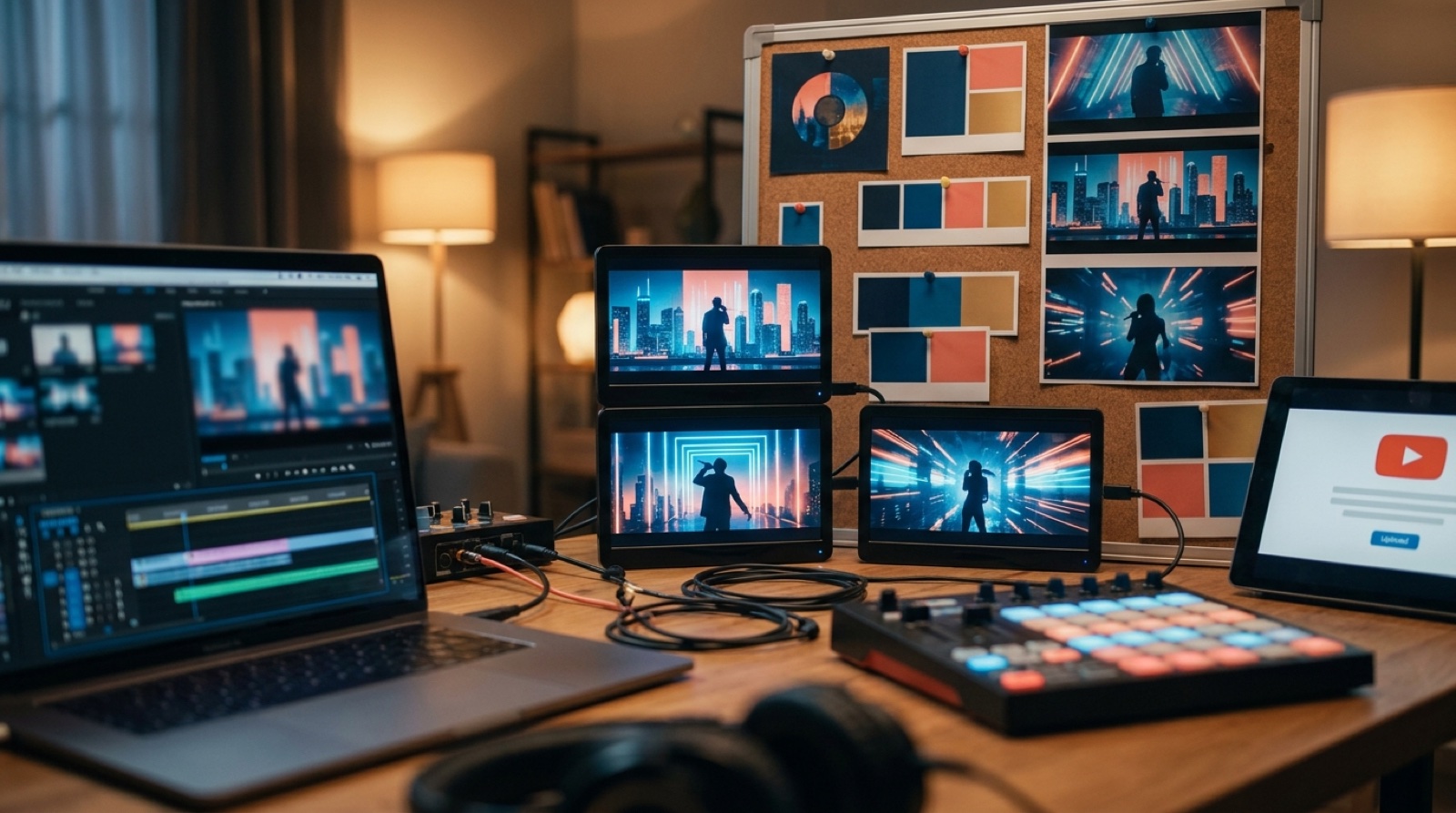
Use the same world in both places. Match the color palette, character, setting, and emotional direction. The first few seconds do not have to copy the thumbnail exactly, but they should feel like they belong to the same release.
The SceneLore guide on the first 30 seconds of an AI music video goes deeper on that opening stretch. The thumbnail is the door into that moment.
Use text only when it helps on a phone
Music thumbnails often get ruined by tiny fake titles, unreadable lyrics, and cluttered badges. On mobile, most of that turns into noise.
If you use text, keep it short. One or two words can work when they name the song world or emotional hook. Long captions usually belong in the title or description, not baked into the image.
YouTube's own upload guidance tells creators to use high-resolution custom thumbnails and avoid misleading designs. The official custom thumbnail help page is worth reading before you build a repeatable format: YouTube custom thumbnail guidance.
For music, the safest test is simple. Shrink the thumbnail to phone size. If the mood disappears, the design is doing too much.
Build a repeatable thumbnail rule for the artist
One good thumbnail helps one upload. A repeatable rule helps the whole artist project. This matters for AI music channels that publish often.
Your rule can be simple: same character framing, same border treatment, same color family per project, same title placement, or the same kind of symbolic object. The point is recognition. A viewer should be able to spot the next release before reading the channel name.
This does not mean every thumbnail should look copied. The song still gets its own mood. The artist world gives the image a home. For a broader version of this idea, read the guide on artist visual identity for AI music.
Check the thumbnail against the title
The thumbnail and title should make one promise. If the title says the song is cinematic and the thumbnail looks like a meme, the release feels confused. If the title hints at heartbreak and the image shows a smiling performance shot, the emotional signal gets weaker.
Write the title beside the image and ask what a stranger expects to hear. Then compare that expectation with the actual track. A good AI music video thumbnail does not need to explain the song. It needs to point the viewer in the right direction.
This is also where genre cues help. Dark metal can use stronger contrast and weight. Dream pop can use softer distance and glow. Lo-fi can use texture and quiet scenes. Dance music can use motion, lights, and bodies. The cue should serve the song, not a trend.
Choose the thumbnail while planning the video
The best time to think about the thumbnail is before the video is finished. If you wait until the end, you may discover there is no clean frame that sells the song.
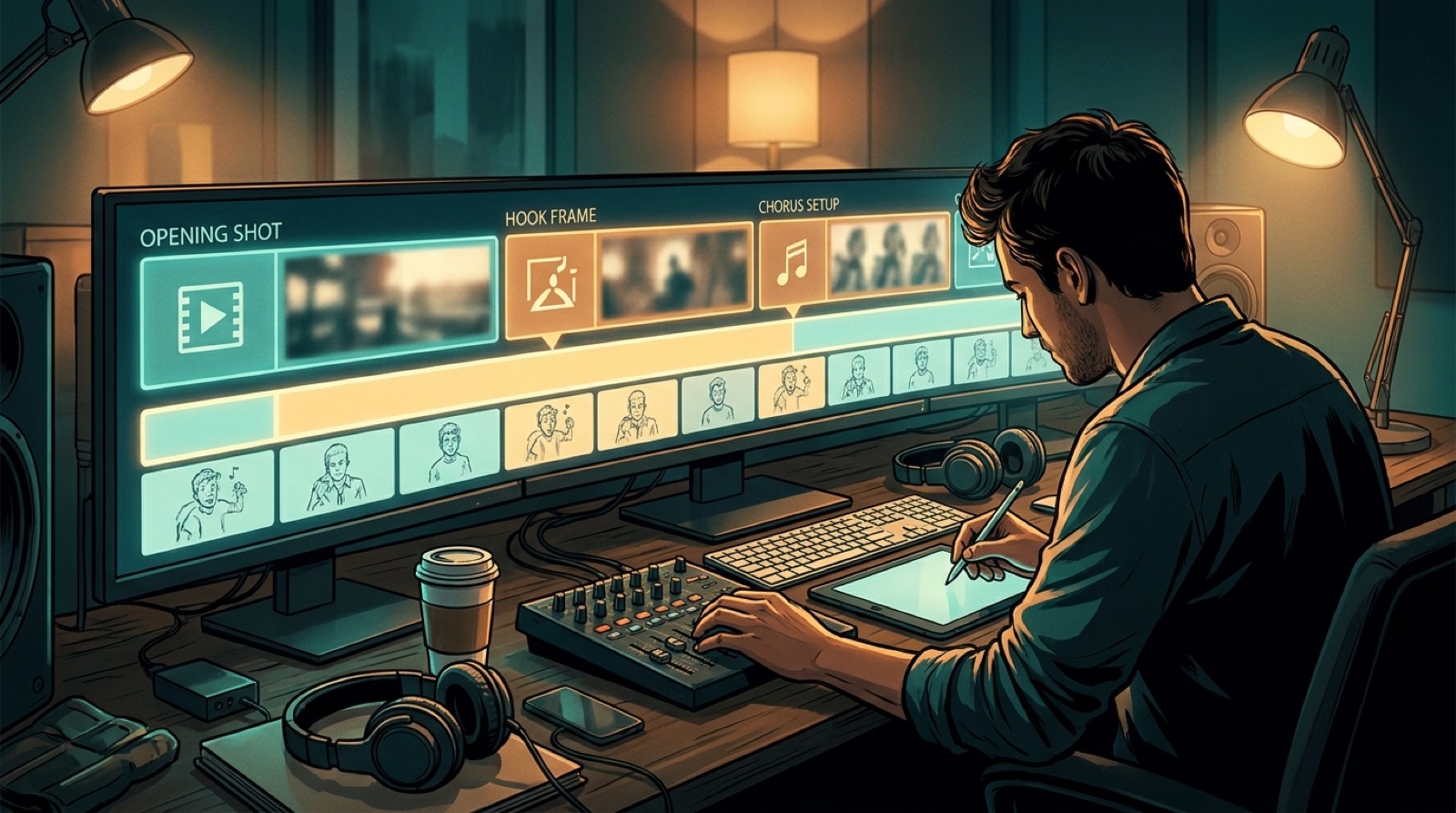
Plan one or two thumbnail moments while you build the video. Give yourself a strong face, object, location, or performance shot with enough contrast to survive a small screen. Then let the full video grow from the same visual anchor.
SceneLore helps here because the release can start from a song, cover image, or visual idea, then carry that direction into the full video. The thumbnail, first frame, and short clips can come from the same world instead of separate last-minute choices.
FAQ
What makes a good AI music video thumbnail?
A good thumbnail makes the song mood clear before the viewer presses play. It should match the cover art, first frame, title, and artist identity.
Should AI music thumbnails use text?
Use text only when it is short and readable on a phone. Many music thumbnails work better with a strong face, symbol, color cue, or scene.
How should a thumbnail connect to the video?
The thumbnail should feel like a still from the same world as the video. Match the color, character, setting, and emotional promise in the first few seconds.
Turn the thumbnail promise into a full video
Bring the song and visual anchor into SceneLore, then build a full release video, thumbnail, and launch assets around the same mood.
Create Your First Video