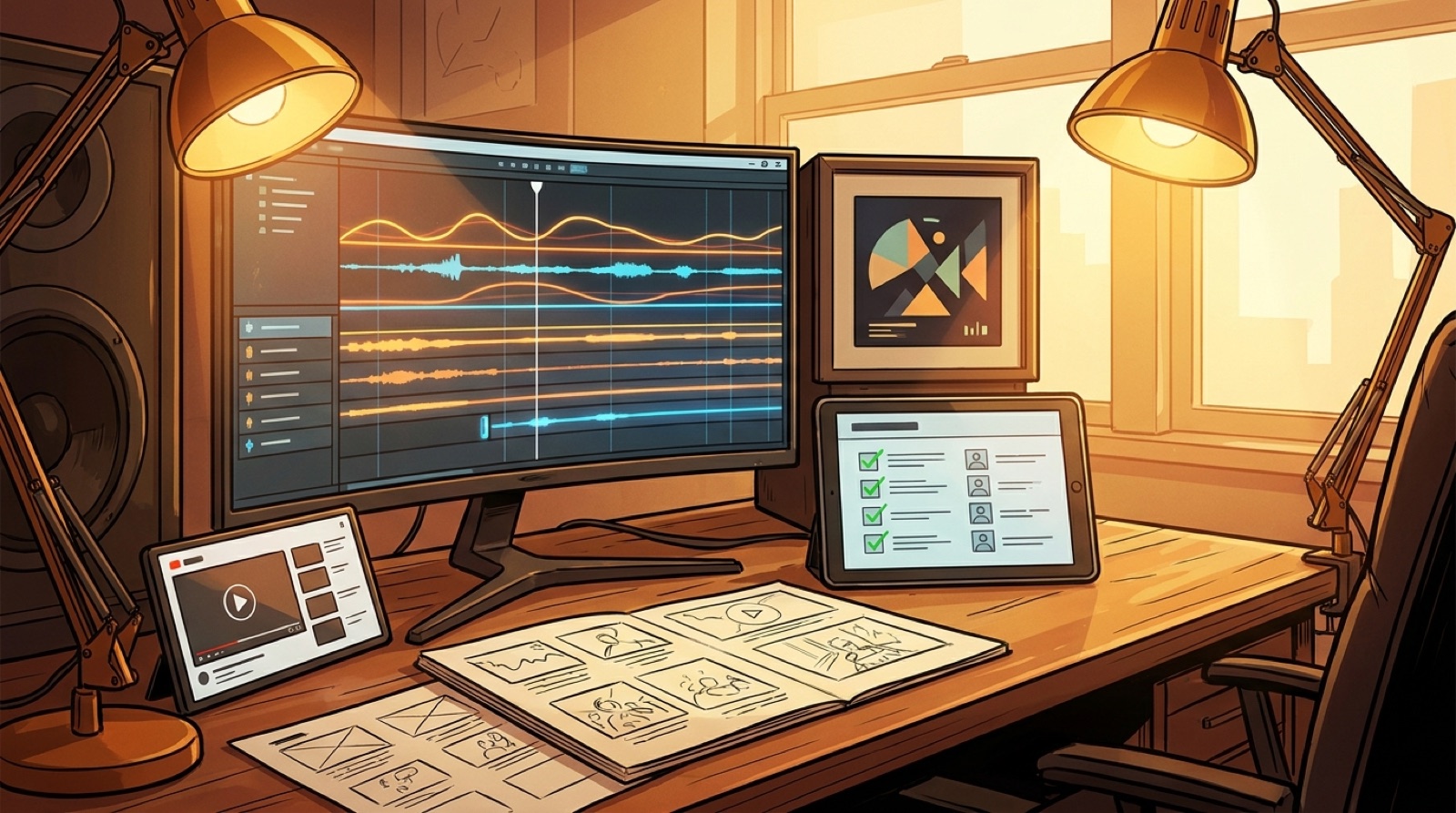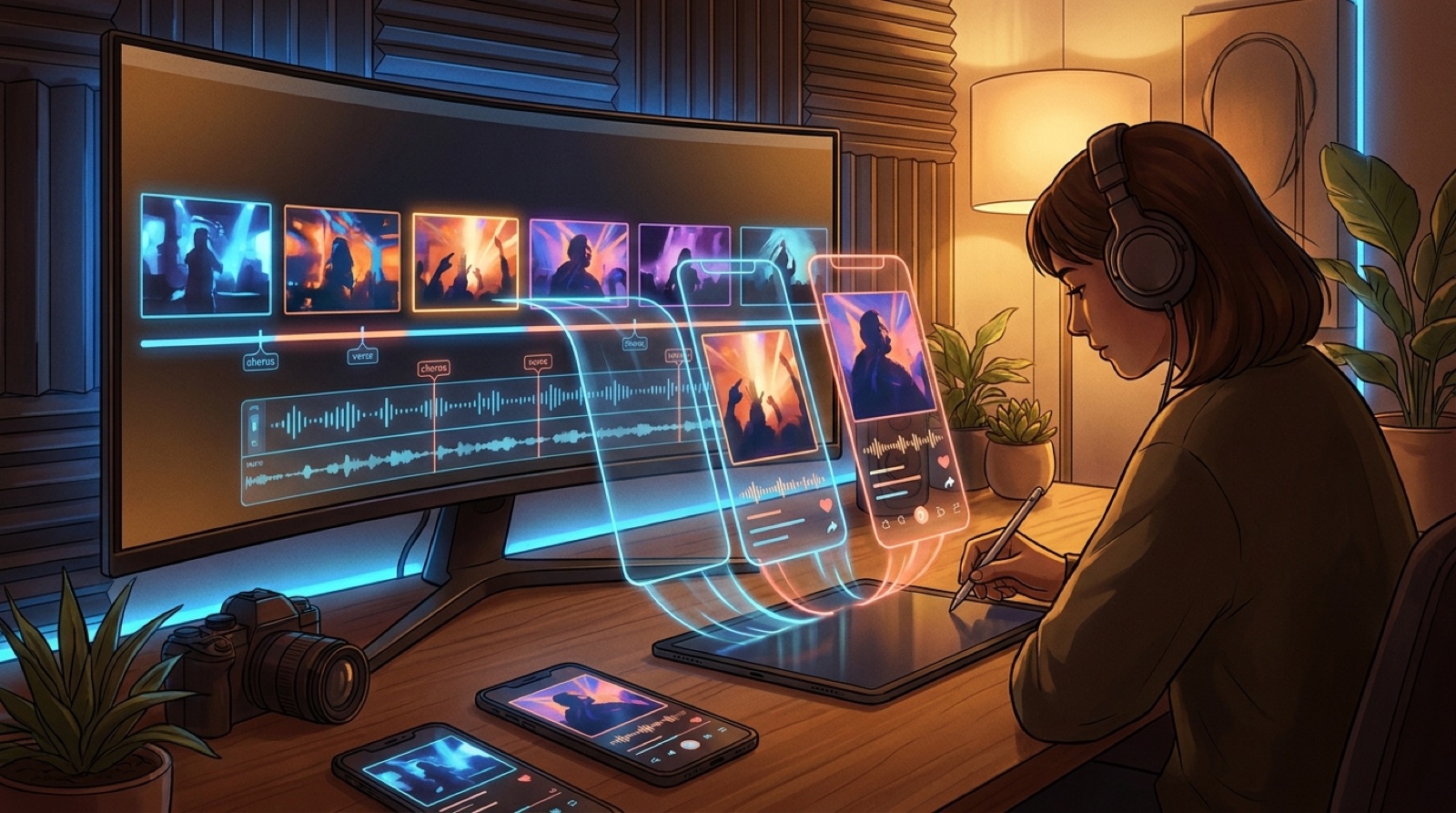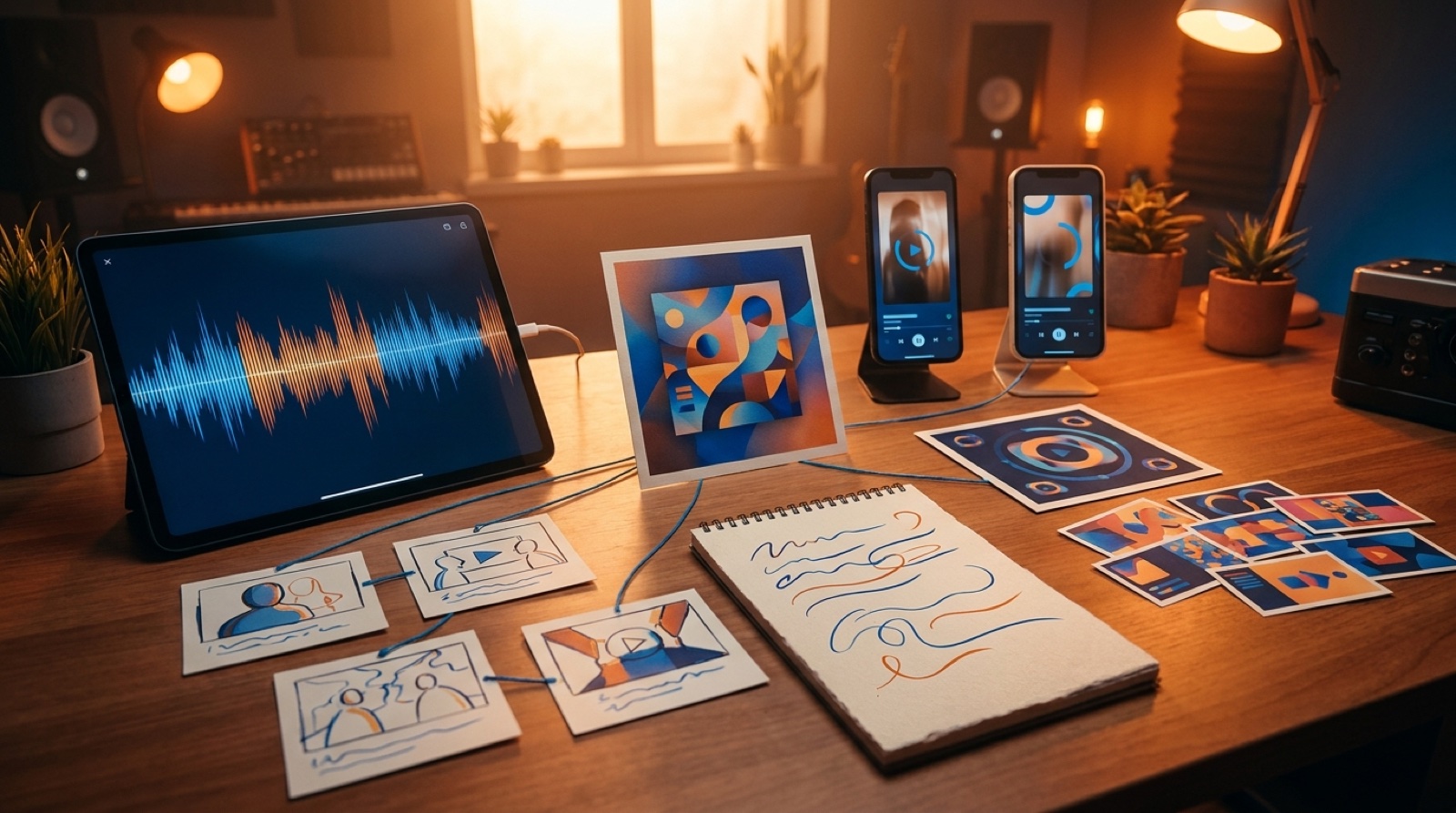
A Suno release pack is what turns a finished track into something people can actually open, watch, share, and remember. The song may be done inside Suno, but the public release still needs a cover, a full video, short clips, a thumbnail, a Canvas loop, release notes, and a simple place to send people.
If those pieces are made one at a time, the release starts to feel patched together. The thumbnail promises one mood. The video opens somewhere else. The cover art looks strong on its own, then disappears from the rest of the launch.
Treat the song as one package from the start. That single decision saves time and makes the release feel more intentional.
Start with the anchor image
Every Suno release pack needs one visual anchor. This can be the cover art, a character, a location, a stage setup, a color mood, or a symbol that belongs to the song.
The anchor matters because it keeps every asset from drifting. If the cover shows a lonely singer in a blue room, the full video, thumbnail, and short clips should feel like they came from that same world. They can move, change camera distance, or shift intensity, but they should not look like separate projects.
SceneLore's guide to making one cover image carry a full music video is useful here. The same idea works for the release pack. One strong image can guide the full launch.
Build the full video before the clips
For most songs, the full YouTube video should come before the short clips. It gives the release a main asset and a clear visual direction. Once the full video exists, the short clips can pull from real moments instead of random experiments.
A simple full-video plan is enough:
- opening image that matches the thumbnail
- verse scene that sets the world
- chorus moment with the strongest motion
- bridge or breakdown shift
- final image that feels worth ending on
This does not require a traditional storyboard. It only needs a clear path from first frame to final frame. If the song has a visual arc, the clips become easier to choose. The Suno to YouTube workflow guide covers that handoff in more detail.
Cut short clips from the strongest moments
Short clips should come from the parts of the song that explain the mood fastest. Usually that means the chorus entry, the title lyric, a visual change, or the frame that makes the genre obvious.
Avoid exporting a random 15 seconds just because the timeline cursor landed there. A short clip has to earn attention before the song gets comfortable.
YouTube says square or vertical videos up to three minutes can be categorized as Shorts when they meet the current upload rules. That gives creators room, but it does not remove the need for a strong opening. A one-minute clip with a weak first frame still feels slow. A 20-second clip with the right image can sell the song faster.
Use each short clip for one job. Tease the chorus, show the visual world, or lead people to the full video.
Make the thumbnail and first frame agree
The thumbnail is part of the release pack, not a last-minute upload chore. It should make the same promise as the first frame of the video.
If the thumbnail shows the main character, open near that character. If it sells a cinematic desert scene, do not start inside an unrelated club. If it uses a strong color mood, keep that color in the first few seconds.
This is where many AI music releases lose trust. The viewer opens one idea and lands in another. The song might still be good, but the package feels careless.
Use one readable image, strong contrast, and a mood that matches the hook.
Keep the Canvas loop smaller than the video
A Spotify Canvas loop does not need to carry the whole story. It should remind people of the release world while the song plays in a smaller space.
Use a moment that loops cleanly: a slow camera push, a small motion in the cover world, a character turn, a light shift, or a repeating scene detail. Do not try to compress the whole video into a tiny loop.
The related guide on Spotify Canvas vs YouTube video for AI musicians is a good companion here. The full video has room for structure. The Canvas loop has one job: make the song feel alive without distracting from listening.
Write the release notes while the assets are fresh
Write release notes while the creative decisions are still fresh.
Keep a short note with the basics:
- cover image source
- visual anchor
- full video file
- short clip exports
- thumbnail file
- Canvas loop file
- any credits or disclosure notes
Give the release one clear destination
A Suno song can live on streaming platforms, YouTube, Shorts, Reels, TikTok, and social posts. The release still needs one clean destination. Match that link to the rest of the pack.
SceneLore is built for this last step: bring in one finished song or cover image, create a full video around it, then reuse that world for the thumbnail, clips, and next release asset.
A small pack beats a messy launch
You need the right assets to agree with each other.
For one finished Suno song, keep the pack simple:
- cover art or anchor image
- full YouTube video
- short clips
- thumbnail
- Canvas loop
- release notes
- one main link
That is enough to make the song feel finished in public and repeat the system next time.
FAQ
What should be in a Suno release pack?
A Suno release pack should include the final audio, cover art or anchor image, full YouTube video, short clips, thumbnail, Canvas loop, release notes, and one main link for sharing.
Do I need a full video for every Suno song?
No. Use a full video for songs with a clear hook, strong mood, or release value. Smaller tracks can use a loop, a short clip, or cover art while you save full videos for songs that deserve the bigger push.
Turn one song into the whole release
Bring your finished Suno track or cover image into SceneLore and build the full video around one visual world. Then reuse that world for your thumbnail, clips, and next launch asset.
Create Your First Video