Release workflow
AI music release checklist for independent artists
Use this checklist to turn a finished AI-assisted song into a coherent release package with audio, cover art, video, metadata, and clips ready before upload day. When the upload is close, run the release day visual checklist so the thumbnail, video, clips, and proof files are ready together.
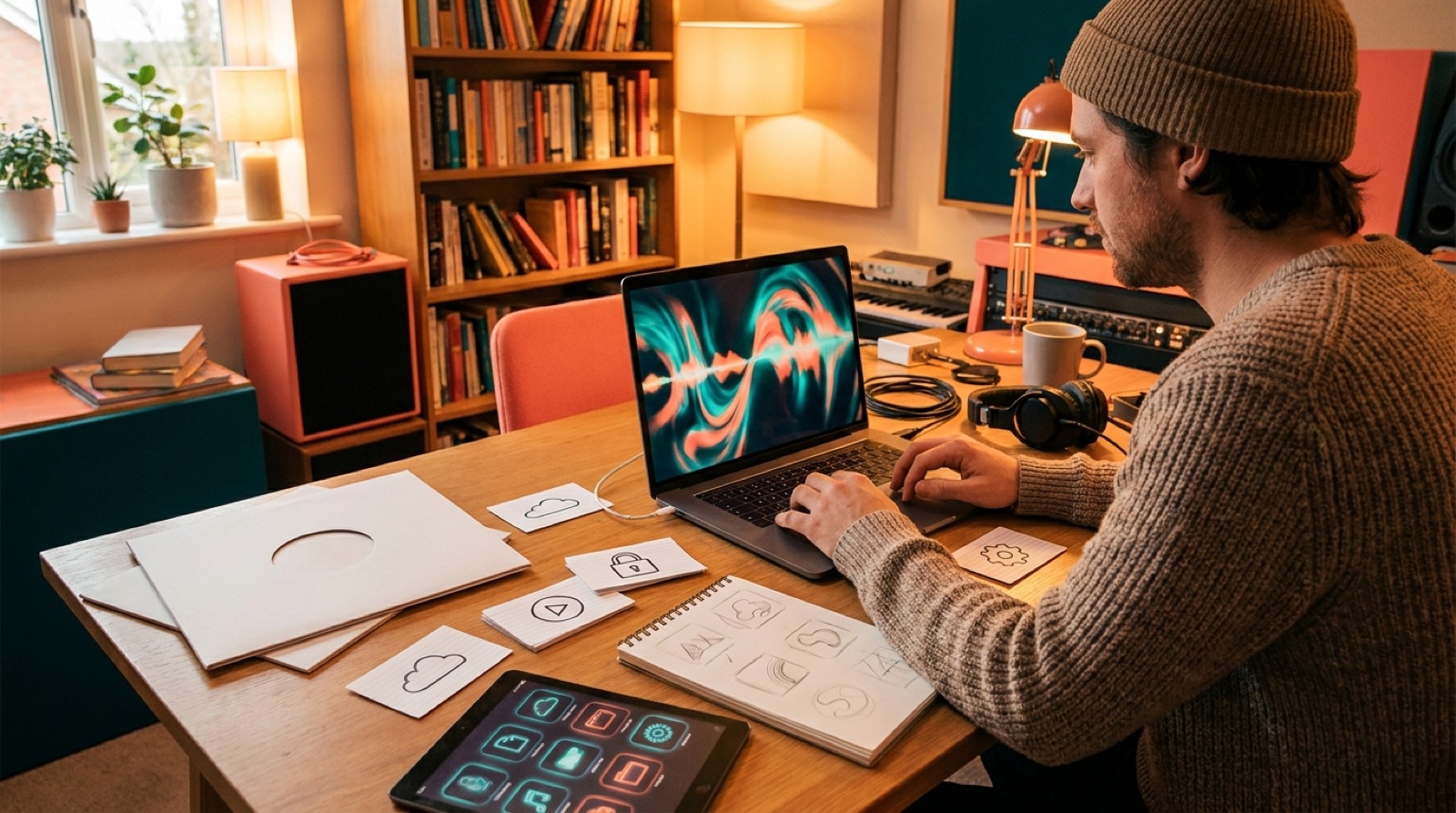
An AI music release checklist is not about making the song more complicated. It is about making sure the finished track has the assets, context, and proof it needs before you put it in public.
AI-assisted songs can move fast. That is the fun part. You can write, revise, cover, remix, and test a new direction in a fraction of the time it used to take. The problem is that publishing still rewards care. Listeners see the cover before they hear the hook. YouTube viewers decide whether the video feels real before the chorus arrives. A playlist curator, fan, or casual viewer will judge the whole package, not only the audio file.
Use this checklist when the song is finished and you are preparing the release package.
1. Lock the final audio file
Before you make the artwork, video, clips, and descriptions, decide which audio file is the release version. Name it clearly. Keep the date, version number, and source tool in the filename or project folder.
Do one last plain listen on headphones and speakers. Check the start and ending silence. Check the loudest section. Check that the exported file is the one you actually want to upload.
If you are sending the track to a distributor, follow that distributor's file requirements. If you are uploading to YouTube first, export a clean master that can sit under the video without clipping.
2. Save the credits and disclosure notes
Write down the tools and people involved while the details are still fresh. Include vocals, lyrics, production, cover art, animation, and any licensed samples or reference material.
This does not need to become a giant public confession. It does need to be clear enough that you can answer basic questions later. YouTube asks creators to disclose altered or synthetic content in certain cases, including realistic content made or changed with generative AI. The safest habit is to keep your own production notes tidy before upload day. You can check YouTube's current wording in its altered or synthetic content disclosure guide.
For more on this, read the SceneLore guide to AI music disclosure.
3. Choose one visual anchor
Do not start with ten random images. Pick one visual anchor first: the cover image, main character, location, color palette, or central object that makes the release recognizable.
This anchor keeps the video, thumbnail, short clips, and social posts from looking like they came from different songs. If the track is dark and intimate, the visuals should not suddenly feel like a bright sci-fi trailer. If the song has a fictional artist or character, lock that face and wardrobe before making scenes.
SceneLore works best when you start with a finished song and one strong image, then build the video around that world.
4. Make the cover art work at small sizes
Your cover may look good full-screen and still fail on a phone. Check it at thumbnail size. The main shape should be readable. The mood should be obvious. Any text should be simple, or absent if it becomes messy.
Keep a clean square version for streaming and a 16:9 version for YouTube. If you plan to make Shorts, also keep a vertical crop or visual element that can survive in 9:16.
5. Build the full music video before the clips
Short clips are useful, but they should come from a coherent release world. Make the full video first when possible. It gives you a timeline, visual logic, and repeated motifs you can cut down later.
For YouTube, the video needs to carry the full track. That means the opening should earn attention quickly, the middle should change enough to keep people watching, and the ending should feel intentional rather than simply running out of footage.
If you are starting from Suno, Udio, or another AI music tool, this Suno to YouTube workflow is a useful companion.
6. Prepare the upload metadata
Write the title, description, and tags before you open the upload screen. A rushed description often makes the release feel less serious than the song.
At minimum, prepare:
- Song title and artist name
- A short description of the track
- Credits and disclosure notes where needed
- Links to the artist profile, mailing list, or release page
- A pinned comment idea
- Hashtags or tags for discovery
Keep the language human. A listener does not care that a tool generated something. They care what the song feels like and why the video is worth watching.
7. Cut three useful short clips
Start with three clips, not twenty. Choose one hook clip from the first strong visual moment, one chorus clip, and one mood clip that shows the world of the release.
Each clip should work without a long explanation. If the first second is weak, trim it. If the clip needs context, add a caption or choose a clearer moment. SceneLore has a full guide on turning one AI music video into Shorts.
8. Check every link and file before publishing
Before you publish, open the final video, thumbnail, description, credits, and links as if you are a stranger seeing the artist for the first time.
Check the obvious things: spelling, broken links, wrong filenames, missing credits, bad crops, loudness problems, and mismatched artwork. Then check the less obvious thing: does the release feel like one complete piece?
That is the real test. A good AI music release does not feel like a song with some visuals attached at the last minute. It feels like a finished package.
Release-day checklist
- Final audio file exported and named clearly
- Credits, AI-assistance notes, and licenses saved
- Cover art checked in square, 16:9, and vertical crops
- Full music video exported and watched from start to finish
- YouTube title, description, links, and pinned comment prepared
- Three short clips cut from the full video
- Thumbnail checked at small size
- Release folder archived for future updates
FAQ
What should be in an AI music release checklist?
Include final audio, credits, disclosure notes, cover art, full video, thumbnail, upload metadata, short clips, links, and a backup folder. The goal is to publish one coherent release package, not only an audio file.
Do I need to disclose AI music on every platform?
Rules vary by platform and by the kind of AI use. Keep accurate private notes either way, then follow each platform's current disclosure requirements when you upload.
Should I make a full video or short clips first?
Make the full video first if you can. It gives you a consistent visual world, then your short clips can come from the strongest moments instead of looking like separate mini-projects.
Related guides
Turn a finished AI song into a release video
Use SceneLore to turn the final track and visual anchor into a full video package that feels ready to publish.
Create Your First Video