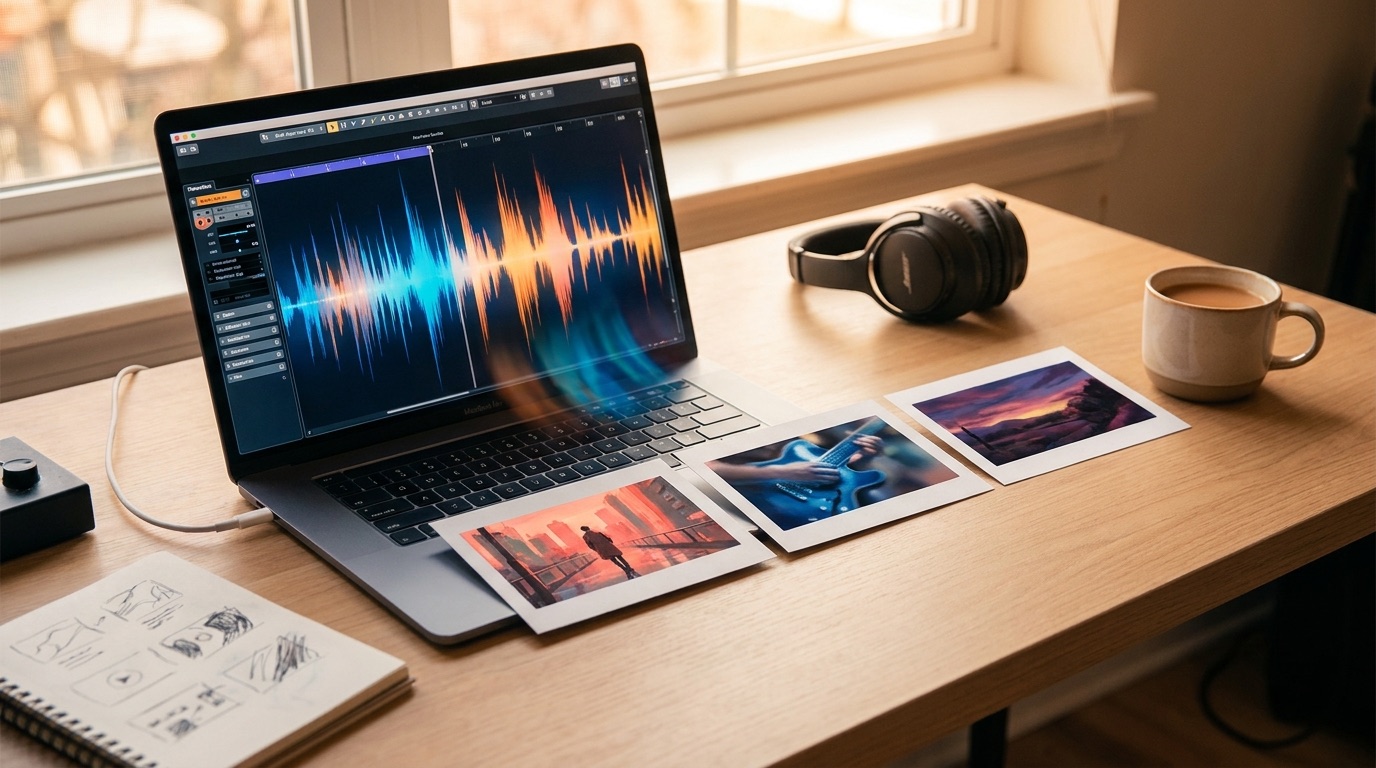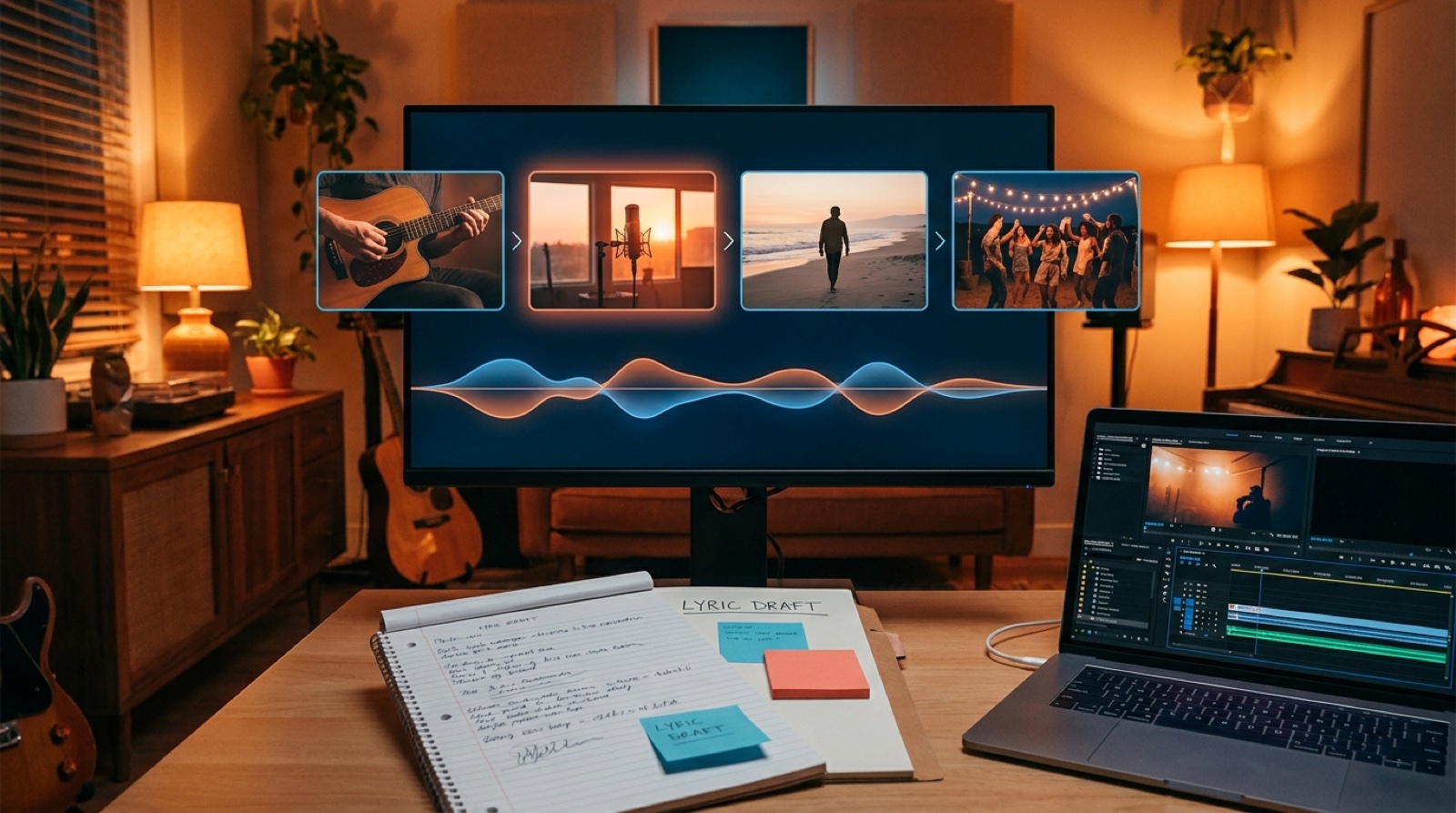
Suno to YouTube workflow is where a finished AI song becomes something people can actually watch, understand, and share. The song is only the center of the release. You still need a cover image, a video structure, a thumbnail, title copy, credits, and a few short clips that make the track easier to discover.
This is the part many Suno creators rush. They export the track, drop a static cover into a video editor, upload it, and wonder why the release feels smaller than the song. A good workflow does not need to be complicated. ## Start with the finished track
Before you open a video generator or thumbnail editor, listen to the final Suno export like a director. Do not ask, "what can I make quickly?" Ask what kind of moment the song is trying to create.
Write down a few practical notes:
- the emotional center of the song
- the strongest lyric or phrase
- the setting the listener should imagine
- the pacing, calm, rising, explosive, or strange
- the one visual idea you want people to remember
Those notes become the brief for everything else. They stop the cover, video, and thumbnail from feeling like separate guesses.
Make the cover image do real work
Your cover image is usually the first visual asset in the Suno to YouTube workflow. Treat it as the visual anchor for the release.
A useful cover should answer three questions fast: what kind of song is this, what world does it live in, and why should I press play? It does not need readable text everywhere. In fact, too much text often makes AI music look cheap. The image should carry mood, genre, and identity.
For YouTube, the cover can also become the base for your thumbnail and the first frame of the video. That saves time and keeps the release visually consistent.
Keep a clean version of the cover without platform text. Then create a thumbnail version with stronger contrast and simpler composition. YouTube recommends custom thumbnails at 1280 by 720 pixels, so build your thumbnail for that shape from the start. Google's own upload guidance is a useful baseline for file size and format checks: YouTube thumbnail guidance
Turn the song into scenes
A static image can work for a reference upload, but it rarely feels like a full YouTube release. The better move is to split the song into a few visual sections.
You do not need a frame-by-frame storyboard. For most AI music videos, five to eight scene beats are enough: the opening image, first vocal, first lift, chorus, bridge, final chorus, and ending image.
Each scene should have a job. The opening earns attention. The chorus makes the song memorable. The ending gives the viewer a final image to keep in their head.
Build the YouTube upload package
Once the video is ready, prepare the upload package before you publish. This avoids the last-minute scramble where good songs get weak titles and vague descriptions.
At minimum, prepare the final video file, thumbnail, title, description, credit note, topic notes, pinned comment idea, and short clip exports for Shorts, TikTok, Instagram, or X.
The title should sound like a release. "AI song test 04" makes the track feel disposable. A stronger title uses the song name, artist name, or the core idea of the piece.
The description should help a viewer understand what they are seeing. If AI was part of the process, say it plainly when it matters. You do not need to write a legal essay. A simple credit note can make the release feel more intentional.
Cut short clips while the release is still fresh
Do not wait a week to make Shorts. The best time to create short clips is while the full video is already open and the visual choices are still clear.
Pick the strongest 10 to 25 seconds from the song. Usually that means the hook, a dramatic lyric, or the first moment where the production changes. Pair it with the most readable visual section. A short clip should make someone curious enough to watch the full video.
For each short clip, check the first second. If nothing is happening visually, cut tighter. If the image is too detailed for a phone screen, simplify it.
Keep a release folder for every track
A clean Suno to YouTube workflow ends with an organized folder. This sounds boring, but it saves real time when you want to update a thumbnail, repost a clip, or build a consistent artist page later.
Keep audio, cover, video, thumbnail, short clips, copy, and credits in one place. If a song starts to perform, you will want to make more assets quickly. If you cannot find the original cover or scene notes, you will rebuild the same work twice.
A simple workflow to follow
Export the final Suno track, write a short creative brief, create the cover, plan five to eight scene beats, build the full video, create the thumbnail, prepare the upload copy, export short clips, and save every asset in one release folder.
The goal is to stop treating YouTube as the place where the song merely lands. For AI music, YouTube is often where the audience decides whether the artist feels real.
A finished Suno track is a strong start. A finished release package gives the song a better chance to be watched, shared, and remembered.
FAQ
What is the easiest Suno to YouTube workflow?
Export the final track, make a cover image, turn the song into a few visual scene beats, generate or edit the video, create a custom thumbnail, then upload with a clear title, description, and credit note.
Do I need a full music video for every Suno song?
No. Some tracks only need a strong cover loop or lyric-style video. But if the song has a clear story, mood, or chorus, a full visual sequence usually makes it feel more like a release.
Should I upload Suno songs to YouTube with AI disclosure?
Use plain disclosure when it helps the listener understand the release or when a platform asks for it. Keep it simple and factual, and make the rest of the package feel intentional.