Release visuals
Spotify Canvas vs YouTube video for AI musicians: use the right visual for the job
Spotify Canvas AI music visuals can support a release, but they do a different job from a YouTube music video. Here is how to choose what to make first.
Spotify Canvas AI music visuals are useful, but they are not a replacement for a full YouTube video. A Canvas loop can make a track feel alive inside Spotify. A YouTube music video can give the song a world, a pace, and a reason to be watched by people who have not heard it yet. If Canvas is the immediate job, start with the Spotify Canvas loop guide.
That difference matters for AI musicians because many releases already feel too easy to skip. The song may be good, but the package often looks unfinished. A static cover image says, "this is a file." A short loop says, "this has a mood." A full video says, "there is a world here."
What Spotify Canvas is good at
Spotify Canvas is a short vertical looping visual that plays behind a track on Spotify mobile. Spotify describes Canvas as a short looping visual, between 3 and 8 seconds, that can replace static cover art in the Now Playing view.
That format is small by design. It is not built to explain a story. It is built to add motion at the exact moment someone is already listening.
For AI musicians, Canvas works best when the song already has one strong visual idea. A face in neon light. A lonely spaceship window. A close-up of a hand on a synth. A city corner at 2 a.m. The loop does not need plot. It needs recognition.
Where Canvas is too small
The weakness of Canvas is the same as its strength. It is tiny, fast, and contained inside Spotify.
It cannot carry a full narrative arc. It cannot build a cold audience on YouTube. It cannot give you a thumbnail, a premiere, a pinned comment, short clips, or a page people can link to. It also disappears from the experience once someone is outside Spotify.
This is where AI musicians often make the wrong call. They make a beautiful loop and treat it as the whole visual release. Then they wonder why the song has no shareable center.
What a YouTube music video does differently
A YouTube music video has more jobs. It gives the song a public artifact. It can appear in search, recommendations, playlists, embeds, newsletters, social posts, and artist pages. It can turn a track into something people watch, not just hear.
For AI music, that can be especially useful. Many listeners are still trying to decide whether an AI-assisted song has intent behind it. A full video can show that there is a creative point of view, not just a generated track and a cover image.
The video does not need to be expensive or overproduced. It does need structure. The first seconds should establish the world. The middle should move with the song instead of repeating the same shot. The ending should leave some visual memory behind.
Choose based on the release goal
If the goal is to make a Spotify listener feel the track has a stronger identity, start with Canvas. Use one image, one motion idea, and one emotional color. Keep it clean.
If the goal is discovery, YouTube needs more attention. A full video gives you more surfaces to work with. You get the main video, thumbnail, short clips, behind-the-scenes stills, launch posts, and a stronger embed for a release page.
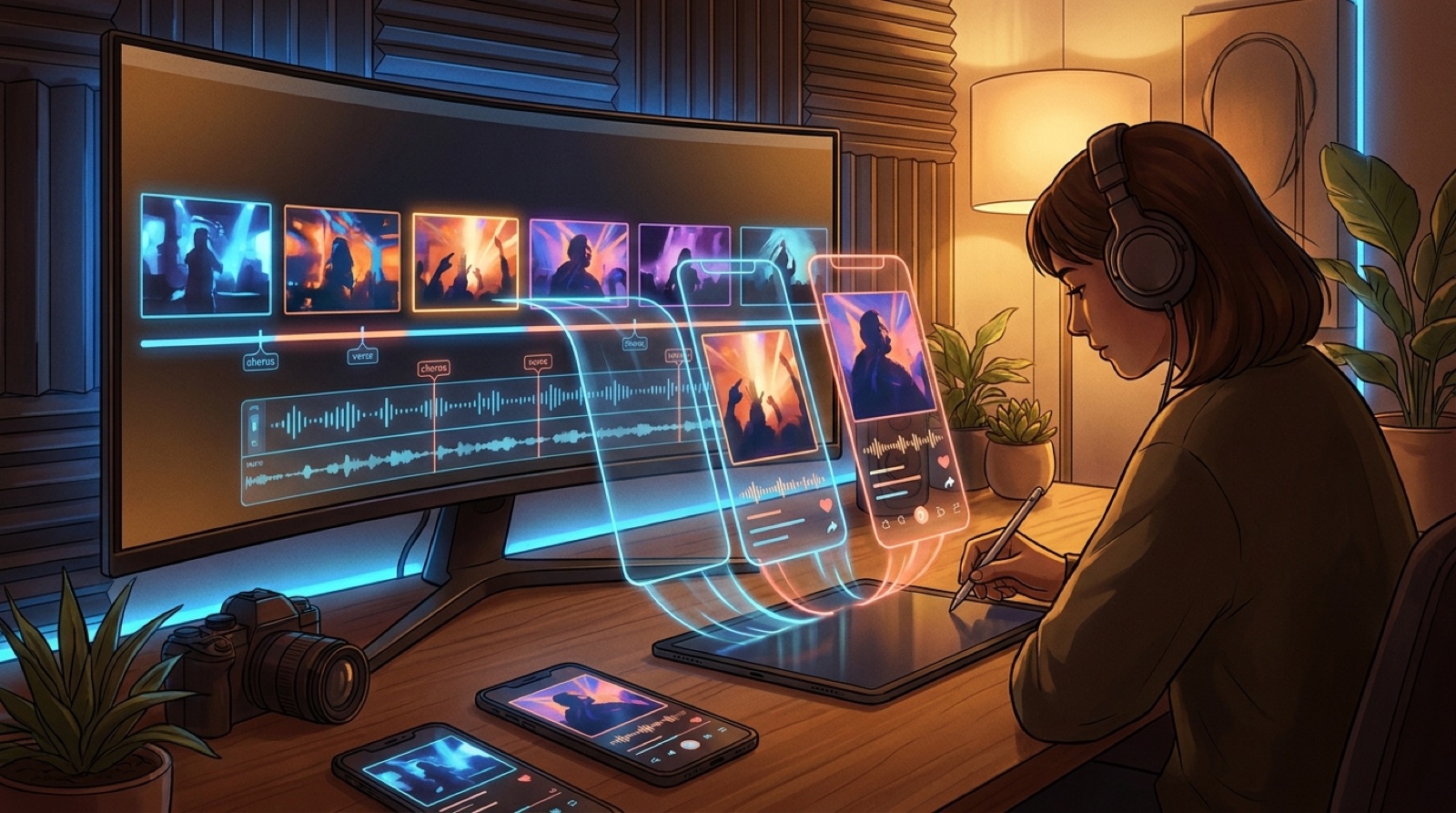
If the song is part of a bigger artist world, make the YouTube video first. Then cut a Canvas loop from the same visual system. The Spotify listener, the YouTube viewer, and the person seeing a short clip all meet the same world.
A practical order for AI musicians
Start by choosing the visual anchor. This is the image or scene that would still make sense if the audio were muted. It might be a character, a place, a symbolic object, or a repeated color mood.
If the song needs motion, build a Canvas loop. Keep the camera move simple. Avoid fake readable text, busy effects, and random visual changes that do not match the song.
If the song needs story, build the YouTube video. Map the track into sections: intro, verse, chorus, bridge, final chorus. Give each section a related visual beat. The viewer should feel progression even if the video stays within one world.
Once the full video exists, cut the Canvas from the strongest moment. Do not make the Canvas a separate idea unless there is a good reason. Reusing the same world is usually stronger than inventing a second one.
The best answer is often both
This is a choice about sequence.
For a serious single, I would build the full video first, then derive the Canvas from it. That gives the release one visual identity across platforms. It also prevents the Canvas from becoming a pretty loop that has no relationship to the rest of the campaign.
For a fast test, I would make the Canvas first. If the song starts getting saves, shares, comments, or playlist traction, then it has earned a full video.
SceneLore is built for the second path to become the first one when a song deserves it. You can start with a strong visual idea, turn it into a full music video, and then reuse the best moments as release assets instead of rebuilding the campaign from scratch.
FAQ
Is Spotify Canvas enough for an AI music release?
It can be enough for a light release or a test, but it is usually not enough for a serious single. Canvas adds motion inside Spotify. A full video gives the song a public asset that can be shared, embedded, and discovered.
Should I make a Canvas before a YouTube video?
For quick experiments, yes. For an important release, make the full video first and cut the Canvas from the strongest scene. That keeps the visual identity consistent.
Can I reuse the same AI visuals for Spotify and YouTube?
Yes, and you usually should. Build one visual world, then adapt it into a YouTube video, Canvas loop, thumbnail, and short clips.
Turn one release world into every visual asset
SceneLore helps you turn a finished song and a visual idea into a full music video, then reuse that world for launch clips, Canvas loops, and shareable release assets.
Create Your First Video