An AI music series bible is the document that keeps a prolific channel from looking random. It gives each new song a set of visual rules before the next thumbnail, video, short clip, or release page gets made.
AI music creators can move fast. That speed is useful, but it also makes drift easy. One upload has a neon city. The next has a fantasy singer. The next uses a different color system, different captions, and a thumbnail that could belong to another artist.
The series bible does not need to be fancy. It needs to be clear enough that the next release feels like it belongs beside the last one.
Start with the promise of the channel
Write one plain sentence about what the channel should feel like. This is not a tagline for viewers. It is a decision tool for you.
For example: "Every video feels like a late-night broadcast from the same lonely city." Another project might be: "Each song follows the same virtual band through different rooms of one strange house." The promise gives the visuals a job.
If a new idea does not support that promise, save it for another project. A clear channel grows faster when viewers can recognize it before they read the title.
Pick recurring anchors people can remember
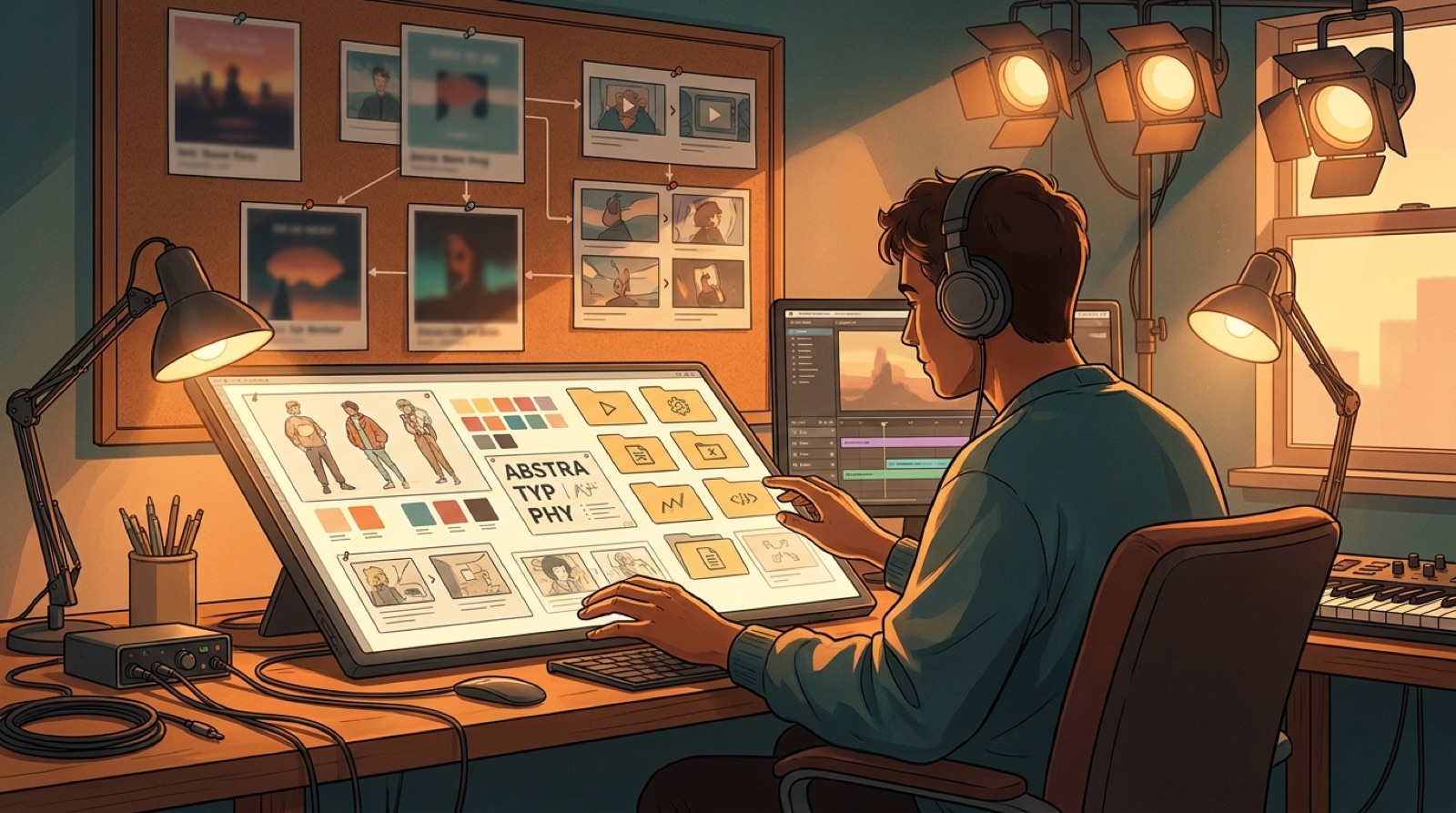
Choose the visual pieces that should come back across releases. These can be characters, masks, rooms, stage setups, instruments, vehicles, weather, props, or lighting patterns.
Keep the list small at first. Two or three anchors are easier to repeat than ten. A red hallway, one recurring singer silhouette, and a broken arcade sign may do more for memory than a long page of lore.
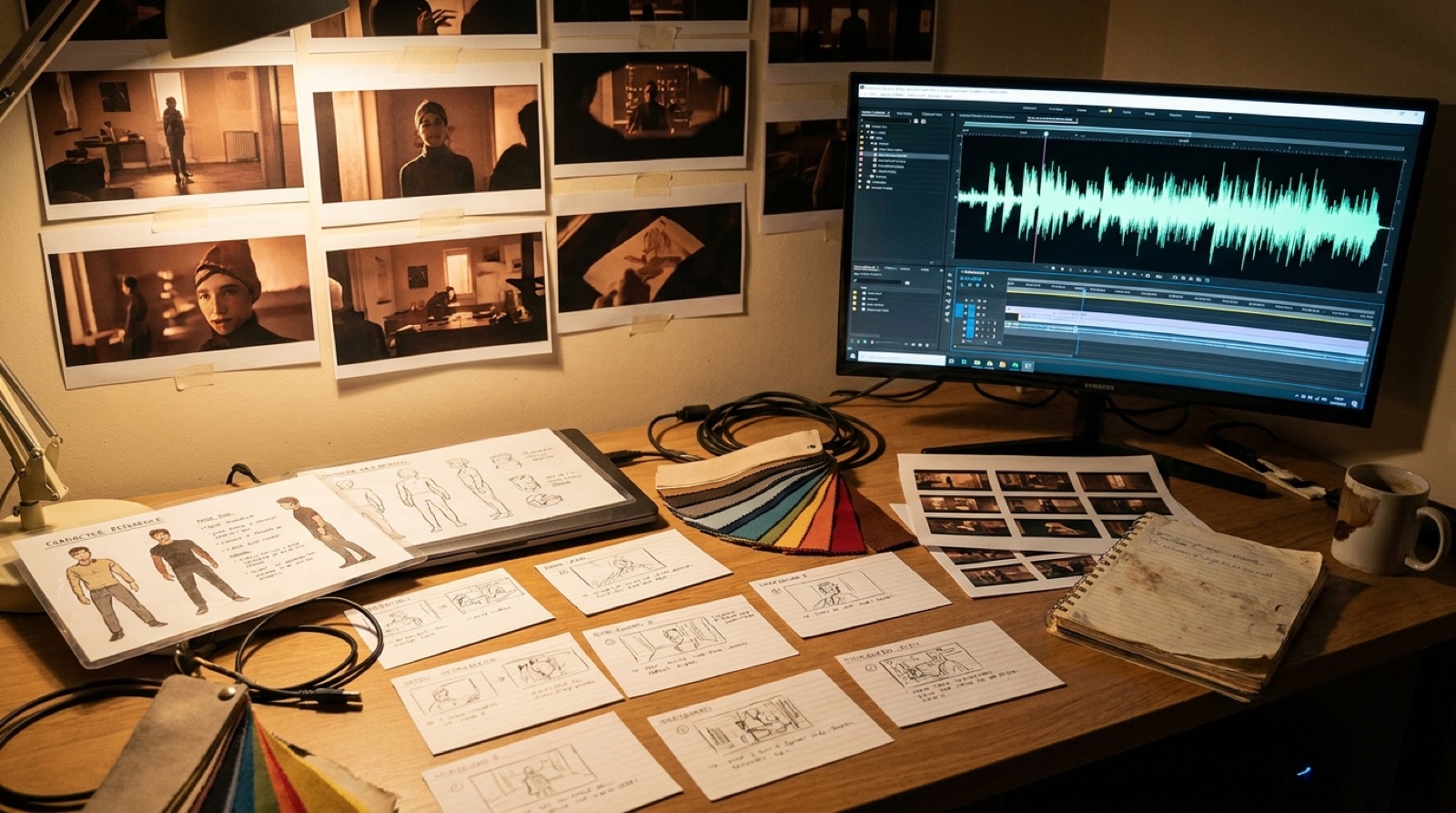
Save reference images for each anchor. If you use SceneLore, those anchors can guide the full music video instead of leaving each song to start from scratch.
Define the look before you define the lore
A series bible should help you make the next asset, not trap you in worldbuilding notes. Put the most usable visual rules near the top.
- Color palette and forbidden colors.
- Camera mood, such as handheld, slow push, static stage, or dreamlike tracking.
- Common locations and what each one means.
- Lighting rules for verses, choruses, and bridges.
- Textures, props, wardrobe, and type style.
This keeps the channel practical. When the next song is ready, you are not asking what the world is. You are choosing which part of the world the song needs.
Make thumbnail rules part of the bible
Thumbnails are where a channel often starts to drift. One strong video can still look disconnected if the grid has no rules.
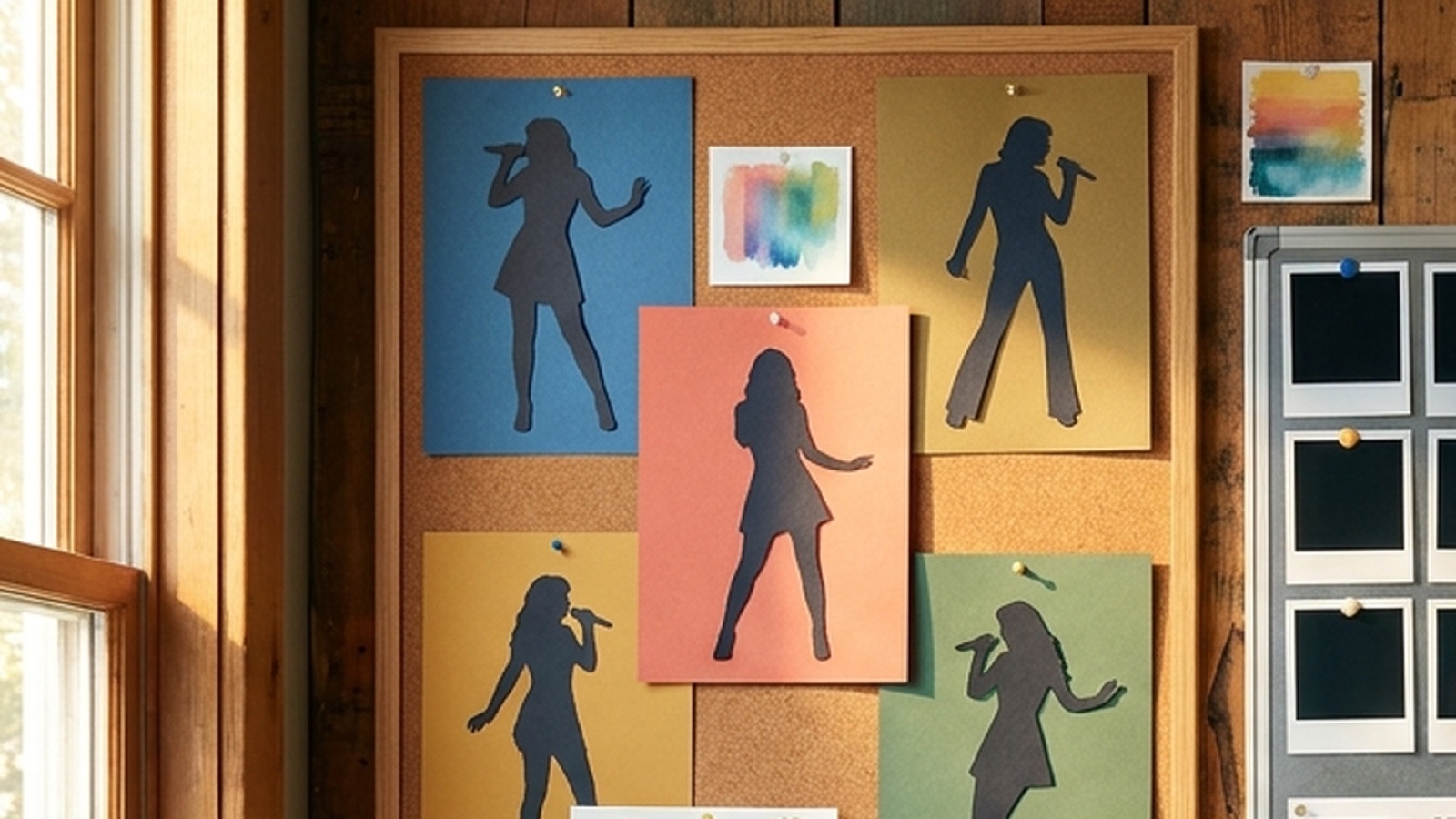
Set rules for faces, contrast, title text, framing, and repeated symbols. Decide whether every thumbnail needs the artist, whether text is allowed, how much negative space to keep, and which colors should never dominate the grid.
Check the thumbnail on a phone before you approve it. A series bible that only works on a desktop mockup will not protect the channel where most viewers first see it.
Add release formats so every song has the same package
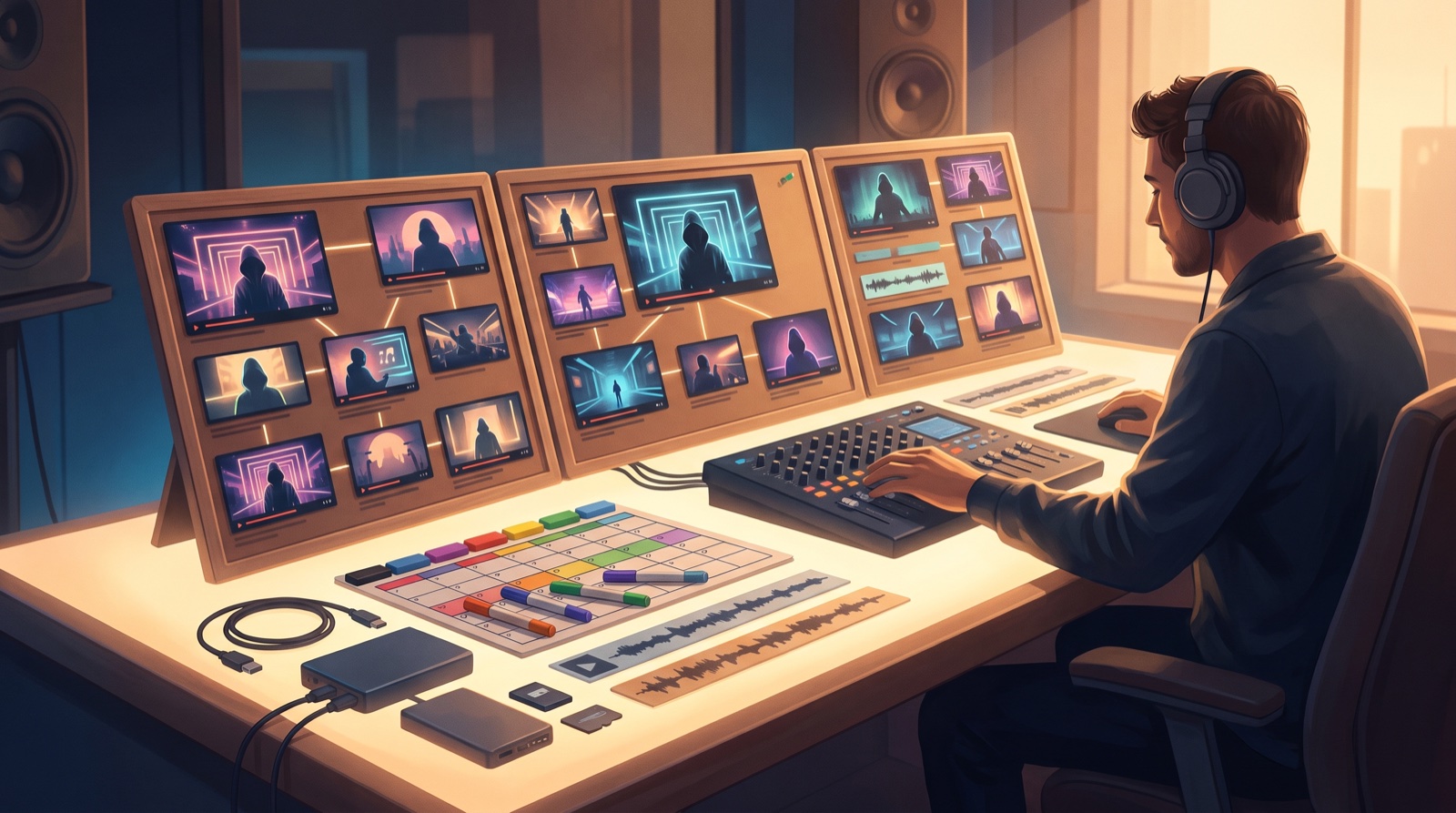
The bible should name the assets every song gets. A full video, one Shorts cutdown, one Reels cutdown, a thumbnail, a release-page image, a description block, and a small proof folder may be enough.
This turns the series bible into a publishing habit. You are not rebuilding the launch plan each week. You are filling the same slots with the next song's best moments.
For repeat creators, this is where speed comes from. The creative work stays focused on the song, while the release package follows a pattern.
Write down what the channel will not do
Forbidden styles are just as useful as approved styles. They stop one tempting idea from pulling the whole channel sideways.
List the looks that do not belong: generic AI visualizer tunnels, random cyberpunk city shots, unreadable fake text, sudden anime faces, stock concert crowds, or anything that makes the artist identity feel borrowed.
This section protects the channel when you are tired. It is easier to reject a bad visual when the bible already says it does not belong.
Keep credits and disclosure language consistent
Trust is part of the channel style. Save the credit line, collaboration notes, AI disclosure wording, and proof-file habit in the same document.
YouTube asks creators to disclose realistic altered or synthetic content when it could mislead viewers, so keeping the release note close to the visual rules saves rushed decisions later. The official YouTube disclosure guidance is worth reading before a channel turns into a repeat release operation.
You do not need to overexplain every tool. You do need a consistent way to credit human direction, collaborators, source material, and AI-assisted visuals where the platform or audience expects it.
When the wording is already approved, release day gets calmer. You are not rewriting the trust note while trying to export the final video.
Build the next video from the world you already chose
SceneLore helps turn a finished song or reference image into a full-length music video that follows one visual direction instead of drifting between random clips.
Create Your First VideoA simple AI music series bible template
- Channel promise: one sentence.
- Visual anchors: characters, places, symbols, or objects that repeat.
- Color and lighting rules: what belongs and what never does.
- Video rules: motion, pacing, captions, opening frames, and ending frames.
- Thumbnail rules: layout, text, faces, contrast, and repeated symbols.
- Release package: full video, shorts, thumbnail, description, proof folder, and archive.
- Trust notes: credits, disclosure language, and collaboration records.
- Forbidden styles: the looks that make the channel feel random.
For more structure, pair this with the AI music style bible, the AI music channel series format, and the AI artist visual world guide.