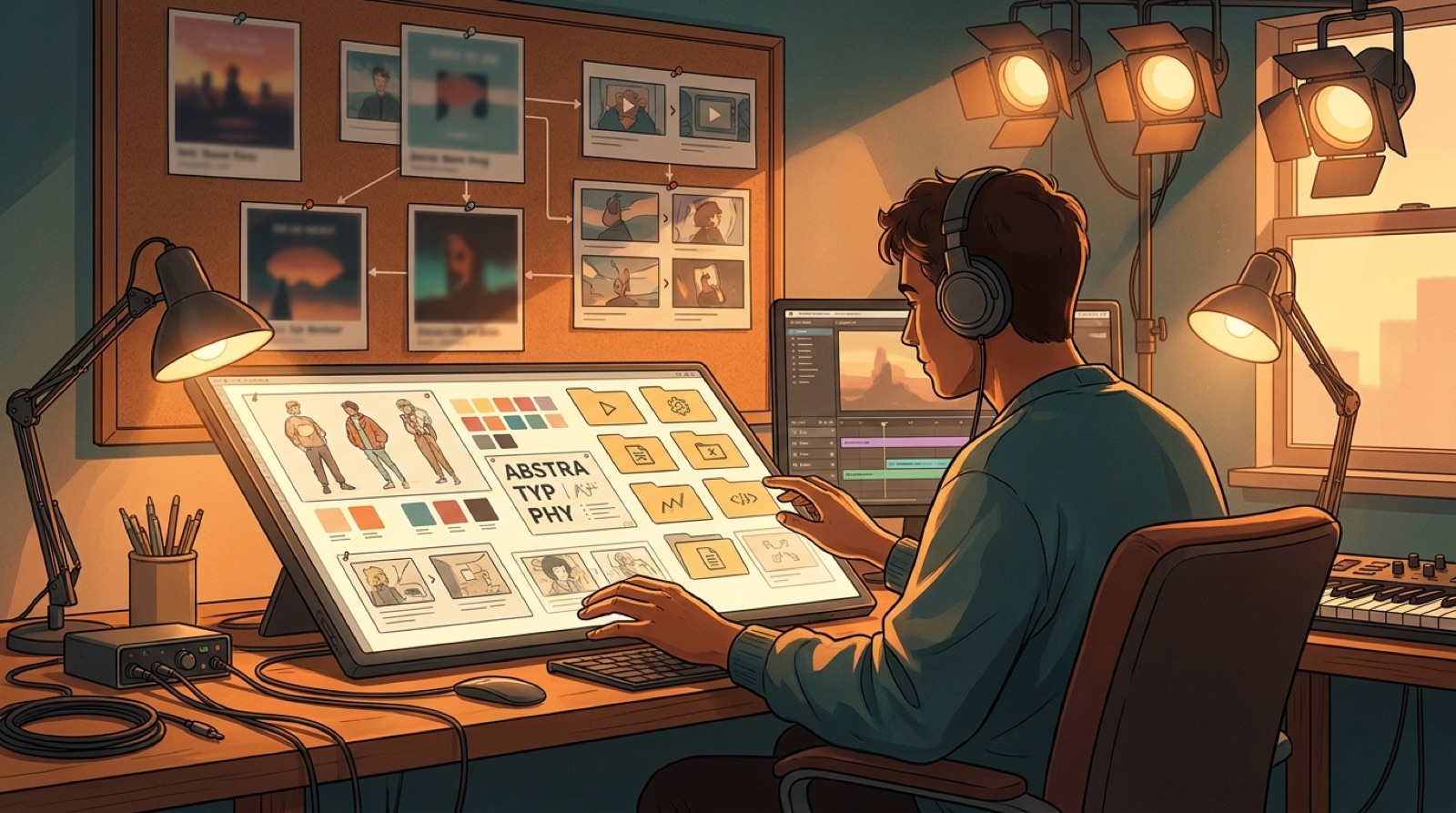
An AI music style bible is the small document that keeps your next release from looking like it came from a different artist.
One song can survive a random visual experiment. A channel, virtual artist, or small label cannot. If every new video changes the face, colors, thumbnail style, and credits, people have to relearn the project each time. The music may be connected, but the release package feels scattered.
The fix does not need to be a giant brand book. Start with one clear page that tells you what to keep, what can change, and what should never make it into the final video.
Start with the world the songs live in
Before you write visual rules, name the world. Is the project a lonely neon city, a handmade bedroom pop diary, a desert road trip, a digital choir, or a fictional band playing in empty theaters?
That one sentence keeps the style bible from becoming a folder of random references. It gives every later choice a job. Characters, locations, lights, thumbnails, and motion should all point back to that world.
Write it in plain language. For example: a midnight synth project where one singer moves through blue city rooms and warm stage lights. That is enough to guide a cover image, first frame, full video, and short clip.
Choose the repeatable visual anchors
A style bible needs anchors that can return across songs. The anchor might be a character, a mask, a room, a stage setup, a color pair, a skyline, or a camera distance.
Pick one or two anchors that carry the project. Do not pick ten. Too many rules make every release feel stiff, and they make the next video harder to finish.
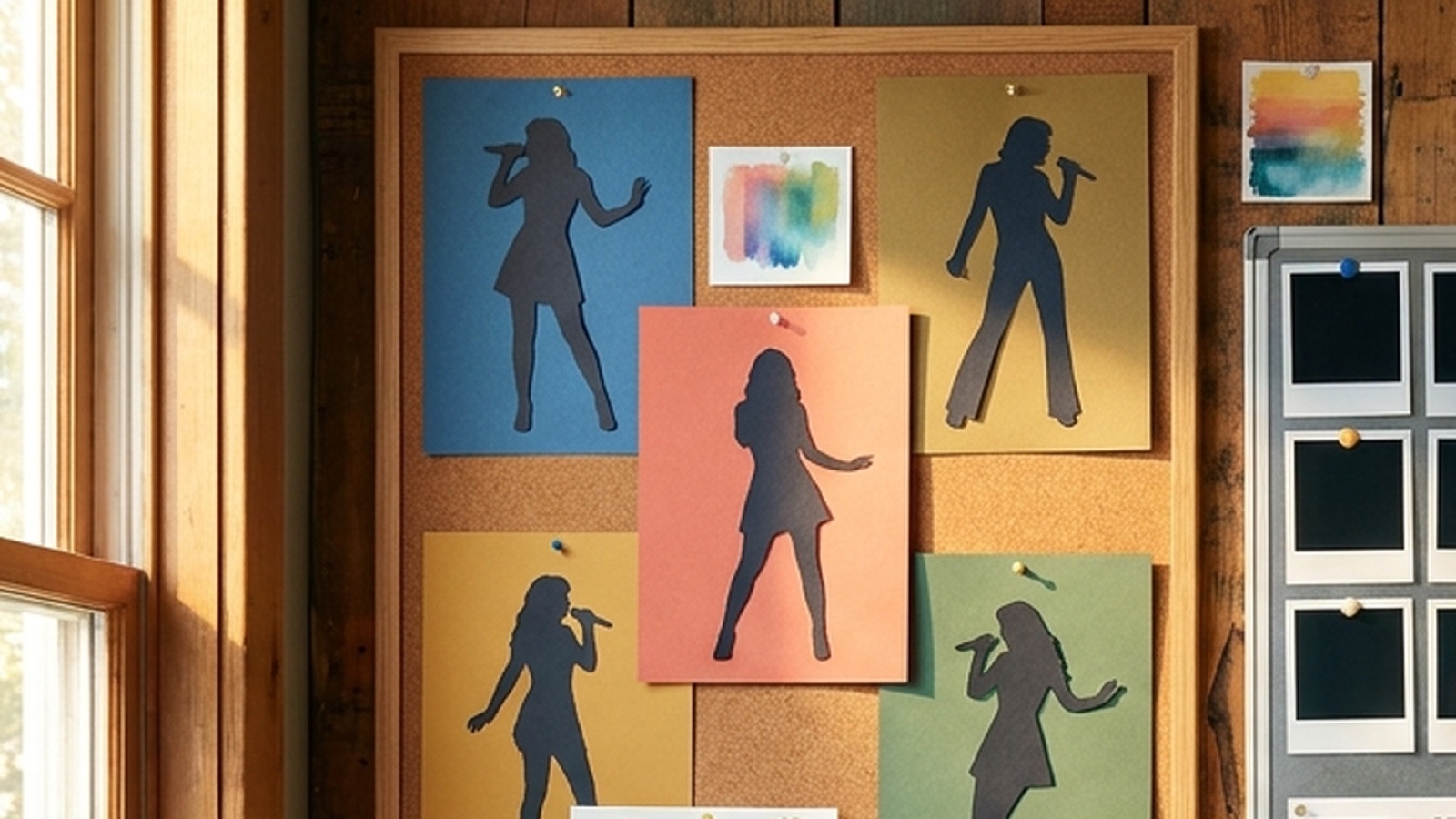
For a virtual artist, the main anchor may be the performer: face shape, hair, clothing, posture, and how close the camera usually gets. For an instrumental channel, it may be a place: a train window, studio corner, rooftop, or animated cover art motif.
Save examples of the anchor when it works. Also save a few examples of what breaks it. The negative examples are useful because they make drift obvious before you render a whole video.
Set color and light rules that people can remember
Color is one of the fastest ways to make releases feel connected. It is also one of the easiest things for AI visuals to change by accident.
Choose a small palette for the project. Name the main background color, the accent color, and the light temperature. You can still change the mood per song, but the project should keep a recognizable base.
A dark pop project might use blue shadows and amber stage light. A lofi channel might use soft greens, paper textures, and window light. A heavier song can push the contrast, but it should still look like it belongs to the same artist.
Write the color rules as normal instructions, not design jargon. Use lines like: keep skin warm, keep backgrounds blue-black, use amber only for chorus payoff. That is easier to reuse when you are tired on release night.
Give thumbnails their own rules
Thumbnails need a style bible because they are the public face of the release. If the grid looks random, the channel looks random.
Set rules for the crop, face size, text, contrast, and recurring object. If you use title text, decide where it sits and how short it should be. If you avoid text, decide what visual detail carries the click.
Google's YouTube thumbnail docs describe thumbnails as images tied to a video resource, which is the reason they deserve their own repeatable pattern. A good thumbnail rule is simple enough to apply before every upload.
For example: close face on the right, song-world object on the left, one warm light source, no more than four words. That kind of rule makes a channel grid easier to scan without making every song look identical.
Decide what changes from song to song
Consistency should not trap the project. Each song still needs its own emotional center.
Use the style bible to separate fixed rules from flexible ones. The fixed rules might be character, palette, thumbnail crop, disclosure line, and file naming. The flexible rules might be location, weather, camera movement, outfit accent, and the key image for the chorus.
This is where repeat creators save time. You stop deciding everything from zero. You also avoid copying the last video so closely that the new song feels like a weaker rerun.
Write one line for the new song before you generate visuals: what is different this time? If you cannot answer that, the release may need a stronger concept before it needs another render.
Keep credits, disclosure, and file names in the same document
A visual style bible should also cover the release details that make the project easier to trust and manage.
Add the credit format you use in descriptions. Add the disclosure language you are comfortable repeating. Add the file names for final audio, full video, thumbnail, vertical clip, cover image, and archive folder.
This may sound boring, but it helps the public release feel deliberate. The viewer sees a cleaner video page. You get a folder that still makes sense three songs later.
Spotify's Canvas guidance is a useful reminder that short visual assets should support the song instead of distracting from it. The same idea applies across the full release package. Every asset should look like it came from the same decision.
Use this one-page style bible template
Start with this structure and keep it short:
- project world: one sentence that names the place, mood, and artist promise
- visual anchors: the recurring character, location, object, or cover-art motif
- color and light: main palette, accent color, and lighting rule
- camera and motion: close or wide, calm or kinetic, handheld or clean
- thumbnail pattern: crop, subject size, text rule, and contrast rule
- song-specific change: what this release adds without breaking the world
- credits and disclosure: the description lines you plan to reuse
- file names: final audio, full video, thumbnail, vertical clips, and archive folder
Review the page before you make the cover image, before you render the full video, and before you upload the thumbnail. The style bible only works if it sits inside the release workflow.
If you already have a finished song, cover art, or visual anchor, create your first video in SceneLore. Use the first release to define the world, then let each new song add to it instead of starting over.
FAQ
What should be in an AI music style bible?
Include the core character or world, color rules, camera mood, thumbnail pattern, type choices, disclosure language, file names, and examples of what changes from song to song.
Do I need a style bible for one AI song?
You may not need a full document for one song, but you still need a few rules for the first frame, cover art, thumbnail, video mood, and release files.
How long should an AI music style bible be?
Start with one page. A useful style bible is short enough to check before every render and specific enough to stop each video from drifting.
Can SceneLore help keep AI music visuals consistent?
SceneLore helps creators turn a song or image into a connected video direction, so repeated releases can share a visual world without rebuilding everything from scratch.
Related guides

Turn the style bible into the next release
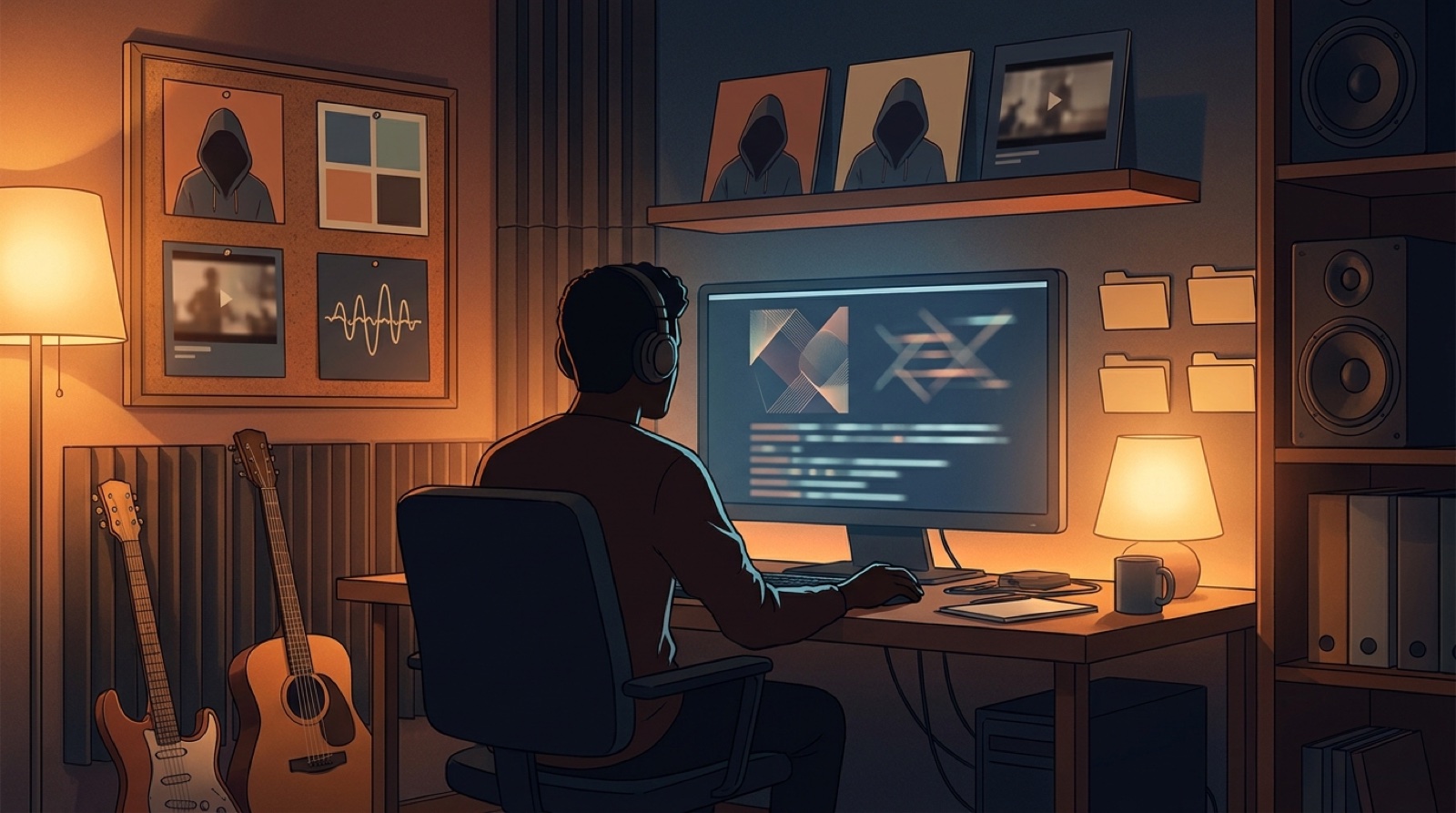
Use SceneLore to turn a finished track, cover image, or visual anchor into a music video that keeps the project world intact.
Create Your First Video