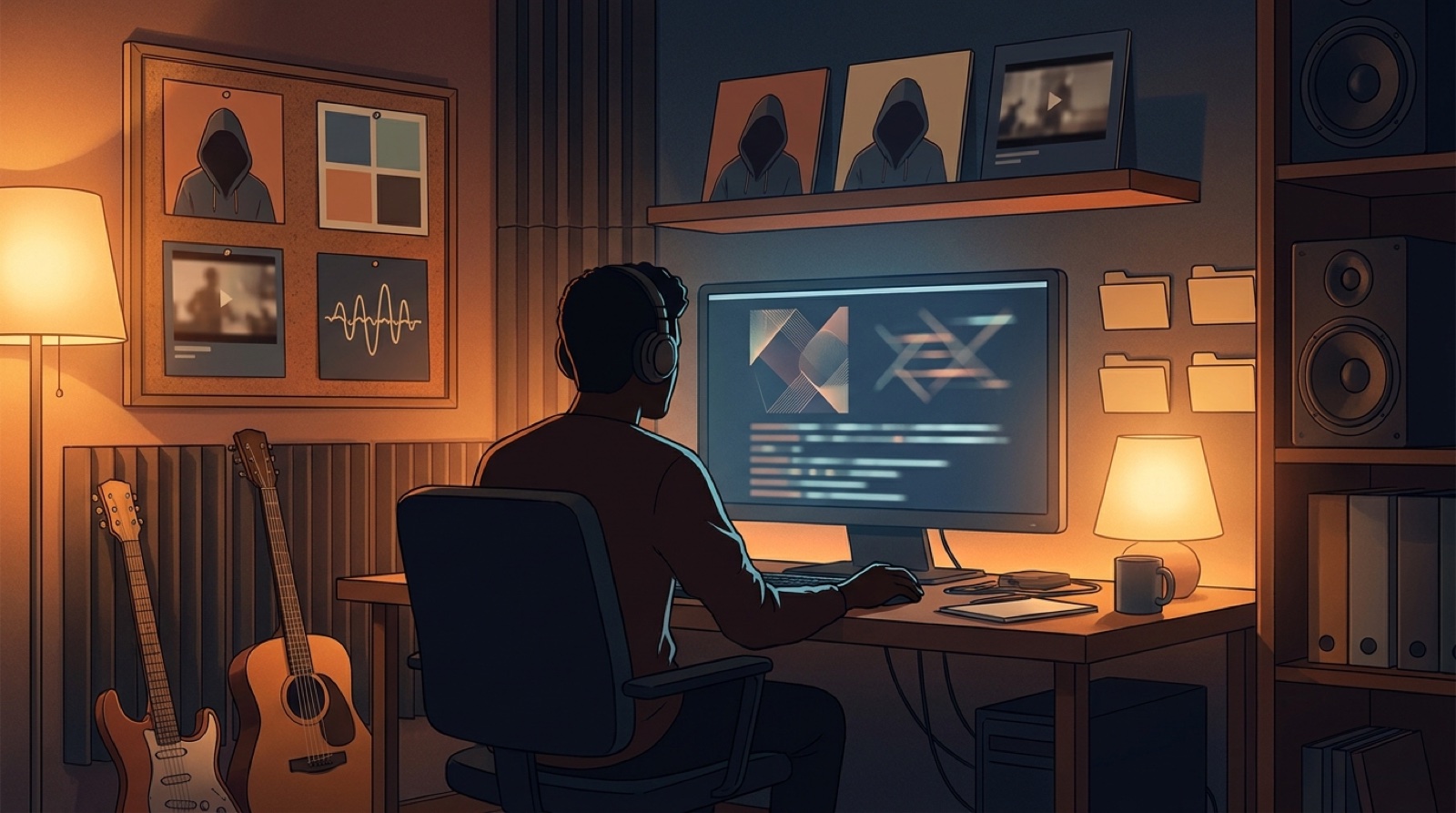
AI music channel thumbnails can make a channel feel like one project or a pile of unrelated uploads. That choice starts before the next song is rendered.
If every release gets a new face, color palette, type style, and mood, the viewer has to relearn the channel every time. A thumbnail system fixes that. It gives each song room to have its own feeling while keeping the channel grid recognizable.
You do not need a giant brand book. You need a few rules you can repeat when the release schedule gets busy.
Start with the promise of the channel
Open your channel page and look at the thumbnails as a grid. Before reading titles, a viewer should understand the kind of world they found.
For a cinematic pop project, the promise might be a recurring fictional singer in moody night locations. For a lo-fi channel, it might be a warm room, a desk, a window, and soft motion.
Write the promise in one sentence. It should guide the thumbnail, first frame, short clips, and full video.
Decide whether the channel has a face
The biggest thumbnail choice is simple: face or no face.
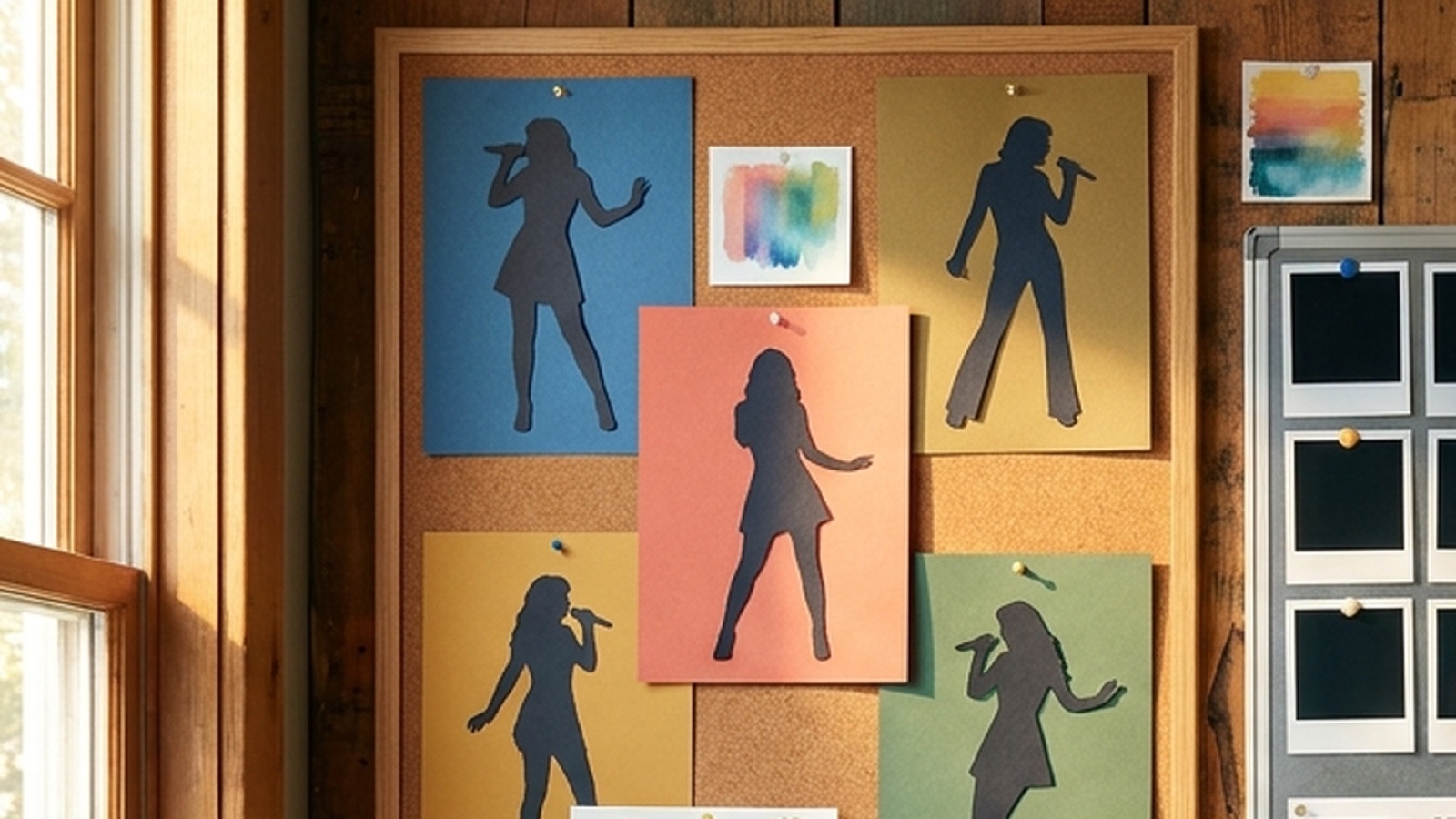
A recurring face can help viewers remember the project faster. It also creates risk if the character changes too much from song to song. If you use a face, save a small reference set: close crop, expression range, hair, clothing, and the lighting that makes the character feel like the same artist.
A faceless channel can still feel consistent. Use a recurring object, stage, room, mask, instrument, or landscape. The key is to make the anchor visible enough that a viewer can spot it at phone size.
Do not switch between both approaches every week. Pick the default, then make exceptions on purpose.
Set color rules before the next batch
Color is the fastest way to make a grid look connected.
Choose a small channel palette. Two main colors and one accent are enough. You can shift the balance by genre, but the family should stay familiar.
Avoid chasing whatever looked good in the last image generator result. Good thumbnails are planned backward from the channel, not picked from a folder of lucky outputs.
Make a rule for text
Text on AI music thumbnails can help or hurt quickly.
Some music channels should use no text at all because the image, artist name, and video title carry the job. Other channels benefit from a short recurring label, such as a series name, mood tag, or one-word hook.
Pick a rule:
- no text on the thumbnail
- one short phrase, always in the same position
- artist or series mark only
Keep it readable at small size. Do not fake tiny readable words inside AI-generated art. If text matters, add it later with a real design layer.
Match the thumbnail to the first frame
The thumbnail makes a promise. The first frame should pay it off.
If the thumbnail shows a singer under red stage light, the opening shot should not start with a blue abstract tunnel.
This matters for trust. YouTube describes custom thumbnails as a quick snapshot of the video, and viewers treat them that way. A thumbnail that feels unrelated may teach people not to trust the channel.
The simplest check is to place the thumbnail beside the first frame. They do not need to be identical. They should clearly belong to the same release.
Use genre cues without copying every cliche
Genre should shape the thumbnail, but it should not erase the channel identity.
A synthwave track can use night roads and deep blue shadows. A folk track can use softer light and natural textures. The channel rules decide how far those changes go.
Make a small list of allowed genre moves. For example:
- ballads can use wider shots and less contrast
- high-energy tracks can use closer crops and brighter accents
- remixes can flip the background color while keeping the same character
That keeps variation useful instead of random.
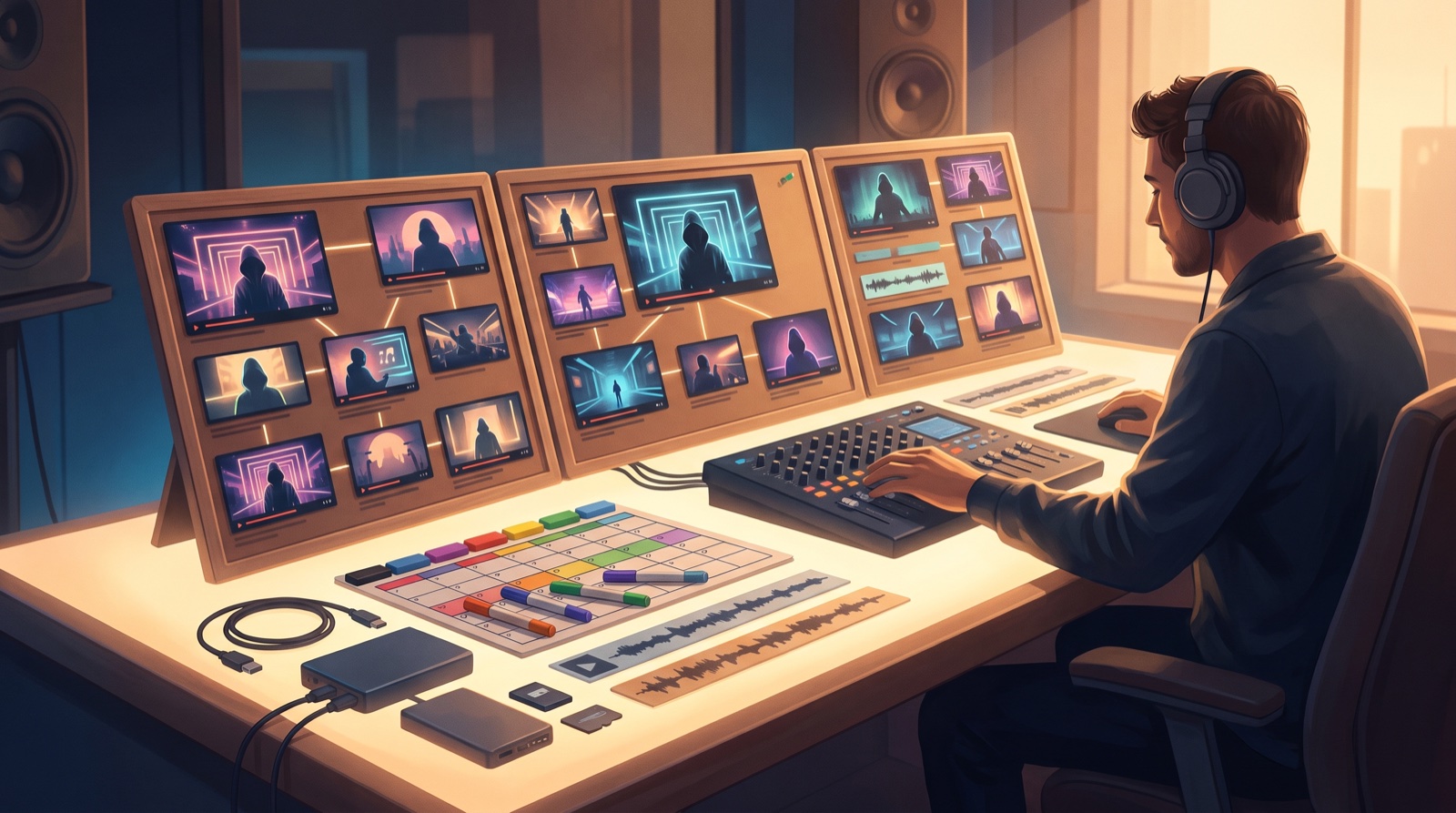
Keep a thumbnail checklist in the release folder
Do not leave thumbnail decisions to the upload screen.
Add a small checklist to every release folder:
- channel anchor visible
- palette matches the channel
- face or faceless rule followed
- text rule followed
- thumbnail matches the first frame
- title and image promise the same mood
- file saved at YouTube-ready size
YouTube currently recommends a 1280 by 720 image for custom video thumbnails. Build from a bigger working file if you want, then export the final thumbnail cleanly instead of stretching a weak image at the end.
Turn one finished video into the next rule
After each release, save the thumbnail and first frame in a reference folder. Add one note: what should repeat, and what should not.
Maybe the close face worked, but the background got too busy. Maybe the first frame looked stronger than the thumbnail, which means the next release should use a frame-first process.
This is how AI music channel thumbnails get better over time. You are not trying to invent a new visual world for every song. You are making the next release easier to recognize.
If you already have the song and a visual anchor, SceneLore can help turn them into a full video, first-frame options, and release assets that make the channel grid feel connected. Create your first video, then keep the rules that worked.
FAQ
What makes AI music channel thumbnails look consistent?
Consistent AI music channel thumbnails usually share a clear visual anchor, color range, framing style, text rule, and first-frame relationship across multiple uploads.
Should every music thumbnail use the same character?
No. A recurring character can help, but a faceless channel can use a room, symbol, landscape, object, or camera style as the repeatable anchor.
Should I put text on AI music thumbnails?
Use text only if it stays readable at small size and fits the channel rule. Many music thumbnails work better with a strong image and no tiny fake words.
How can SceneLore help with thumbnail rules?
SceneLore can turn a finished song and visual anchor into a full music video with first-frame options and release assets, which makes it easier to keep future thumbnails connected.
Related guides
Turn the next song into a channel people recognize
Use SceneLore to turn a track, cover image, or visual anchor into a full music video and release assets that feel connected.
Create Your First Video