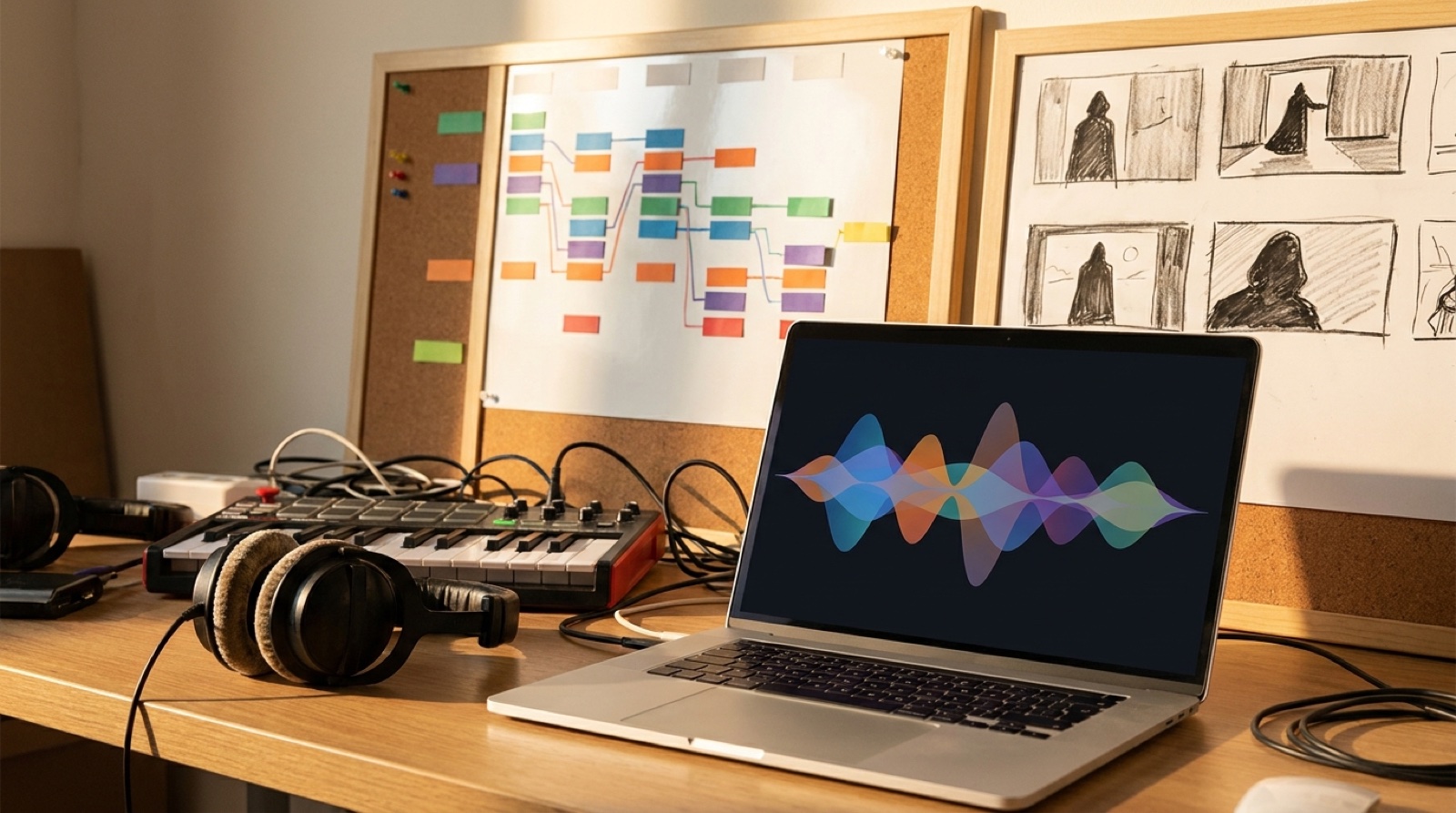
AI musicians usually face the lyric video vs music video choice after the song is already done. The track feels finished. The cover art looks good. Now the release needs something watchable, and the easiest answer can sound like “just put the lyrics on screen.”
Sometimes that is the right move. A lyric-led video can make a hook easier to remember, help a dense verse land, and give fans something to follow on the first listen. Other songs need a story, a setting, a performer proxy, or a full visual arc because the words alone do not carry the whole feeling.
The useful question is simple: what should the viewer understand before the first chorus ends?
Use a lyric video when the words are the product
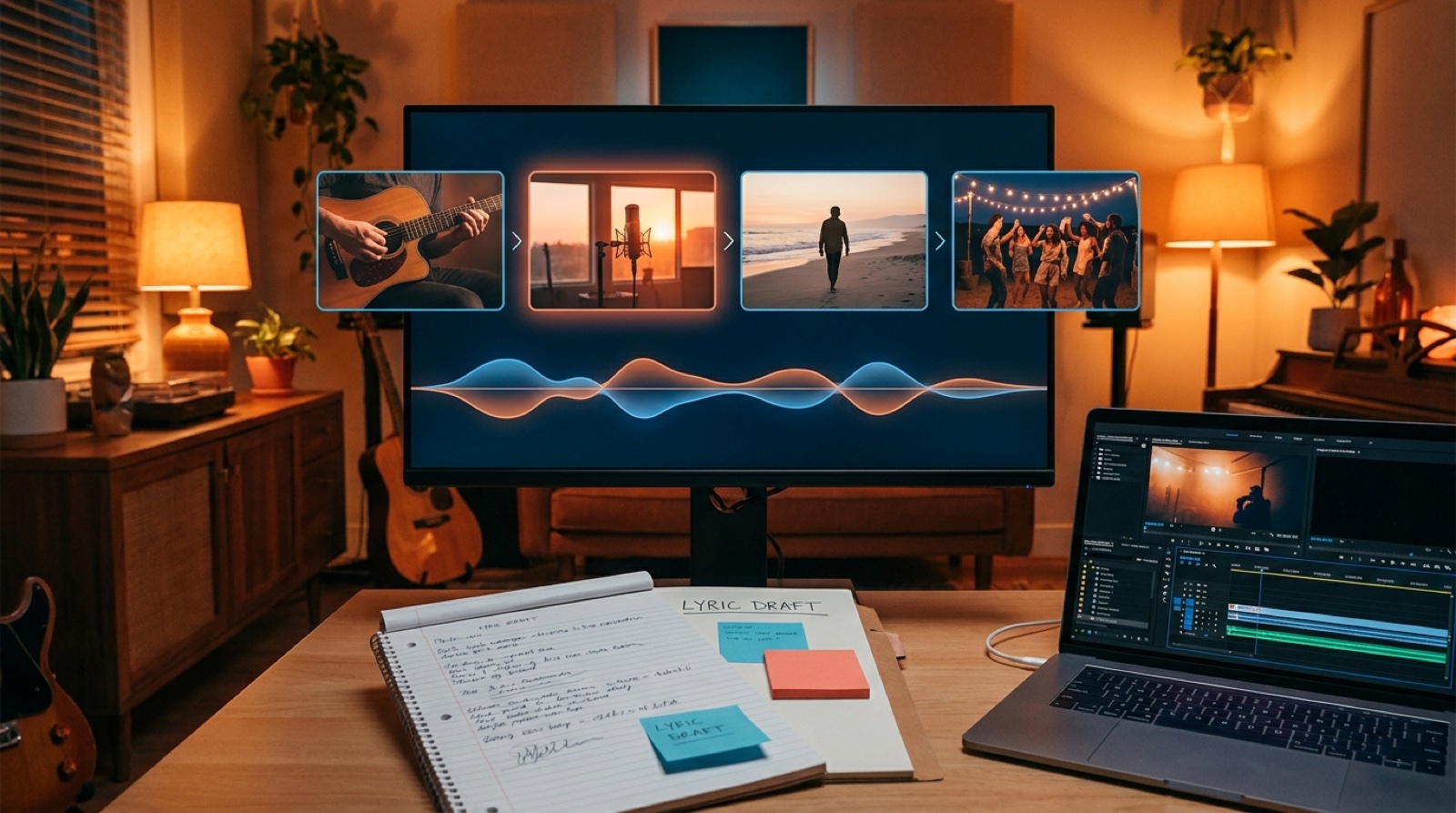
A lyric video works best when the writing is the reason the song exists. If the chorus has a line people might quote, the verses move quickly, or the vocal is easy to sing with, showing the words can make the release stronger.
This is especially true for AI-assisted songs where the voice is new to the listener. The viewer may not know the artist yet. Clear lyric timing gives them a way in. They can follow the hook, hear the rhyme, and remember the phrase that matters.
Do not treat a lyric video as a cheap fallback. It still needs art direction. Pick a readable type style, enough contrast, and a motion rhythm that fits the track. Keep the background connected to the cover art or artist world, so the video feels like part of the release instead of karaoke pasted over a random loop.
If the lyrics are hard to hear, also think about accessibility. YouTube has a separate workflow for subtitles and captions, and that is different from designing a lyric video. A public lyric video can be expressive, while captions should stay clear and useful for people who need them.
Use a story video when the feeling needs scenes
A story music video works better when the song is driven by mood, conflict, place, or change. The words may still matter, but the listener needs images to feel the song’s world.
This does not mean you need a complicated plot. A story video can be simple: one character leaving a room, a city changing through the night, a car ride that gets stranger with each verse, or a repeated object that returns in the final chorus. The point is movement. The viewer should feel that the song went somewhere.
For AI music, this can be the difference between a track that feels generated and a release that feels directed. A recurring jacket, room, color, street corner, instrument, or symbol gives the viewer proof that someone made choices. SceneLore is built for that kind of full-song visual plan, because a finished track usually needs more than loose clips that only look good for five seconds.
Use a mood-led video when the song is about atmosphere
Some songs do not need heavy lyrics or a clear story. Lofi, ambient, instrumental, cinematic, and many electronic tracks often work best with a mood-led video.
The mistake is making the mood too empty. A slow loop can work for a Canvas or background visual, but a full YouTube video needs a little development. Change the light. Move from close detail to wide shot. Let the weather shift. Show a room before and after the emotional turn in the track.
Mood-led videos are also useful when you want the artist identity to grow quietly. The same color palette, place, object, or character silhouette can appear across several releases. Over time, those details become part of the project’s visual memory.
Choose based on the song’s strongest asset
Before you make the video, name the strongest asset in the track.
If it is the chorus line, lead with a lyric video. If it is the world, lead with story. If it is the texture, lead with mood. If it is the artist identity, build the video around the face, symbol, place, or visual rule that can return in future releases.
Then check the weak spot. A lyric video can feel flat if the background never changes. A story video can feel confusing if the scenes ignore the vocal. A mood video can feel like filler if it never develops. Pick the format that helps the song, then add the missing support before export.
Match the format to the release plan
The main video is only one part of the release. The format should also help with the thumbnail, Shorts, Spotify Canvas, social clips, and the artist page.
A lyric video gives you quote cards, chorus clips, and text-led teasers. A story video gives you frames, scenes, character moments, and before-and-after posts. A mood video gives you loops, stills, visual identity pieces, and background clips for announcements.
If you only need a quick post for an extra track, keep the video simple. If this is a single, a channel trailer, or a song that introduces the artist world, spend more energy on scenes and continuity.
A quick decision checklist
- Use a lyric video if the chorus line, verse detail, or sing-along value is the main hook.
- Use a story video if the song has a setting, emotional turn, character, or dramatic build.
- Use a mood-led video if the track is atmospheric, instrumental, or built around texture.
- Avoid plain lyric overlays when the words are generic or hard to read.
- Avoid random story clips when the song needs clarity more than surprise.
- Keep every format connected to the cover art, thumbnail, and release description.
Lyric video vs music video is not a question of which format looks more serious. It is a question of what the song needs the viewer to catch first. Choose that, then build the visual package around it.
FAQ
Is a lyric video better than a music video for AI songs?
A lyric video is better when the words are the strongest part of the song. A story or mood-led music video is better when the release needs a world, artist identity, or emotional arc.
Can I combine lyrics and story scenes in one video?
Yes. Many songs work well with selective lyrics over story scenes. Use lyrics for the hook or hardest-to-hear lines, then let the scenes carry the rest.
What is the easiest format for a first AI music video?
Start with a mood-led or lyric-led video if you have a clear cover image and a strong chorus. Move to a story video when the song has a world that deserves more scenes.
Related guides
Turn the finished song into the right kind of video
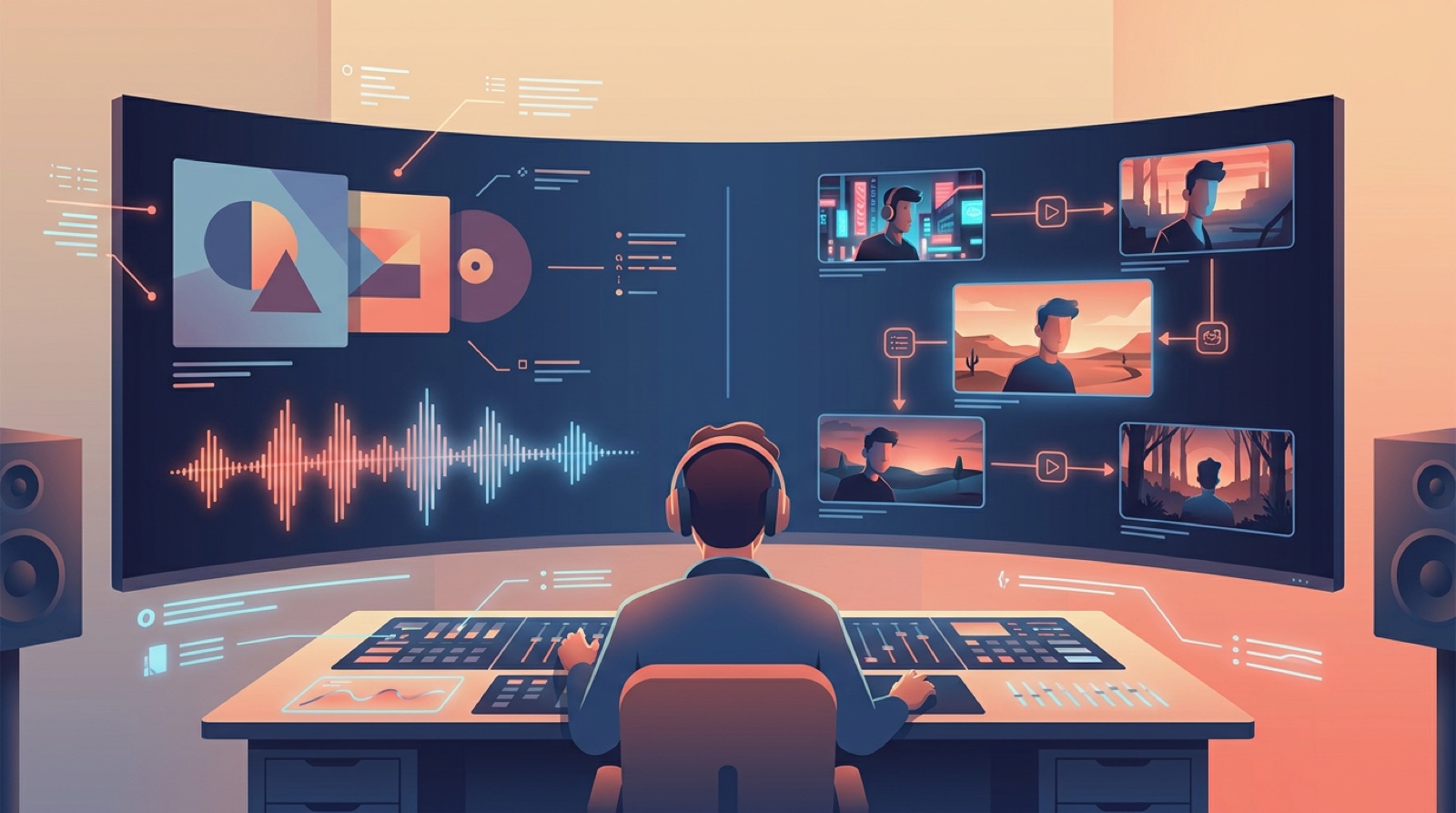
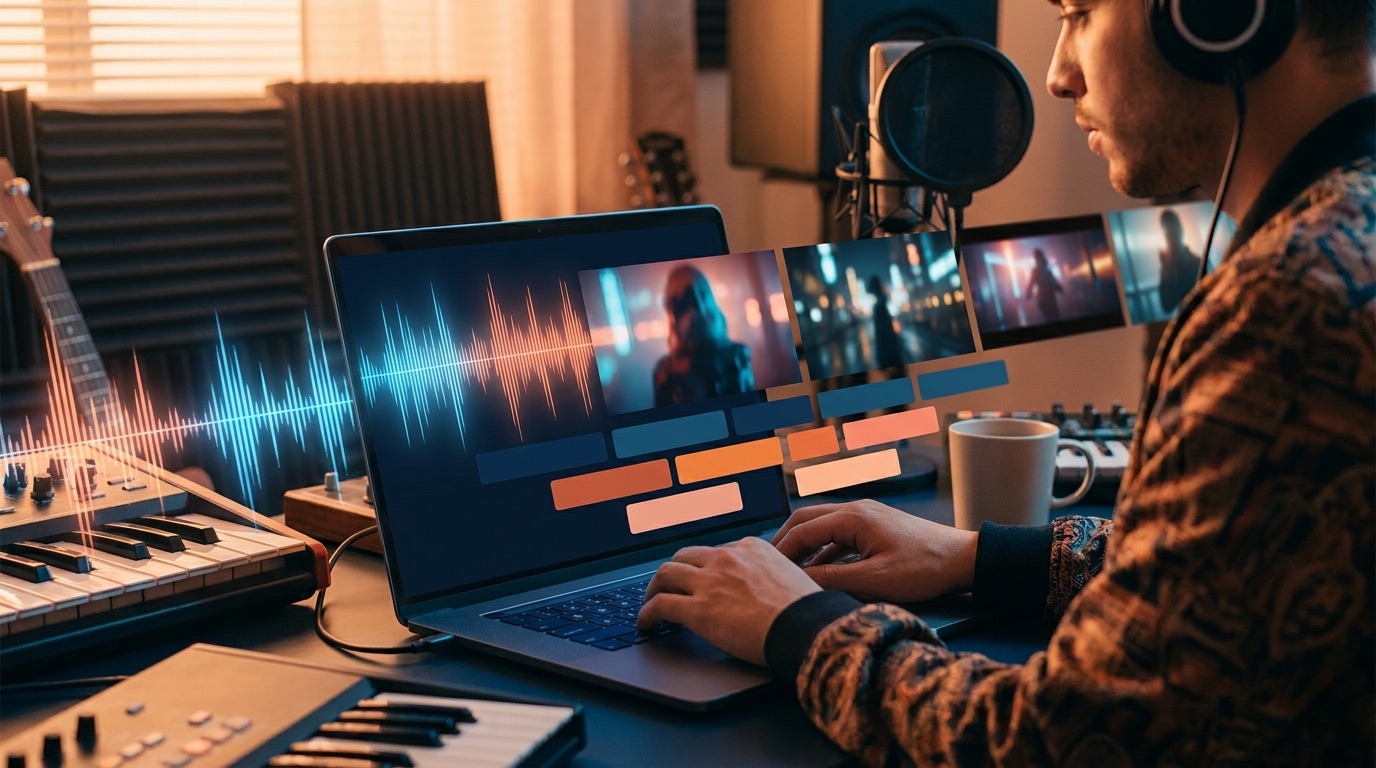
Use SceneLore to build a full music video from a track, cover image, or visual direction, then turn the same release into clips and stills.
Create Your First Video