Release strategy
Visualizer vs music video: when your song needs more than a loop
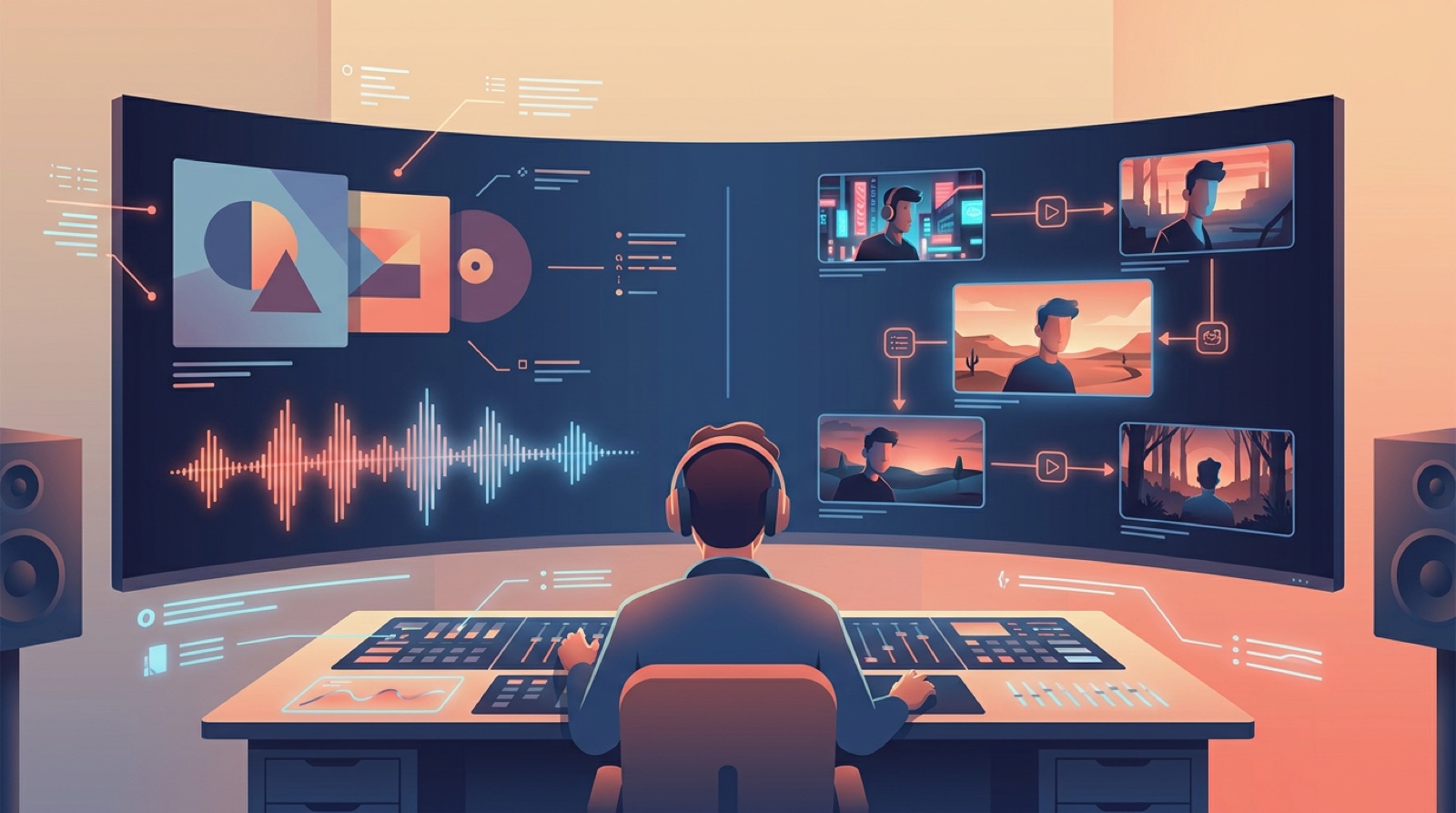
If you are deciding on a visualizer vs music video, start with the job the song has to do. A visualizer can be enough for a low-pressure upload, a quick catalog track, or a song that only needs a clean place to live on YouTube. A full music video makes more sense when the song is a single, a campaign anchor, or the first thing a new listener will use to judge the artist.
The expensive mistake is treating every track the same. Some songs only need motion around the cover. Some need scenes, pacing, a thumbnail moment, and a visual idea people can remember after the hook ends.
Use a visualizer when the song only needs a home
A visualizer is a practical choice when the audio is the main event and the video is mostly there for distribution. Think album cuts, demos, bonus tracks, beat tapes, lo-fi mixes, or uploads meant for people who already know the artist.
The best version is simple and honest. Use the cover image, a controlled loop, clean movement, and enough variation to avoid looking frozen. A waveform, light movement, lyrics, or subtle camera drift can work if it matches the mood of the song.
Do not force a story where there is no story to tell. If the track is meant to sit in the background while someone works, drives, or studies, a busy video can hurt the listening experience. A visualizer can say, "Here is the song," without asking the viewer to follow a plot.
Use a full music video when the release needs memory
A full music video earns its place when the song needs to be seen, not just heard. That usually means a lead single, a chorus you want clipped later, a new artist identity, or a track where the mood changes enough to support scenes.
A full video beats a loop when it gives the song a shape. You can open with a clear image, move through different sections of the song, repeat a visual anchor, and end somewhere that feels intentional. The viewer gets a world to remember.
That matters more for new AI music projects because listeners have no shared history with the artist yet. A strong video gives them clues. Color, setting, character, motion, and pacing all help answer the quiet question: is this a real release or another disposable upload?
Judge the song by its release role
Before you pick the format, ask what the track is doing in the release.
If it is a catalog filler, a visualizer is usually fine. If it is the song you are pitching, pinning, sending to friends, or using to introduce the project, give it more visual care.
For a weekly release schedule, you might use a simple visualizer for most tracks and reserve full videos for the songs with the clearest hook. For an EP, you might make one full video, one lyric-led piece, and visualizers for the rest. If the format choice is really about words versus scenes, use the lyric video vs music video guide before you choose the asset. The point is to spend effort where it changes how the release is received.
Think about where the video will travel
A visualizer mostly lives on the upload page. A full music video can turn into more assets.
The finished video can give you a YouTube thumbnail, Shorts clips, teaser stills, launch posts, and a consistent image for the song. That is why the format choice affects more than one page. If you need assets for release week, a full video gives you more to cut from.
YouTube's creator guidance treats thumbnails, titles, and video packaging as part of how people decide what to watch. Check the current basics on YouTube's content optimization guide before you export your final version.
Make a visualizer feel deliberate
If you choose a visualizer, avoid the cheap version. The loop should feel tied to the song, not dropped on top of it.
Use one strong cover image. Match the motion to the tempo. Keep the color close to the artwork. Add lyrics only when the words are the point. If you use a waveform, make it part of the design instead of a random line across the screen.
A visualizer fails when it looks like a placeholder. It succeeds when it feels like the right amount of visual attention for that track.
Make a full music video feel connected
If you choose a full video, plan a few repeatable elements before you make scenes. Pick the main character, place, color, object, or movement that keeps the video together.
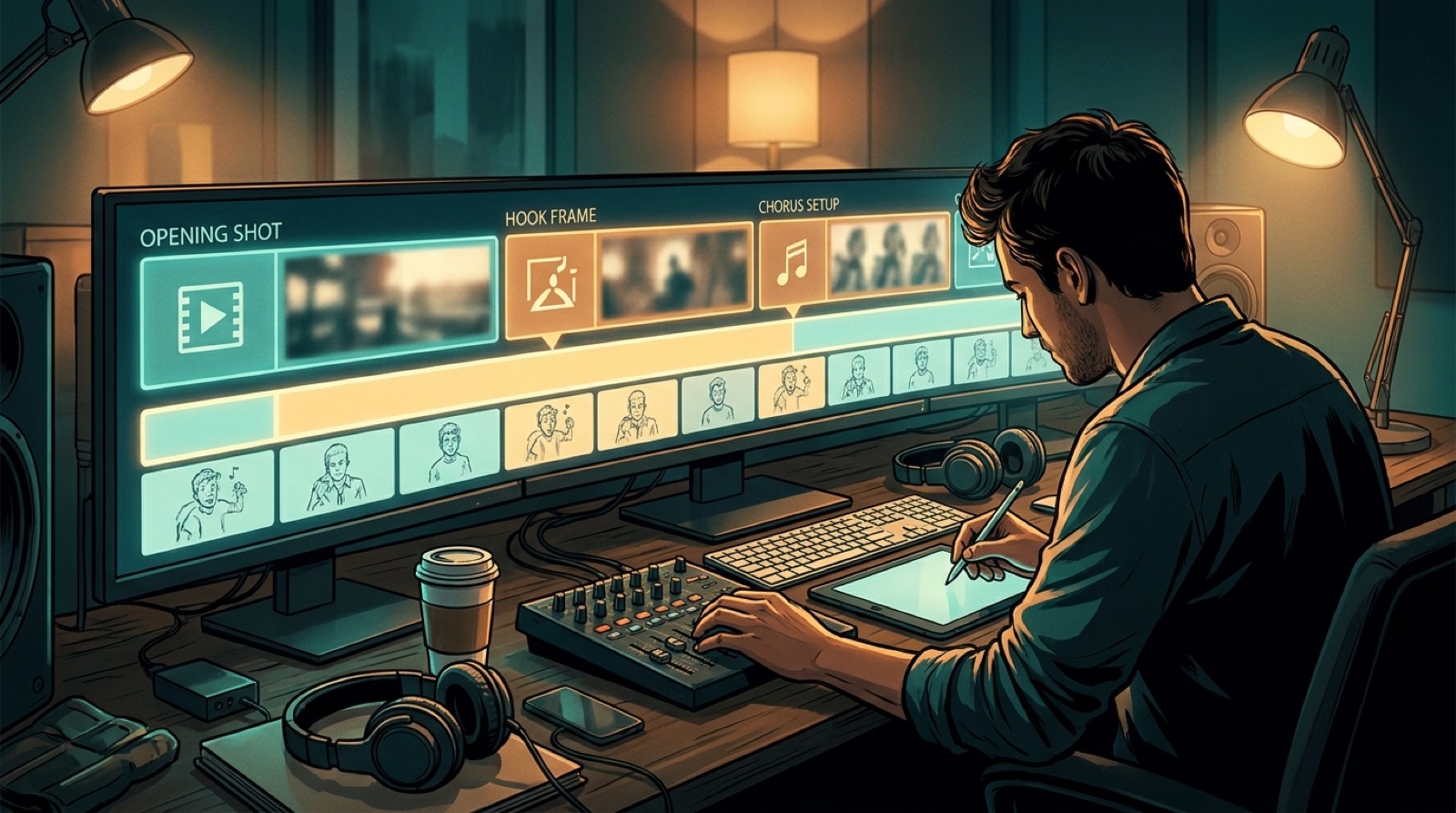
You do not need a complicated storyboard. You need a visual anchor and a few changes that follow the song structure. Verse one can establish the world. The chorus can widen it. A bridge can shift the mood. The last chorus can bring the strongest image back.
SceneLore can help here. Start from the finished song and shape a video around the release instead of juggling a pile of short clips that never quite connect.
A simple decision rule
Use a visualizer when the song needs a clean upload, the audience already cares, or the track does not need extra story.
Use a full music video when the song needs a first impression, a stronger thumbnail, short clips, or a visual identity that can carry the next release.
Neither format is automatically better. The right choice is the one that matches the job. A quiet track can look more confident with a restrained visualizer. A big single can feel small if you give it nothing but a loop.
If the song has a hook, a world, or a release plan around it, make the video do more. If it only needs a home, keep it simple and make the loop feel intentional.
FAQ
Is a visualizer cheaper than a music video?
Usually, yes. A visualizer needs fewer scenes and fewer creative decisions. It is a good fit when the goal is a clean YouTube upload, not a full release campaign.
Can a visualizer still look professional?
Yes. It needs a strong image, controlled motion, good color, and a clear relationship to the song. The problem is not simplicity. The problem is when it looks generic.
When should I upgrade from a visualizer to a full music video?
Upgrade when the song is a lead single, needs short clips, has a clear story or mood shift, or has to introduce the artist to people who do not know the project yet.
Want the full video instead of another loop? Create your first video in SceneLore.