Release strategy
Repurpose music video assets that keep the song alive
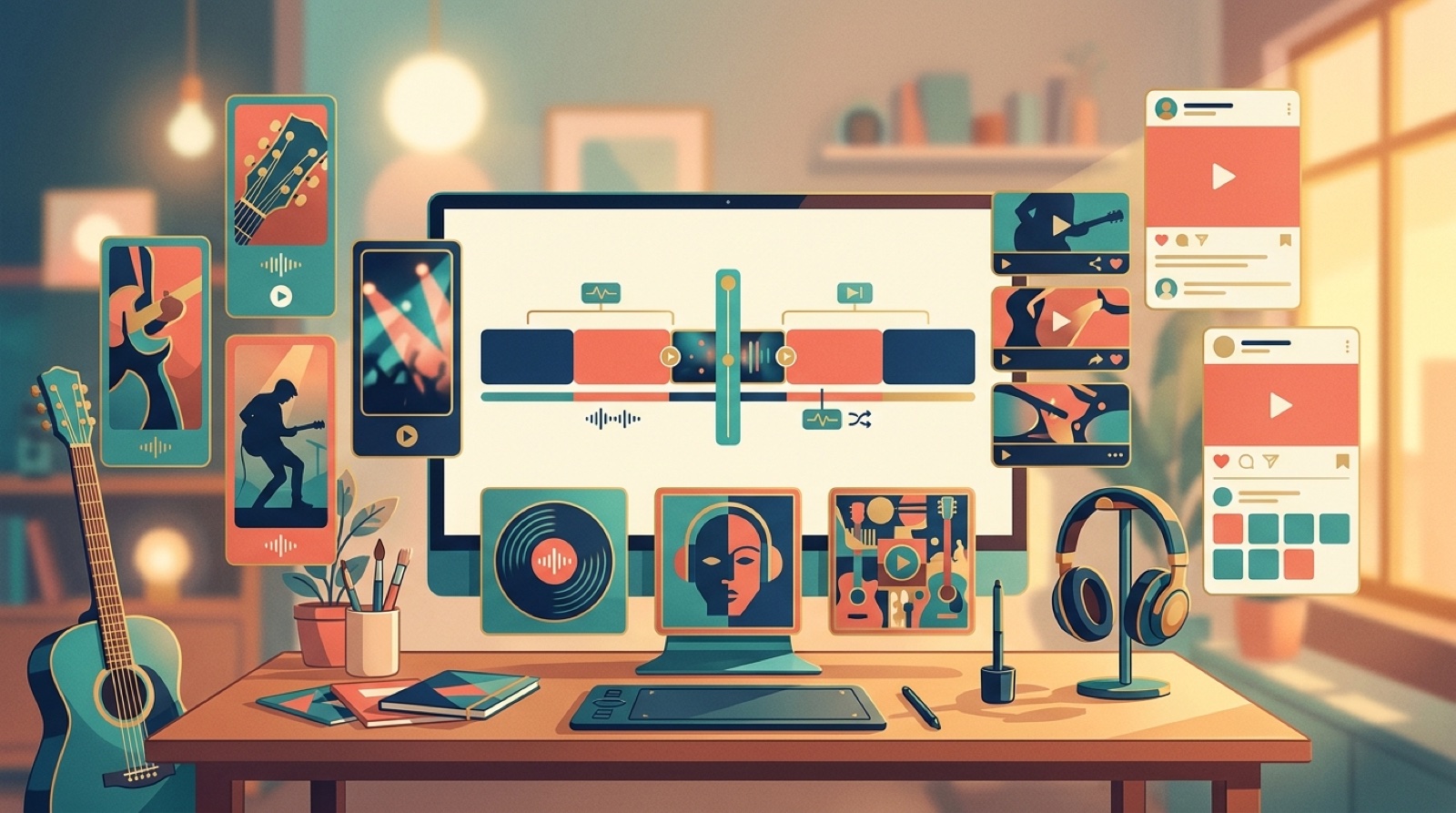
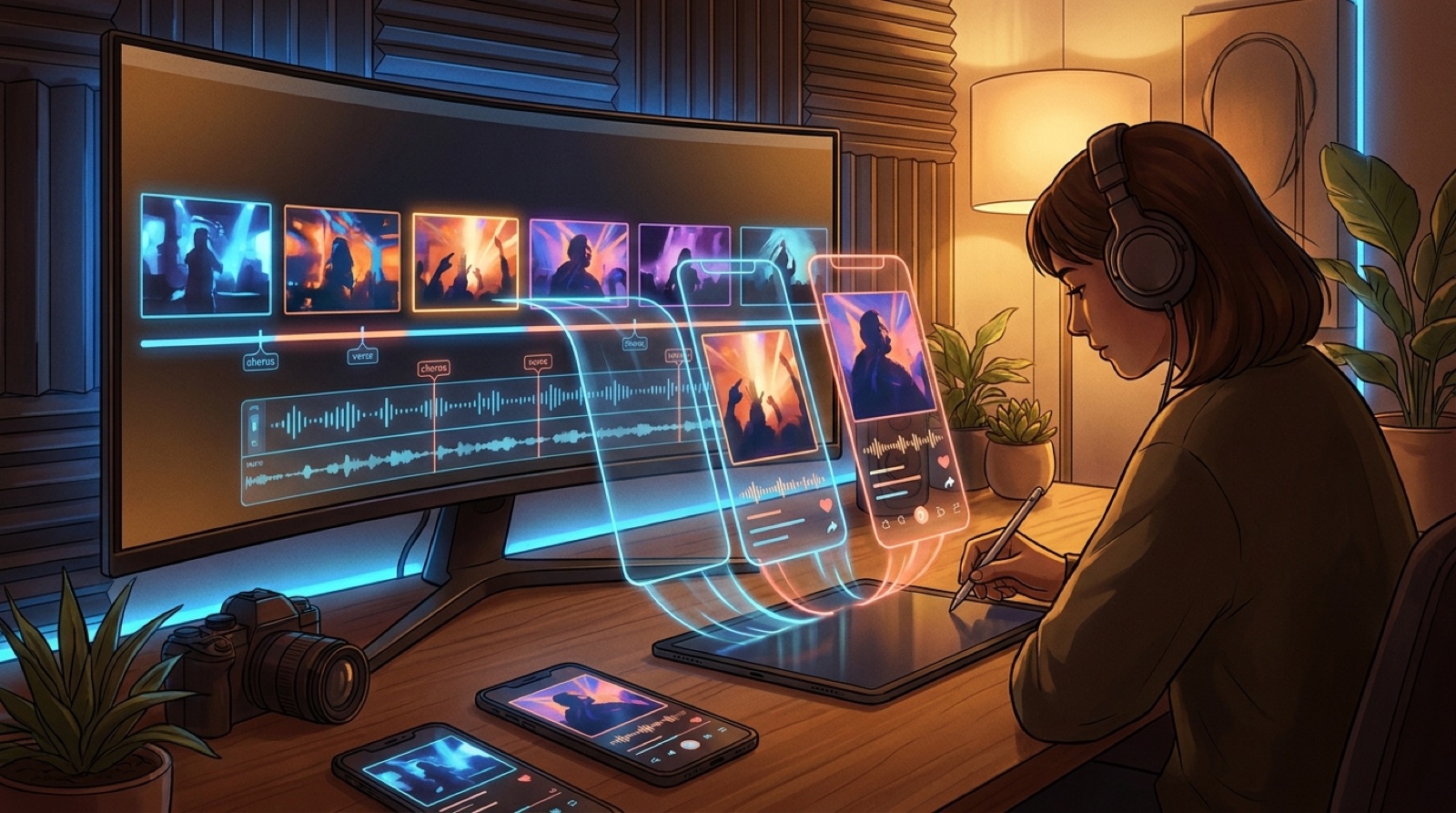
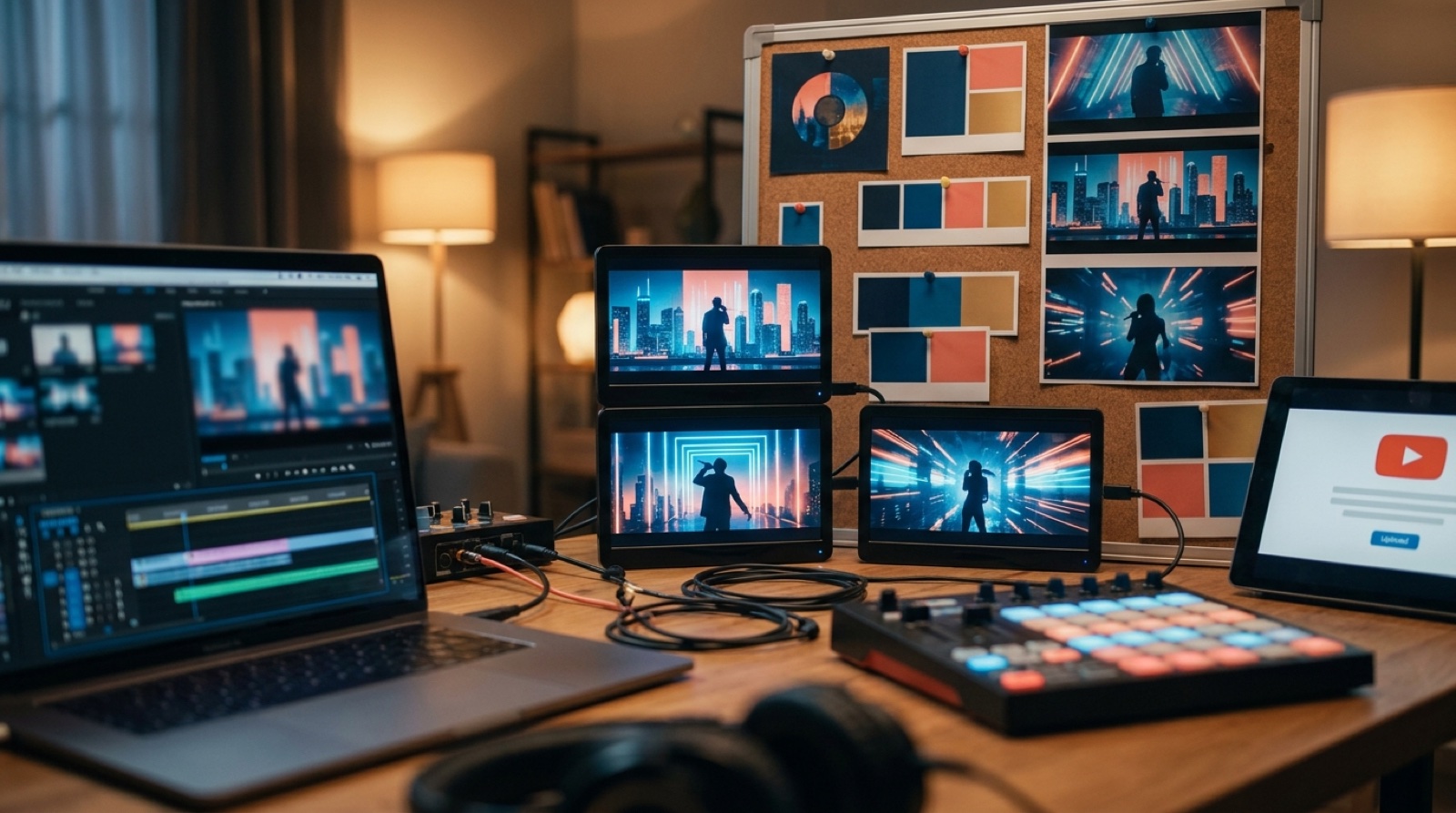
If you want to repurpose music video work without making release week feel messy, start with the full video as the source file. One finished video can become the YouTube upload, a few vertical clips, teaser frames, a pinned post, and the thumbnail language for the next song.
The mistake is treating these as separate creative jobs. That is how a good video turns into five random assets that no longer feel like the same release. Build the full video first, then pull the launch pieces from moments that already carry the song.
Pick the source version before you cut anything
Do not start clipping from draft exports. Pick the final video, final mix, and final cover direction first. If the song title, hook, or cover art changes later, every asset needs another pass.
Save one master export for YouTube and one project folder for launch assets. Keep the full video, thumbnail frame, vertical clips, teaser stills, and posting copy in that folder. Future you should be able to open it a month later and know what went public.
Turn the YouTube upload into the anchor
The full YouTube video should be the cleanest version of the release. It gets the full song, the best thumbnail, the clearest title, and the description that explains the track without sounding like a tool demo.
This is also where the visual identity gets tested. If the main video feels random, every smaller asset will inherit that problem. Use a clear opening image, a few repeatable motifs, and scenes that change with the song structure. A release needs memory, not just motion.
Pull short clips from real moments
Short clips work best when they come from moments a viewer can understand quickly. Look for the first chorus, a strong lyric, a beat switch, a visual reveal, or a frame where the performer or world becomes obvious.
Make each clip feel like a slice of the same song, not a disconnected trailer. A vertical cut can use a tighter crop, faster opening, or caption line, but it should still share the color, character, and mood of the full video. If the clip looks like it came from another project, skip it.
YouTube has its own help docs for creating Shorts, including creation and upload basics, on the YouTube Shorts help page. Check platform limits before you export, because a clean crop is easier before you have five versions on your desktop.
Save still frames before you need them
A finished video usually has more still-image value than creators notice. Scrub for frames that can become a teaser image, banner, release page visual, newsletter image, or alternate thumbnail.
Pick frames with one clear subject. Avoid the busy almost-good shots where the background fights the focal point. If the song has a character, cover object, room, or visual symbol, save the frames where that anchor is easiest to read.
I would rather have four strong stills than twenty vague ones. A release gets more believable when the same world shows up in the thumbnail, teaser, and pinned post.
Write the pinned post around the video
A pinned post should do more than say the song is out now. Give people one reason to care, then point them to the full video. Mention the mood, story, or release context in plain language.
For example, a cinematic synth track might lead with the world of the video: a city that only appears after midnight, a lost signal, a character trying to get home. A breakup song might lead with the moment the visual changes from memory to reality. The post should make the click feel specific.
If the song or video uses AI, keep the credit simple and calm. Clear notes in the video description, release page, or pinned comment can make the project feel more trustworthy without turning the post into an apology.
Make a small launch pack
For most independent artists, the launch pack can stay small:
- One full YouTube video
- One thumbnail
- Two or three vertical clips
- Three teaser stills
- One pinned social post
- One short description for link pages or newsletters
That is enough to make the release feel planned without creating busywork. If you have more time, add a Spotify Canvas-style loop or a second thumbnail test. Only add assets that will actually be posted.
Keep the same visual spine
The easiest way to repurpose music video assets badly is to chase every format separately. Shorts wants a fast hook. YouTube wants a thumbnail. Instagram wants a strong still. The release still needs one visual spine underneath all of that.
Use the same color world, main subject, and strongest scene across the launch assets. Crop and pace them differently, but do not rebuild the identity each time. The goal is that someone who saw the short clip recognizes the full video when it appears later.
Let SceneLore do the heavy source work
SceneLore helps when you already have the song and need a video that can carry release assets. Start with the finished track or cover image, build the full video around one visual direction, then pull the launch pieces from that same source.
That workflow matters because promotion is easier when the assets agree with each other. The song feels bigger than one upload. The artist looks more intentional. The next release has a visual memory to build on.
FAQ
What does it mean to repurpose a music video?
It means using one finished music video as the source for other release assets, such as short clips, teaser stills, thumbnails, social posts, and release page visuals.
How many clips should I make from one music video?
For most releases, two or three strong clips are enough. Choose moments that make sense on their own, such as the chorus, a visual reveal, or a lyric that explains the song's mood.
Should I make short clips before the full video is done?
It is better to wait until the full video is approved. Cutting from the final version keeps the clips, thumbnail, stills, and pinned post connected to the same release.
Build the full video once
SceneLore helps you turn a finished song or cover image into a full music video you can use for YouTube, short clips, teaser frames, and release-week assets.
Create Your First Video