For music creators, captions are often treated like a finishing touch. That is fine if you already have an editor open. It is painful if your goal is simple: get a song onto YouTube, Shorts, Reels, TikTok, or a release page without spending the night syncing text by hand.
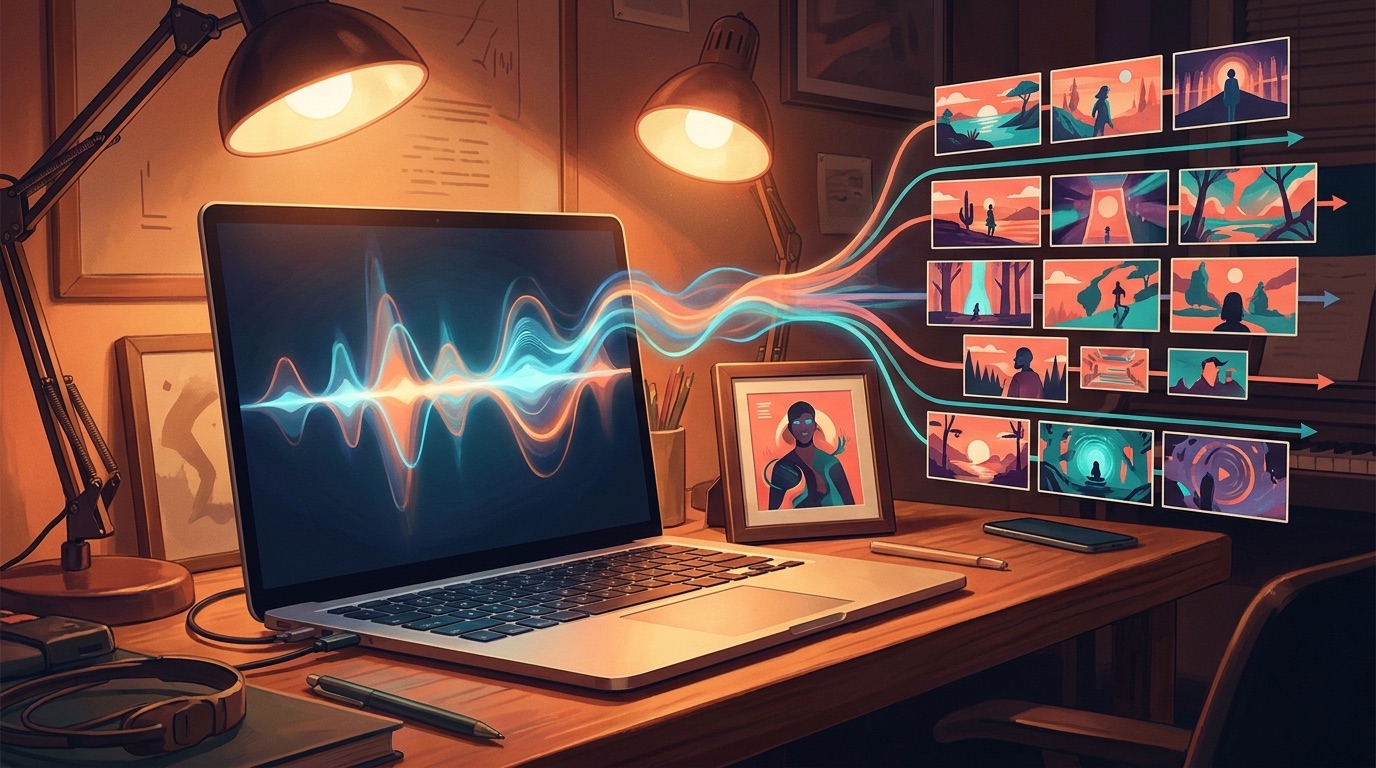
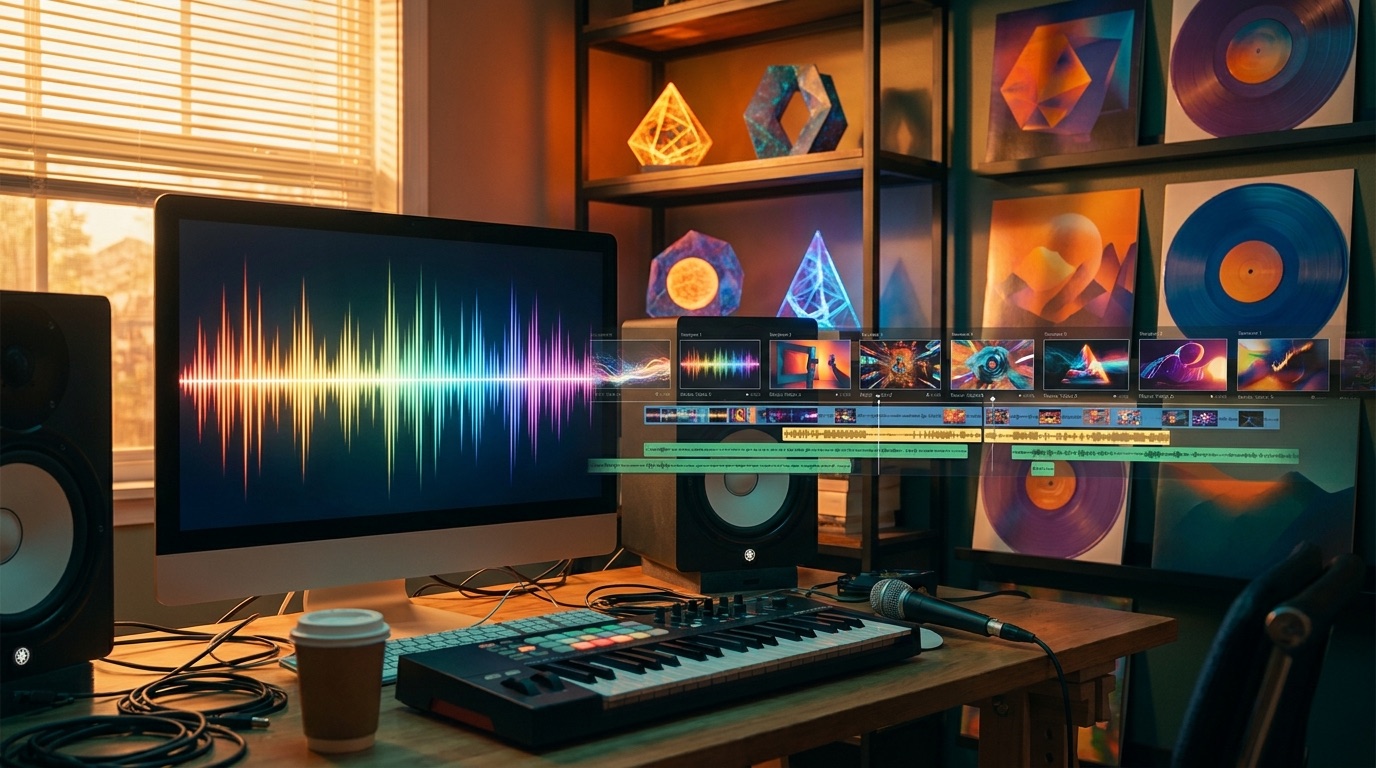
The better workflow starts before captions. The video should understand the song first. Once the track has a structure, the visuals and caption moments have something to follow. Otherwise you are trying to attach words to a random clip montage.
Who this workflow is for
This is a practical fit for Suno and Udio creators, faceless music channels, independent artists, producers testing new concepts, and anyone turning a finished audio file into a release asset.
Those creators usually do not need a Hollywood edit. They need a video that gives the song a reason to be watched. A frozen cover can work for existing fans, but it gives new viewers very little to react to. A captioned music video gives the hook, lyric, mood, and story more surface area.
Why captions help music videos
Captions make lyrics easier to follow, especially on mobile. They also make a short clip easier to understand when someone sees it without sound. That matters because many social feeds start muted, and YouTube's caption guidance points to captions as a way to make videos easier for more viewers to follow.
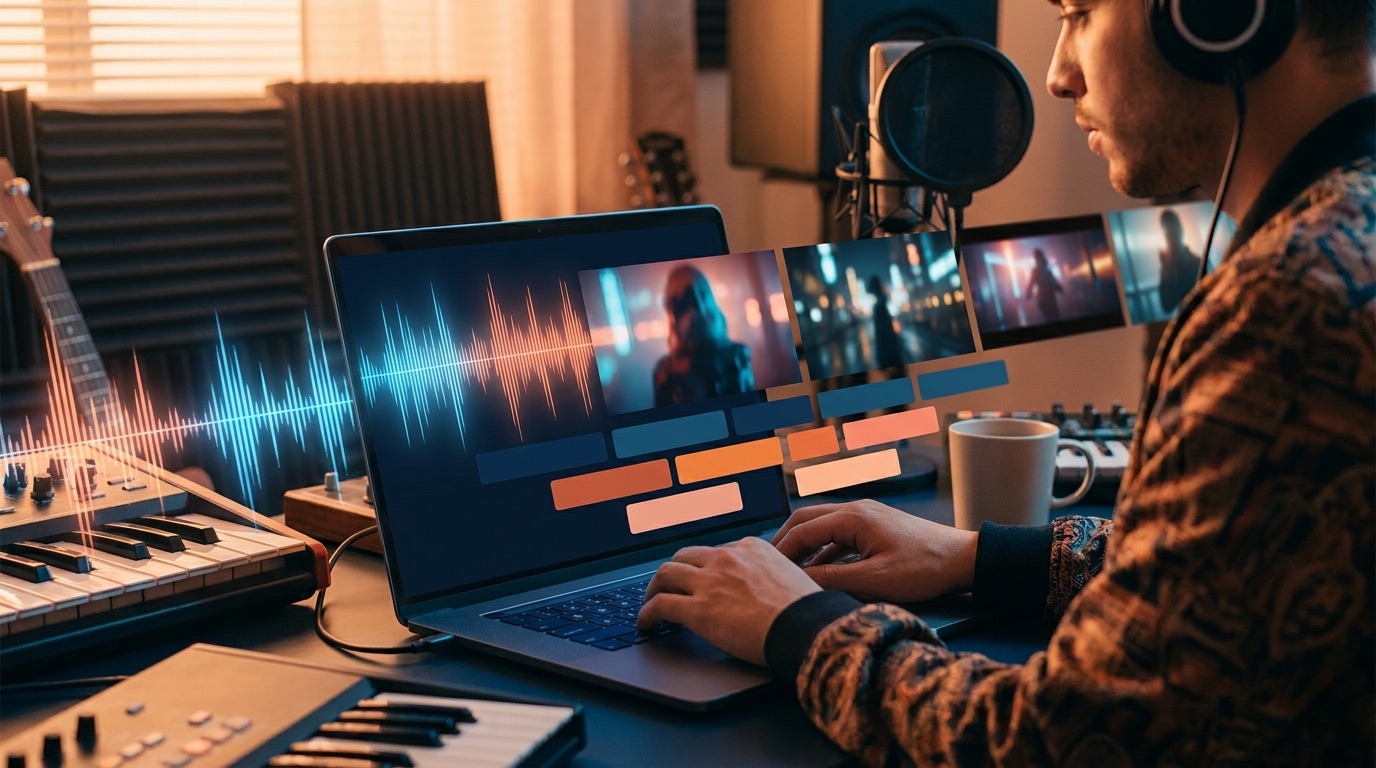
For music, captions do a second job. They can point attention at the strongest line in the chorus, make a fast vocal easier to catch, or give a faceless channel a stronger identity. The text should support the song. It should not fight the frame or turn the video into a karaoke screen unless that is the actual goal.
Start with the song, not random clips
A lot of AI video workflows start with prompts. That can be fun, but it is a weak starting point for a music video. The song already has a map: intro, verse, build, chorus, bridge, drop, outro. If the visual plan ignores that map, the final video feels detached from the track.
SceneLore is built around the release asset you already have. Upload a finished song or start from one image, such as cover art or a character still. The goal is to turn that input into a connected sequence of shots, not make you write prompts for every scene.
What a captioned AI music video needs
Good captioned music videos need more than readable words. They need pacing. A lyric that lands on the wrong beat feels sloppy, even if the typography looks polished. They need enough visual consistency that the viewer feels like they are inside one world, not jumping between unrelated demos.
They also need restraint. If every frame is busy and every word is huge, the video becomes tiring fast. The best results usually leave room for the music. Use captions for the hook, the key lyric, or the section that makes the song easiest to remember.
A simple release workflow
Use the finished song as the source of truth. Pick one visual anchor if you have one. That could be cover art, an artist image, a character, or a mood reference. Generate the video around that source, then review it like a release asset: does the intro invite a viewer in, does the chorus feel bigger, and does the final export make sense outside your private project folder?
If you need the video for a YouTube channel, think about the first 10 seconds and the thumbnail moment. If you need clips for Shorts or Reels, watch for lines that can stand alone. Captions are useful because they make those sections easier to cut down later.
Where SceneLore fits
SceneLore is for creators who want to skip the multi-tool chain. You do not need to generate clips in one place, edit them in another, then add captions somewhere else. Upload the source, let the visual sequence get built around it, and use credits when you actually need a video.
That pay-as-you-go setup is useful for artists who release occasionally. A monthly subscription can make sense for a channel publishing every day. For a single, demo, EP track, or test release, credits are cleaner.
FAQ
Can I use this with Suno or Udio songs?
Yes. Export the finished track and use it as the source. The workflow makes the most sense when the song already has a clear mood and structure.
Do I need to prompt every shot?
No. SceneLore is made for creators who want to upload a song or image and get a coherent video without manual storyboarding.
Is this better than a looped visualizer?
For many releases, yes. A loop can fill the screen, but a multi-shot captioned video gives the viewer more reasons to stay with the track.
Create a captioned music video
Upload your song or image to SceneLore and turn it into a full-length video built for real release channels.