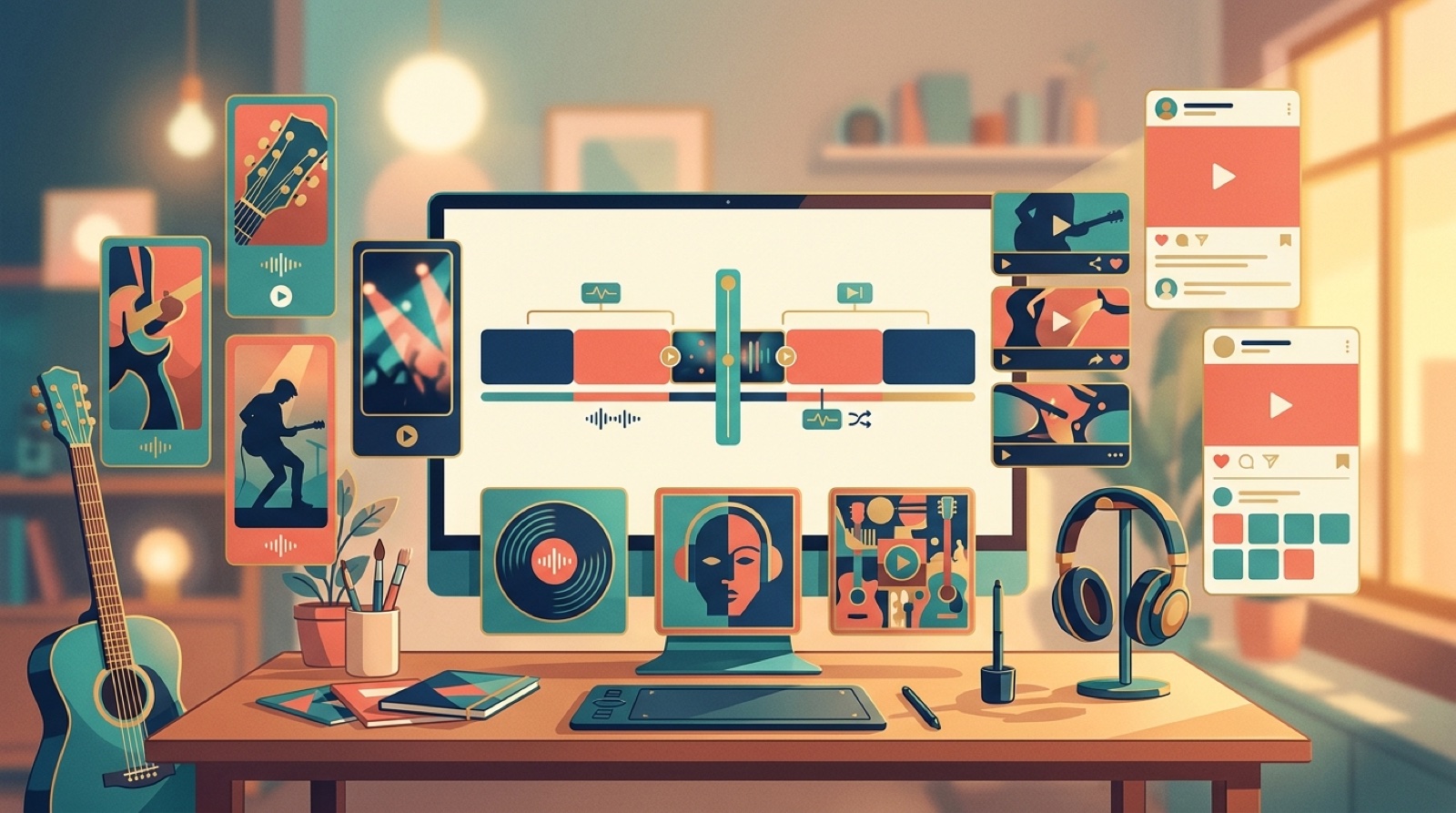
Most creators think about the music video as the big upload. Finish the track, make a full video, publish it on YouTube, then move on.
That works if YouTube is the whole plan. It usually is not. The same song also needs a thumbnail, a short teaser, a vertical chorus clip, a release page image, a pinned post, and something visual enough to make a playlist pitch feel alive. If Spotify is part of the campaign, plan the Spotify Canvas loop from the same visual world.
If you are already making the video, plan music release video assets from the start, so every visual around the track feels like it belongs to the same release.
Start with the launch, not the upload
Before you build scenes, decide what the release has to do. Is the goal to give fans a full watchable video? Make the song easier to pitch? Create a set of clips for the week around release day? Give a new artist project a stronger visual identity?
The answer changes the video. A full YouTube video needs pacing. A playlist pitch needs a clear mood in one glance. A short clip needs one scene that reads instantly on a phone.
This is why a loose visualizer often feels small. It may fill the screen, but it does not give you much to reuse. A better release video creates useful frames on purpose.
Make one visual promise
The easiest way to keep the assets connected is to make one visual promise for the song. That promise can be a character, a location, a color mood, a cover image, or a simple story shape.
For a lonely synth track, the promise might be a singer walking through a wet city at night. For a bright pop single, it might be a rooftop performance with warm morning light. For a darker AI folk song, it might be a single red coat in a wide rural landscape.
The exact idea matters less than the discipline. The thumbnail, first frame, chorus clip, and release page image should all feel related. If they look like four different campaigns, listeners start doing extra work before the song even begins.
Build the full video with reusable moments
A full music video can still have a beginning, middle, and final lift. It just needs a few moments that can stand alone outside the video.
Mark these while you plan:
- A strong opening frame for YouTube and the release page.
- A chorus moment that can become a vertical clip.
- A quiet frame that works as a still image for announcements.
- A final shot that can close the story and support the thumbnail set.
Every scene still has to serve the song. The full video is one asset, and the frames around it often decide whether someone gives the song a chance.
Give playlists a clearer visual hook
Playlist marketing is usually talked about as audio, metadata, and relationships. Those still matter. But the visual package around a song changes how finished the release feels when someone checks it.
If a curator, fan, collaborator, or small label lands on your track and sees a static cover with no visual world around it, the release can feel thin. If they see a full video, matching thumbnail, short clip, and release page, the song feels easier to understand and easier to talk about.
YouTube says custom thumbnails give viewers a quick snapshot of a video, and that is a useful way to think about release assets in general. The visual should help someone understand the mood before they press play.
Use the music video to make that snapshot stronger. The playlist pitch may not play the full video, but the video can still give you the stills, clips, and visual proof that make the song feel ready.
Cut assets while the song is still fresh
The best time to make supporting assets is right after the full video is approved. You still remember which scenes carry the hook. You know which frames match the cover. You can spot the moment where the chorus finally opens up.
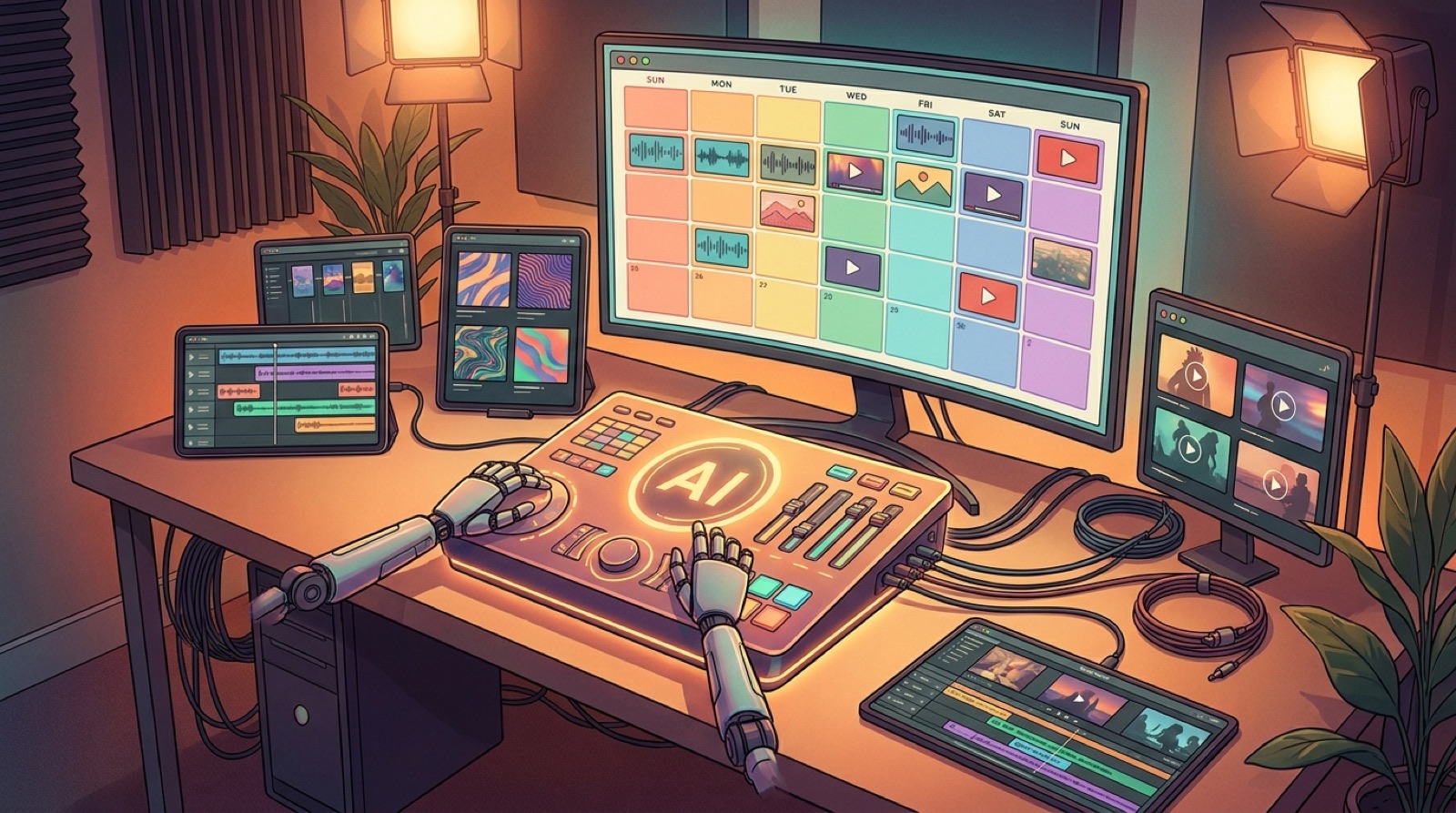
Do the asset cutdown before you archive the project. Save the full video, thumbnail frame, vertical clip, short loop, release page image, and a few clean stills in one folder. Use file names that tell you what each asset is for.
This sounds boring until release week. Then it feels like relief. You are not hunting through exports at midnight because a playlist pitch, newsletter, or social post needs one good visual.
Use SceneLore as the asset source
SceneLore is useful here because the video starts from the song and its visual anchor. You can turn a finished track or cover image into a full video, then use the same world for the smaller release pieces around it.
For a release plan, I would start with the cover image or strongest visual idea, build the full song video, then pull the supporting assets from the scenes that already worked. That keeps the launch from becoming a pile of unrelated visuals.
If the song deserves a proper push, give it more than one upload. Give it a set of music release video assets that make the track easier to click, pitch, share, and remember.
FAQ
What are music release video assets?
They are the visual files that support a song launch, including the full video, thumbnail, vertical clips, still frames, short loops, and release page media.
Should every song get a full music video?
No. A full video makes the most sense when the song has a clear hook, a release goal, and enough reuse value to support clips, announcements, and artist visuals.
Turn one song into a full release asset set
Upload the track or cover image, choose the visual anchor, and build a full music video you can also use for thumbnails, clips, release pages, and launch posts.
Create Your First Video