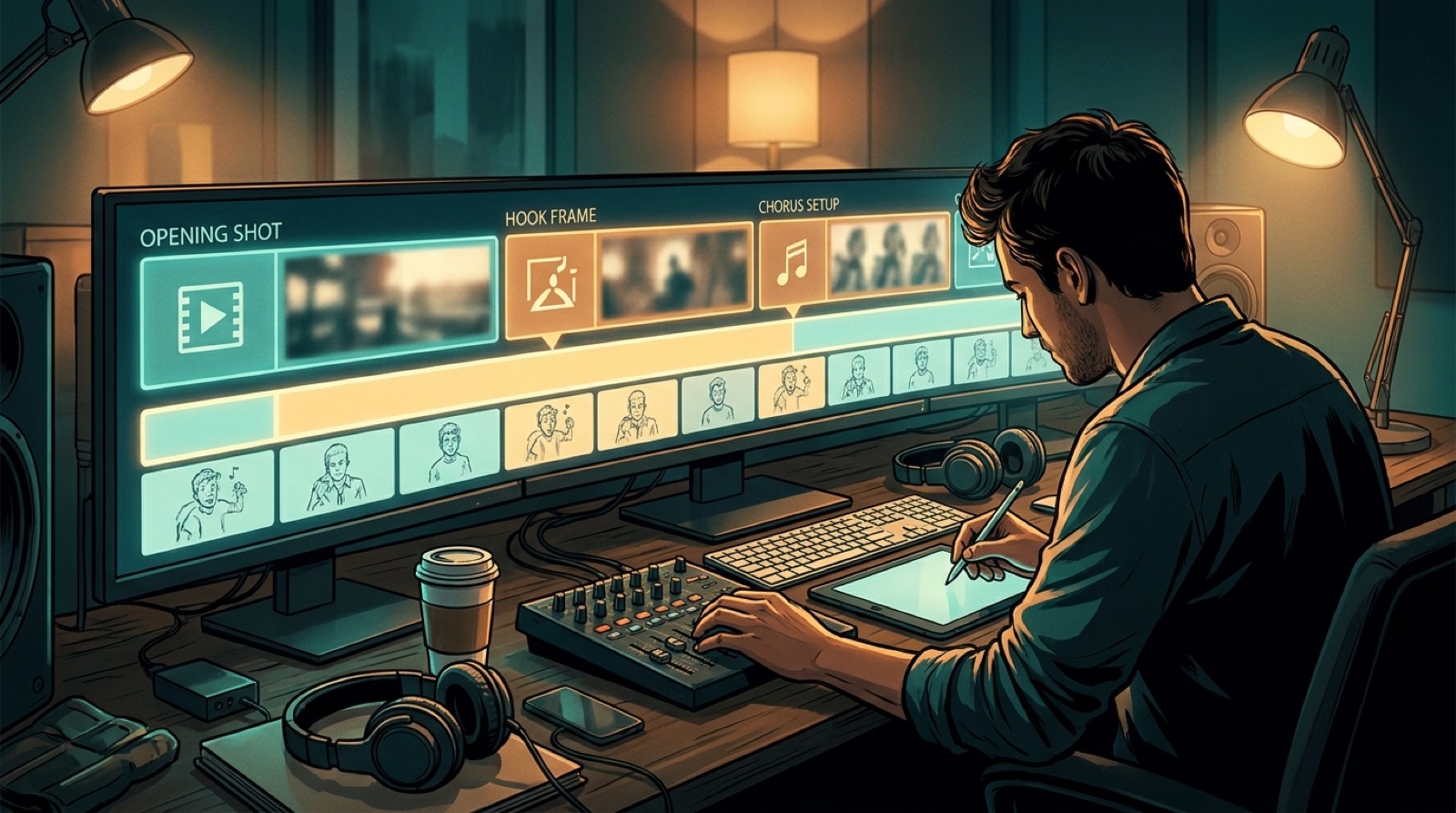
Workflow
A weekly music release workflow that keeps videos from eating the week
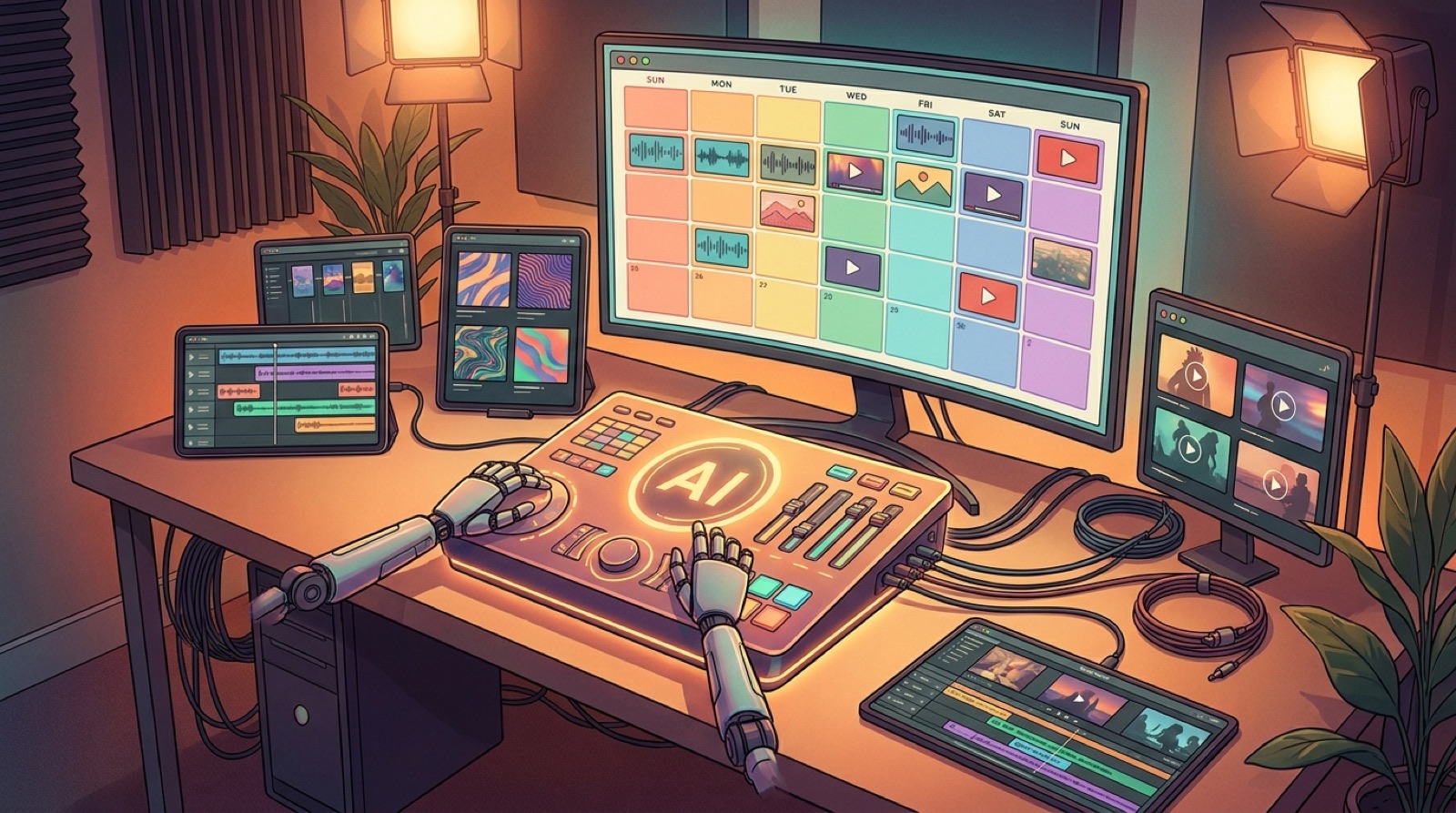
A weekly music release workflow only works if the video plan is repeatable. If every song starts with a blank page, the week disappears into prompt tests, thumbnail changes, export checks, and last-minute posts.
The goal is not to make every release feel identical. The goal is to give every song the same clean path from finished audio to publishable visuals, so you can spend more time making choices and less time rebuilding the process.
Decide what the video has to do
Start with the job of the release. A lead single may need a full music video, a strong thumbnail, and several short clips. A lower-stakes weekly drop may only need a simple visualizer, a clean Canvas loop, or one chorus clip for social posts.
This decision protects your week. If every song gets treated like the biggest song of the month, the schedule breaks. If every song gets the same low-effort loop, the channel starts to feel flat.
Give each track a release tier before you make visuals. Use plain labels like full video, visualizer, short-form push, or archive-only asset. That one choice decides how much work the song deserves.
Write a five-line song brief
A weekly song release needs a smaller brief than a campaign. Keep it short enough that you will actually use it.
- song mood
- main visual anchor
- one color or texture
- video format
- best moment for a clip
The visual anchor can be a face, object, room, landscape, cover-art detail, or repeated motion. It gives the video something to return to when the song moves from verse to chorus.
If the brief takes more than ten minutes, it is probably too big for a weekly rhythm. You are trying to make a useful handoff to the rest of the process, not a treatment for a film crew.
Give each day one production job
A weekly schedule feels easier when each day has one kind of decision. You can adjust the exact days, but the order should stay familiar.
Day one is for the song brief and release tier. Day two is for cover art, reference images, and the visual anchor. Day three is for the full video or visualizer. Day four is for the thumbnail and short clips. Day five is for upload copy, metadata, and final checks.
That rhythm gives you a buffer. If one visual idea fails, you still know where the week is supposed to go next.
It also keeps you from doing tiny pieces of every task every day. Context switching is where weekly releases get messy.
Reuse the system, change the world
Prolific AI music creators often get tired because they rebuild the release package every time. The better move is to reuse the system while changing the creative world of the song.
Keep the same checklist, folder names, export sizes, thumbnail dimensions, and post-publish archive. Change the scene, color, character, pacing, and strongest frame.
This is how a channel can feel active without looking random. The audience gets a steady release rhythm. Each song still has its own visual reason to exist.
Plan the thumbnail before the export
Do not wait until the video is finished to hunt for a thumbnail. The thumbnail should come from the same visual promise as the song.
Pick the frame you want people to remember, then make sure the video earns that frame. A good thumbnail is easier when the release has one clear world instead of many unrelated scenes.
YouTube's own creator guidance on optimizing your content treats packaging as part of how viewers decide what to watch. For AI music channels, that means the image, title, and first seconds have to feel like the same release.
Turn the chorus into short clips
The chorus usually carries the most reusable visual material. Plan one vertical clip from it before you render the final package.
You do not need a different idea for every platform. A strong chorus moment can become a Short, Reel, teaser, pinned post, and reminder clip if the visual world is clear enough.
Pull the short clip from the same video plan instead of making a separate social asset from scratch. That keeps the release coherent and saves the next day from becoming another production sprint.
Archive the release while it is still fresh
Weekly publishing breaks down when files scatter. Store the audio, cover image, video export, thumbnail, captions, prompts, and best frames in one dated folder.
Add a tiny note about what worked. Maybe the blue room looked strong, the chorus clip got more saves, or the visualizer was enough for that track. These notes make the next release faster.
The archive also protects your visual identity. When a later song belongs to the same world, you can find the old details instead of guessing what you used.
Use SceneLore when the song needs a real video
A weekly music release workflow should not force you into manual editing every time a track deserves more than a loop. For those songs, SceneLore can help turn a finished song and visual direction into a full video package without stitching random clips by hand.
Use the same brief: mood, anchor, format, best clip, and thumbnail idea. The clearer the plan, the easier it is to keep the final video connected to the song.
Weekly releases are hard because the next song is always close. A repeatable workflow gives each track enough care without letting one video eat the whole calendar.
FAQ
How do I keep up with weekly song releases?
Use one repeatable plan for every song. Pick the visual anchor, decide the video job, block a few small production days, and reuse launch assets from the same visual world.
Does every weekly release need a full music video?
No. Give full videos to the songs that need a stronger push. Some weekly releases only need a clean visualizer, a Spotify Canvas loop, or short clips made from the same art direction.
What should be in a weekly music release workflow?
A useful workflow includes a song brief, visual anchor, video format, thumbnail idea, short-clip plan, upload assets, and a simple archive so the next release starts faster.
Want a full video without rebuilding the release from scratch? Create your first video in SceneLore.