Workflow
AI music workflow tools should make a release easier to finish
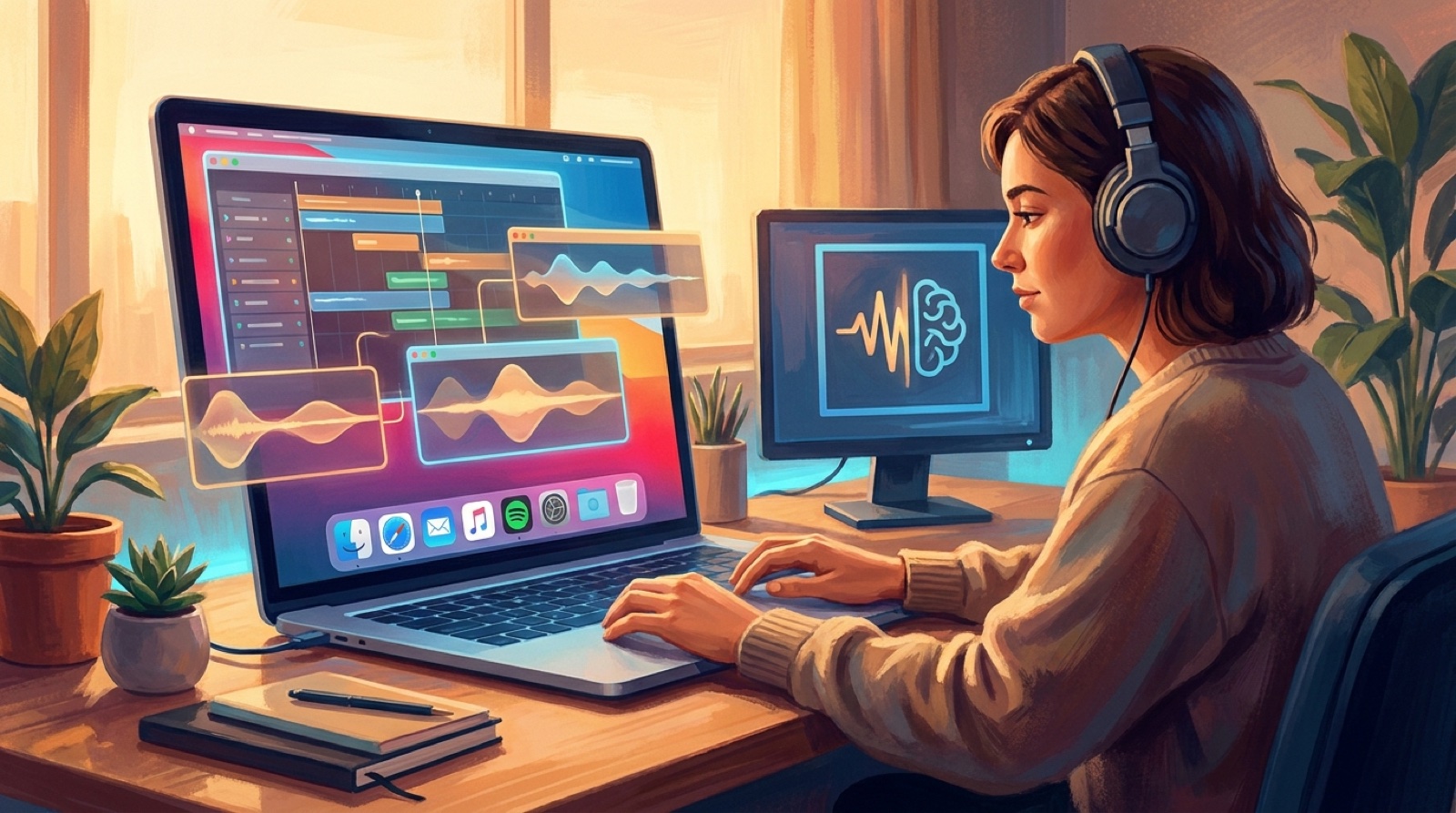
AI music workflow tools can help you finish more songs. They can also make every release feel like a small production crisis.
Most creators do not get stuck because they need another generator. They get stuck because the workflow has too many handoffs. One tool makes the song. Another makes cover art. Another makes short clips. Another tries to animate the image. Another exports something that still needs editing.
By the time the track is ready to publish, the creator is managing files instead of making release decisions. That is tool fatigue. It is the cost of switching context too many times.
Start from the release, not the tool list
The easiest way to reduce tool fatigue is to stop asking which app to try next. Start with what the song needs before it can go public.
For most AI-assisted music releases, the answer is simple: a finished audio file, one strong visual anchor, a full video or visual asset, a thumbnail, short clips when useful, and basic upload metadata. The tools only matter when they move one of those pieces forward.
When the release is the center of the workflow, every tool gets a job. If it does not have a job, it stays out of the process.
AI tools are good at creating options. Options feel productive for an hour, then they become clutter. A creator can test five visual styles and still have no finished music video. The release did not fail because the tools were weak. It failed because the workflow had no finish line.
Pick one visual anchor early
Choose a visual anchor before opening more apps. This could be the cover image, the main character, a location, a color mood, or a symbolic object from the song.
The anchor gives every later decision something to answer to. Does this clip fit the world? Does this thumbnail match the video? Does this short-form edit still feel like the same song?
Without that anchor, every tool can pull the release in a different direction. You may get a good cover, a good clip, and a good thumbnail, but the release still feels scattered.
SceneLore works best when the creator brings a finished song and one strong direction. The point is to turn the song into a video that feels connected from start to finish.
Limit the number of handoffs
Every handoff adds friction. Export the audio. Upload it somewhere else. Download a clip. Rename the file. Fix the aspect ratio. Add text. Re-export. Check whether the file still looks sharp.
Some handoffs are unavoidable. But many are habits copied from older editing workflows. A music creator does not always need a full editing stack for every song. Sometimes the better system is smaller: audio file in, visual anchor chosen, full video generated, thumbnail and clips derived from the same world.
A practical rule: if a tool creates a new file, decide where that file lives, what it is called, and whether it is part of the final release. If you cannot answer those questions, you are probably generating clutter.
Use folders like a release checklist
Tool fatigue gets worse when the output files are scattered. One folder for each release helps more than people expect.
Keep the finished song, cover image, prompts or notes, video export, thumbnail, vertical clips, and upload copy in the same release folder. Use boring names. The folder should be easy to understand six months later.
This also protects you from a common AI creator problem: you finally get a good result, then cannot rebuild it because the source image, prompt, audio version, or export settings are lost in downloads.
- Audio
- Cover
- Video
- Clips
- Upload notes
Do fewer tests
Testing is useful when it answers a decision. It becomes fatigue when it is just another loop.
Before trying a tool, write the question it needs to answer. Can this image carry a full video? Does this style fit the chorus? Can this workflow export a clean MP4? Will this vertical crop still make sense for Shorts?
If the test answers the question, stop. Use the answer. If it fails, move on. Do not keep testing because the next result might be slightly more interesting.
Keep one path for normal releases
Most songs benefit from a default path: finish the song, choose the cover or main visual anchor, create the full music video, check the opening and chorus, make the thumbnail and short clips from the same visual world, then save the final files in one release folder.
Once this path works, keep using it. Save experiments for songs that actually need them. A stable workflow makes it easier to publish consistently.
YouTube's own upload guidance is a good reminder that release work is practical: file format, metadata, visibility, thumbnail, and final checks all matter before a video goes public. The creative workflow should leave enough energy for those basics. YouTube video upload guidance is worth keeping nearby.
When another tool is worth adding
A new tool is worth adding when it removes a real bottleneck. It should save time, improve quality, reduce handoffs, or make something possible that your current workflow cannot do.
It is not worth adding just because it is new, cheap, or impressive in a demo. Demos show isolated outputs. Releases need connected assets.
Before adding a tool, ask whether it helps you finish the current release, fits your existing files, reduces steps, and still makes sense next month.
Make the workflow serve the song
The best AI music workflow tools disappear a little. They help the song become a release.
That is the real test. Can you go from finished track to a video, thumbnail, and launch assets without losing the mood of the song? Can the final video feel like one idea?
SceneLore is built for that kind of workflow. Upload the song, start with a clear visual anchor, and use the tool chain to finish the release instead of expanding it.
More tools will keep arriving. Some will be useful. Many will be distractions. The creators who publish consistently will be the ones who built a workflow simple enough to repeat.
Finish the release without adding more tabs
Upload the finished song, choose one strong visual anchor, and let SceneLore help turn the track into a full music video that feels connected.
Create Your First VideoFrequently asked questions
What are AI music workflow tools?
AI music workflow tools are apps that help creators move from song creation to release assets, including cover art, music videos, thumbnails, short clips, captions, and upload material.
How do I avoid tool fatigue in AI music production?
Start with the release goal, choose one visual anchor, limit handoffs, keep each song in one release folder, and only test tools that answer a clear production question.
Should I use one tool or many tools for an AI music release?
Use as many tools as the release truly needs, but keep the chain short. A few connected tools usually beat a long stack that creates scattered files and unfinished ideas.