Workflow
How small labels can ship more music videos without editors
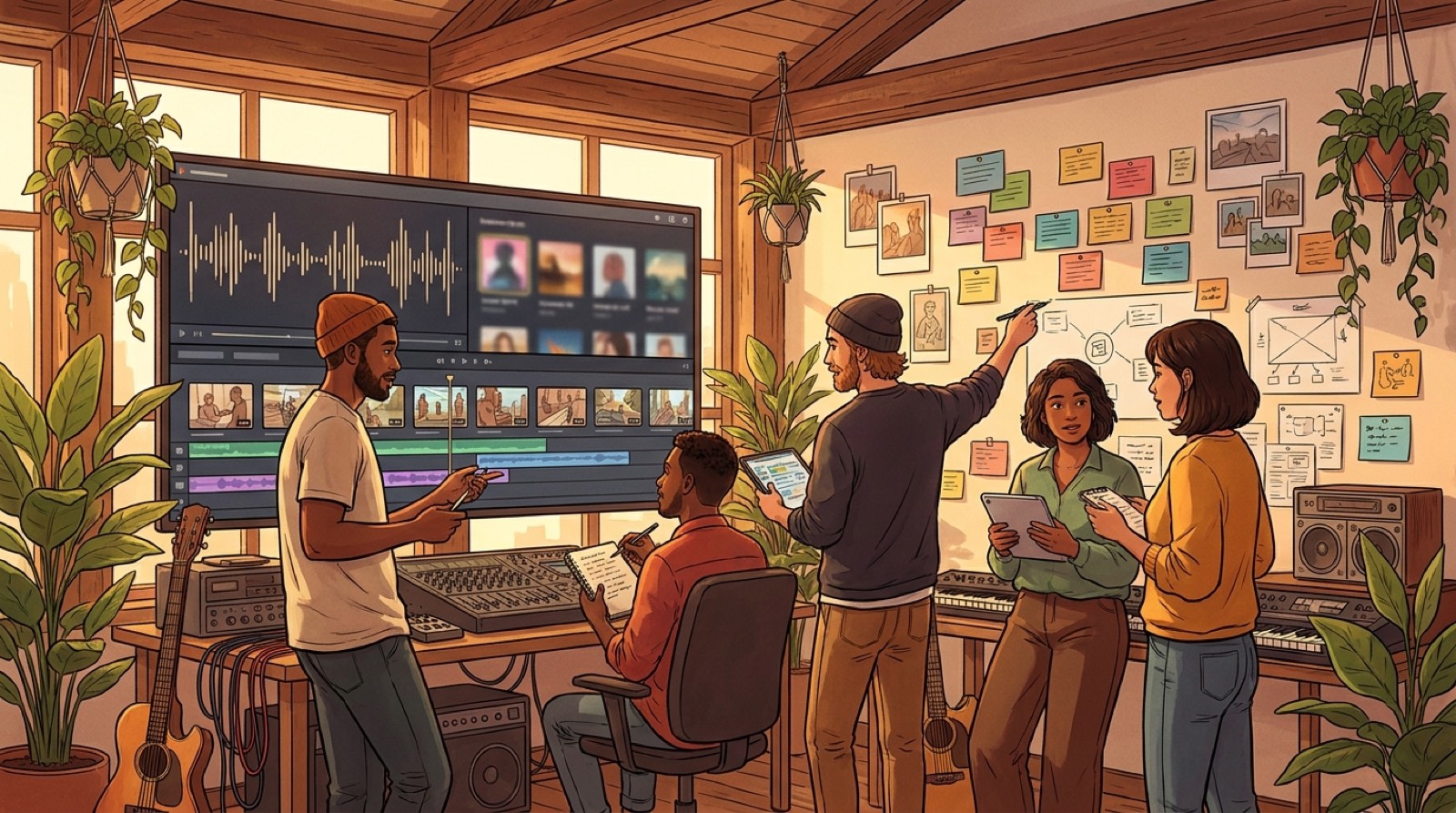
Small labels need a music video workflow for small labels, not a heroic editing sprint every time a new track is ready. If you release several songs a month, the problem is not creativity. It is throughput.
The old model assumes every video is a separate production. Find an editor. Share files. Explain the mood. Wait for a first cut. Ask for changes. Miss the release window. For a label with one priority single, that can work. For a small label trying to support many artists, it breaks quickly.
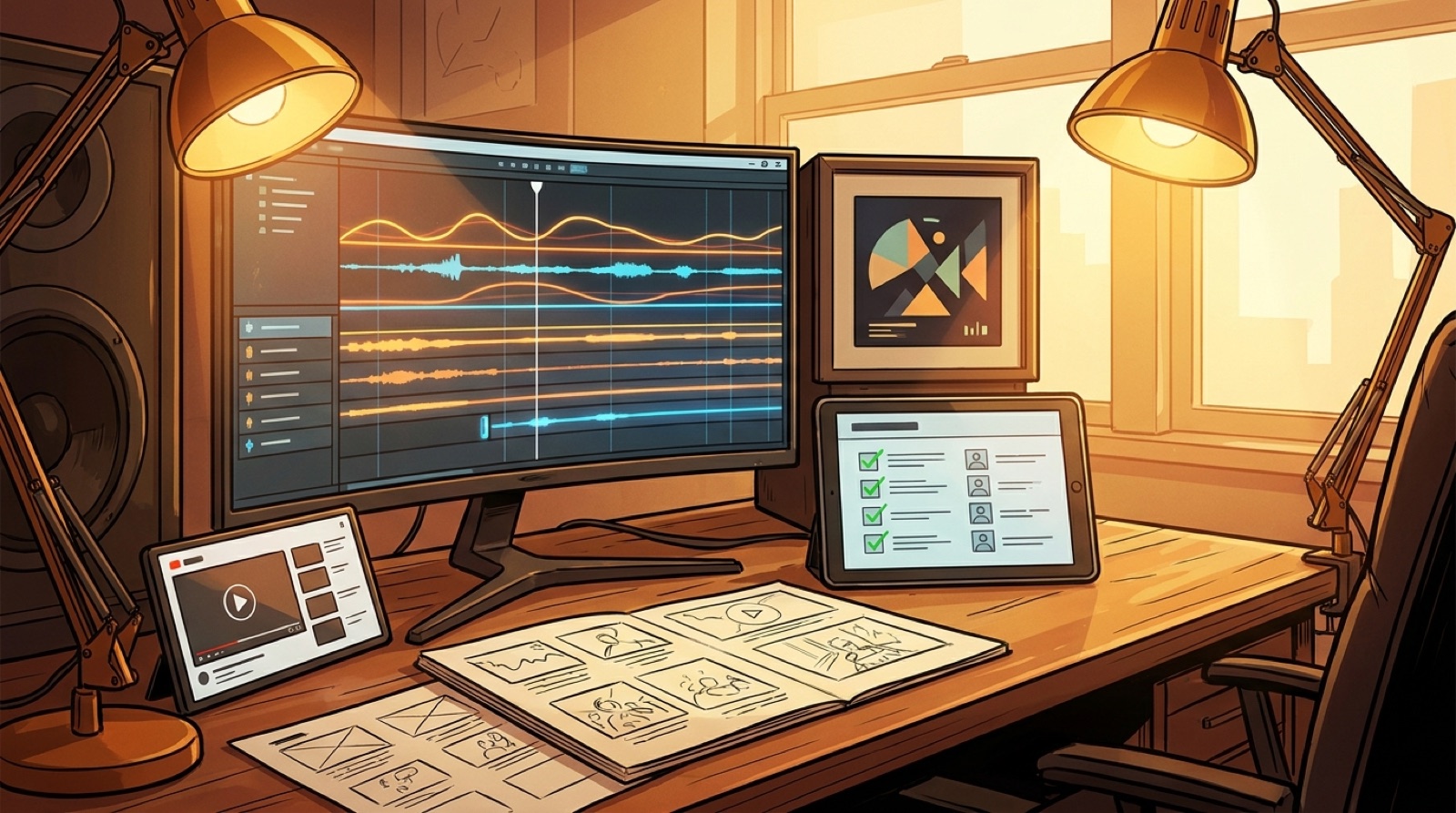
A better model treats the video as part of the release package. The song, artwork, video, thumbnail, short clips, and metadata move together. The team still makes creative decisions, but those decisions happen in a repeatable order. That is where AI music videos can help labels without turning every release into a generic visualizer.
Start with the release tier
Not every track needs the same video investment. Small labels usually have three kinds of releases.
The first tier is the focus single. It deserves a full YouTube video, a strong thumbnail, short clips, and enough visual identity to support ads, newsletter placement, and playlist pitching.
The second tier is the regular catalog release. It still needs a watchable visual asset, but it does not need weeks of custom editing. A coherent full-song video, built from the track mood and cover art, is usually enough.
The third tier is the archive, remix, demo, or alternate version. These need clean packaging more than a big visual concept. A simple animated world, a Canvas-style loop, or a lightweight video may be fine.
This tiering stops the team from arguing about every track as if it were the lead single. Decide the level first, then choose the video process.
Build around one visual anchor
The fastest way to make AI music videos for labels feel cheap is to generate unrelated shots until something looks good. A small label needs the opposite: one visual anchor that makes every asset feel connected.
The anchor can be the cover image, a recurring character, a place, a color treatment, or a simple visual rule. For example: every release in a dark synth series uses a lonely city at night, slow camera movement, and red practical lights. Every acoustic release uses close indoor spaces, warm grain, and hand-held stillness.
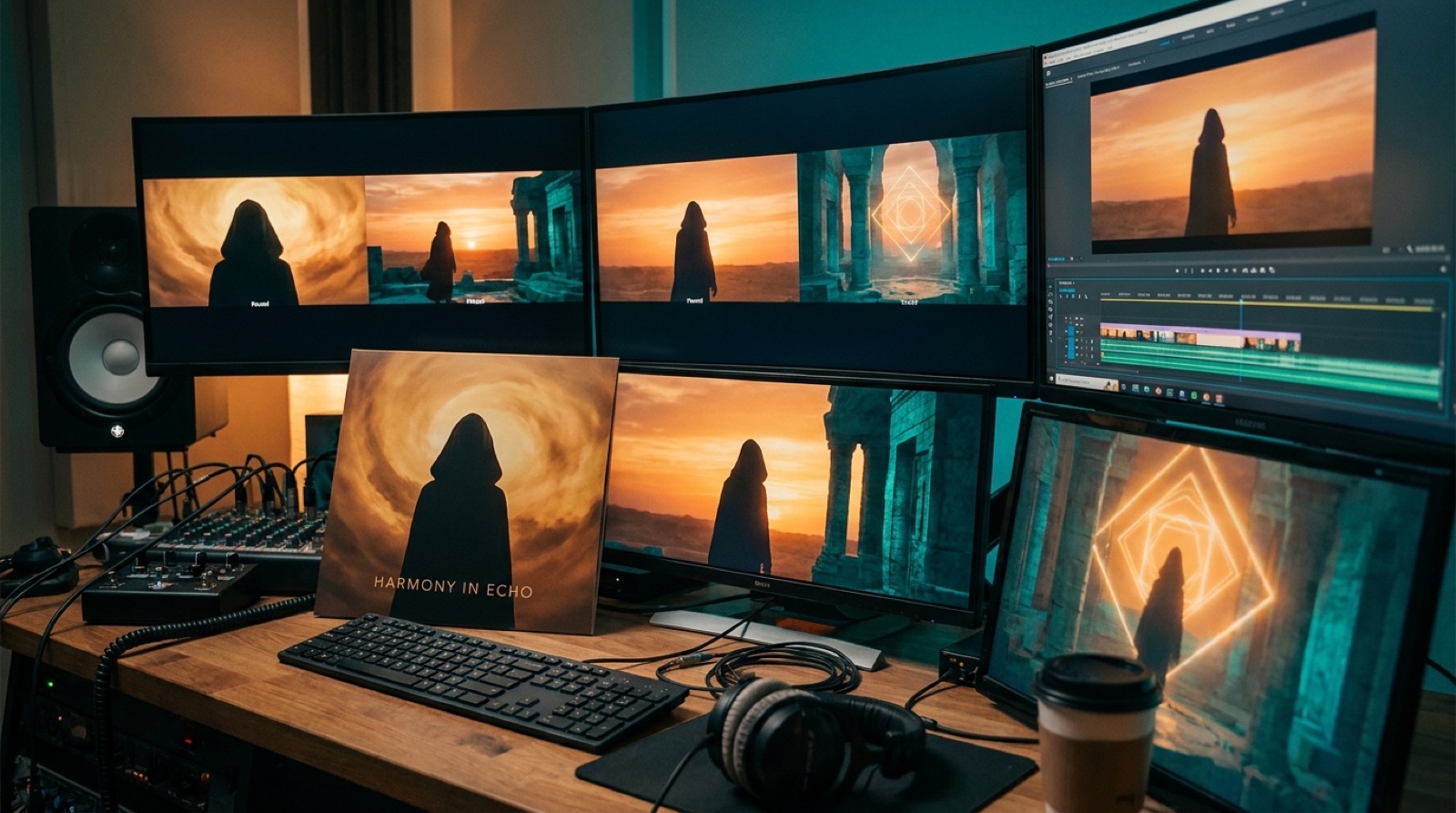
Once the anchor is clear, the video team does not start from a blank page. The same anchor can guide the full video, thumbnail, vertical clips, and future releases in the same artist campaign. SceneLore is useful here because it can turn a finished song or a single image into a full video while keeping the same world intact.
Make the song structure the production plan
A music video production workflow should follow the track before it follows the tool. Labels can keep the process simple by mapping each song into sections:
- intro
- verse
- pre-chorus or build
- chorus
- bridge or breakdown
- final chorus
- outro
Each section gets one visual job. The intro establishes the world. The first verse introduces the mood. The chorus gives the strongest image. The bridge changes scale or tension. The final chorus returns with more energy.
This is enough structure for most release videos. You do not need a screenplay for every song. You need a sequence that respects the music so the viewer feels progression instead of watching random AI clips stitched together.
Keep the editor for judgment, not assembly
Small labels often think the choice is either hire an editor or accept a worse video. The better split is assembly versus judgment.
Assembly is the repetitive work: collecting clips, matching length, checking formats, making exports, and creating a version that can go on YouTube. Judgment is deciding whether the video fits the artist, whether the chorus image is strong enough, whether the thumbnail sells the song, and whether the release feels credible.
AI can remove a lot of assembly work. It should not remove judgment. A label still needs someone to say: this looks off-brand, this opening is too slow, this thumbnail does not match the hook, this video feels like the wrong genre.
That is a healthier role for a human editor, creative lead, or label manager. They become the reviewer instead of the person manually dragging every clip into place.
Create a release checklist
The practical workflow can be simple:
- Choose the release tier.
- Confirm the final audio file and song length.
- Pick the visual anchor.
- Write a one-paragraph visual brief.
- Generate the full-song video.
- Review for consistency, pacing, and mood.
- Export the YouTube video.
- Pull the thumbnail from the strongest frame or cover direction.
- Cut two or three short clips from the chorus, intro, or visual reveal.
- Store the audio, image, video, thumbnail, captions, and metadata in one release folder.
The last step matters. Small labels lose time because release assets live in messages, downloads, drives, and old project folders. If every release has the same folder structure, future promo becomes easier.
Use one workflow across the roster
The advantage of a repeatable workflow is not only speed. It also makes the label look intentional.
If each artist has a visual anchor, and each release follows the same packaging process, the label can ship more often without looking chaotic. Each artist can still have a different world. The consistency is in the process, not in making every video look the same.
This also helps with delegation. A founder, assistant, marketer, or artist manager can run the checklist. The creative lead only needs to review the concept, the video, the thumbnail, and the short clips.
When to still hire an editor
There are still times when a full editor makes sense. Hire one when the video needs live footage, complex story continuity, artist performance, heavy typography, or tight sync across many cuts.
Use the faster workflow when the goal is a publishable release video for a finished track. That is most of the catalog for many small labels. The video should not feel disposable, but it should not block the release calendar.
For labels releasing often, this is the real shift. Stop treating every music video as a separate production. Treat it as a repeatable release asset, built around the song, the artist identity, and one clear visual anchor.
SceneLore fits that job because it starts from the finished song or image and gives the label a full video asset without making the team manage a second production cycle for every track.
For the basic publishing side, keep YouTube's thumbnail upload constraints close to the checklist so artwork and video packaging do not become release-day surprises.
FAQ
Do small labels still need video editors?
Yes, but not for every release. Editors are still valuable for performance videos, complex stories, live footage, and premium campaigns. A repeatable AI-assisted workflow is better for regular catalog releases that need a coherent full-song video without a custom edit.
What is the fastest music video workflow for a small label?
The fastest workflow is to choose a release tier, pick one visual anchor, generate a full-song video from the finished track or artwork, review it for consistency, then cut a few short clips from the same asset. This keeps the video, thumbnail, and promo clips connected.
How do labels avoid generic AI music videos?
Start with an artist-specific visual anchor before generating anything. Use the same character, place, color treatment, or cover image across the full video and release assets. Random shots are what make AI videos feel generic.
Turn the finished track into the release video
SceneLore helps small teams create a full music video from a song or image, so the video stops blocking the release plan.
Create your first video