AI music short form hooks work best when they start from the strongest part of the song. For a lot of creators, that is the chorus. It has the clearest lyric, the easiest melody to remember, and the emotional peak people already want to replay.
The mistake is turning that chorus into one generic vertical clip and posting it everywhere. One chorus can carry more than that. You can pull a lyric-first hook, a visual-surprise hook, and a mood hook from the same moment without making the release feel scattered.
Start with the chorus moment that works hardest
Pick a four to eight second section before you think about captions or camera moves.
The best section usually has one of these:
- a lyric people can understand without context
- a beat drop, vocal lift, or sudden texture change
- an image that naturally belongs to the song
- a phrase that sounds like the title, conflict, or promise of the track
Do not start with the first bar just because it is the beginning. Short clips do not owe the viewer the full build. They need a reason to stop.
If the chorus has two strong moments, split them. One clip can start on the lyric. Another can start half a beat before the drop. A third can start on the image that best explains the song world.
YouTube's own Shorts guide focuses on vertical videos that people can make and watch quickly. That speed changes the job of the first frame. The frame has to explain mood before the viewer swipes.
Hook 1: lyric-first
The lyric-first hook is for the line people might quote back.
Put the clearest lyric on screen immediately, then let the video support it. Avoid dumping a full verse into captions. One strong line beats six tiny lines.
Good lyric-first clips have:
- one readable lyric in the first frame
- a face, object, or scene that makes the line feel specific
- motion that starts right away, even if it is subtle
- no clutter behind the words
If the chorus says something direct, let the caption carry the clip. If the song is more abstract, pair the line with a concrete image. A lonely synth-pop hook might open on a character under a gas station light. A rage beat might open on hands gripping a steering wheel.
The lyric does not have to explain the whole song. It has to make someone want the next bar.
Hook 2: visual surprise
The visual-surprise hook is for stopping the scroll.
This is where the first frame should feel slightly impossible, but still connected to the track. A floating bedroom, a singer reflected in a rainy phone screen, or a car full of flowers can work if it belongs to the song's mood.
The trick is restraint. If every frame screams for attention, nothing feels chosen.
Use the chorus as the anchor. Start with the most surprising image, then let the next shots prove that it belongs in the same world. The viewer should feel, "I want to see what this is," not "AI made something random."
For SceneLore work, this often starts from the same visual anchor as the full music video. The cover image, main character, color palette, or object returns in the short clip, so the teaser and full video feel connected.
Hook 3: mood and world
The mood hook is for songs where the feeling matters more than one lyric.
Ambient, lo-fi, cinematic, and sad pop tracks often need this version. The clip should show where the song lives before the chorus opens.
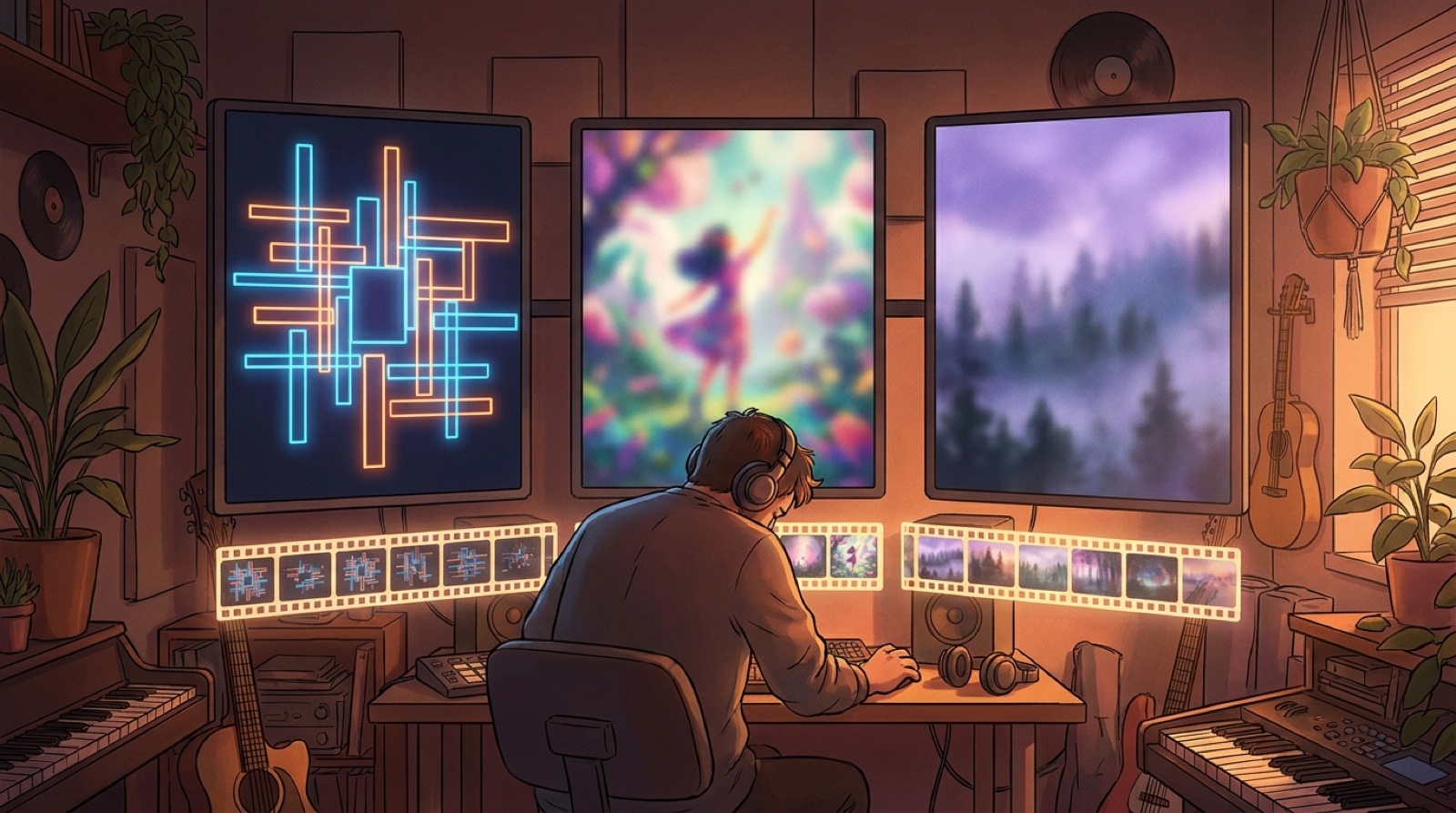
Build this clip around a repeated visual rule:
- one color temperature
- one location type
- one character attitude
- one kind of movement
- one object that returns
That might mean every shot drifts through a neon train station. It might mean the character never looks at the camera. It might mean the same red scarf appears in every scene.
The short does not need to explain the plot. It needs to make the world easy to recognize when the full video appears later.
Make each clip earn a different job
Give each clip a different job:
| Clip | First frame | Best use |
|---|---|---|
| Lyric-first | readable line plus clean image | Reels, TikTok, lyric-led teaser |
| Visual surprise | unusual scene from the video world | Shorts, discovery post, thumbnail test |
| Mood and world | atmosphere before the chorus opens | artist page, release page, playlist pitch |
Now the same chorus gives you more information without making the launch feel messy.
Keep the full video and short clips connected
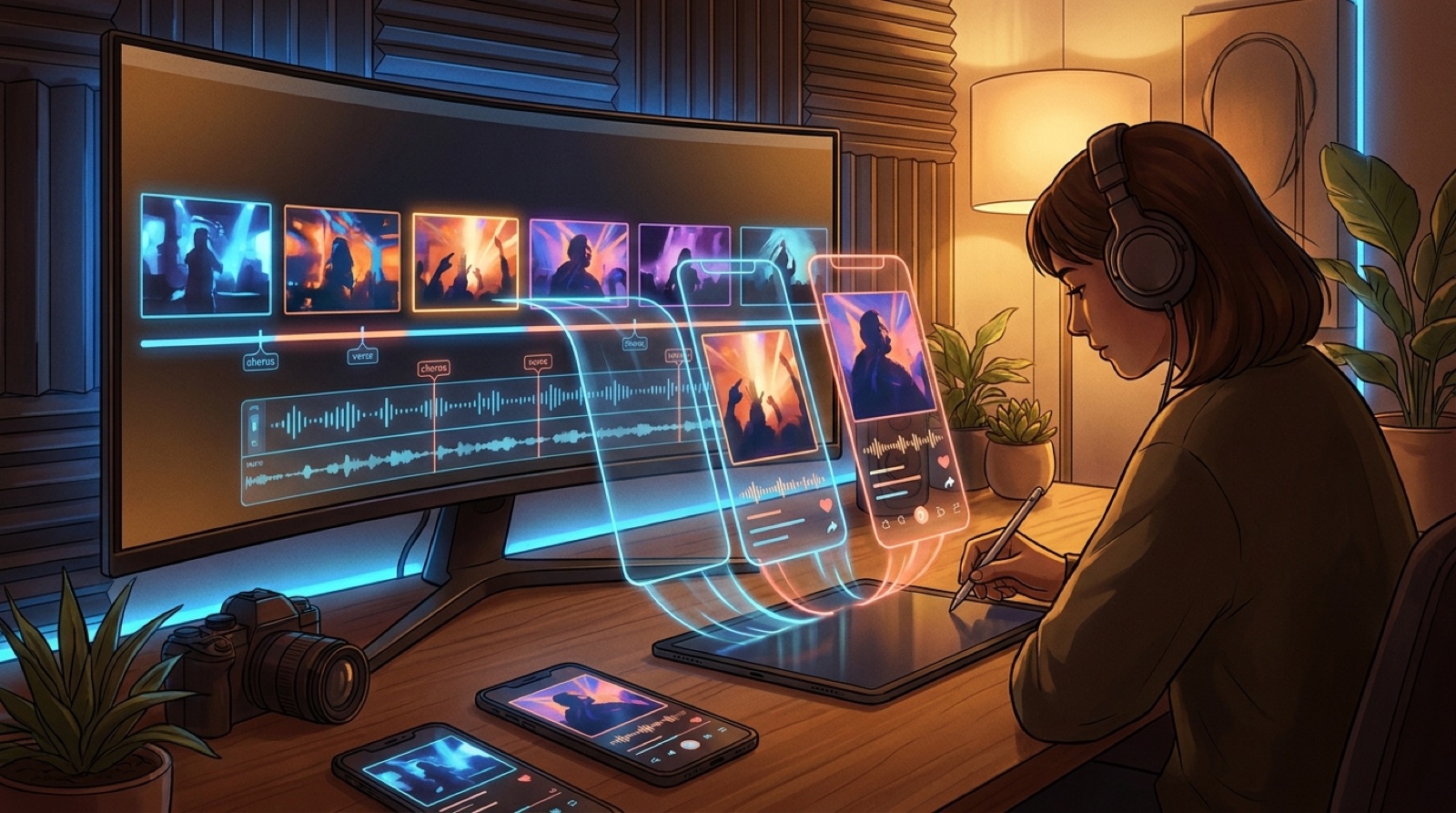
If you are making a full music video, plan the vertical clips before the final export. Mark the chorus moments that can stand alone. Save the first frames you might test as thumbnails.
SceneLore helps here because the full song video and launch clips can share the same visual anchor. You are pulling different doors into the same song world.
A simple chorus-to-clips checklist
Use this before you post:
- Pick the strongest four to eight seconds of the chorus.
- Write one lyric-first clip around the clearest line.
- Pick one visual-surprise frame that still belongs to the song.
- Make one mood clip that sells the world without needing context.
- Keep colors, character, and object choices connected to the full video.
- Export vertical versions with clean captions and safe margins.
- Save the winning first frames for thumbnails.
One chorus can do more than announce that the song exists. It can test the lyric, sell the video world, and make the full release easier to remember.
FAQ
What are AI music short form hooks?
AI music short form hooks are short vertical clips made from the strongest moment of an AI-assisted song. They use a lyric, first frame, visual surprise, or mood cue to make people stop scrolling.
How many short clips should I make from one chorus?
Three is a useful starting point: one lyric-first clip, one visual-surprise clip, and one mood-based clip. That gives you variety without turning the release into a pile of unrelated posts.
Should the short clips match the full music video?
Yes. The clips can have different openings, but they should share colors, characters, locations, or objects with the full video. That makes the release easier to recognize.
What should appear in the first frame?
The first frame should show the clearest promise of the clip. Use a readable lyric, a strong character image, a surprising scene, or a mood that matches the chorus.
Turn the chorus into a release package
Bring a finished song and visual anchor into SceneLore, then make the full video, thumbnail, and short clips feel like one release instead of scattered posts.
Create Your First Video