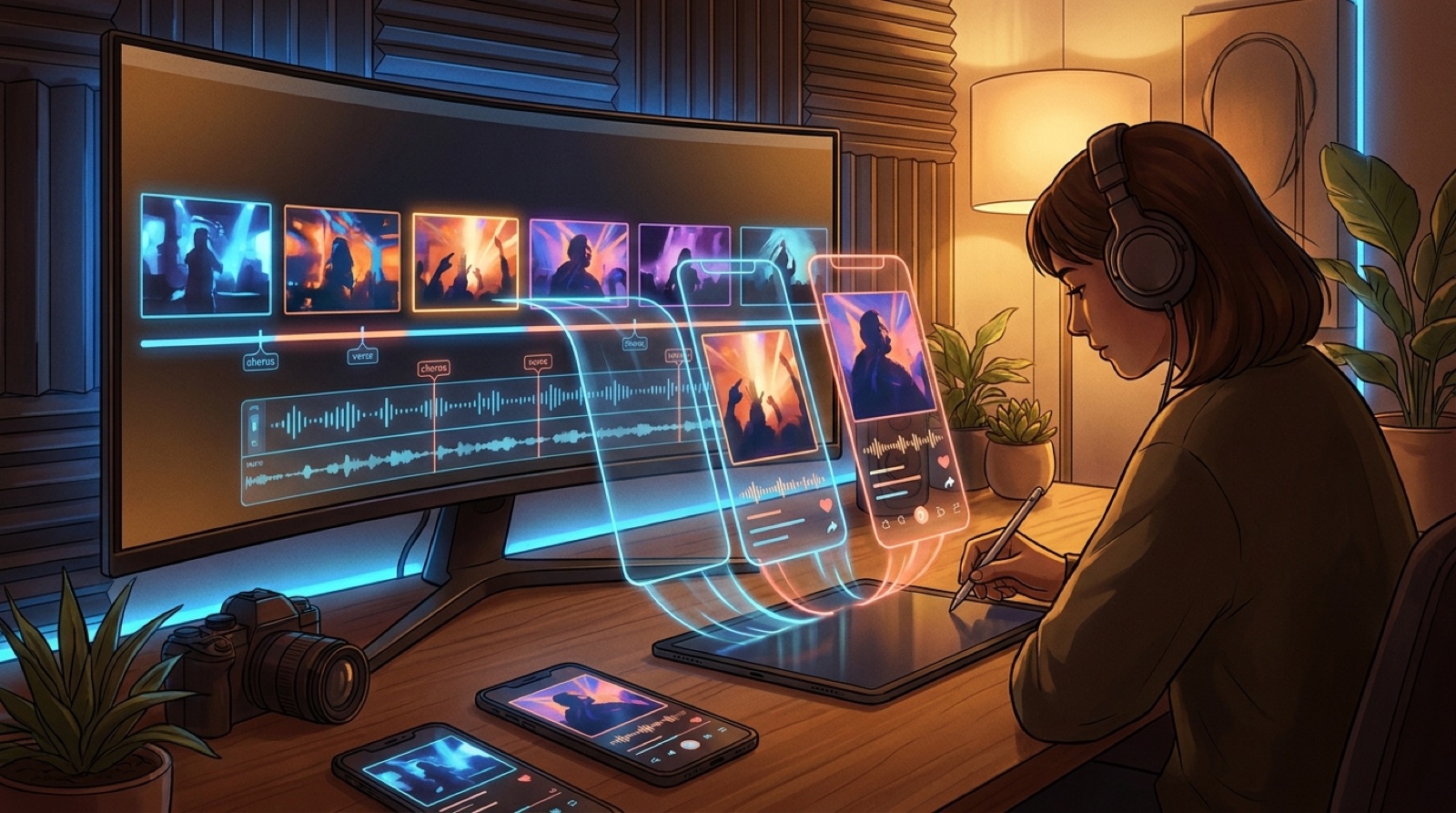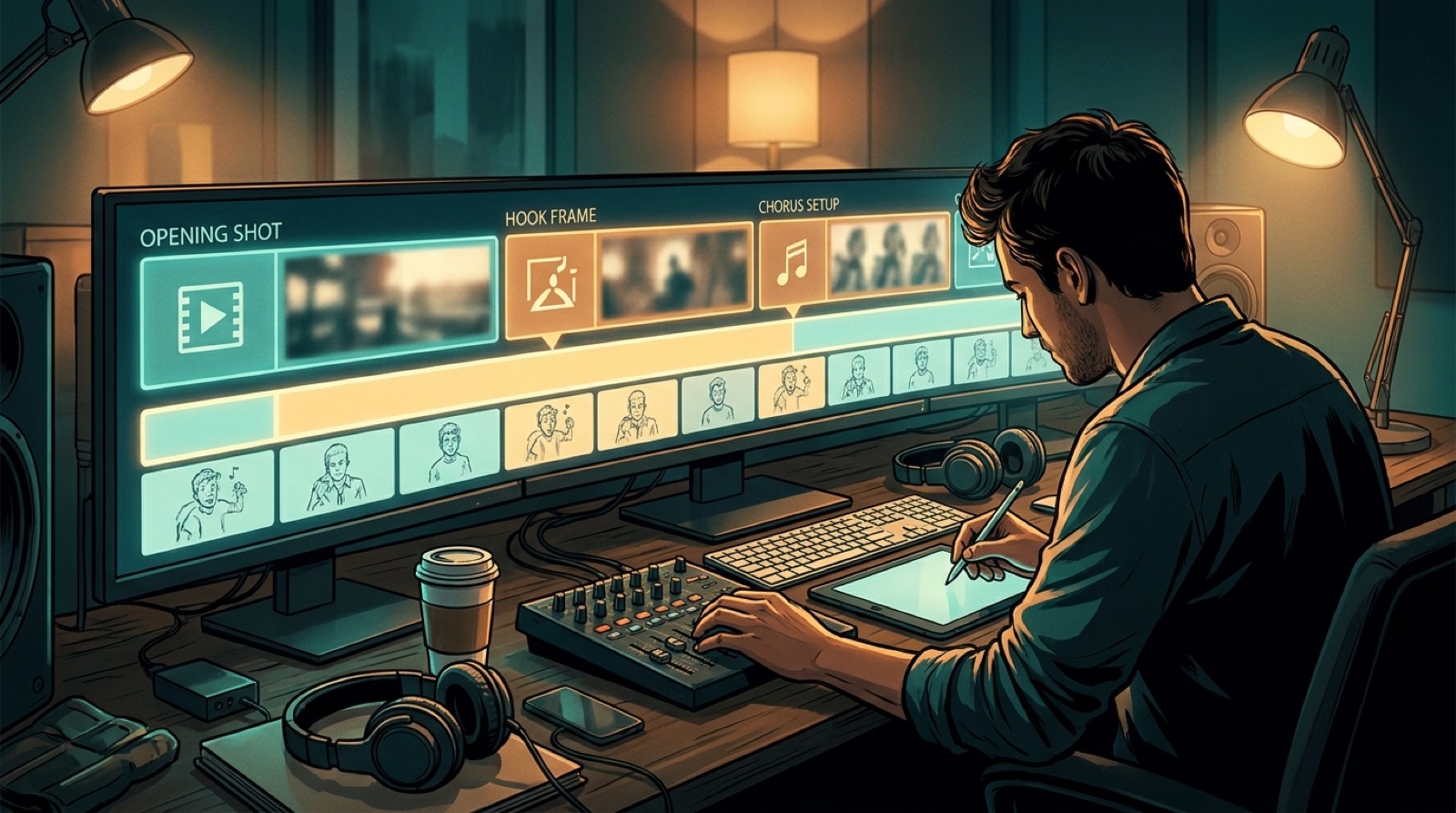
A YouTube Shorts hook for AI music is usually visual before it is musical. People see the first frame before the chorus lands, before the lyric makes sense, and before the mood has time to build. If the image feels generic, the song has to work harder than it should.
That is why random cutdowns are so weak. A finished AI song may have a strong chorus, a strange character, a beautiful cover image, or a genre twist, but a random 15-second export can miss all of it. The short clip needs one clear reason to stop scrolling.
Choose what the viewer should understand first. Then choose the music moment that backs it up.
Pick one hook before you cut
Do not start by dragging a timeline handle. Start by naming the hook.
For AI music Shorts, the hook is often one of these:
- the chorus entry, when the song finally opens up
- the title lyric, if the song has one line people can remember
- the strongest image from the full video
- a transformation moment, such as quiet verse to loud drop
- a genre reveal, where the viewer instantly understands the world
Each choice creates a different clip. A chorus hook needs energy right away. A title lyric hook needs the lyric and image to agree. A genre reveal needs the first frame to make the sound obvious before the beat has room to explain itself.
Make the first frame do real work
The first frame should not be a placeholder. It is the thumbnail, the cold open, and the promise in one image.
If the song is dark synthwave, open with the city, the color, or the character that sells that mood. If the song is bright pop, do not start with a vague studio shot. If the full video has one image that feels like the song's cover came alive, use that first.
This is the same idea behind a strong AI music video thumbnail. The viewer should feel that the image belongs to the song.
Use the chorus only when it arrives fast enough
The chorus is a good hook when it lands quickly. It is a bad hook when the clip makes people wait through setup with no visual payoff.
If the best chorus starts ten seconds into the clip, either cut closer to the chorus or use the pre-chorus as a visual ramp. The frame should already show where the song is going. A slow build can work, but the image has to create tension while the music catches up.
YouTube says square or vertical videos up to three minutes can be treated as Shorts when they match the current upload rules. That extra length is useful for music, but it does not make a weak opening stronger. Give the clip a reason to earn the longer watch.
Let the full video choose better clips
Shorts work better when they come from a finished visual world. If the full video already has a clear opening, chorus image, bridge shift, and final frame, you are not guessing. You are choosing.
The guide on turning one full AI music video into Shorts covers the bigger workflow. The useful part is simple: the full video gives you real moments to test. You can cut one clip around the chorus, another around the visual reveal, and another around the lyric that feels most shareable.
SceneLore helps here because the video is built around one song world. That makes the short clips feel connected to the full release instead of looking like leftover experiments.
Do not let captions carry a weak image
Captions can support the hook, but they should not rescue it. If the frame is flat, a big lyric caption can make the clip feel louder, not better.
Use captions when the words are the hook: a title lyric, a funny line, a painful phrase, or the moment that gives the song its identity. Keep them short enough to read in one glance.
For instrumental AI music, replace lyric captions with a visual promise. Show the character, place, mood, or movement that makes the track easy to understand.
Cut for one job
A short-form music promo should have one job. It can sell the chorus. It can introduce the artist world. It can push people to the full video. It should not try to explain the whole release at once.
Before exporting, check the clip against three plain questions:
- Does the first frame make the song feel specific?
- Does the music moment arrive before attention drops?
- Does the clip point somewhere useful after it ends?
If the answer is no, the problem is not the platform. The clip is probably the wrong moment.
Keep the clip tied to the release
The best AI music Shorts feel like a small door into the same world as the main video.
Use the same character, cover image, color, and title promise across the video, clip, and release page. Repetition makes the project easier to recognize.
If you have a finished song and only a static cover, build the full video first. Then cut the Shorts from moments that already belong to the song.
FAQ
What is a good YouTube Shorts hook for AI music?
A good hook pairs the strongest first image with a clear musical moment, such as the chorus entry, title lyric, genre reveal, or a visual change that makes the song easy to understand fast.
Should I cut Shorts from random parts of a finished song?
No. Random slices often hide the best part of the song. Choose the moment that explains the mood fastest, then make the first frame, motion, and caption support that one moment.
Build the full video before the short clip
Bring your finished song or cover image into SceneLore, create a full visual world for the track, then cut short-form hooks from moments that already feel connected.
Create Your First Video