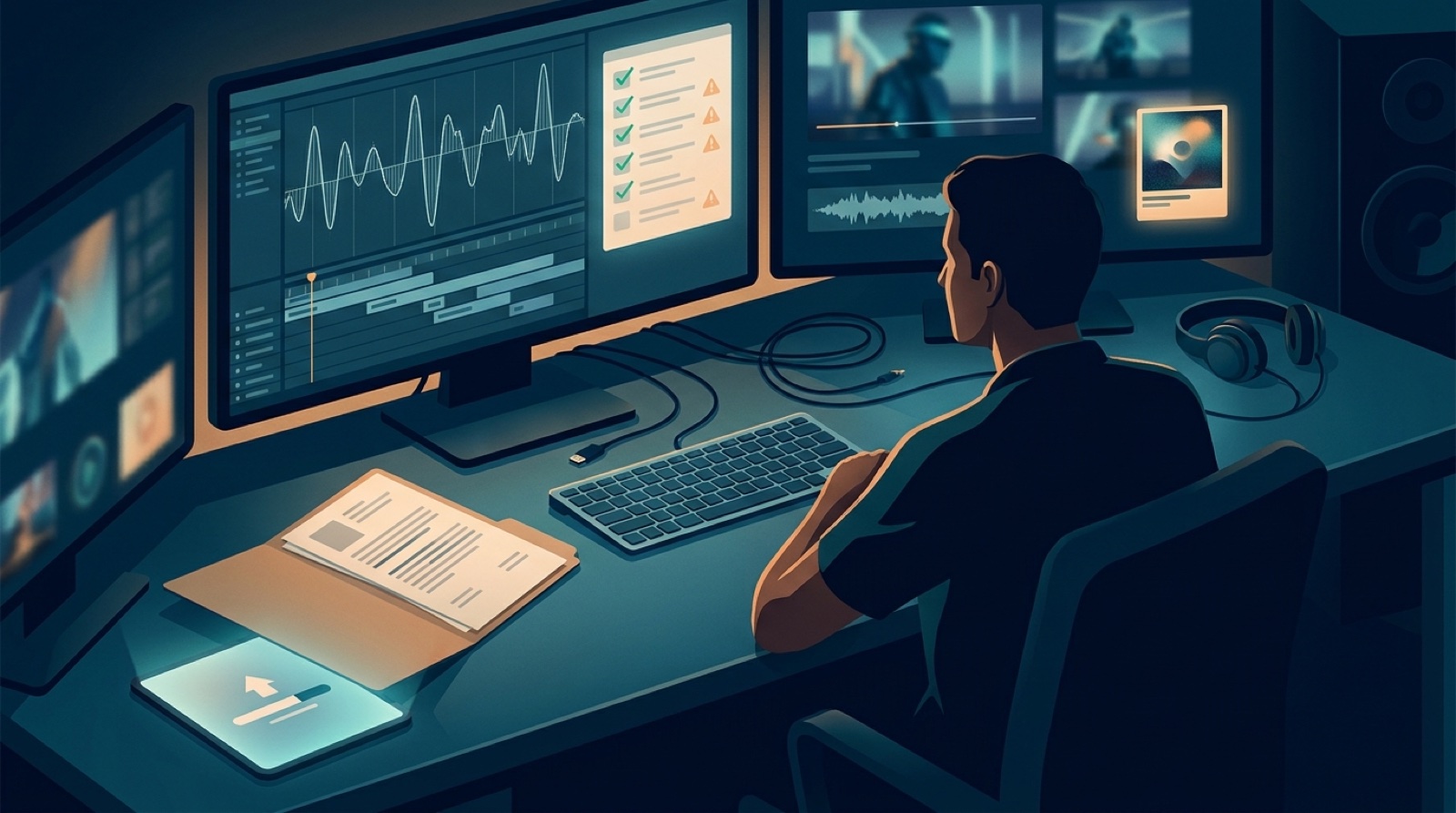
An AI music Content ID preflight is the check you run before the song and video leave your desk. It will not remove every copyright risk. It will help you spot weak records, confusing credits, reused audio, and mismatched release assets before a platform question arrives.
That matters because Content ID problems rarely feel calm. The video is already live, the artist page is public, the description is written, and then a claim makes you dig through old exports and prompt screenshots.
Do the dig first. Keep the check small enough that you will actually use it for every release.
Start with the final audio, not the video
Before you test anything, decide which audio file is the release version. Name it clearly and put every older bounce somewhere else.
For AI-assisted music, the messy part is often the middle of the process. You may have a Suno export, a Udio export, a stem split, a mastered version, and a shortened edit for the video. If those files sit together with loose names, you make release day harder than it needs to be.
Keep one final audio file, one final video file, and a small note that explains how the song reached that version. Include tools used, human edits, collaborators, samples, loops, and any stem changes that could matter later.
Check for borrowed or repeated material
Content ID does not care whether the session felt original to you. A match can still happen if the upload shares audio with protected material, a reused loop, a sample, a distributor reference file, or another version of your own track.
The practical check is simple:
- Confirm that any sample, loop, or borrowed phrase is cleared or removed.
- Check whether the same track was already distributed, uploaded, or registered through another account.
- Listen for sections that sound too close to a known song, especially hooks and vocal lines.
- Save the final export path and date so you can find the exact file later.
- Keep screenshots or receipts for any licensed sounds you used.
A third-party guide on AI music on YouTube also points creators toward disclosure, copyright, and Content ID checks instead of treating upload as the only decision. Use that as a reminder to prepare the release record before the public launch.
Run a private upload test when it fits
A private or unlisted YouTube upload can be a useful signal. It may surface a claim before your launch post, newsletter, or release page sends people to the video.
Treat that test carefully. It is not legal clearance. It is also not a promise that a later claim cannot appear. Rights systems can change, reference files can be added later, and distributor timing can create surprises.
Use the test to answer practical questions: did the file upload correctly, did a claim appear, does the thumbnail match the release, does the description explain the song plainly, and did the video keep the same title and artist name as the audio release?
Make the ownership story easy to read
If a question comes up later, you do not want to explain the release from memory.
Keep a small proof folder with:
- final audio and video filenames
- prompt or session notes when they are useful
- screenshots of tool outputs you chose for the final version
- credits for vocals, lyrics, production, artwork, and video
- license receipts for samples, loops, or stock elements
- the final description, disclosure note, and release page copy
The folder does not need to be fancy. It needs to exist. The guide on AI music release documentation gives you a wider record system if you publish often.
Make the video match the proof
The video should support the release story. If the song credits one fictional artist identity, the face, styling, thumbnail, and description should not make it look like a different project every 20 seconds.
Use one visual anchor for the full video. Keep the first frame, thumbnail, and short clips in the same world. If the release note says the track is AI-assisted with final direction by the artist, the video should feel directed too. Repeated motifs, steady color, and a clear chorus payoff help the viewer feel that a person made choices.
The AI music human intent guide goes deeper on that part of the package.
Use the preflight before distributor submission
Run this before the song reaches YouTube, DistroKid, TuneCore, CD Baby, or another distributor:
- Final audio file is selected and named clearly.
- Video export uses the same artist name, title, and release version.
- Samples, loops, and references are cleared, credited, or removed.
- AI-use note is written in plain language.
- Credits match the real work and collaborator approvals.
- Private upload test is checked when the launch needs it.
- Thumbnail, description, and release page tell the same story.
- Proof folder is saved before public promotion starts.
For the distributor side of this same work, use the AI music distributor checklist before pressing submit.
Do not let the preflight eat the release
A preflight is there to lower panic, not to trap you in endless review.
If the files are clear, the credits are honest, the visuals match the song, and the risky material is handled, ship the release. Keep the record, publish the video, and move to promotion while the song still feels alive.
SceneLore fits that last mile. Bring in a finished song or cover image, then make a full music video that keeps the release visually coherent across YouTube, short clips, the thumbnail, and the archive.
FAQ
What is an AI music Content ID preflight?
It is a short check before launch where you review song versions, source files, credits, rights notes, private upload results, and the video package before publishing.
Can an AI song get a Content ID claim?
Yes. AI-assisted songs can still match other audio, samples, loops, uploads, or distributed versions, so creators should keep clean records before release day.
Should I upload a private test before launch?
A private or unlisted test can be useful for some YouTube workflows, but it should be treated as one signal, not legal clearance or a promise that nothing will change later.
Where does SceneLore fit in the preflight?
SceneLore fits after the song or cover image is ready. It helps turn the release into a coherent music video package with a thumbnail, visual anchor, and reusable launch assets.
Related guides
Make the release package easier to trust
Bring a finished song or cover image into SceneLore, then build a full music video that gives the upload, thumbnail, clips, and release archive one clear direction.
Create Your First Video