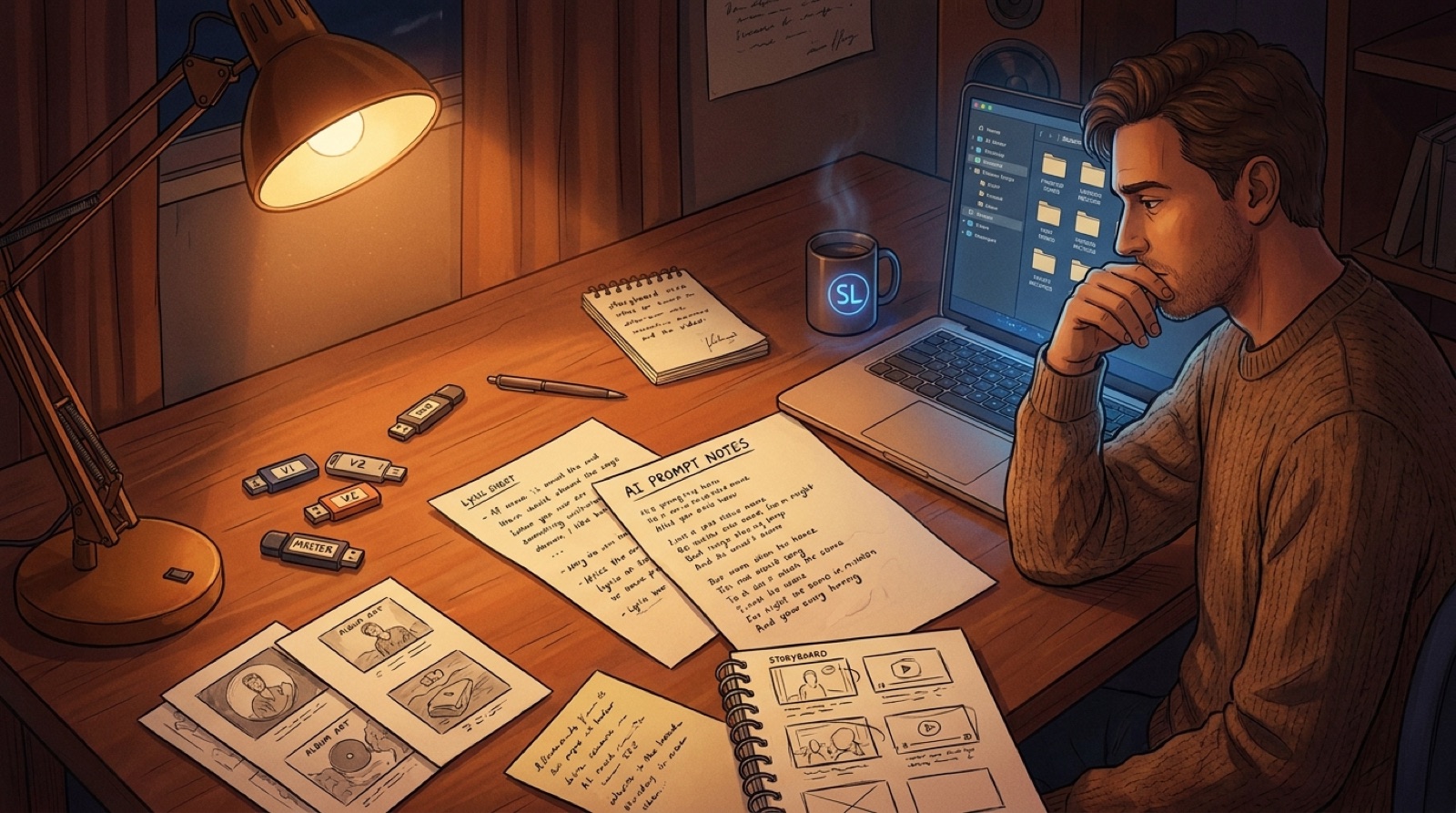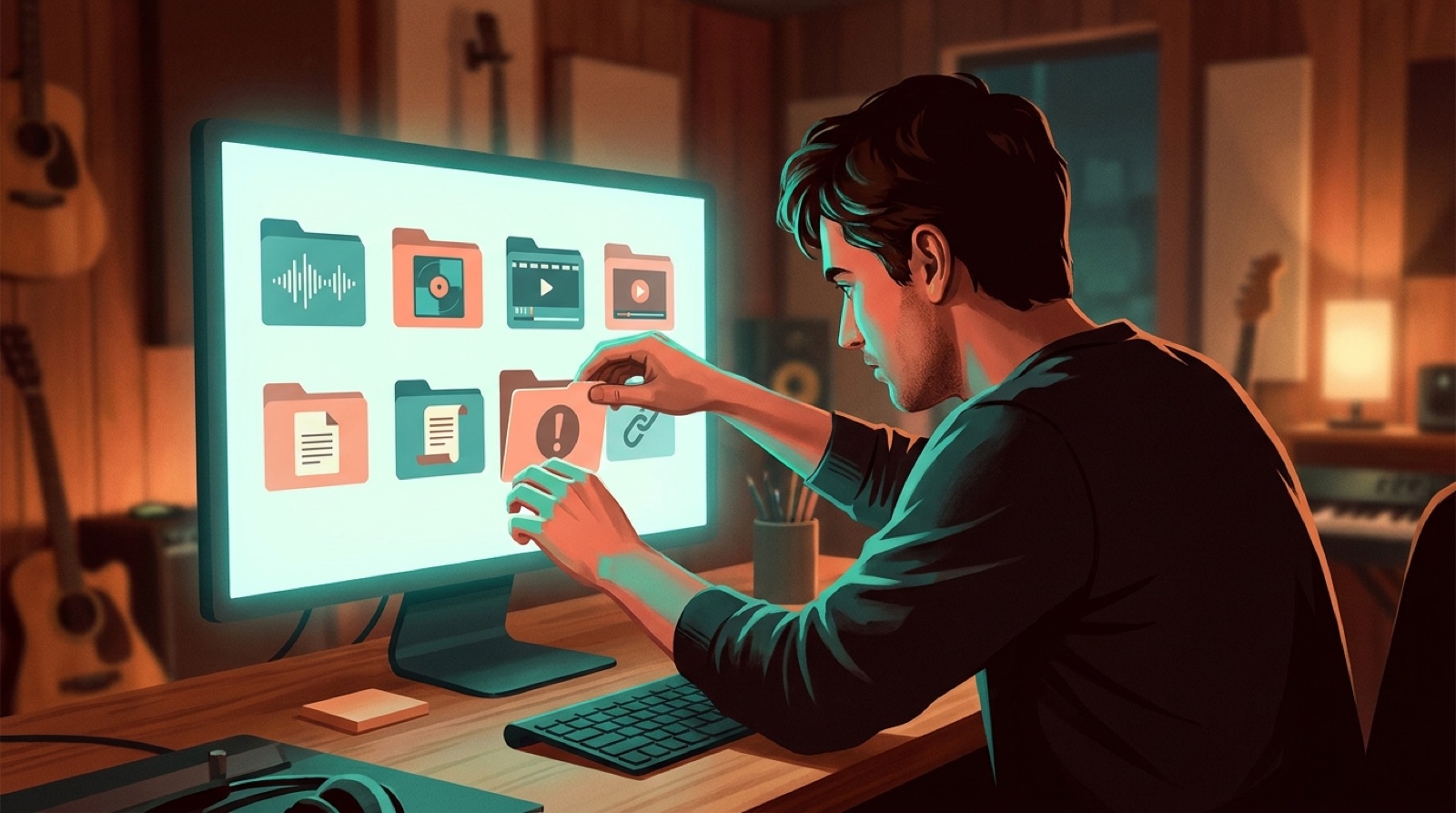
AI music release documentation is the quiet file that saves you later. It keeps the song version, cover image, full video, thumbnail, credits, disclosure note, and final links in one place before the release turns into scattered exports.
That may sound boring when you just want to ship the track. It becomes useful the first time a platform asks what changed, a collaborator asks which version went live, or you need to make three more assets from the same song world.
For AI-assisted music, the release note should explain the package, not defend the art. It should make the finished work easier to find, reuse, credit, and explain.
Start with one release note
Create one note per song before you export the final video. Name it after the artist, song title, and date. Keep it beside the audio, visuals, and published assets.
The note does not need to be fancy. A plain Markdown file, Google Doc, Notion page, or text file works. The format matters less than the habit.
Include the basics first:
- artist name
- song title
- final audio filename
- release date or planned date
- distributor or upload destination
- cover image filename
- full music video filename
- thumbnail filename
- short clips or Canvas-style loop filenames
- final public links after publishing
This gives the release a home.
Record the version that actually shipped
AI music creators often work with too many near-final files. One vocal version has better phrasing. Another has cleaner mastering. Another has the cover art you liked before you changed the artist name.
Your release documentation should mark the shipped version clearly.
Write down:
- the final audio filename
- the duration
- the platform upload file
- any edits made after generation
- the exact cover art used
- the final video export name
- the thumbnail used on YouTube or the release page
If you use SceneLore to turn a finished song into a full video, add the SceneLore export filename and the visual anchor you used.
Six weeks from now, you should be able to open the folder and know which files went public.
Keep credits and AI-use notes plain
Credits are easier to write before launch day gets noisy.
Save the people and tools involved in the release. Include writers, performers, producers, editors, visual collaborators, AI-assisted audio tools, image tools, video tools, and anyone who needs to be named in public credits.
Keep the wording calm. A good internal note might say:
AI-assisted audio draft made in Suno. Lyrics edited by [name]. Final arrangement selected and packaged by [name]. Video made in SceneLore from the finished song and selected visual anchor.
That note is not automatically your public description. It is the source for platform fields, credits, and collaborator questions.
YouTube's policy pages ask creators to disclose altered or synthetic content in some upload cases. The exact public wording depends on the platform and the release, but your private release note should make the answer easy to find.
Save the visual choices, not only the files
The final files matter, but the choices behind them matter too.
Write down the visual rule for the release. For example:
- neon train station, lonely singer, blue and red lights
- desert road, broken radio, warm late-afternoon color
- cover art character appears in every chorus
- no readable text inside generated scenes
- vertical clips use the same first-frame object as the full video
This keeps the release from drifting when you make more assets later.
It also helps when you update the package. You can make a new thumbnail without starting from nothing.
Make a small asset checklist
Before publishing, your release note should answer one practical question: is the package ready?
Use a short checklist:
- Final audio is named clearly.
- Cover art is saved in the release folder.
- Full music video export is saved.
- YouTube thumbnail or release-page image is saved.
- Short clips or Canvas-style loop are saved if needed.
- Credits and AI-use notes are written.
- Public description draft is saved.
- Distributor or platform fields are checked.
- Final links are added after publishing.
- Backup folder is complete.
This checklist is not about making every release huge. It is about making sure the release has enough proof and packaging to survive after upload day.
Add final links after publishing
Most creators forget this part.
After the song is live, reopen the release note and add the public URLs. Add the YouTube link, streaming link, release page, short clip links, social posts, and any press or playlist links you care about.
This turns the release note into a small archive. Later, when you want to make a demo reel, pitch page, recap post, or new video, you do not have to search five platforms.
Use documentation to move faster next time
Good documentation is not paperwork for its own sake. It removes friction from the next release.
You can reuse the folder structure. You can copy the checklist. You can check the old disclosure note before writing the new one. You can pull the same visual rules into a series, EP, or channel identity.
For prolific Suno, Udio, and hybrid AI music creators, that is the real win. The next song starts cleaner because the last one closed properly.
SceneLore fits best when the song is already finished and you need the visual package to feel organized. Bring the audio, cover image, and visual anchor. Then build the full video, thumbnail, and short clips around the same release note.
FAQ
What is AI music release documentation?
AI music release documentation is a simple record of the files, credits, tools, visuals, disclosure notes, and final links tied to one AI-assisted song release.
Why should AI music creators keep release notes?
Release notes help creators find the final files, answer platform or collaborator questions, reuse assets, and prove which version of a song actually went public.
What should I save before publishing an AI song?
Save the final audio, cover art, video export, thumbnail, short clips, credits, AI-use notes, public description draft, platform fields, and backup folder.
Should release documentation be public?
Usually no. Treat it as your private source record. You can use pieces of it for public credits, platform disclosures, descriptions, and release pages when needed.
Turn one song into a cleaner release package
Bring a finished song, cover image, and visual anchor into SceneLore, then make the full video, thumbnail, and short clips easier to organize from day one.
Create Your First Video