AI music version records do not need to be complicated. If you are using Suno, Udio, editing tools, cover art prompts, and video assets, the useful record is the one you can open later and understand in two minutes.
That matters before a song becomes public. Once the release is live, people may ask where the lyrics came from, which export is final, why the cover looks a certain way, or what was made with AI. If all of that lives in scattered downloads and half-remembered prompts, release day gets fragile fast.
A clean record gives you a calmer way to publish. It also helps the video, thumbnail, description, and short clips feel like one finished release instead of a pile of last-minute files.
Keep the final song decisions in one place
Start with the audio. Save the final WAV or MP3, the previous export you almost used, and a short note on why the final version won. The note can be plain: “better second chorus,” “fixed vocal timing,” or “kept this because the hook lands faster.”
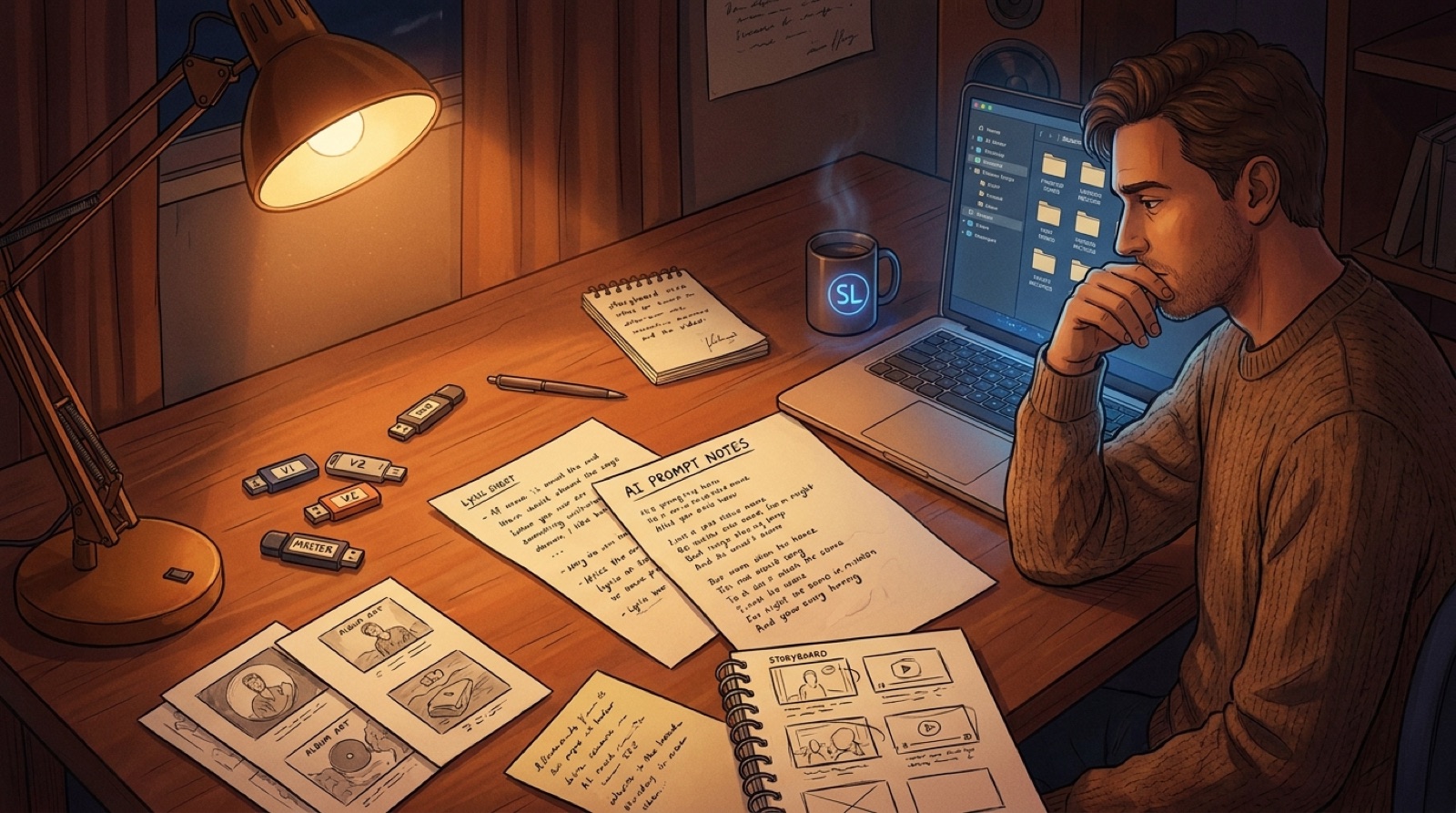
If you changed lyrics, save the final lyric sheet next to the audio. If you used prompts or direction notes, keep the version that led to the release. You do not have to save every failed test forever, but keep enough to reconstruct the creative path.
The goal is not to build a museum. The goal is to avoid the worst release-day sentence: “I think this is the right file.”
Record the human choices, not only the tool names
Tool lists are rarely enough. A song can use the same AI tools as a hundred other songs and still have a clear point of view. Your records should capture that point of view.
Write a few lines about the song’s intent. What emotion did you want? Which lyric mattered most? Why did you keep this arrangement? Why does the visual style fit the track?
This helps if you ever need to write a platform description, answer a collaborator, or make a release page. It also keeps your own project from drifting. The more songs you ship, the more useful these little notes become.
Save the visual version history too
AI-assisted releases often break at the visual layer. The song may be finished, but the cover, thumbnail, video scenes, and clips all point in slightly different directions.
Put the visual files beside the audio record. Save the cover image, source image, thumbnail, final video, and any short-form exports. Add a small text note that explains the anchor: character, location, color palette, symbol, outfit, camera mood, or recurring scene.
That note makes the next visual asset easier. If the chorus clip needs a vertical version, you can reuse the same anchor. If the next song belongs to the same artist world, you are not guessing from memory.
The SceneLore guide on why AI music videos need a visual anchor covers this idea in more detail.
Use records to make disclosure easier
Platform rules around AI-assisted content keep getting more visible. YouTube, for example, asks creators to disclose realistic altered or synthetic content in certain cases. The official help page explains the policy here: YouTube disclosure for altered or synthetic content.
Music creators should not wait until the upload form appears to decide what they want to say. Keep a short disclosure note in the release folder. Mention the tools only where they help the listener understand the work. Focus on the creative direction, lyrics, arrangement choices, and final release package.
A simple record lets you stay consistent across YouTube descriptions, streaming notes, pinned comments, release pages, and press blurbs. The wording can stay calm because the facts are already in front of you.
Make a release folder before the final upload
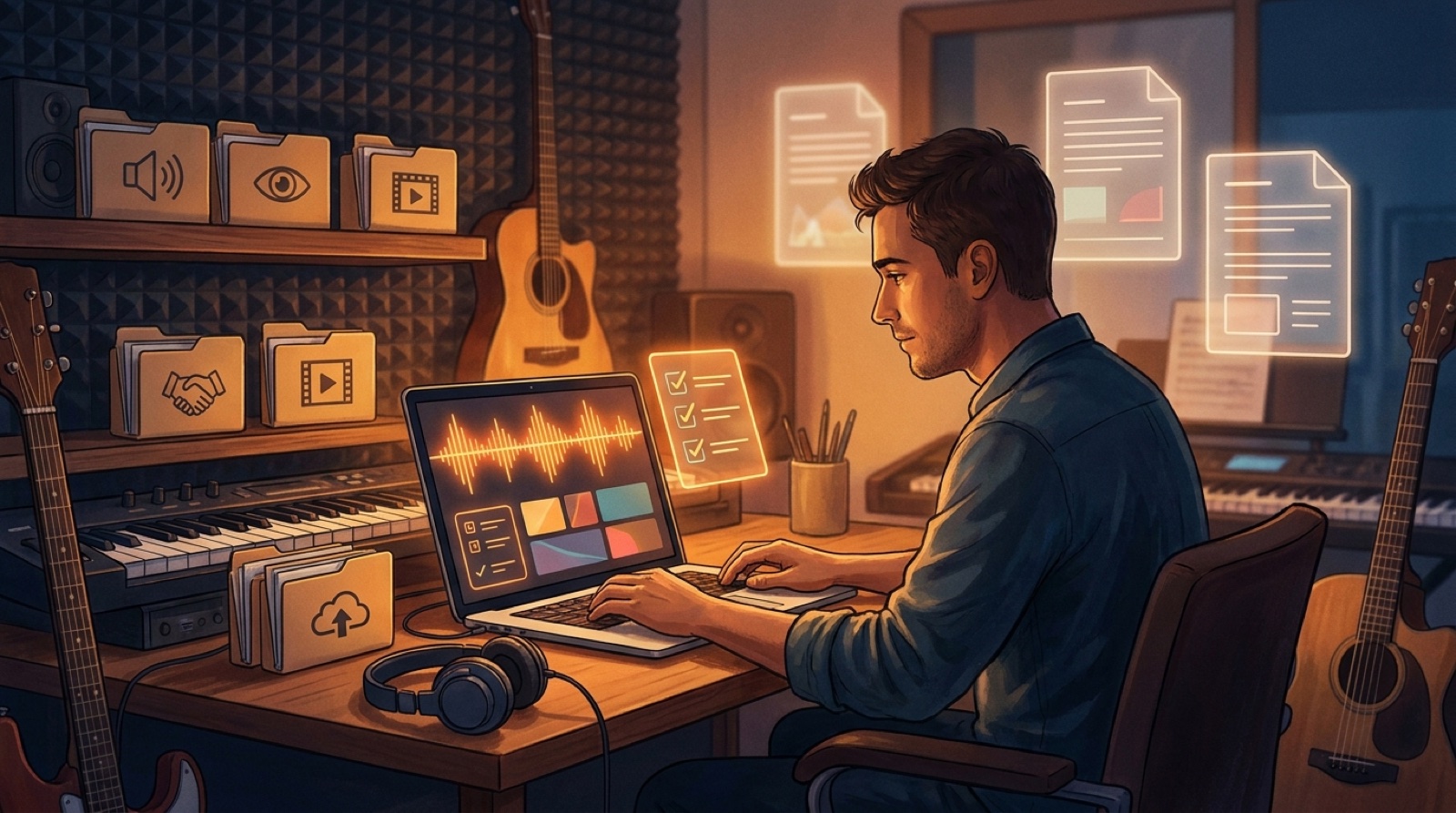
Before upload day, create one folder for the song. Keep it boring and obvious.
- 01 audio exports
- 02 lyrics and prompt notes
- 03 cover art and source images
- 04 SceneLore video exports
- 05 thumbnails and short clips
- 06 platform copy and disclosure notes
This folder does not need a fancy system. It just needs to be clear enough that you can open it six months later and know what happened.
For frequent creators, this is also how you avoid making every release from scratch. The folder becomes a small template. Copy it for the next song, then replace the details.
Version records help the release feel finished
Listeners may never see your folder. They feel the result anyway. A creator who knows which file is final, which image carries the mood, and which sentence explains the AI assistance tends to publish cleaner work.
The video matches the cover. The thumbnail matches the opening shot. The description does not sound rushed. The short clips feel attached to the song instead of cut from another project.
That is the real value of AI music version records. They remove the fog around the release, so the public version can feel deliberate.
Use SceneLore when the record is ready for visuals
SceneLore fits into this workflow after the song direction is clear. Bring the finished track, cover image, or visual anchor into the video process, then build a full release video around the same mood.
Keep the final SceneLore export, thumbnail, and short clips in the release folder with the rest of the records. The next time you need to explain the song, update the channel, make a clip, or build a follow-up release, you will have the pieces in one place.
FAQ
What should AI music version records include?
Keep the final audio export, lyric sheet, prompt or direction notes, cover art, video exports, thumbnails, short clips, platform copy, and disclosure wording in one release folder.
Do I need to save every prompt?
No. Save the prompts or notes that shaped the public release. The useful record explains the final creative choices without forcing you to keep every test.
How do version records help with music videos?
They keep the visual anchor clear. When the cover, thumbnail, video scenes, and clips use the same notes, the release feels more connected.
Turn the final song into a finished video package
Bring the song, cover, and release notes into SceneLore, then build a full video and launch assets around the same visual anchor.
Create Your First Video