AI music rights anxiety is part of publishing now. A creator can finish a strong song and still wonder what happens when a distributor asks about AI use, a platform changes a policy, or a copyright filter flags something that feels original.
I am not a lawyer, and this is not legal advice. For a commercial release with money, contracts, samples, collaborators, or label obligations attached, talk to someone qualified. The useful question for most creators is smaller: what parts of the release can you control today?
That is where the anxiety gets easier to handle. You control the files, inputs, notes, credits, visual package, and platform checks before upload.
Separate the song from the release package
Rights questions usually feel impossible when everything is treated as one messy bundle. The audio, lyrics, cover art, video, thumbnail, credits, description, and distributor settings each have their own risk. Split them up before you decide the whole release is too risky to ship.
Start with the audio. Which tool made it? Did you upload any reference track, sample, voice, melody, or lyric you did not fully control? Did another person contribute? Did you use a beat, loop, stem, or vocal that came from outside the music generator?
Then look at the visual side. Cover art, generated images, stock assets, fonts, and video clips can create their own questions. A release built from one clear source image and a consistent visual plan is easier to explain than a pile of unrelated assets.
Keep a simple release record
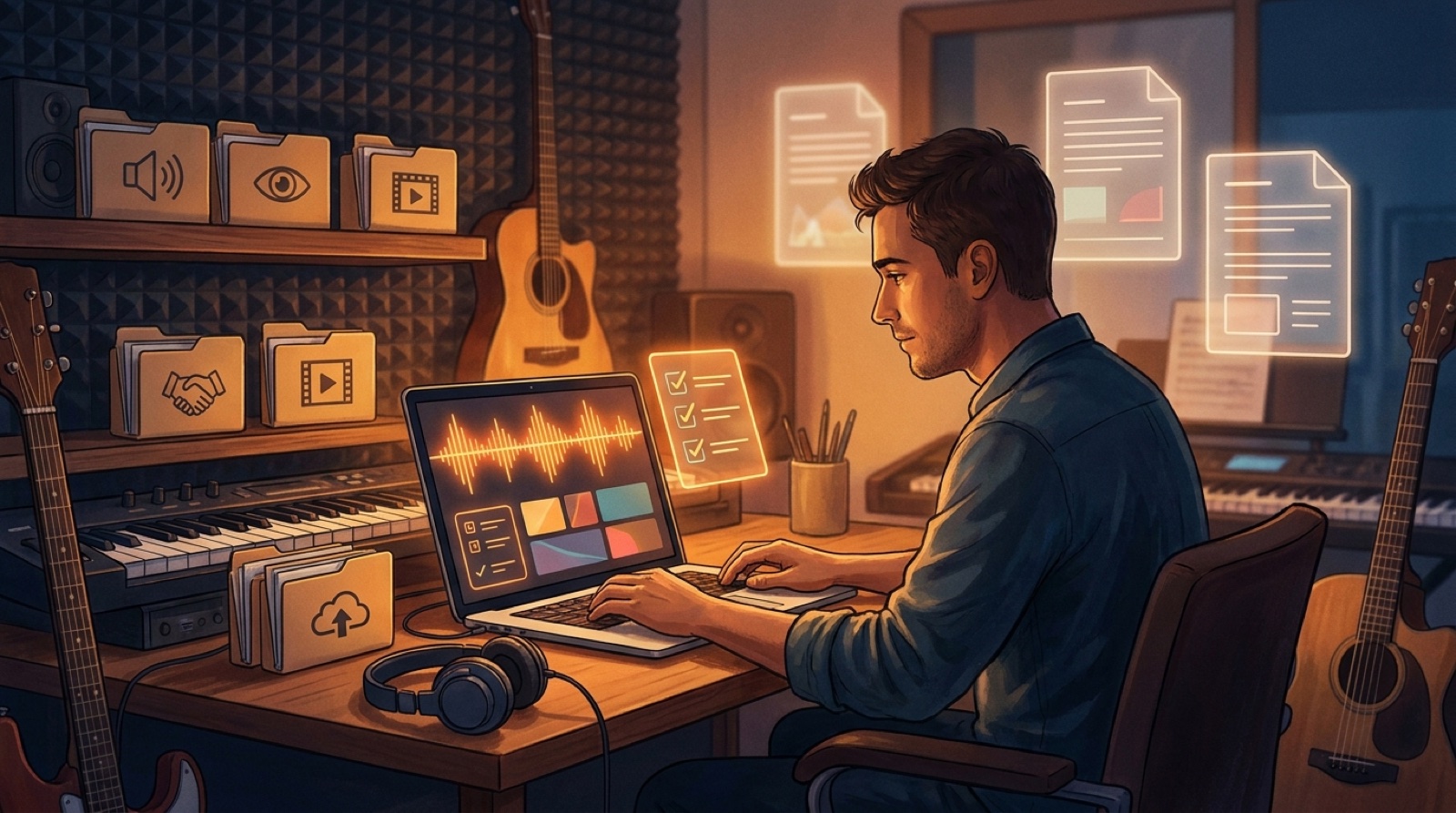
You do not need a courtroom binder for every demo. You do need a basic record for anything you plan to publish. Create one folder for the release and keep the final audio export, cover art, video, thumbnail, short clips, and a plain notes file.
In that notes file, write the tool names, the date you made the main files, the collaborators involved, and any outside inputs. If you licensed a sample, downloaded stock footage, or used a paid asset, keep the receipt or license link in the same folder.
This record saves you from trying to remember how a song was made three months later when a platform asks a question or a collaborator wants the credits cleaned up.
Read the platform questions before upload day
Do not wait until the release is already late to read the distributor or platform prompts. Some services ask about AI generated music, voice likeness, samples, or rights to uploaded material. Some questions are about legal ownership. Others are about disclosure or listener transparency.
YouTube, for example, asks creators to disclose certain altered or synthetic content when it looks realistic, and its help center explains that requirement in its altered or synthetic content guidance. Music distributors and streaming platforms may have different fields and policies, so read the exact wording where you publish.
If a question is unclear, slow down. A clean answer written before upload day is better than a rushed guess made while the release clock is already running.
Use disclosure without making the song feel smaller
Some creators avoid disclosure because they fear it will make the song feel fake. The bigger risk is sounding evasive. A short, calm note can make the release feel more intentional.
You do not have to write a confession. Write like a professional: the track was made with AI-assisted composition, the vocals are synthetic, the video was generated from original cover art, or the release uses AI-assisted visuals.
The same principle applies to credits. If the release has a human lyricist, producer, vocalist, art director, or editor, make those roles clear.
Make the visual package prove intent
A sloppy visual package makes rights anxiety worse because it makes the release look disposable. Random clips, mismatched faces, strange logos, fake text, and unrelated scenes give viewers the feeling that nobody stood behind the work.
A more controlled video does the opposite. One cover image, one visual world, clear thumbnail choices, and a few connected scenes show that the creator made decisions. That does not answer every legal question, but it helps the release feel like an authored project instead of a pile of outputs.
This is where SceneLore fits naturally. If you already have a finished AI generated music release or cover image, you can use it as the anchor for a video, thumbnail, and launch assets.
Know when to pause
Some releases should stop for a real review. Pause if the song uses a famous voice likeness, a recognizable sample you did not clear, a melody copied from another song, a collaborator dispute, a brand logo, a celebrity image, or a contract you do not understand.
Also pause if the project has real money behind it. Ads, sync pitching, label deals, paid client work, and distributor disputes are different from a low-stakes channel experiment.
A controllable pre-release checklist
- Save the final audio export and the project notes.
- List any samples, voices, references, stock assets, or collaborators.
- Read the distributor and platform questions before upload day.
- Write a short disclosure note if the release needs one.
- Make the cover, video, thumbnail, and clips feel like one release.
- Pause for professional advice when money, contracts, samples, or likeness are involved.
AI music rights will keep changing. You do not have to pretend uncertainty is gone. Publish with cleaner records, clearer credits, and a visual package that shows real intent.
FAQ
Can I remove all AI music rights risk before release?
No public guide can remove every rights risk. Creators can reduce uncertainty by keeping source files, reading platform rules, checking licenses, documenting credits, and getting professional advice for high-stakes releases.
What should I save before publishing an AI generated music release?
Save the final audio, source exports, cover art, video files, prompts or project notes where appropriate, distributor settings, credit notes, and proof of any licensed inputs.
Turn the release into a video package
Upload your song or cover image, then build a full music video, thumbnail, and launch assets that make the release feel intentional.
Create Your First Video