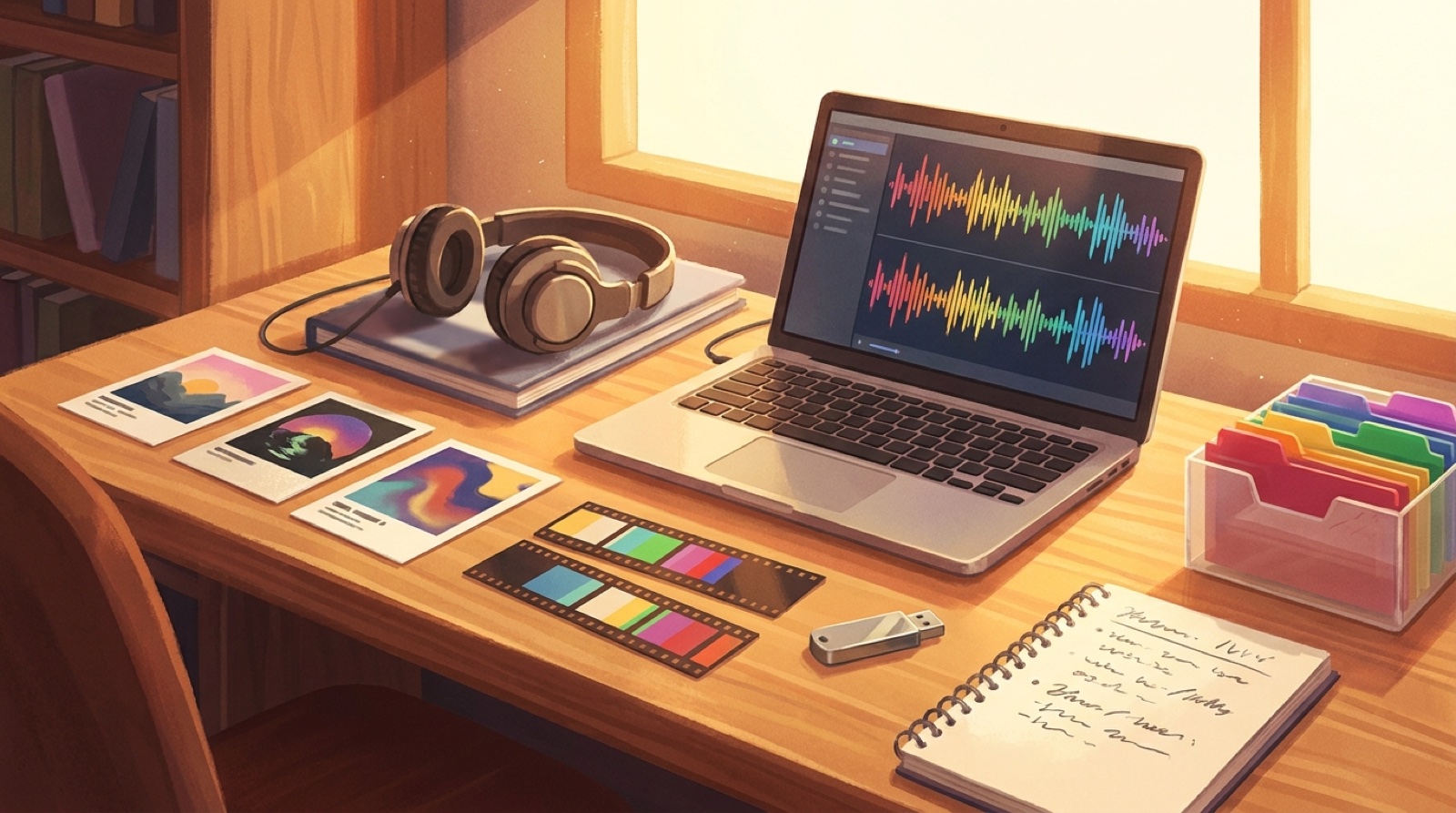
An AI music asset archive sounds boring until you need it. The song is already live, a listener asks about the video, YouTube needs a better thumbnail, or a remix starts to look possible. Then the whole release depends on whether you can find the right export, the right cover image, and the notes that explain what you actually made.
AI music creators move fast. Suno exports pile up. Cover images get replaced. Video drafts sit in download folders with names like final-final-2.mp4. A month later, the release exists, but the proof around it is scattered.
The fix is a small archive folder for every song. Keep it simple enough that you will use it even when the next idea is already calling.
Make one folder per release
Create one master folder for the song before you start making visuals. Name it with the release date, artist or project name, and song title.
Use a format you can scan:
2026-07-29_artist-song-title
Inside that folder, keep the same structure every time:
audiocover-artvideoshort-clipsthumbnailmetadataprompts-and-notesproof
You do not need a huge archive system. You need a repeatable place where the release can live.
Save the audio exports that actually mattered
Keep the final audio file, but also keep the near-final versions that shaped the release. If you made five Suno or Udio versions and only two had the right chorus, save those two with clear names.
Good file names help later:
song-title_master.wavsong-title_streaming-master.mp3song-title_alt-chorus-v3.mp3song-title_instrumental-if-available.wav
If a distributor, collaborator, or platform asks what changed, you can answer without guessing. If you want to make a stripped-down visual later, you are not hunting through old downloads.
Keep the visual source, not only the final video
The final MP4 is not enough. A useful AI music asset archive keeps the pieces that made the video possible.
Save the cover image, the first frame, the reference image, any visual prompts, and the selected scene notes. If you used SceneLore, keep the source image or visual anchor that gave the video its mood. If the release has a recurring object, color, room, character, or symbol, write that down too.
This protects continuity. When the next song in the same project comes along, you can reuse the same visual rules instead of trying to remember the prompt that worked.
Archive the upload package
A release is more than the song and video. Save the files that helped people click, understand, and share it.
Your upload package should include:
- YouTube title and description
- thumbnail source file and exported thumbnail
- Spotify Canvas loop, if you made one
- Shorts, Reels, or TikTok clips
- captions or lyric files
- credits and disclosure notes
- release page copy or smart-link copy
- platform screenshots after publishing
This makes future updates easier. If the thumbnail underperforms, you can change it from the source file. If a short clip works better than the full upload, you know which moment to use again.
Keep prompt notes readable
Prompts are useful only if future you can understand them. Do not save one giant wall of text with no context. Add a short note beside the prompts:
- what the song mood was
- which image was the visual anchor
- which prompt produced the chosen direction
- what failed or drifted
- what should repeat in the next release
Write the note like you are handing the project to another person. A few plain sentences are enough.
Add a proof folder
AI-assisted music now carries trust questions. Some listeners care how much came from tools. Some platforms ask for synthetic-content disclosures in specific cases. YouTube has told creators to disclose altered or synthetic content when realistic content could mislead viewers.
Your proof folder does not need to be defensive. It should make the release traceable.
Keep:
- source audio exports
- cover image or visual anchor
- lyrics or lyric prompt notes
- video export date
- tool credits and human credits
- final upload file
- screenshots of the live release
- any platform disclosure text you used
If someone asks later, you can explain the release calmly. You can also prove to yourself that the project had direction, not just output.
Use a naming rule you will not hate
The best naming rule is the one you can follow while tired.
Use lowercase words, hyphens, and the asset type:
song-title-cover-final.jpgsong-title-youtube-video-1080p.mp4song-title-short-chorus-vertical.mp4song-title-thumbnail-v1.psdsong-title-credits-disclosure.txt
Avoid mystery names like new-edit, best-one, and upload-this. Those names feel fine in the moment and useless two weeks later.
Close the release before starting the next one
Give yourself a ten-minute release closeout. Do it after publishing, before the next track takes over.
Check that the archive has:
- final audio
- final full video
- cover art and thumbnail
- short clips
- metadata and descriptions
- prompt notes
- credits and disclosure notes
- live links
- backup copy
Then add a tiny release-notes.txt file with the final links and one sentence about what worked. That sentence becomes useful when you plan the next release.
Make SceneLore part of the archive habit
SceneLore works best when the video has a clear anchor. A finished track, cover image, character cue, or visual mood can turn into a full video and launch assets faster when the source files are already organized.
Before you create the next video, put the song and visual anchor in the release folder. After the video is done, save the final MP4, thumbnail, clips, and notes beside it.
This is the part that makes a growing AI music project feel serious. Every release leaves behind proof, source files, and a path for the next song.
FAQ
What should be in an AI music asset archive?
Keep final audio, alternate exports, cover art, video files, short clips, thumbnails, metadata, prompts, credits, disclosure notes, live links, and screenshots of the published release.
How should AI music creators name release files?
Use the song title, asset type, platform or format, and version when needed. A name like song-title-youtube-video-1080p.mp4 is much easier to find than final-v3.mp4.
Why keep proof files for AI music releases?
Proof files help you explain the release later. They also make remixes, reuploads, platform checks, credits, and future visual updates easier to handle.
Related guides
Turn the next song into a complete release
Use SceneLore to turn a finished track, cover image, or visual anchor into a full music video and launch assets that stay connected.
Create Your First Video