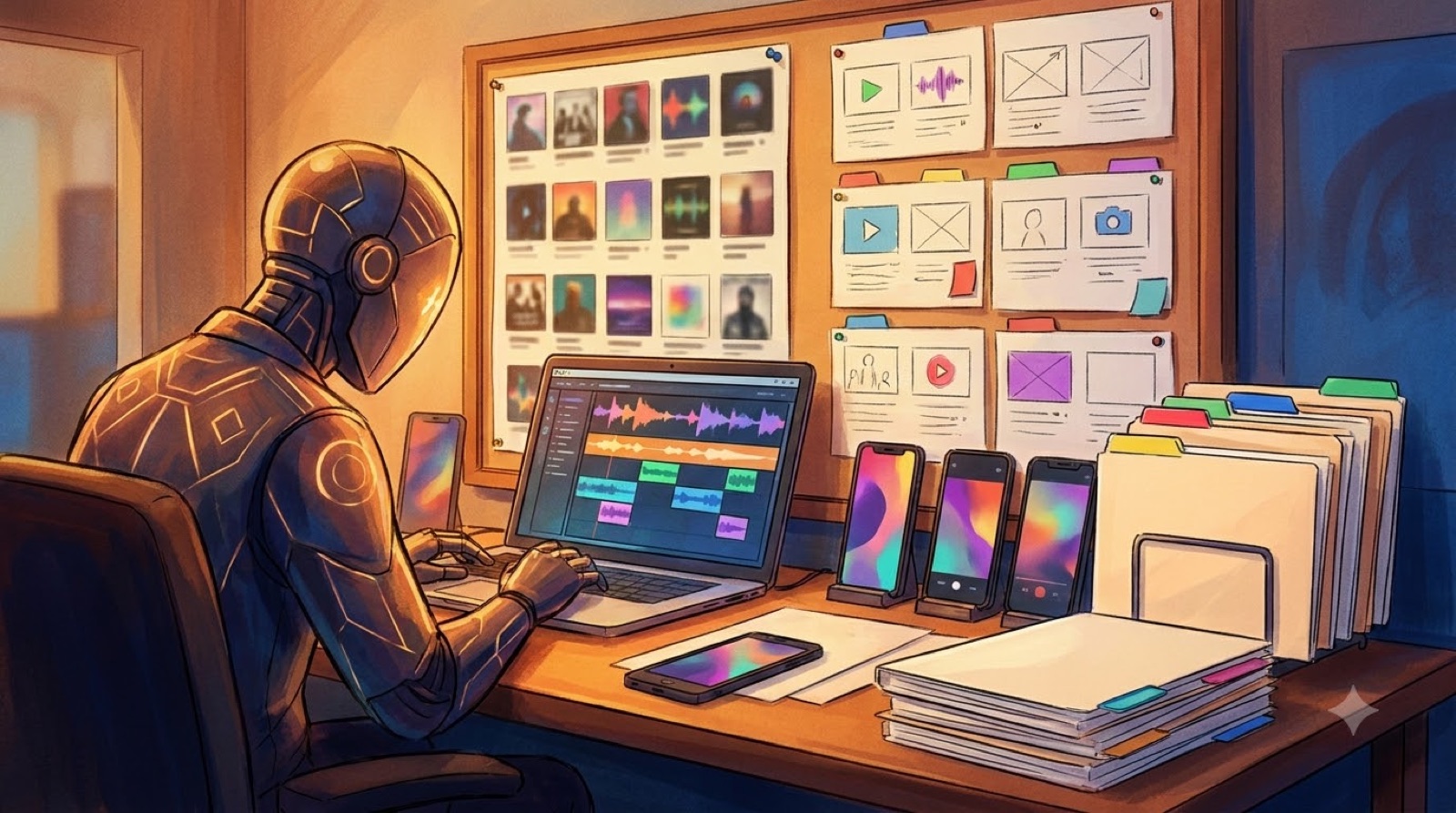
Your release day checklist for AI music should start before you open the upload page. By that point, the song may already be mastered, the distributor may have the audio, and the artist page may be ready. The part that still breaks most launches is the visual package.
That package is bigger than one cover image. A finished AI-assisted release usually needs a full video, a thumbnail, short clips, description links, image files, and backups you can find later. If those pieces are not ready, launch day turns into a scramble.
Use this checklist to make the release feel planned before the first public link goes out.
Start with the final cover image
Open the exact cover file you plan to use. Check it at small size, not only full screen. A cover can look rich on a desktop and turn muddy as a streaming thumbnail.
Look for one clear focal point. A face, object, room, vehicle, symbol, or strong color shape gives the release something people can remember. If the cover is just a pretty texture, the rest of the package has to work harder.
Save the final cover in a folder for the release. Keep the source version too, especially if you generated or edited it with AI.
Check the full music video file
Watch the final video from start to finish once. Do not skip around. Look for export problems, odd cuts, accidental silence, unreadable captions, wrong aspect ratio, or a first frame that does not match the thumbnail.
For YouTube, a full video should have a visual idea in the opening seconds. It does not need a complex story, but it should show the viewer that the song has a world. Static cover art can work for a simple upload, but it often makes a new AI music release feel disposable.
SceneLore is built for this moment: turning the finished song, cover, or visual direction into a full video that gives the release more than a loop.
Make the thumbnail separate from the cover
The cover and thumbnail can share the same world, but they do different jobs. The cover identifies the song. The thumbnail has to earn the click.
Check the thumbnail at phone size. Is the main subject clear? Does the image match the song mood? Does the first frame of the video feel connected to it? If the thumbnail promises a cinematic night drive and the video opens on a flat lyric screen, the release feels patched together.
Avoid tiny fake interface text, cluttered collage layouts, and faces that become strange when small. Pick one readable image idea.
Cut at least one vertical clip
Before launch, make one vertical clip from the chorus, drop, hook, or strongest visual change. It does not have to be a full campaign. It just gives you something native to post after the main link is live.
The clip should work without a long explanation. Use a moment where the image changes, the hook lands, or the artist world becomes obvious.
Save the clip with the release name, platform shape, and date. A simple filename is better than final_final_reel_3.mp4.
Prepare a Canvas loop if the song needs one
A Spotify Canvas loop is not a tiny music video. It is a short visual pulse for the streaming page. Use one motion idea, keep it clean, and make sure it belongs to the same release world as the cover and video.
If you do not have time to make a good loop, do not force one. A weak loop can make the release feel cheaper than a still cover, strong video, and clean thumbnail.
Finish the description, links, and credits
Write the YouTube description before upload day if you can. Include the song title, artist name, platform links, credits, and a simple note if AI tools were part of the process.
Keep the disclosure plain. Serious AI musicians do not need to apologize for every tool, but the release should not feel hidden. Clear credits and clean packaging help listeners trust the work.
If you publish on YouTube, also check YouTube's current guidance for altered or synthetic content labels in Creator Studio. The label choice depends on the content, so make it part of the upload check instead of guessing at the last minute.
Save alt text and social stills
If the release has a website, press page, blog post, or landing page, write a short image description while the visuals are fresh in your head. Alt text should describe the actual image, not stuff keywords into it.
Export two or three still frames from the video too. Choose frames that can become posts, banners, or backup thumbnails.
Back up the release folder
Make one folder with the final audio, cover, full video, thumbnail, vertical clip, Canvas loop, description, credits, creation notes, and final links. Then back it up somewhere outside your working export folder.
This protects the release. If a claim appears, a file breaks, or a platform asks for proof, you can find what you shipped.
The quick release-day check
- Final cover art is approved and readable at small size.
- Full video plays from start to finish with the right audio.
- Thumbnail matches the video mood and first frame.
- One vertical clip is ready for Shorts, Reels, or TikTok.
- Canvas loop is ready, or intentionally skipped.
- Description has links, credits, and any needed AI disclosure.
- Alt text and social stills are saved.
- Final files and creation notes are backed up in one release folder.
AI music launches are getting faster, which makes the boring checks more valuable. When the visual package is clean, the song feels less like another upload and more like a release someone meant to stand behind.
FAQ
What visuals should an AI music release have on launch day?
Start with cover art, a full video, a thumbnail, one vertical clip, description links, credits, and a backed-up release folder. Add a Canvas loop when it supports the song.
Is a static cover upload enough for an AI song?
It can be enough for a low-priority track, but important releases usually need more. A full video, thumbnail, and short clip give the song more chances to feel finished.
Should AI music releases include disclosure notes?
Use plain credits and platform labels where they apply. The goal is to make the release clear and traceable without turning the description into a legal essay.
Related guides
Turn the checklist into a finished release package
Use SceneLore to turn the finished song into a full video, thumbnail-ready frames, and launch assets that feel connected.
Create Your First Video