
AI music release metadata is easy to treat as admin work after the fun part is done. The song is finished. The video looks good. The thumbnail finally matches the mood. Then the upload screen asks for a title, description, credits, labels, tags, links, chapters, and visibility. A pile of small choices suddenly makes the release feel fragile.
That last pass matters because metadata is how the video explains itself before anyone presses play. It tells YouTube what the upload is, tells listeners what they are about to hear, and gives you a clean record if a platform check appears later.
SceneLore helps with the visual side of the release, but the upload package still needs a human pass. Treat the metadata check as part of finishing the video.
Start with the exact public name
The title should match the release people will see everywhere else. If the artist name, song title, remix note, or featured credit changes between the distributor, YouTube upload, description, and thumbnail, the release starts to look less trustworthy.
Before you write anything clever, write the plain version:
- Artist name.
- Song title.
- Version, if needed.
- Featured artist or producer credit, if public.
- Official video, lyric video, visualizer, or story video label.
For an AI-assisted release, clarity beats mystery. A title like Nova Vale - Afterlight (official music video) gives people a clean anchor. If the video is a lyric video, say that.
Make the description useful before it gets promotional
The first lines of the description should help a listener understand the release. You can add streaming links after that, but the top should answer the simple questions.
Use a short opening note:
- What the song is called.
- Who made it.
- What kind of video this is.
- Where to listen or watch next.
- Any credit or AI disclosure line that belongs with the release.
YouTube's own guidance for adding video details treats titles, descriptions, thumbnails, playlists, and audience settings as part of the upload flow. For music creators, the description is part of the release package.
If you used AI in the song, video, cover art, or visual production, keep the note plain. You do not need a dramatic confession. You need a line that matches the real workflow and gives the release a clean paper trail.
Keep credits and disclosure notes close to the file
Credits are easier to check before the upload than after someone asks. Keep a small note beside the final video file with the people, tools, and assets involved.
For a typical AI-assisted release, that note might include:
- Vocal, lyric, production, or arrangement credits.
- Video concept and visual direction.
- Cover art or reference image source.
- AI tools used for audio or visuals, if relevant.
- License notes for samples, loops, fonts, or stock assets.
- Final export date and filename.
This does not need to become a public essay. Some of it stays private. The point is to avoid guessing later. If the public description needs a disclosure line, pull it from the same record.
Match the thumbnail to the promise
The thumbnail is metadata too. It is the visual title of the release.
Before upload, compare the thumbnail with the video and ask whether it promises the same song. A dark cinematic story video should not use a bright random face just because it has contrast. A soft lo-fi track should not look like an action trailer.
Keep thumbnail text short if you use it at all. Many music videos do better with the artist, song mood, or central image doing the work.
Check the links before the video is public
A release description usually carries more than the video. It may include streaming links, an artist page, lyrics, credits, merch, or a link back to the tool used to make the video.
Open every link before the upload goes public. Then check the order. The first link should support the main action you want from the viewer. For a new single, that might be the streaming link. For a YouTube-first release, it might be a playlist or artist page.
Broken links make a release feel rushed. Too many links make it feel unfocused.
Use chapters only when they help the song
Chapters can help for longer videos, behind-the-scenes edits, album previews, or story videos with clear parts. They can make a normal single feel over-explained.
If you add chapters, name the parts in normal language: intro, verse, chorus, bridge, final chorus, credits, or behind the video. Skip chapters if the track is short.
Check filenames and archive the final package
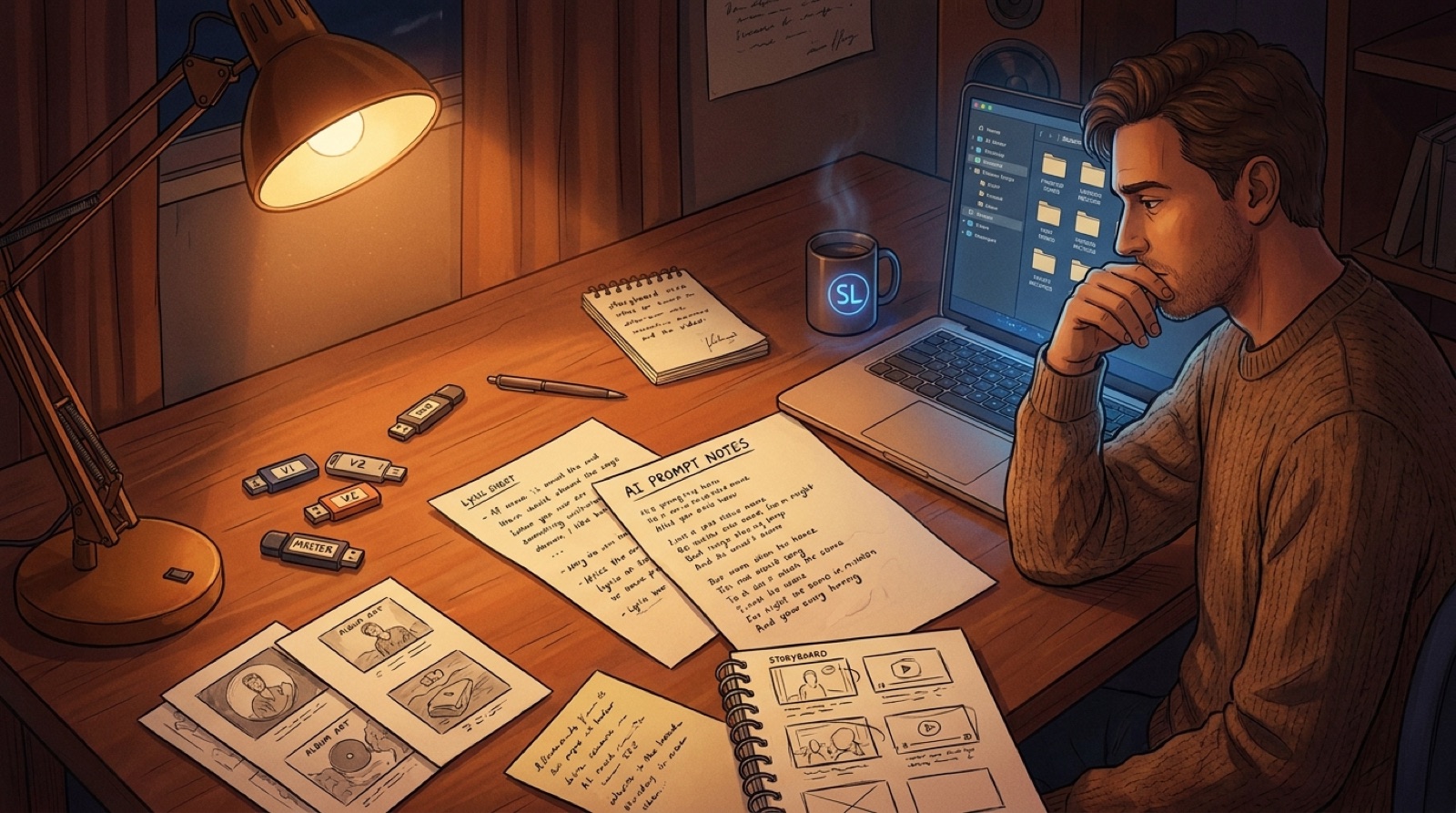
The public metadata should match the private files. Before upload, put the final audio, video, thumbnail, cover image, captions, lyrics, credits note, and description draft in one folder.
A clean folder might look like this:
artist-song-official-video.mp4artist-song-thumbnail.jpgartist-song-description.txtartist-song-credits.txtartist-song-captions.srtartist-song-cover.jpg
If you need to re-upload, answer a platform question, cut Shorts later, or build a release page, you have the pieces.
Where SceneLore fits
SceneLore is strongest before the final metadata pass. Use it to turn the song, cover art, and visual direction into the full video. Then use that export as the center of the upload package.
If you are still planning the release, the AI music release checklist can help you gather the audio, artwork, video, metadata, and clips in one place. If you keep losing track of prompts and exports, the guide on AI music version records will make the metadata pass easier.
When the final video is ready, open the upload draft and check the title, description, credits, disclosure note, thumbnail, links, chapters, and filenames in one sitting. That is when the release starts feeling like something people can trust.
FAQ
What metadata should an AI music video include?
Include the public title, artist name, version label, description, credits, thumbnail, links, captions if needed, and a clear disclosure note when AI use is relevant to the release.
Should I disclose AI music or AI visuals in the description?
If a platform asks for it, follow the platform rule. For the public description, use a plain line that matches the real workflow and does not make the release feel smaller than the song.
Is a thumbnail part of music video metadata?
Yes. The thumbnail shapes the viewer's expectation before they press play. It should match the title, song mood, and video style.
Related guides

Finish the video package around the song
Use SceneLore to turn a finished track, cover image, or visual direction into a full music video that fits the release package.
Create Your First Video