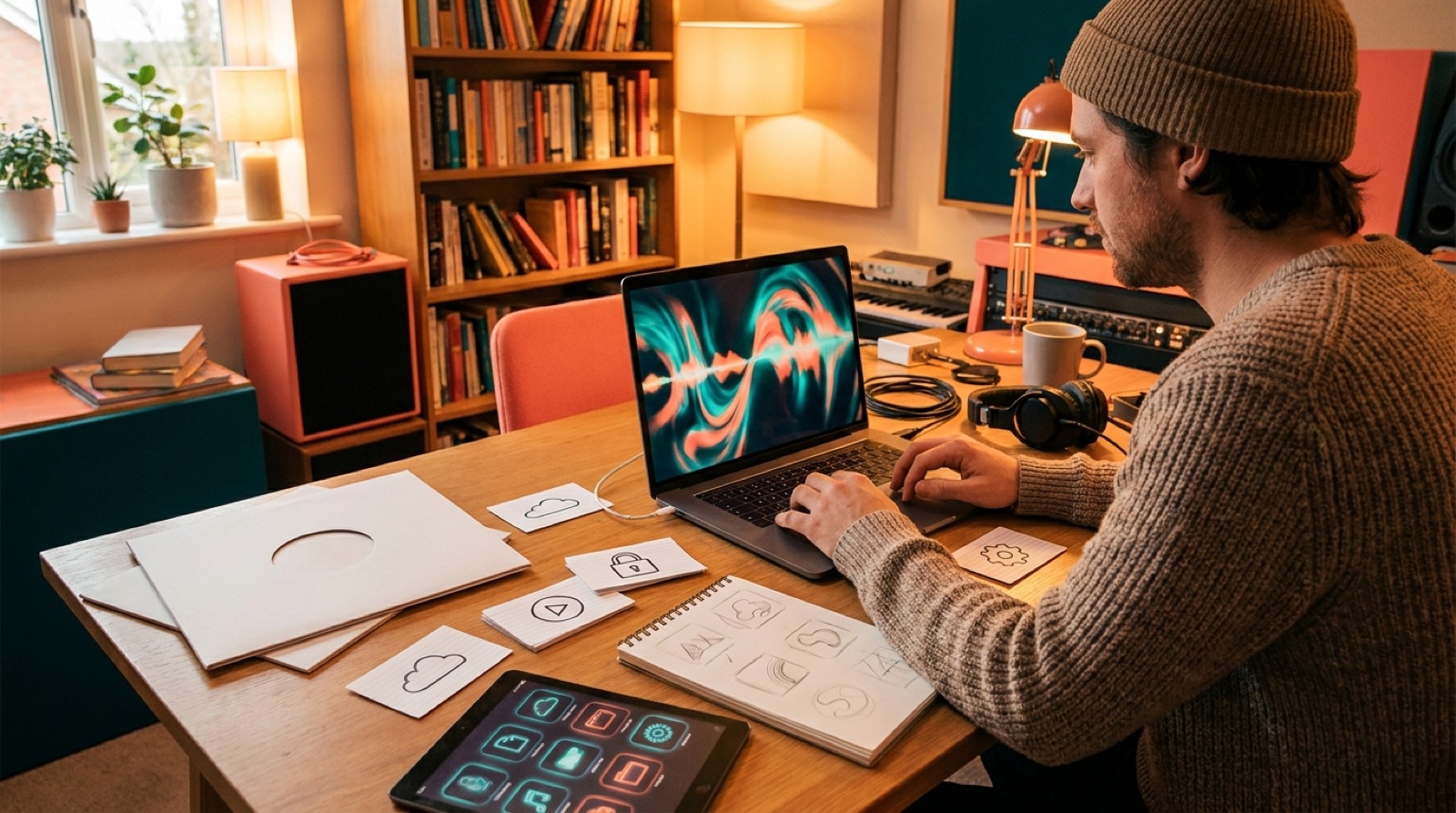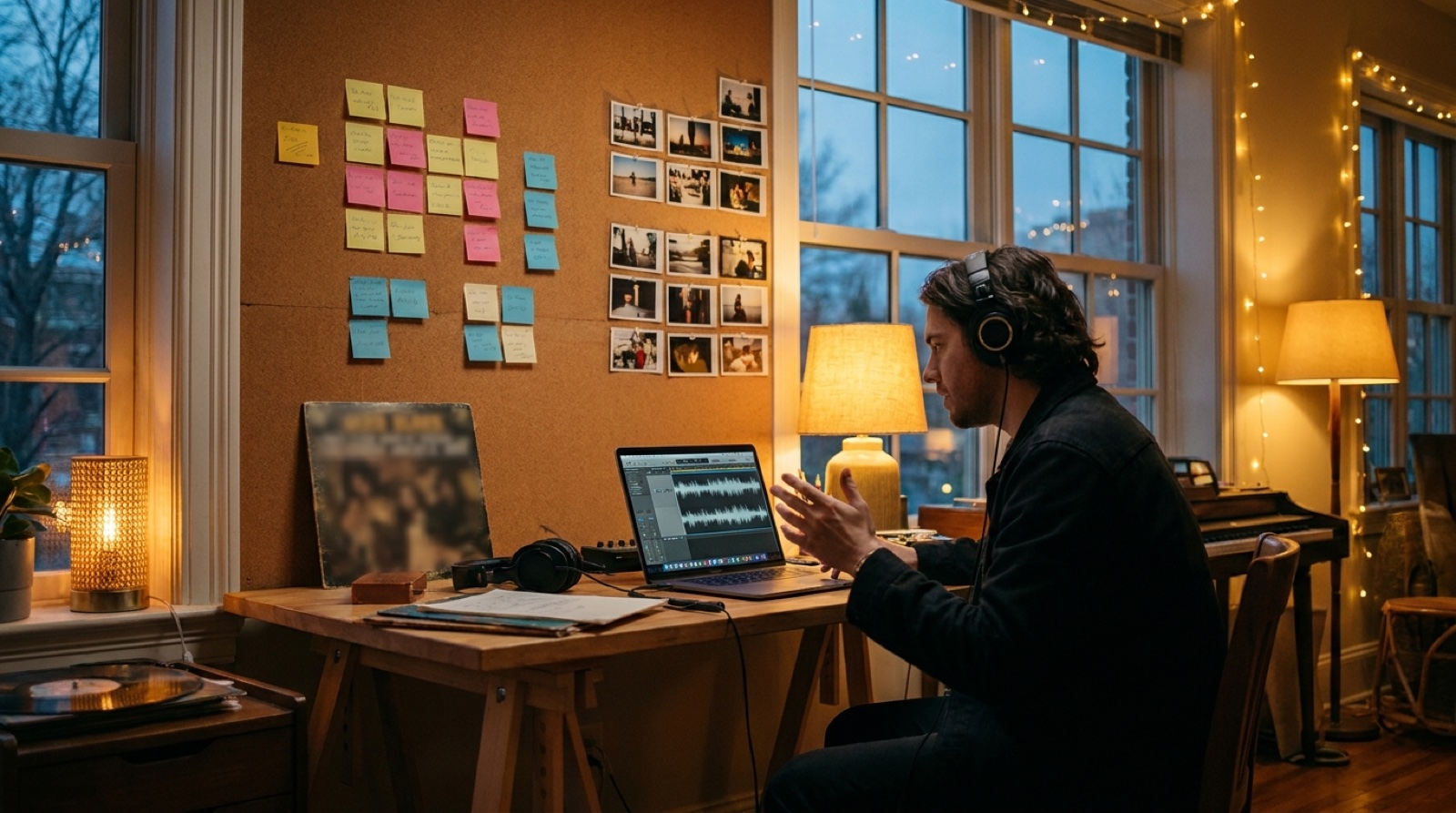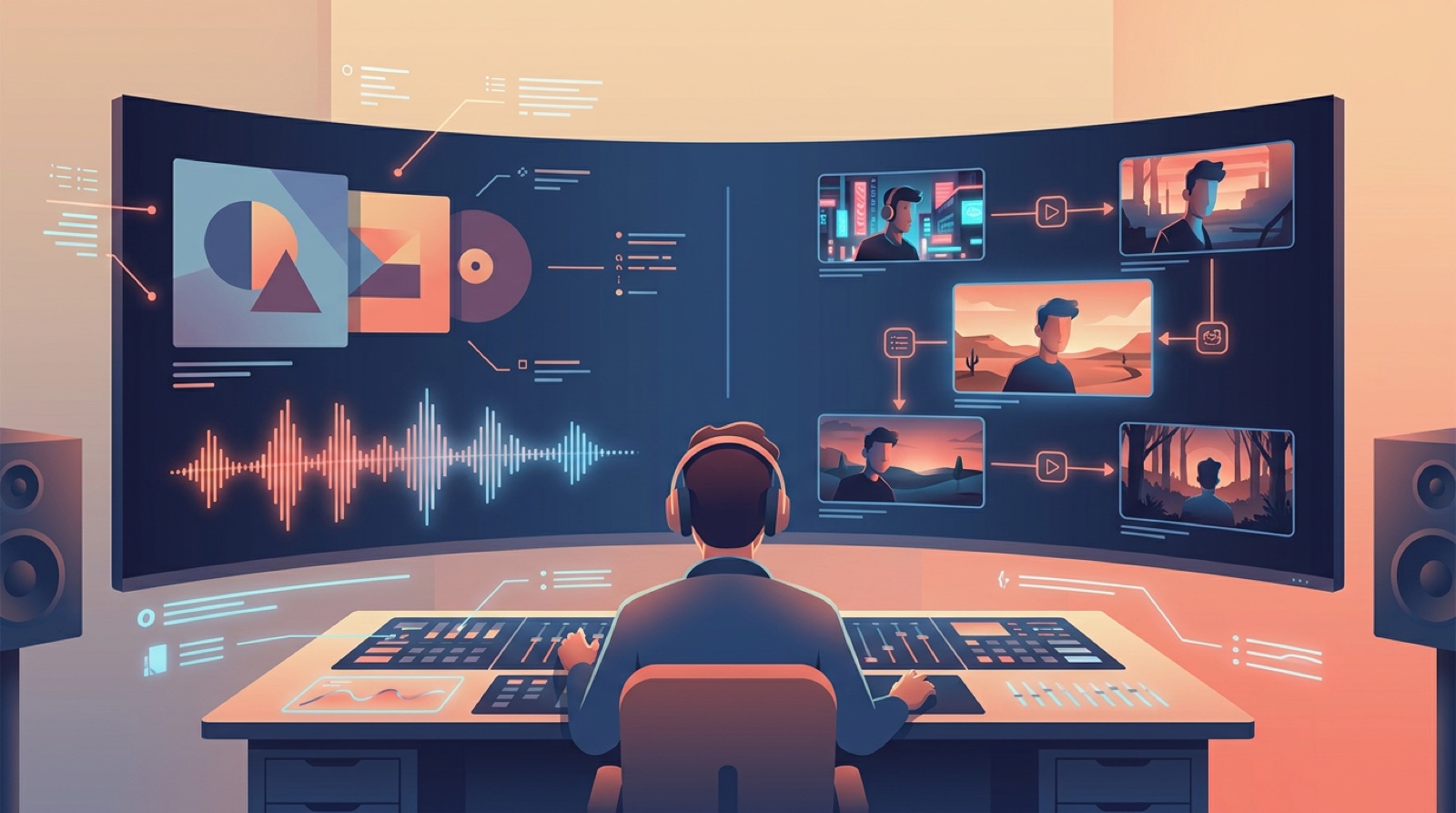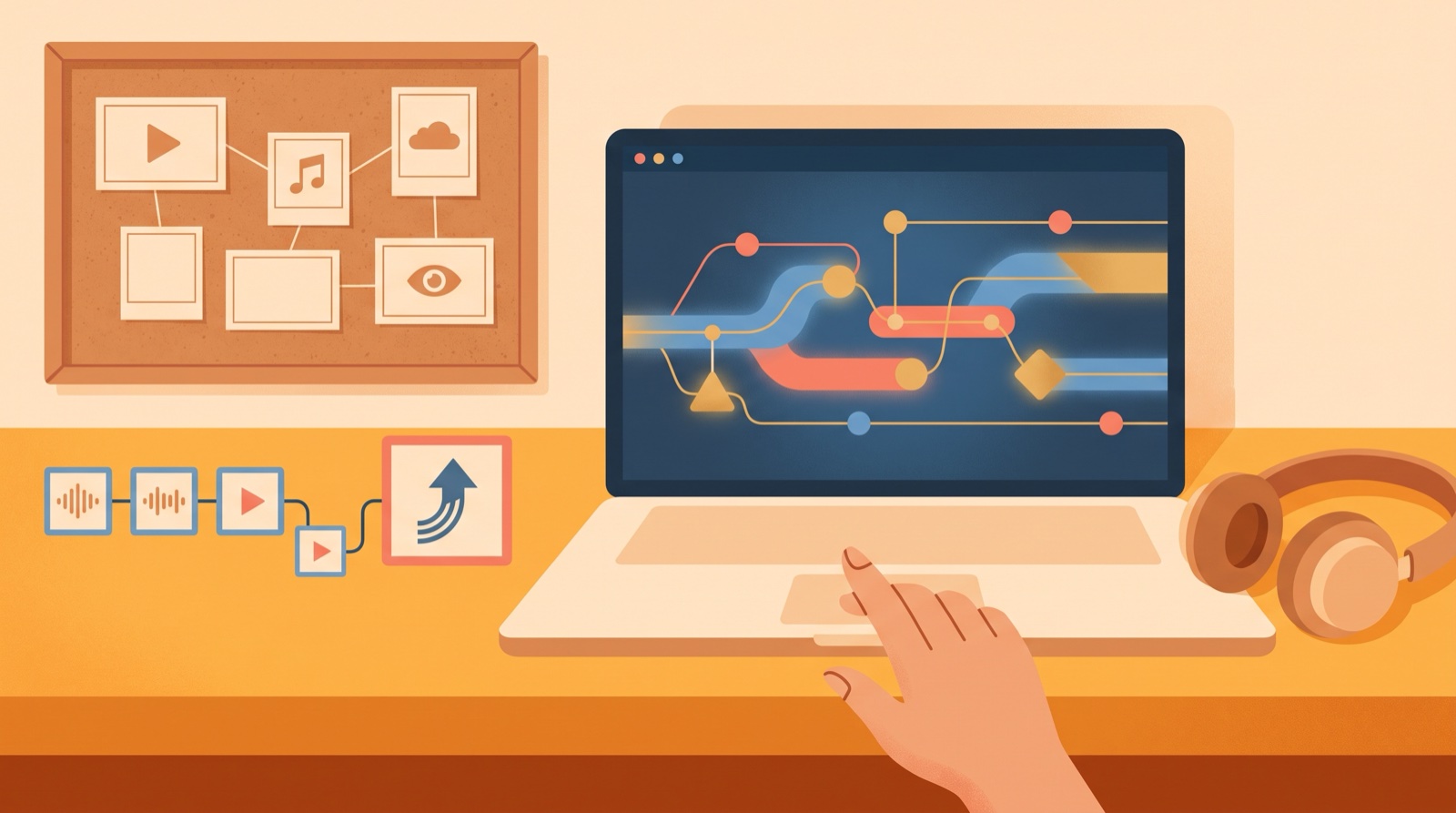
The first real challenge is keeping the video from feeling like a pile of unrelated shots.
A good first video needs a finished song, one clear visual idea, a few scenes that belong together, and files you can actually publish. If you decide those pieces early, the whole project feels calmer.
Use this first AI music video checklist before you generate the video. It will save you from redoing the same decisions after every clip.
Pick the right song first
Start with a song that gives you something visual to hold onto. Choose a track with a mood you can describe in plain language.
Look for one of these signals:
- The hook creates a clear image in your head.
- The cover art already matches the song's mood.
- The track has a strong opening that can support a first frame.
- The chorus changes enough to justify a visual lift.
- The song belongs to a release you plan to promote more than once.
If none of that is true, the song may only need a simple loop or static upload for now. Save the full video effort for a track that can carry it.
Choose one visual anchor
A visual anchor is the thing that keeps the video connected. It can be a character, a place, a color mood, a cover image, or one repeated object. Beginners often skip this step and then wonder why every shot looks like it came from a different artist.
Write one sentence before you begin:
This song looks like...
That sentence might be "a singer walking through a quiet neon street" or "a lonely spaceship drifting above a blue planet." Keep it simple. The anchor should be strong enough to guide the thumbnail, the first scene, and the chorus moment.
If you already have cover art, use it as the anchor. If you do not, choose the strongest mood in the song and build the video around that.
Map the song in simple sections
You do not need a full storyboard for a first video. You need a basic map of where the video should change.
Break the song into sections you can recognize while listening:
- Opening frame: the image that gives viewers a reason to stay.
- First verse: the scene that sets the world.
- Chorus: the visual lift that makes the song feel bigger.
- Bridge or quiet part: a shift in distance, light, or movement.
- Ending: the final image people remember.
This keeps the video tied to the music. It also stops you from making one nice clip and stretching it across a whole track.
Decide what the video must become
Before you export, decide where the video will live. A YouTube upload needs different choices than a short social clip or a private demo for collaborators.
For a first public release, plan these files:
- A full horizontal video for YouTube.
- A thumbnail frame that still reads when it is small.
- One vertical chorus clip for Shorts, Reels, or TikTok.
- A still image for posts, release pages, or newsletters.
- A folder with the source song, cover image, final video, and exported assets.
YouTube's own thumbnail guidance says custom thumbnails should give viewers a quick snapshot of the video. That is a useful standard for your first AI music video too. The thumbnail should make the song's world clear before anyone presses play. You can read YouTube's thumbnail basics in its custom thumbnail help page.
Check for drift before you publish
Watch the whole video once without touching anything. Do not judge every tiny artifact. Look for drift that would make a listener feel the video lost the song.
Ask these questions:
- Does the first frame match the title and cover?
- Do the main character, place, or color mood stay recognizable?
- Does the chorus feel bigger than the verse?
- Are there any shots that look like a different video?
- Can one frame work as the thumbnail?
If one scene breaks the mood, replace that scene before you keep polishing. A small fix at this point can make the whole release feel more intentional.
Use SceneLore for the first full pass
SceneLore is built for the moment when you have a finished song or image and need a full music video without turning the project into a second production job.
For a first AI music video, start with the final track and the strongest visual anchor. Let SceneLore build a connected video, then pull the thumbnail and short clip from the same world. That gives you one release package instead of a folder full of unrelated experiments.
Your first video does not need to prove every idea you have. It needs to make the song easier to watch, share, and remember.
FAQ
What should I prepare before making my first AI music video?
Prepare the final song file, one visual anchor, a short scene list, export needs, thumbnail idea, and launch assets before you start generating video.
Does a first AI music video need a complex story?
No. A first AI music video usually works better with one clear mood, a few connected scenes, and a strong opening frame than with a complicated plot.
Make your first AI music video easier to finish
Upload the track or cover image, choose the visual anchor, and turn the song into a full video you can publish, clip, and reuse across the release.
Create Your First Video