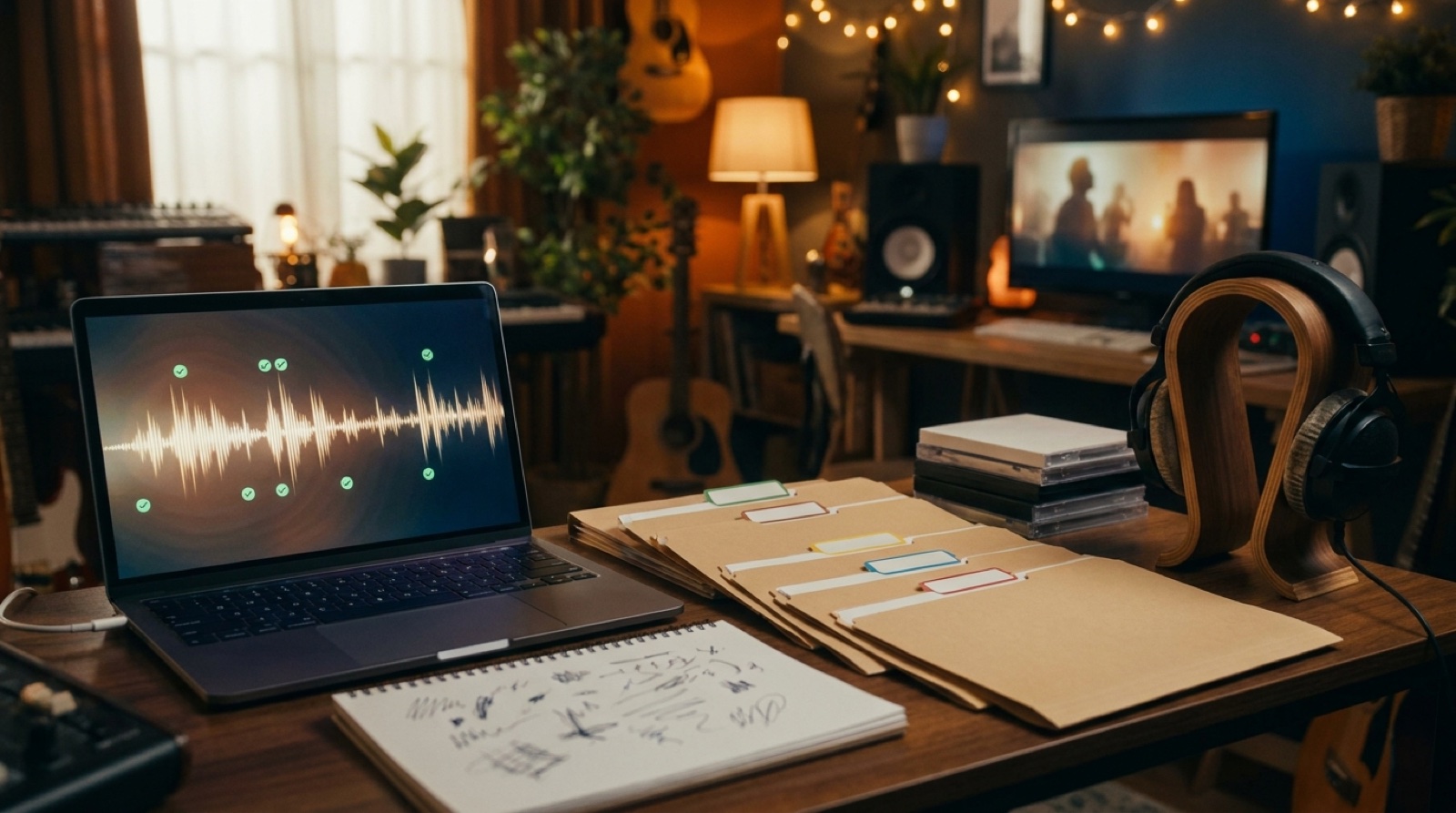
AI music Content ID anxiety usually shows up at the worst moment. The song is done. The video export looks good. The thumbnail is ready. Then you imagine a copyright claim, a blocked upload, or a platform question you cannot answer fast.
You cannot remove every rights risk from an AI-assisted release. You can make the release easier to explain. That means keeping proof files, credits, metadata, visuals, and disclosure notes close enough that one claim does not turn into a full panic search.
This is practical release prep, not legal advice. If money, contracts, samples, voice likeness, label obligations, or a serious dispute are involved, talk to someone qualified before you publish.
Know what Content ID is checking
YouTube describes Content ID as a system that helps copyright owners identify and manage use of their content on YouTube. For creators, that means an upload can be checked against files that rights holders have provided to YouTube.
A claim does not always mean you stole something. It can point to a real rights problem, a licensed track, a disputed sample, a distribution setting, or a false match. The dangerous part is being unprepared when you need to answer what happened.
If you publish AI-assisted music, treat Content ID prep as part of the release package. It belongs beside the title, thumbnail, description, credits, and final video file.
Start with a proof folder
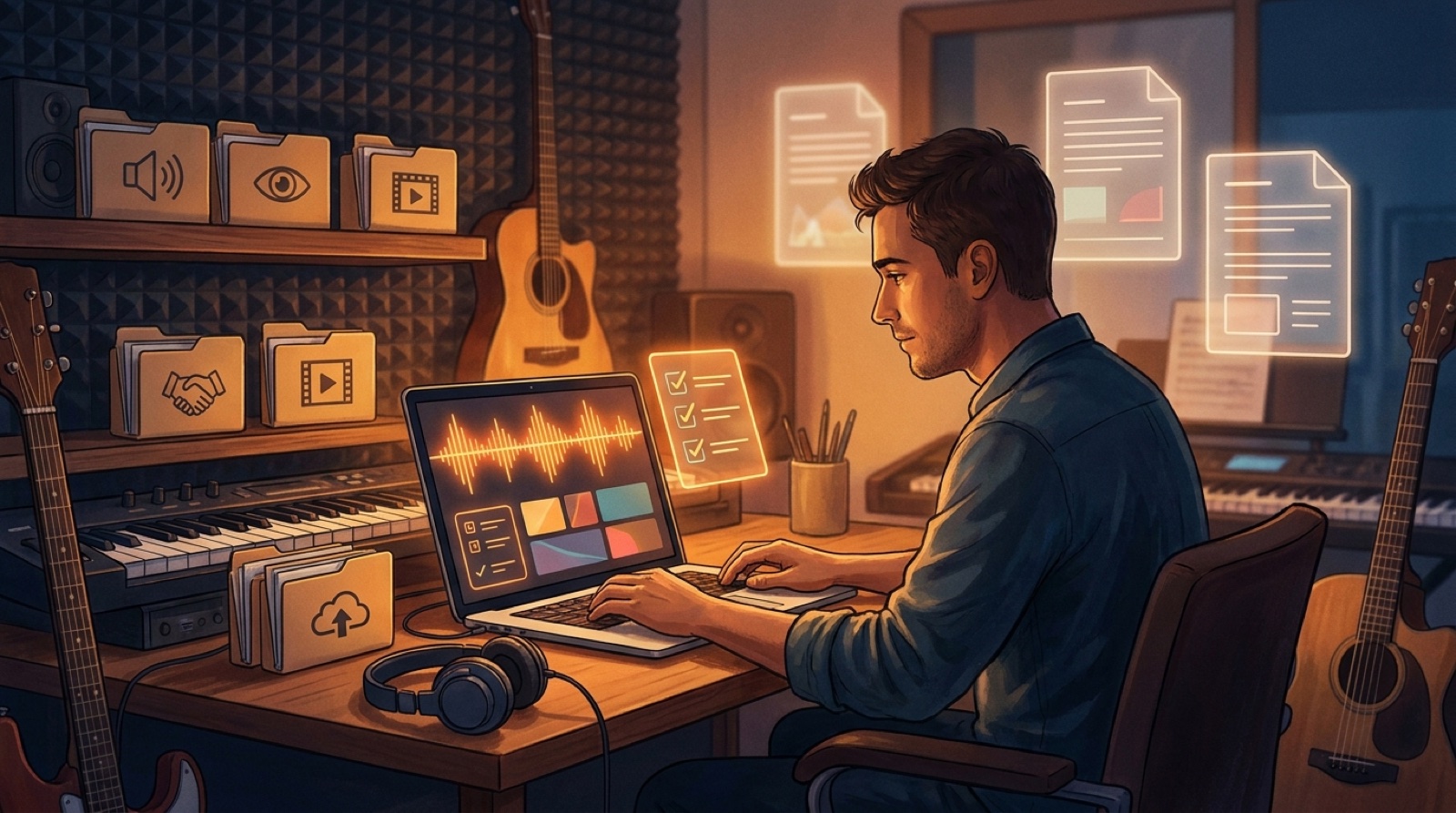
Make one folder for each serious release before upload day. Put the final audio, final video, cover art, thumbnail, lyrics, description draft, credit notes, and source exports in that folder.
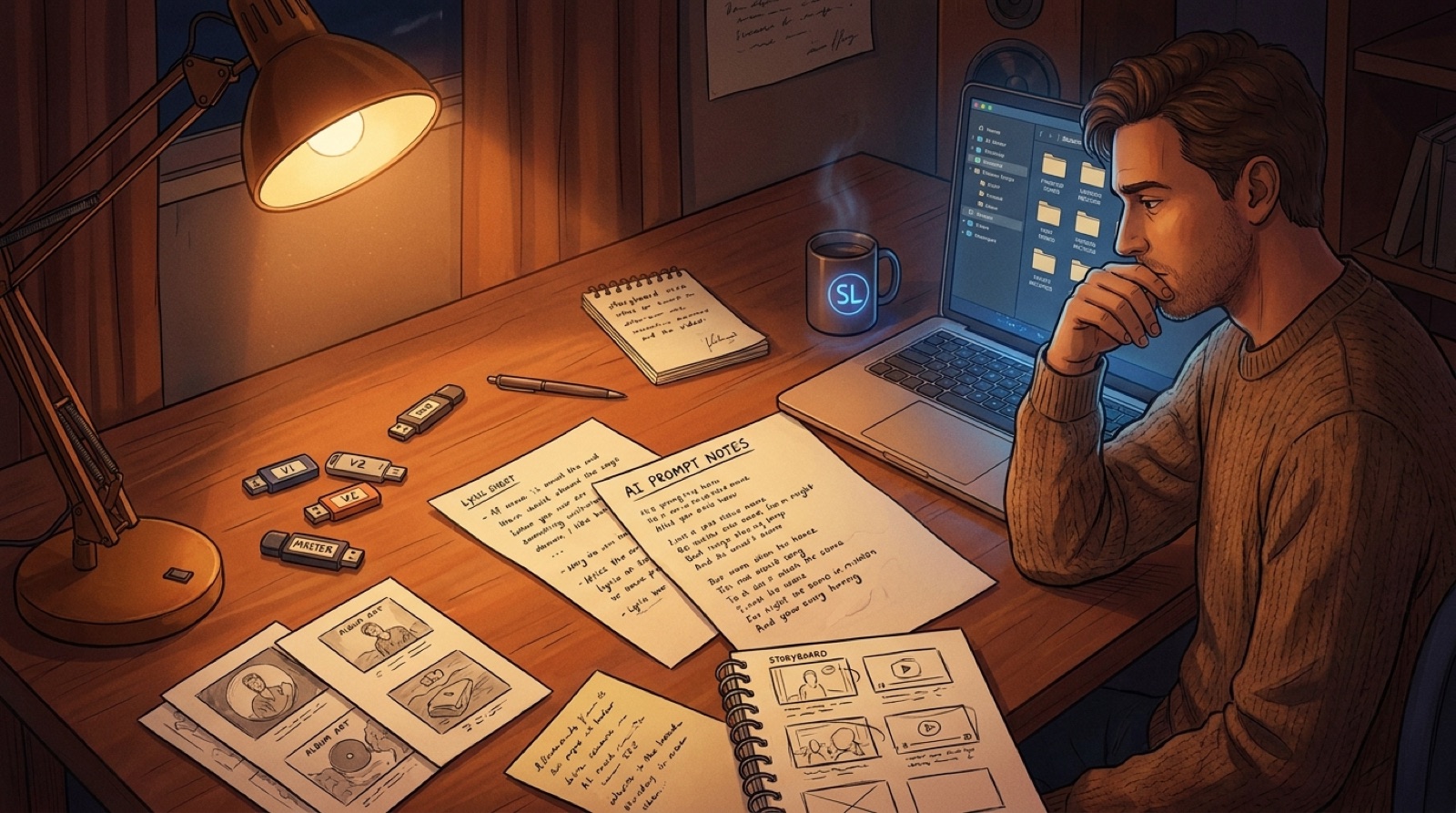
Then add a plain text note with the parts you might forget later:
- Which tools made the audio, visuals, and edits.
- Whether you uploaded a reference track, voice, melody, lyric, image, or sample.
- Who wrote, arranged, performed, edited, or directed the release.
- Where any stock footage, loops, fonts, or paid assets came from.
- The export date, filename, and version that went public.
This does not need to be fancy. It needs to be findable. A clean proof folder makes a claim easier to read because you are not guessing from memory.
Avoid the releases that invite trouble
Some upload risk is created before the platform ever sees the file. If the song imitates a living artist, uses a famous voice likeness, borrows a recognizable melody, or depends on a sample you did not clear, the release is carrying a real problem.
The same is true for the video package. Do not use fake brand marks, celebrity faces, readable fake labels, or random assets you cannot explain. A messy visual package makes the release feel less authored and harder to defend.
SceneLore is useful when you already have a song, cover image, or visual direction and want the video to feel like one release. One source image, one mood, one thumbnail direction, and a connected video arc are easier to stand behind than unrelated clips stitched together at the end.
Make credits boring and clear
Credits are not only for collaborators. They are a record of what you controlled. If a person wrote lyrics, directed the video, designed the cover, edited the final export, or approved the release, write it down.
If AI helped with the song or visuals, say that in a way that matches the real workflow. YouTube also has guidance for creators on disclosing altered or synthetic content. Different platforms ask different questions, so read the actual upload fields where you publish.
Keep the public note calm. A line like “Video visuals were created from original cover art with AI-assisted video tools” is much better than a vague apology. The release should feel transparent, not smaller.
Check metadata before you check the upload box
Content ID anxiety gets worse when the metadata is sloppy. Make sure the song title, artist name, version label, description, credits, thumbnail, filename, and distributor information all point to the same release.
Look for small conflicts:
- The distributor has one song title and YouTube has another.
- The thumbnail shows a character or logo that never appears in the video.
- The description credits a tool but not the human role.
- The file name says final while the folder has three later exports.
- The disclosure note says less than the platform form asks.
These mistakes do not create a claim by themselves. They make the release harder to explain when something goes wrong.
Decide what you would do if a claim appears
Do not wait for a claim to choose your next move. Write a simple response path before upload day.
First, read the claim carefully. Check what content was matched, who made the claim, what policy applies, and whether the video is blocked, monetized, tracked, or restricted. Then compare the claim with your proof folder.
If the claim is accurate, fix the release or accept the platform outcome. If you believe it is wrong, use the platform process and respond with your records. If the release has money, collaborators, label obligations, or an unclear sample attached, get professional help before you dispute anything.
Use the video package as part of the trust signal
A release that looks random makes every rights question feel worse. A release that looks intentional gives viewers and platforms clearer context.
That is why the video package matters. The cover, first frame, full video, thumbnail, description, credits, and short clips should feel like the same project. If you need help building that visual side, SceneLore can turn a finished track or cover image into a full music video that fits the release.
After that, your job is to keep the package clean. Save the files. Name the exports. Write the credits. Check the disclosure fields. Keep the proof folder where future you can find it.
A quick pre-upload check
- Final audio, video, cover art, thumbnail, lyrics, and description are in one folder.
- Credits and tool notes match the real workflow.
- Any outside samples, loops, fonts, images, or stock assets have license notes.
- The title, artist name, thumbnail, and description match across platforms.
- The release avoids living-artist imitation, uncleared samples, famous likeness, and fake logos.
- The disclosure note is ready if the platform asks for it.
- The response path is clear if a Content ID claim appears.
AI music Content ID anxiety is easier to handle when the release is organized before anyone challenges it. You still may need to pause, fix something, or ask for expert advice. At least you will be working from records instead of fear.
FAQ
What should AI musicians keep before a Content ID claim appears?
Keep final audio and video exports, source files, cover art, credits, license notes, upload metadata, disclosure wording, and proof of any outside assets used in the release.
Does Content ID mean my AI song is automatically in trouble?
No. A match can be a real rights issue, a licensed use, or a false positive. The safest first step is to read the claim, check your records, and respond through the platform process when appropriate.
Can SceneLore prevent copyright claims?
No. SceneLore helps make the visual side of the release more coherent. Claims, rights, licenses, and platform disputes still need careful records and, for serious cases, professional advice.
Related guides

Finish the release around the song
Use SceneLore to turn a finished track, cover image, or visual direction into a full music video that makes the release feel easier to trust.
Create Your First Video