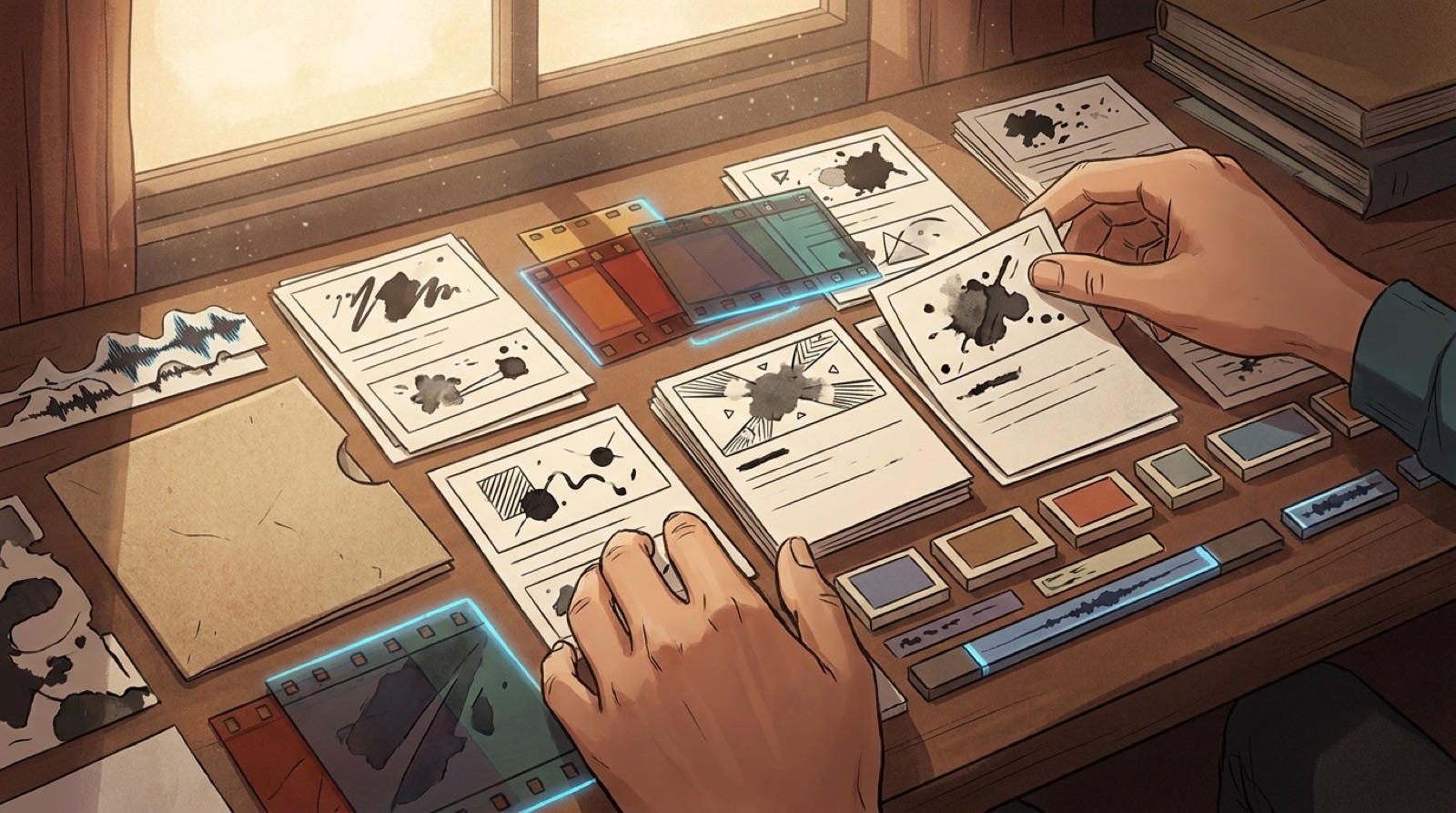
AI music human intent is the part of the release that tells a listener someone made choices. The track may use AI tools, the video may use AI tools, and the cover may start from a prompt. The release still needs signs of direction, taste, and care.
That is what viewers judge. They notice whether the first image fits the song, whether the scenes follow the lyric, whether the thumbnail matches the mood, and whether the description gives enough context to trust the work. A song can feel automated when the package looks random. The same song can feel authored when every asset points in the same direction.
Trust is becoming part of the job for AI-assisted musicians. Public fights around training data and artist consent, like the criticism reported by Pitchfork around songs used in AI training data, keep reminding audiences that process matters. Creators cannot control every platform debate. They can control how much human intent the release shows.
Start with one deliberate opening image
The first frame is your handshake with the viewer. It should tell them what kind of song they are entering before the vocal or hook arrives.
For a lonely synth-pop track, that might be one person waiting under blue station lights. For a tense rap track, it might be a close object on a table, a phone, a key, a scratched notebook, or a street sign. For a bright dance track, it might be motion, color, and a face already caught in the rhythm.
A weak opening image says, "the tool made something pretty." A better opening image says, "this is the world of the song." That small difference is the first proof of human intent.
Keep motifs close enough to be recognized
A motif is a repeated detail that makes the video feel planned. It can be a color, object, location, gesture, camera move, outfit, symbol, or character behavior.
You do not need a giant story bible. Pick two or three details that can return across the full video. A red scarf. A motel hallway. Hands on an old keyboard. Neon reflected in rain. A mask that appears only during the chorus.
The viewer does not need to decode every detail. They just need to feel that the images belong together. Repetition is one of the simplest ways to make AI visuals feel less random.
Match scenes to the lyric or structure
A music video does not need to explain every line. It does need to respect the song's shape.
Mark the moments that matter before you make the video: intro, first vocal, pre-chorus lift, chorus, bridge, final chorus, outro. Then decide what changes visually at each point.
The chorus might move from small rooms to wide space. The bridge might drop the color down. The final chorus might bring back the opening image with one visible change. These choices tell viewers that the visuals were directed around the track, not pasted over it.
This is where SceneLore is useful. You can start with the finished song, cover image, or visual anchor, then guide the video around the mood and structure instead of stitching unrelated clips after the fact.
Add credits and a plain creator note
Credits make the release feel less slippery. They do not need to be legal essays. They just need to say who made what and how the project should be understood.
A simple note can cover the human part clearly:
"Written and directed by [artist name]. Built with AI-assisted music and video tools, then edited around the final song, lyrics, and release concept."
Adjust that wording to match the real workflow. If you wrote the lyrics, say that. If a vocalist performed on the track, credit them. If the song is fully synthetic, be clear without making the whole release sound apologetic.
The goal is not to overexplain. The goal is to remove the strange blank space where authorship should be.
Make the video pacing follow the track
Random pacing is one of the fastest ways to make an AI music video feel disposable. Every section changes at the same speed. Every shot has the same weight. Nothing reacts when the song gets bigger or smaller.
Before upload, watch the video once without touching anything. Ask where your attention drops. Then check whether the pacing has changed with the song.
A quiet verse can hold shots longer. A chorus can cut faster or widen the scene. A final hook can repeat the strongest image from earlier, but with more motion or a cleaner reveal. The edit should feel like it heard the track.
Keep proof files before anyone asks
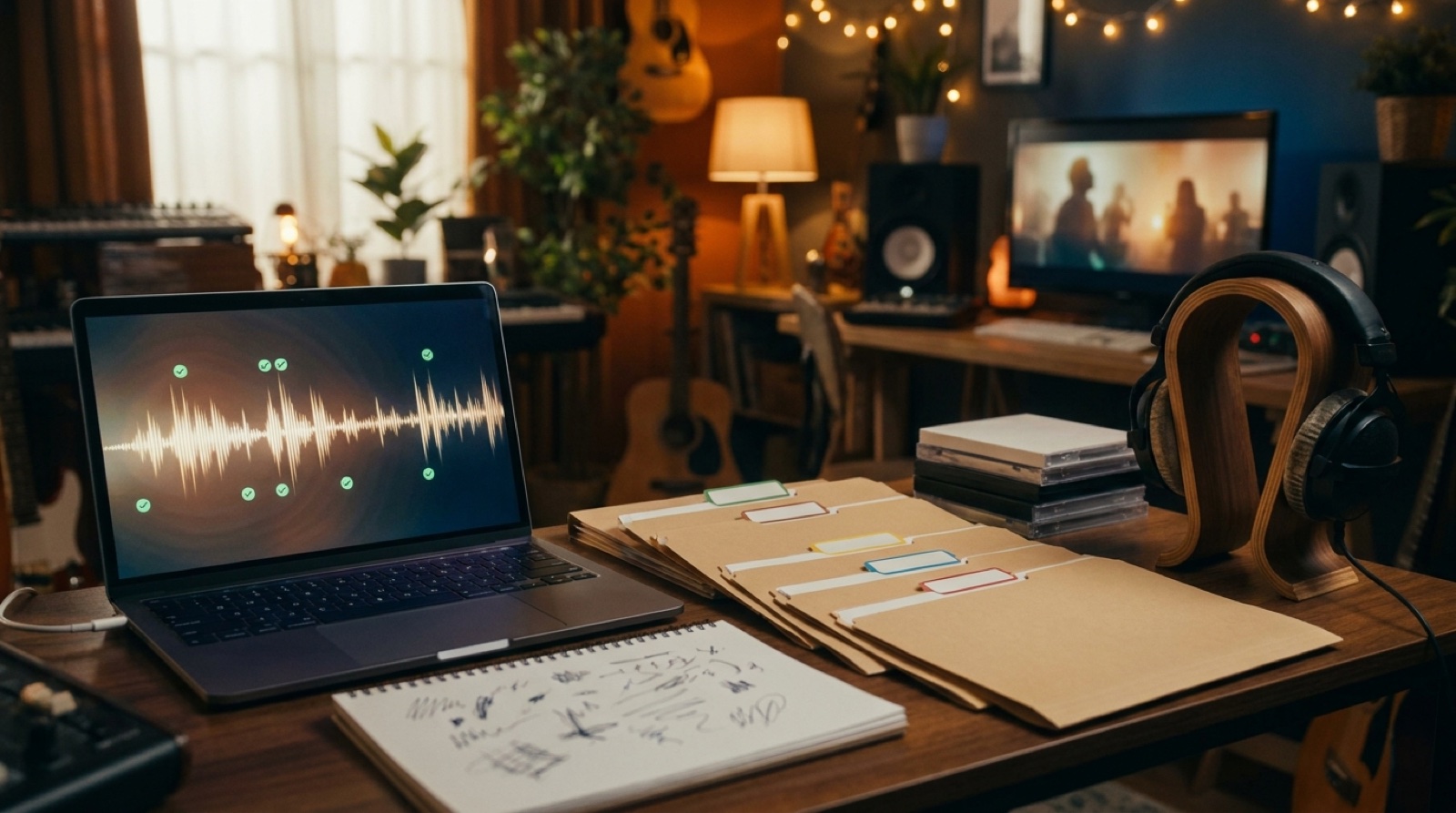
Proof of intent is also private. Keep the boring files that explain the release later: final lyrics, exported audio, cover art source, video prompt notes, chosen thumbnails, description copy, credits, and the final MP4.
This helps if a platform asks for clarification. It also helps you make the next release faster because you are not rebuilding the whole creative history from memory.
A simple folder is enough:
- audio export
- cover image
- full video
- thumbnail
- short clips
- lyrics or scene notes
- credits and disclosure note
- upload description
That folder is not for the audience. It is for your own confidence.
A quick human-intent check before upload
Use this before you publish the video:
- Does the first frame match the song's mood?
- Do at least two visual motifs return?
- Does the chorus look more important than the verse?
- Does the thumbnail match the full video?
- Do credits explain the real workflow plainly?
- Are the source files saved in one place?
If the answer is mostly yes, the release already feels more authored than a random visualizer. If the answer is no, fix the package before you chase another render.
AI music human intent is not about pretending tools were not involved. It is about making the choices visible enough that a viewer can feel the artist behind the release.
FAQ
What does human intent mean in an AI music video?
Human intent means the video shows clear choices: a deliberate first frame, repeated motifs, pacing that follows the song, plain credits, and saved proof files.
How can I make AI music visuals feel less random?
Pick one visual anchor, repeat a few motifs, match scene changes to song sections, and make the thumbnail reflect the full video instead of using a disconnected image.
Should AI-assisted music releases include credits?
Yes. A short creator note and honest credits make the release easier to understand without making the song feel smaller.
Related guides
Make the next release feel authored
Use SceneLore to turn a finished song, cover image, or visual anchor into a full music video with a clearer world around it.
Create Your First Video